Before buying a VR headset, make sure to check if the fit feels snug but not tight, with even weight distribution. Adjust the straps properly and test the face padding to guarantee it conforms comfortably to your face without causing pressure points. Look for features like adjustable lenses and breathable padding for extra comfort. Paying attention to these details helps prevent face pressure pain and enhances your experience—learn more to find the perfect fit.
Key Takeaways
- Ensure straps are snug but not overly tight to evenly distribute pressure and prevent face pain.
- Adjust the headset’s face padding for a better fit, improving comfort and reducing pressure points.
- Check the weight distribution and positioning to minimize uneven pressure on your face during use.
- Test and fine-tune the fit regularly to prevent shifting and discomfort during extended sessions.
- Consider ergonomic features like adjustable lenses and ventilation to enhance comfort and reduce pressure buildup.
Signs of Discomfort During VR Use
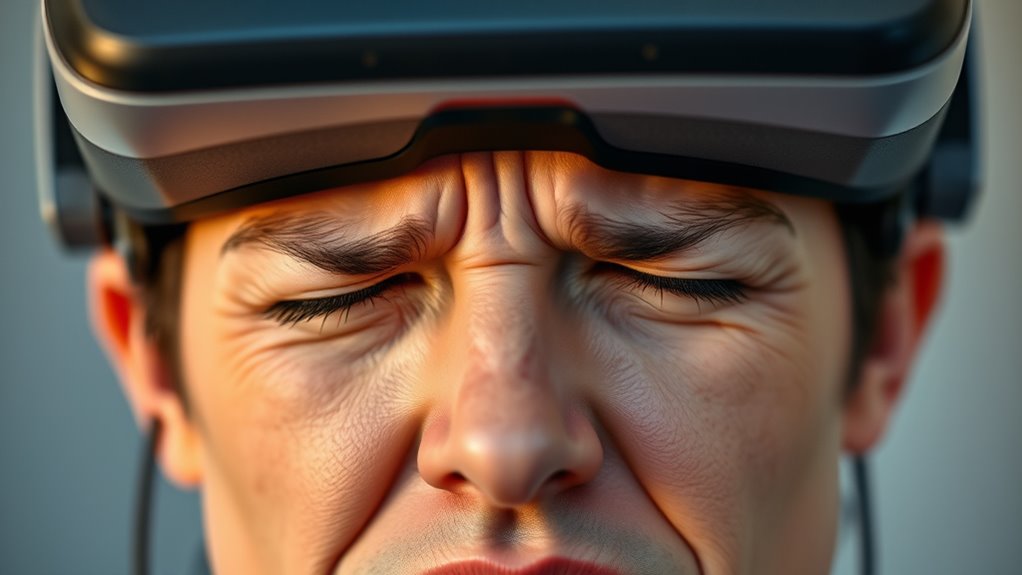
When using VR, you might notice signs that your face is experiencing discomfort, such as increased pressure or pain around the cheeks, forehead, or jaw. You may feel a tightness that lingers after removing the headset or experience soreness during gameplay. Headaches or a sensation of pinching can also indicate your headset isn’t fitting properly. Sometimes, you might notice redness or indentation marks on your skin where the straps press against your face. Dizziness or nausea may accompany facial discomfort if the headset’s weight causes imbalance. These signs suggest the device isn’t aligned correctly or is too tight. Ignoring these cues can lead to prolonged discomfort or even skin irritation. Recognizing these early signs helps you adjust your fit before discomfort worsens. Proper fit and ventilation considerations can also improve comfort and reduce pressure build-up during extended use. Additionally, ensuring that the headset straps are evenly adjusted can prevent uneven pressure points and enhance overall comfort.
Key Features to Check on VR Headsets
To make certain a comfortable VR experience, it’s essential to verify key features of your headset before use. Focus on aspects that impact fit and pressure. Look for adjustable lenses to prevent eye strain and ensure clarity. Check the padding material—foam or silicone offers softer contact points, reducing discomfort. Ensure the face seal fits snugly without excessive pressure. Consider the weight distribution; a balanced design minimizes strain on your face. Also, examine ventilation options to prevent heat buildup. Proper ergonomic design can significantly enhance your comfort during extended VR sessions, especially when considering pressure distribution across the face. Additionally, selecting a headset with lightweight construction can improve overall comfort and reduce fatigue during long use. Incorporating adjustable features and ventilation systems can further optimize the fit and comfort for prolonged use. Here’s a quick overview:
| Feature | Why it Matters |
|---|---|
| Adjustable Lenses | Custom focus, reduces eye strain |
| Padding Material | Comfort, prevents face pressure |
| Face Seal Fit | Prevents light leaks, improves comfort |
| Weight Distribution | Less face pressure, easier longer use |
| Ventilation | Keeps face cool, reduces discomfort |
How Adjustable Straps Improve Fit
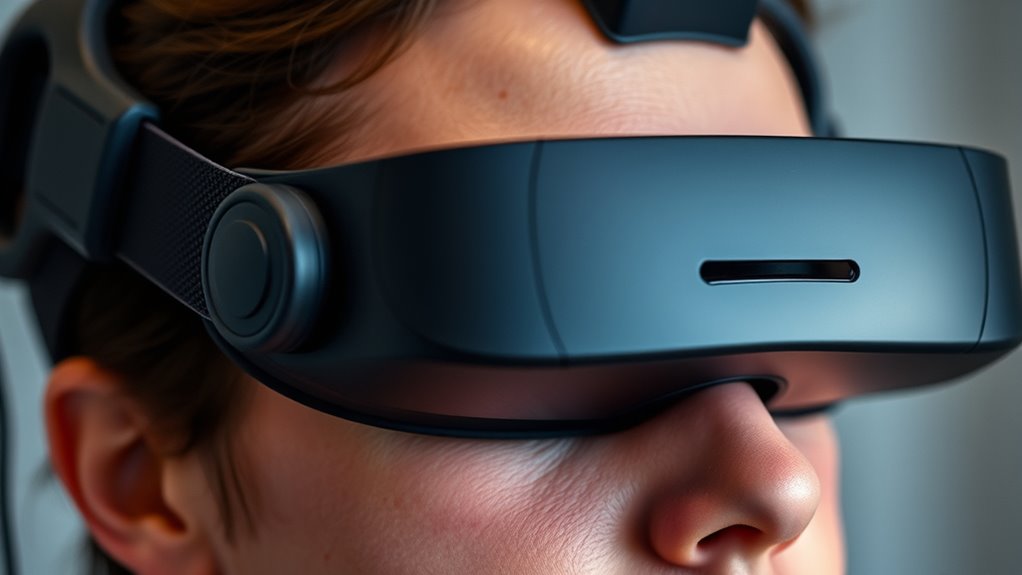
Ever wondered how adjustable straps can substantially enhance your VR headset fit? When you customize the strap length, you guarantee the headset sits snugly without feeling too tight or loose. Proper adjustment distributes pressure evenly across your head, reducing discomfort and preventing pressure points that cause pain. It also helps keep the headset stable during movement, so it won’t slip or shift unexpectedly. With adjustable straps, you can easily find the right tension, accommodating different head sizes and shapes. This personalized fit minimizes unnecessary pressure on your face and temples, making your VR experience more comfortable. Don’t underestimate the power of well-adjusted straps—they’re key to avoiding face pressure pain and enjoying longer, more immersive VR sessions.
The Importance of Face Padding and Material
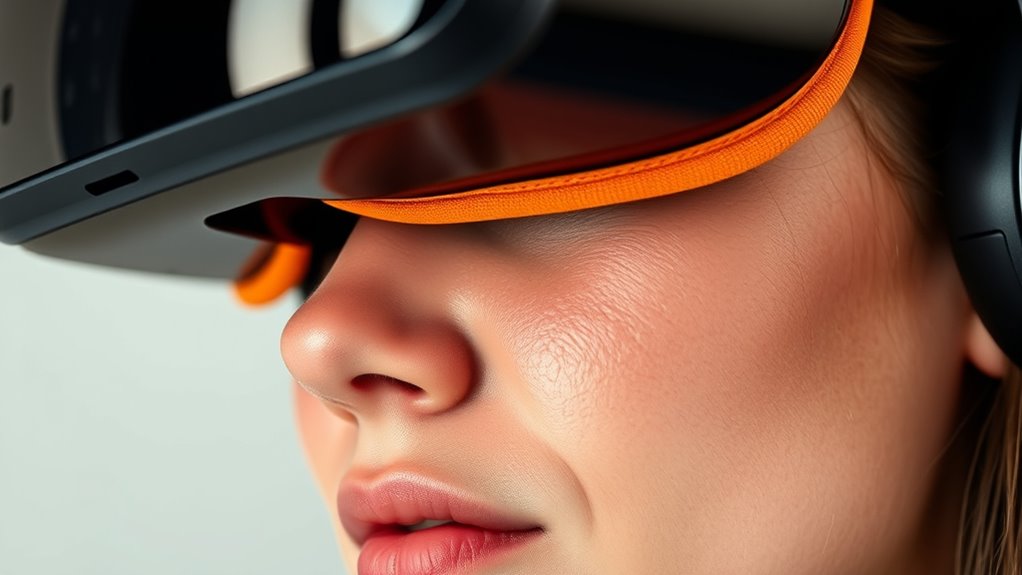
Choosing the right face padding and materials is essential for comfortable VR experiences, as they directly contact your skin and influence how pressure feels. Soft, breathable materials like memory foam or foam padding reduce pressure points and prevent discomfort during extended use. Avoid harsh or stiff fabrics that can cause irritation or create uneven pressure. Look for padding that conforms to your face shape, distributing weight evenly. Removable and washable padding also helps maintain hygiene and comfort over time. Some materials, such as silicone or gel pads, offer extra cushioning, but ensure they don’t add excessive bulk. Proper face padding minimizes pressure pain, enhances fit, and makes your VR sessions more enjoyable and less fatiguing. Additionally, understanding the local craftsmanship behind certain padding options can help you select high-quality, durable materials that improve your overall experience. Paying attention to material selection can make a significant difference in comfort and longevity. For optimal comfort, consider ergonomic design principles that adapt to different face shapes and usage durations. Incorporating ergonomic considerations into your choice can further enhance comfort and reduce fatigue during long sessions. Furthermore, selecting padding with breathability features can help prevent heat buildup and skin irritation during extended use.
Tips for Testing Fit Before Purchase

Before committing to a VR headset, you should test its fit to guarantee it feels comfortable and minimizes pressure points. When trying it on, adjust the straps so the headset sits snugly without feeling tight. Move the headset around slightly to see if it shifts or causes discomfort. Pay attention to areas where the device contacts your face, especially around the nose and cheeks. If possible, have the retailer or manufacturer help you make adjustments, like changing padding or strap tension. Keep a close eye on how evenly the weight distributes, avoiding uneven pressure that can cause pain. Take your time during the fitting process to ensure the headset feels right before making a purchase. A proper fit now saves you discomfort and face pressure pain later. Considering nanotechnology advancements can also lead to more ergonomic and comfortable headset designs in future models. Additionally, testing the pressure distribution during fitting helps identify potential pain points early on. Being aware of ergonomic design features can further enhance comfort and reduce long-term discomfort. Incorporating adjustable components into the design can also help customize fit and improve overall comfort.
Expert Recommendations for Comfortable VR Experiences
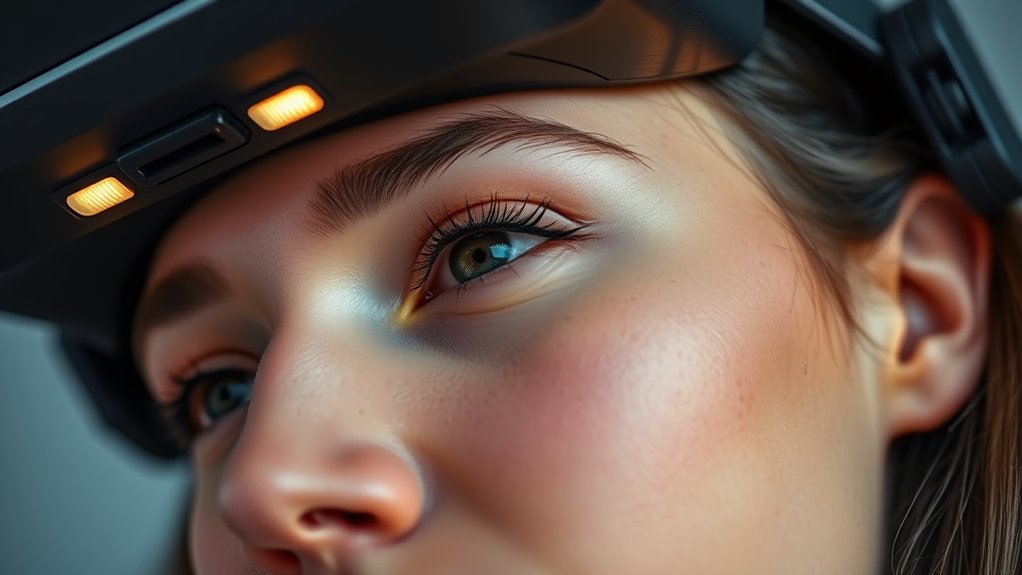
To avoid face pressure pain, make sure your VR headset fits properly and isn’t too tight. Adjust the face padding so it feels comfortable without slipping or pinching. Prioritizing these details can considerably enhance your overall experience. Additionally, consider the fit and alignment of the headset to ensure even pressure distribution across your face. Checking the navigation and mapping features can also help you customize the fit for different activities and durations. For extended comfort, paying attention to the ergonomic design of the headset can make a significant difference in preventing discomfort during prolonged use. Recognizing the importance of proper fit can help prevent unnecessary face pressure during prolonged wear. Ensuring the adjustability features are easy to use can further improve your comfort and prevent strain.
Proper Headset Fit
A properly fitted headset is essential for minimizing face pressure pain during VR sessions. When it fits well, you’ll experience less discomfort and better immersion. To achieve this, ensure the straps are snug but not tight, and the weight is evenly distributed. Adjust the headset so it sits comfortably on your head without pressing hard on your face. Consider the following factors:
| Fit Aspect | What to Check | Why It It Matters |
|---|---|---|
| Strap Tightness | Secure but not pinching | Prevents shifting and pressure |
| Headset Position | Centered on your face | Reduces uneven pressure |
| Weight Distribution | Even across your head | Less face and facial discomfort |
Additionally, being aware of headset ergonomics can help you choose equipment that naturally fits your head shape for improved comfort. Proper ergonomic design principles can further optimize your VR setup for prolonged use. Remember that a customized fit tailored to your individual head shape can significantly enhance comfort during extended VR sessions. Proper fit improves comfort and reduces face pressure pain, making your VR experience more enjoyable. Ensuring the fit aspects are correctly adjusted can significantly enhance your overall comfort and immersion.
Adjustable Face Padding
Adjustable face padding plays a crucial role in enhancing comfort during VR sessions, especially for extended use. When you can customize the padding, you reduce pressure points and prevent discomfort around your face. Look for headsets with soft, breathable materials that contour to your facial shape. Adjust the padding so it sits snugly without pinching or pressing too hard. This not only improves comfort but also helps maintain a better seal, enhancing visual clarity and minimizing light leakage. Keep in mind that padding should be easy to remove and clean, ensuring hygiene and longevity. By fine-tuning the padding fit, you’ll enjoy longer, more comfortable VR sessions without face pain or pressure buildup. Prioritize adjustable padding to personalize your experience and maximize comfort.
Frequently Asked Questions
Can Face Pressure Cause Long-Term Skin Irritation?
Yes, face pressure can cause long-term skin irritation if it’s too tight or worn for extended periods. You might notice redness, soreness, or even small cuts over time. To prevent this, make sure your VR headset fits comfortably, avoiding excessive tightness. Take regular breaks, clean the device, and adjust the straps as needed. Proper care helps protect your skin and keeps your VR experience enjoyable without lasting irritation.
How Do Different Face Shapes Affect VR Comfort?
Ever wonder how your face shape impacts VR comfort? Your face shape plays a big role because it determines how the headset fits and distributes pressure. If you have a wider face, you might find headsets tighter or less comfortable, while narrower faces could experience gaps or slippage. To enhance comfort, look for adjustable straps or customizable padding. Isn’t it worth tailoring your gear for a perfect, pain-free experience?
Are There Specific Materials Best for Sensitive Skin?
If you have sensitive skin, opt for VR face cushions made of hypoallergenic, breathable materials like silicone or soft foam. These reduce irritation and provide comfort during extended use. Avoid rough fabrics or cheap plastics that can cause redness or discomfort. You might also consider removable, washable covers for added hygiene. Always check product specifications for skin-friendly features to guarantee a comfortable, irritation-free experience.
Does Adjusting Straps Impact VR Tracking Accuracy?
Hold your horses, adjusting straps does impact VR tracking accuracy, but not much if done correctly. When you tighten or loosen straps, you might slightly shift the headset’s position, affecting sensors’ precision. To keep tracking flawless, guarantee straps are snug but not too tight, and evenly balanced. Think of it like tuning a vintage radio—small adjustments make a big difference in sound quality, or in this case, tracking.
How Often Should I Take Breaks to Reduce Face Pressure?
You should take breaks every 30 to 60 minutes to reduce face pressure and prevent discomfort. During these breaks, remove the headset and give your face a rest. If you notice persistent pressure or pain, extend breaks or adjust the straps to loosen the fit. Listening to your body is key—don’t push through discomfort, and prioritize your comfort to enjoy VR sessions safely and longer.
Conclusion
Did you know over 60% of VR users experience face pressure pain? It’s essential to check for adjustable straps and comfortable padding before buying. Ensuring a good fit can prevent discomfort and let you enjoy immersive experiences without headaches or soreness. Take the time to test the headset first—your comfort matters. When you prioritize fit and features, VR becomes a truly enjoyable escape. Don’t compromise on comfort—your perfect VR experience starts with the right fit.