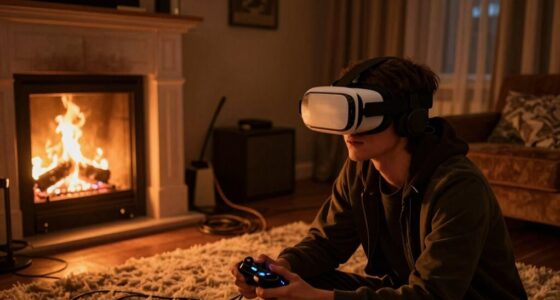
When you use VR headsets, you blink less because you’re focused on vivid screens, which speeds up tear evaporation and causes dry eyes. Bright screens and intense focus also strain your eyes, making you blink even less. To reduce dryness, increase your blinking frequency, take regular breaks, and adjust the headset brightness to a comfortable level. Keep exploring ways to protect your eyes as there’s more you can do to stay comfortable during VR sessions.

Play games on Amazon Luna for your next adventure, included with Prime
- A rotating selection of games, no download needed
- Play on TV, laptop or phone
- Fast, free delivery for your gear, too
Key Takeaways
- Reduced blinking during VR sessions causes tear evaporation and dryness.
- High screen brightness increases eye strain, leading to decreased blinking.
- Focusing on vivid visuals in VR reduces natural blinking rates.
- Taking regular breaks and consciously blinking helps maintain eye moisture.
- Adjusting headset brightness and environmental lighting minimizes eye fatigue and dryness.
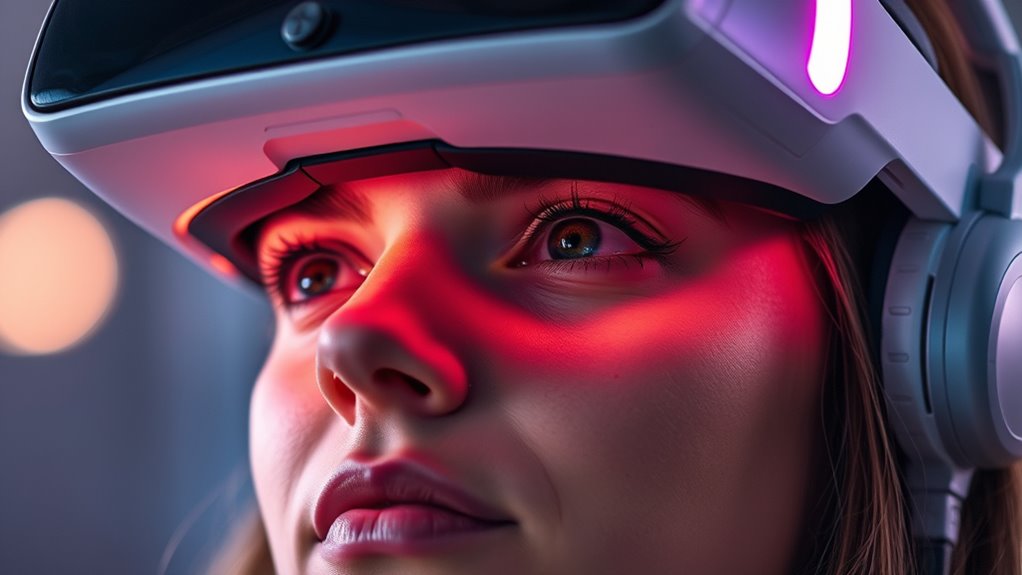
If you spend long hours in virtual reality, you might notice your eyes feeling dry and irritated. This is a common issue among VR users, and it happens because your eyes aren’t blinking as often as they should. Normally, blinking helps spread tears evenly across your eyes, keeping them moist and comfortable. But when you immerse yourself in a virtual environment, your blinking frequency naturally decreases. The reason is simple: your focus on the vivid, immersive visuals keeps you fixated, and your blink rate drops markedly. Less blinking means tears evaporate faster, leading to dryness, soreness, and even redness.
Prolonged VR use reduces blinking, causing dry, irritated, and red eyes.
Another factor that contributes to dry eyes in VR is screen brightness. Many VR headsets have adjustable brightness settings, but if you set the screen too bright, it can strain your eyes and cause discomfort. Bright screens demand more effort from your eyes to focus and can increase eye fatigue. When your eyes work harder, they tend to blink even less, compounding the dryness problem. Conversely, lowering the screen brightness to a comfortable level can make a big difference. It reduces eye strain and encourages a more natural blinking pattern, helping your eyes stay lubricated longer.
To combat dryness, it’s important to be mindful of your blinking habits. Make a conscious effort to blink more frequently during extended VR sessions. Remind yourself to do so, or take regular breaks to blink fully and reset your eye moisture. Adjustting your VR headset’s screen brightness to a comfortable level is equally essential. You don’t want it too dim, which can cause eye strain, or too bright, which can dry out your eyes even faster. Finding that middle ground allows your eyes to relax and reduces the tendency to blink less. Additionally, maintaining good eye hygiene and staying hydrated can support your eyes’ health. Use artificial tears if needed, especially if you notice persistent dryness. Remember, the environment around you plays a role too—try to keep the room well-lit and avoid direct exposure to harsh lights or glare, which can worsen eye fatigue. Improving your overall eye health, including protective measures, can help mitigate dryness issues. By paying attention to your blinking frequency and screen brightness, you can markedly reduce the discomfort caused by dry eyes in VR. It’s all about creating a more comfortable and sustainable virtual experience, so your eyes stay healthy even during long gaming or work sessions.
As an affiliate, we earn on qualifying purchases.
Frequently Asked Questions
Can Certain Eye Conditions Increase VR Dry Eye Risk?
Yes, certain eye conditions and pre-existing conditions can increase your risk of dry eyes in VR. If you have issues like dry eye syndrome, blepharitis, or allergies, your eye health might be more vulnerable to VR’s effects. These conditions can reduce tear production or increase evaporation, making you more prone to discomfort. To protect your eyes, consult an eye care professional, especially if you notice increased dryness or irritation during VR use.
Do Specific VR Headset Features Help Prevent Dry Eyes?
You’ll notice that some VR headsets with higher screen refresh rates and advanced lens coatings help prevent dry eyes. The smooth, flicker-free display creates a gentle, flowing visual experience, reducing eye strain. Lens coatings minimize glare and reflections, easing your eyes’ workload. These features work together, making your VR sessions more comfortable and less likely to cause dryness, so you can enjoy immersive worlds longer without discomfort.
How Does Screen Brightness Influence Dry Eye Symptoms?
Adjusting your screen brightness can considerably impact dry eye symptoms. When the brightness is too high, it causes screen glare and increases eye strain, making your eyes work harder and leading to dryness. Lowering the brightness to comfortable levels helps reduce glare, eases eye strain, and maintains natural tear production. You’ll find that a balanced brightness setting makes your VR experience more comfortable and less likely to cause dry eyes.
Are There Long-Term Effects of Vr-Related Dry Eyes?
Long-term effects of VR-related dry eyes can include persistent discomfort and potential damage to your eye hydration. If you don’t maintain healthy blinking habits, your eyes may stay dry longer, increasing risks over time. To protect your vision, take regular breaks, blink often, and stay mindful of eye hydration. These habits help prevent lasting issues and keep your eyes comfortable during and after VR use.
Can Diet or Supplements Improve VR Dry Eye Symptoms?
Diet modifications and supplement options can help improve your VR dry eye symptoms. Studies show that omega-3 fatty acids, found in fish oil, may reduce dryness and inflammation. Incorporate foods rich in vitamin A and stay hydrated to support eye health. Supplements like omega-3s and vitamin D can make a difference, with many users reporting relief within a few weeks. Prioritize these options to keep your eyes comfortable during VR sessions.
As an affiliate, we earn on qualifying purchases.
Conclusion
Understanding why your eyes get dry in VR is like uncovering a secret. By taking regular breaks, blinking more often, and adjusting your headset properly, you can keep your eyes comfortable and hydrated. Just as a plant needs water to thrive, your eyes need proper care to stay healthy during extended VR sessions. Keep these tips in mind, and you’ll enjoy immersive experiences without the discomfort. Your eyes will thank you for it!
VR headset eye relief accessories
As an affiliate, we earn on qualifying purchases.
As an affiliate, we earn on qualifying purchases.
adjustable brightness VR headset
As an affiliate, we earn on qualifying purchases.
As an affiliate, we earn on qualifying purchases.
Fall Picks
fall essentials
As an affiliate, we earn on qualifying purchases.