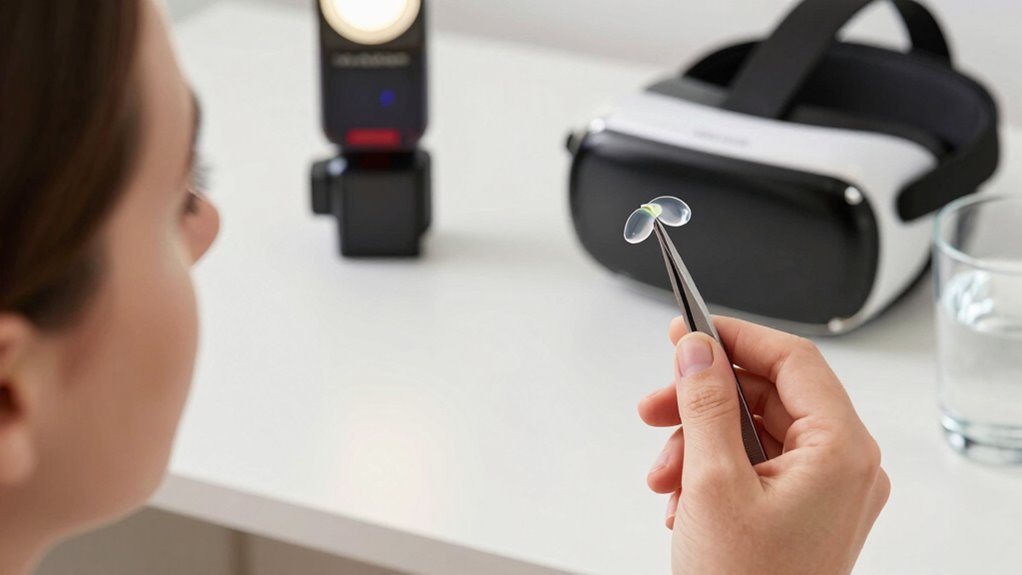

To stay comfortable during long VR sessions with contact lenses, always wash your hands thoroughly before handling your lenses and use appropriate cleaning solutions. Opt for daily disposable lenses or soft lenses designed for extended wear. Make certain your lenses fit well by consulting an eye care professional, and use lubricating eye drops if your eyes feel dry. Take regular breaks and monitor any discomfort—more tips to keep your eyes happy then follow.

Play games on Amazon Luna for your next adventure, included with Prime
- A rotating selection of games, no download needed
- Play on TV, laptop or phone
- Fast, free delivery for your gear, too
Key Takeaways
- Choose daily disposable or soft contact lenses designed for extended wear to reduce irritation during long VR sessions.
- Practice proper hand hygiene and clean lenses thoroughly before each use to prevent infections.
- Take regular breaks, remove lenses if discomfort or dryness occurs, and use lubricating eye drops compatible with contact lenses.
- Ensure lenses are properly fitted by an eye care professional to minimize dryness and irritation during prolonged use.
- Maintain a comfortable environment with smart home devices and monitor eye health to promptly address any discomfort.
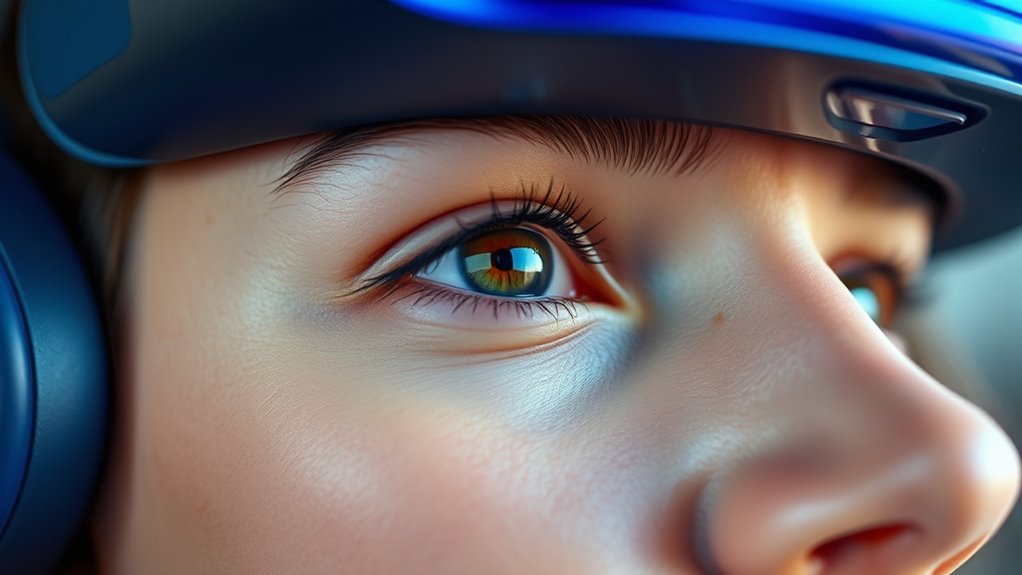
Virtual reality (VR) technology is rapidly evolving, and researchers are exploring innovative ways to make immersive experiences more seamless. If you wear contact lenses while indulging in extended VR sessions, maintaining proper hygiene practices becomes essential to avoid discomfort and potential eye issues. Regularly washing your hands before handling your lenses helps prevent dirt and bacteria from transferring to your eyes. Keep your contact lenses clean using the appropriate cleaning solutions, and replace your lens case every few months to reduce the risk of infection. These simple hygiene practices ensure your eyes stay healthy, especially during long VR experiences. Incorporating smart home devices such as automated lighting or climate control can also help create a comfortable environment that reduces eye strain during extended use.
Practicing proper lens hygiene ensures comfort and eye health during extended VR sessions.
When it comes to contact lens types, choosing the right ones can greatly influence your comfort during extended VR use. Daily disposable lenses are a popular choice because you insert a fresh pair each day, minimizing buildup of deposits and reducing irritation. If you prefer reusable lenses, make sure they are designed for extended wear and follow your eye care professional’s recommendations for cleaning and replacement schedules. Soft contact lenses tend to be more comfortable for long sessions because they conform to the shape of your eye, providing a more natural feel. Rigid gas-permeable lenses, while less common for VR users, can offer clearer vision but may take time to adjust to, which could impact comfort over longer periods.
Properly fitting lenses are vital, especially if you plan to spend hours immersed in virtual environments. Ill-fitting contact lenses can cause dryness, irritation, or blurred vision, all of which can detract from the VR experience. You might want to consult your eye care provider to ensure your lenses fit well and suit your eye shape and vision needs. Additionally, consider using lubricating eye drops compatible with contact lenses before and during VR sessions. These drops can help alleviate dryness caused by prolonged screen time and keep your eyes moist and comfortable.
Lastly, be mindful of your eye health and listen to your body. If your eyes start feeling dry, itchy, or strained during a VR session, take a break and remove your lenses if necessary. Proper hygiene, selecting the right contact lens type, and being attentive to your eye comfort are key steps toward enjoying longer, more comfortable VR experiences. By integrating these practices into your routine, you can reduce discomfort and focus more on the immersive worlds you’re exploring.
daily disposable contact lenses for extended wear
As an affiliate, we earn on qualifying purchases.
As an affiliate, we earn on qualifying purchases.
Frequently Asked Questions
Can Contact Lenses Cause Damage When Using VR Headsets?
Contact lenses generally won’t cause damage when using a VR headset if you follow contact lens safety guidelines. Make sure your lenses are clean and properly fitted, as an uncomfortable fit can irritate your eyes. Also, verify your VR headset fits well to avoid unnecessary pressure on your eyes. Taking regular breaks and keeping your eyes lubricated helps prevent dryness and irritation, promoting safe, comfortable VR sessions with contact lenses.
Are There Specific Contact Lenses Recommended for VR Use?
Yes, specialized lenses are recommended for VR use, as they provide better comfort and clarity during extended sessions. Daily disposables are a great option because they’re convenient and reduce the risk of irritation or infection. You should consult your eye care professional to find the best contact lenses tailored to your needs, ensuring a comfortable experience without compromising your eye health while enjoying VR.
How Often Should I Take Breaks During Extended VR Sessions?
To keep your eyes happy during long VR sessions, take breaks every 30 to 45 minutes. During these pauses, focus on eye hydration by blinking frequently and using eye drops if needed. Also, check your headset fit; a snug, comfortable fit reduces strain and prevents discomfort. These simple steps help your eyes stay refreshed, so you can enjoy immersive experiences longer without discomfort or fatigue.
Do Contact Lenses Affect VR Visual Clarity or Immersion?
Contact lenses generally don’t affect VR visual clarity or immersion quality if they fit well and your eyes are healthy. They can actually enhance your experience by providing clear lens clarity without the fogging that glasses might cause. However, if your lenses feel dry or uncomfortable, it could hinder immersion. Make sure to stay hydrated and follow proper eye care, so your contact lenses maintain ideal clarity during long VR sessions.
What Are Signs of Discomfort or Eye Strain From VR and Contact Lenses?
You might notice eye fatigue, dryness, or blurred vision as signs of discomfort from VR and contact lenses. If your eyes feel tired after a session, or you experience dryness, it’s time to take a break. Redness, headaches, or increased blinking are also common indicators. Pay attention to these signals, and give your eyes frequent rests to prevent strain and maintain comfort during extended VR use.
lubricating eye drops for contact lenses
As an affiliate, we earn on qualifying purchases.
As an affiliate, we earn on qualifying purchases.
Conclusion
By following these tips, you’ll turn virtual reality from a fleeting escape into a comfortable, immersive experience. Remember, your eyes are the windows to your world—treat them with care. Think of your lenses and VR sessions as a dance; with the right moves, you can enjoy the rhythm without missing a beat. So, gear up, stay mindful, and let your eyes revel in the adventure, not the discomfort. Happy exploring!
As an affiliate, we earn on qualifying purchases.
As an affiliate, we earn on qualifying purchases.
Evergreen bestsellers Picks
bestsellers
As an affiliate, we earn on qualifying purchases.