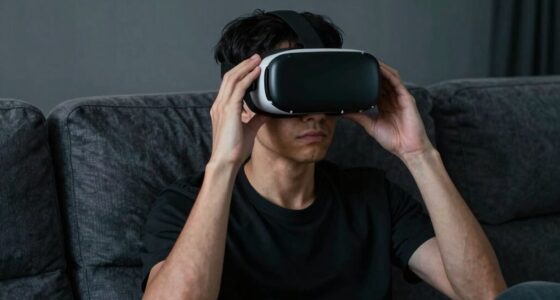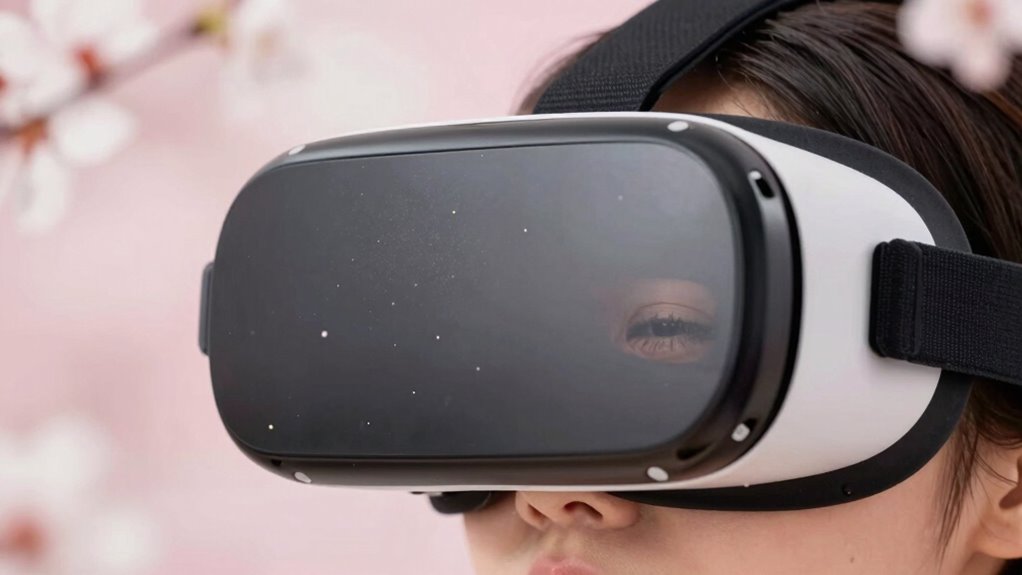
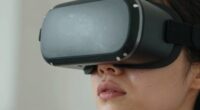
During allergy season, you can reduce eye discomfort by controlling your environment, such as keeping windows closed and using air purifiers, and maintaining your VR equipment by cleaning lenses regularly. Wearing protective eyewear and limiting VR sessions during high pollen days also helps. Adjust your VR settings, like lowering brightness or activating comfort modes, to lessen strain. Managing symptoms proactively and combining these tips can help you enjoy VR comfortably; if you want more, keep exploring these strategies.
Key Takeaways
- Keep VR headset clean and use allergen-free wipes to prevent eye irritation from dust and pollen buildup.
- Use air purifiers and keep windows closed to reduce airborne allergens in your environment.
- Lower brightness and enable comfort modes to minimize eye strain during VR sessions.
- Limit VR use during high pollen seasons and take frequent breaks to reduce allergy flare-ups.
- Wear protective eyewear and apply artificial tears to soothe eyes before and after VR use.

Have you ever wondered if virtual reality (VR) could help manage seasonal allergies? It might sound surprising, but VR technology is increasingly being explored as a tool to ease allergy symptoms, especially for those with sensitive eyes. Many people experience eye irritation during allergy season, which can make wearing VR headsets uncomfortable or even unbearable. If you’re prone to itchy, watery eyes, managing allergy symptoms becomes a top priority to enjoy immersive virtual experiences without discomfort. Fortunately, there are practical ways to make VR sessions more comfortable, even when your eyes are irritated.
First, understanding allergy management is vital. Allergens like pollen, dust, and mold can cause your eyes to become red, itchy, and inflamed. When you use VR, the headset sits close to your face and eyes, potentially aggravating irritation if your allergy symptoms are active. To minimize this, you should start by controlling your exposure to allergens outside of VR sessions. Keeping windows closed, using air purifiers, and taking allergy medications can reduce your overall symptoms, making VR use more comfortable. Applying artificial tears before and after VR sessions can also help soothe irritated eyes, providing a protective barrier and reducing dryness.
Next, consider the physical setup of your VR equipment. Ensure your headset fits snugly but comfortably, avoiding excessive pressure on sensitive eye areas. Regularly cleaning your VR lenses and face padding with gentle, allergen-free wipes can prevent the buildup of dust and allergens that could worsen eye irritation. When you notice increased eye discomfort while using VR, take short breaks. Removing the headset and blinking frequently helps refresh your eyes and reduces dryness. Using a cool, damp cloth on your eyes for a few minutes can provide immediate relief from irritation caused by allergies. Additionally, wearing protective eyewear during allergy season can serve as a barrier against airborne irritants, further minimizing discomfort.
Another effective tip is to adjust the lighting and display settings within the VR environment. Bright, flickering images or rapidly changing visuals can strain your eyes further, especially if they’re irritated. Lowering brightness and enabling any comfort or eye-relief modes available can lessen eye strain and make your experience more pleasant. If you find that your eyes are consistently irritated during allergy season, consider limiting your VR sessions to times when pollen counts are lower or symptoms are less severe.
Ultimately, managing eye irritation is essential for enjoying VR comfortably during seasonal allergies. By combining allergy management strategies with proper headset care and environmental adjustments, you can reduce discomfort and continue exploring virtual worlds. It’s all about being proactive and attentive to your eye health, ensuring that your virtual experiences remain enjoyable and irritation-free, even when allergy symptoms are at their peak.

Koala Lens Cleaning Cloth | Japanese Microfiber | Black & Green (Pack of 3)
- Crystal-Clear Cleaning Performance: Absorbs dirt, grime, and oils effortlessly
- Japanese Microfiber Technology: Ultra-fine, dense, lint-free fabric
- Universal Compatibility: Suitable for lenses, screens, and optics
As an affiliate, we earn on qualifying purchases.
As an affiliate, we earn on qualifying purchases.
Frequently Asked Questions
Can VR Worsen Allergy Symptoms During High Pollen Seasons?
Yes, VR can worsen allergy symptoms during high pollen seasons. When you wear a headset, it may trigger eye sensitivity and cause allergy flare-ups, especially if your eyes are already irritated. The enclosed environment and screen glare can increase discomfort, making allergy symptoms feel more intense. To reduce this, take frequent breaks, keep your eyes lubricated, and guarantee your environment is clean to minimize pollen exposure.
Are There Specific VR Headsets Better for Allergy Sufferers?
Yes, some VR headsets are better for allergy sufferers. Look for models with allergy-friendly design features, such as hypoallergenic materials and minimal allergen buildup. Prioritize headsets with good ventilation to reduce moisture and dust accumulation, which can worsen allergies. Regularly cleaning your headset also helps prevent allergen buildup. Choosing a device with these features can make your VR experience more comfortable and reduce allergy-related discomfort.
How Can I Prevent Eye Irritation While Using VR During Allergies?
To prevent eye irritation while using VR during allergies, you should keep your eyes hydrated by blinking often and using artificial tears if needed. Also, maintain good headset hygiene by cleaning the straps and lenses regularly to prevent allergen buildup. Take frequent breaks to reduce eye strain, and consider using allergy medication to manage symptoms. These steps can help you stay comfortable and enjoy VR without irritation.
Do Allergy Medications Affect VR Usage or Comfort?
Imagine you’re using VR during allergy season, and you wonder if allergy medications affect your comfort. Allergy medication interactions can sometimes cause dry eyes or drowsiness, impacting VR experience. For example, antihistamines might reduce eye moisture, making VR goggles feel uncomfortable. To improve VR comfort considerations, check your medication side effects and choose non-drowsy options if possible. Always consult your doctor if unsure about medication effects on VR use.
Is There a Recommended Time of Day for VR Use During Allergy Season?
You should try using VR in the late morning or early evening, when pollen levels are typically lower. Pollen timing often peaks midday, increasing allergy flare ups, which can irritate your eyes during VR sessions. By avoiding peak pollen hours, you reduce discomfort and eye irritation. Always check local pollen forecasts, and consider scheduling VR use during times when allergy symptoms are less severe for a more comfortable experience.

LEVOIT Air Purifier for Home Allergies and Pets Hair Smokers in Bedroom, H13 True HEPA Filter, 24db Filtration System Cleaner Odor Eliminators, Remove 99.97% Dust Smoke Mold Pollen, Core 300, White
- AHAM Verified for Performance: Independently tested for quality and efficiency
- Powerful Filtration System: 56W motor with 143 CFM CADR
- Effective Air Cleaning: Removes 99.97% dust, smoke, mold, pollen
As an affiliate, we earn on qualifying purchases.
As an affiliate, we earn on qualifying purchases.
Conclusion
To keep your eyes comfortable while enjoying VR during allergy season, stay mindful of your environment, take regular breaks, and keep your headset clean. Remember, your eyes are your window to the world—treat them as if they’re the most precious gems. With these simple tips, you can dodge allergy flare-ups and immerse yourself in virtual adventures without feeling like you’re battling an unstoppable allergy monster. Your eyes deserve all the love and care in the universe!

Kleenguard™ V30 Maverick™ Safety Glasses (56567), Clear Lenses with KleenVision™ Anti-Fog coating, Black Frame, Carrying Case, Eyewear for Men and Women
- Includes Safety Glasses and Case: Kleenguard V30 Maverick with case
- Anti-Fog Clear Lenses: KleenVision anti-fog coating
- Stylish Black Frame: Modern, sleek unisex design
As an affiliate, we earn on qualifying purchases.
As an affiliate, we earn on qualifying purchases.

Refresh Tears Eye Drop Liquid Lubricant Bottle, 0.51 Ounce, 2 Pack
- Immediate Dry Eye Relief: Quickly alleviates dryness and irritation
- Mimics Natural Tears: Provides soothing, natural hydration
- Contact Lens Safe: Compatible with contact lenses
As an affiliate, we earn on qualifying purchases.
As an affiliate, we earn on qualifying purchases.