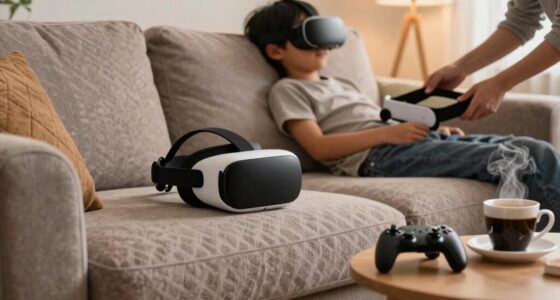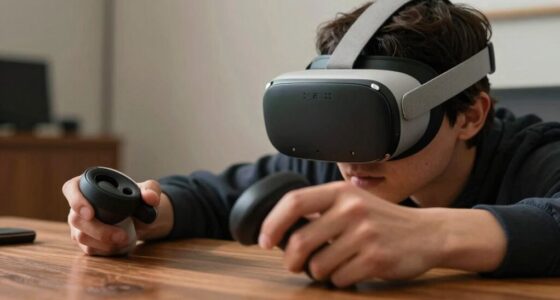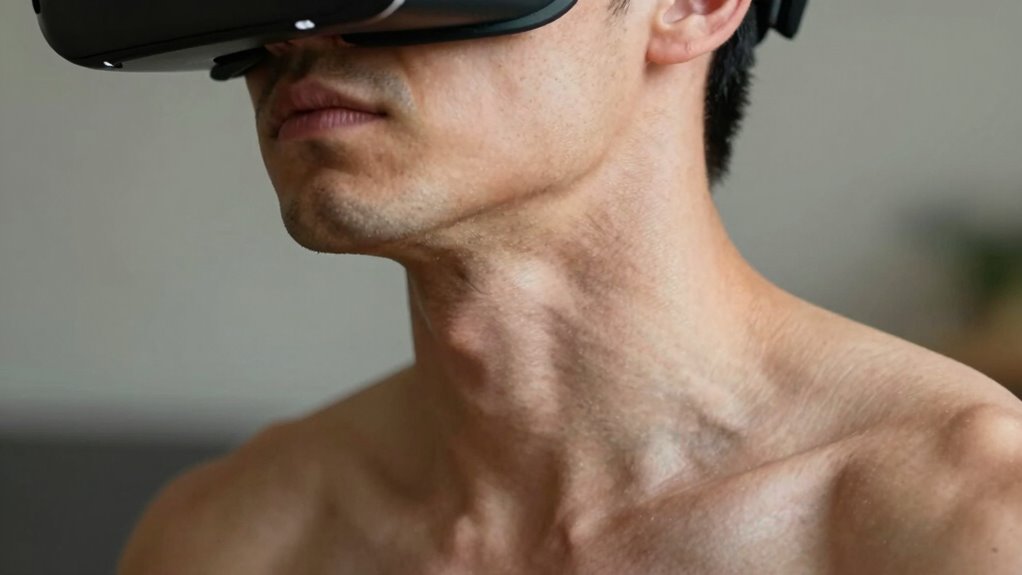

Most people overlook the importance of maintaining a neutral neck position while using VR headsets. Poor fit, leaning forward, or craning your neck increases muscle strain and discomfort over time. Adjusting your headset for proper alignment, keeping your head level, and sitting upright can make a big difference. Small posture habits, like taking regular breaks and positioning your setup correctly, are often ignored but key to preventing neck pain—continue to discover simple fixes you might be missing.

Play games on Amazon Luna for your next adventure, included with Prime
- A rotating selection of games, no download needed
- Play on TV, laptop or phone
- Fast, free delivery for your gear, too
Key Takeaways
- Many users neglect proper headset fit, causing uneven weight distribution and increased neck strain during VR sessions.
- Poor posture, such as leaning forward or tilting the head, is a common but overlooked cause of VR-induced neck discomfort.
- Failing to take regular breaks and perform posture adjustments exacerbates muscle fatigue and long-term neck problems.
- Incorrect setup, like misaligned lenses or headset positioning, forces unnatural head movements and worsens strain.
- Ignoring ergonomic accessories or support tools can lead to persistent neck soreness and reduced comfort over time.
As an affiliate, we earn on qualifying purchases.
Understanding How VR Affects Your Neck

When you wear a VR headset, your neck bears the weight of the device, which can lead to strain over time. The added weight shifts your head forward, forcing your neck muscles to work harder to keep your head upright. This unnatural posture puts extra pressure on the cervical spine, causing discomfort and fatigue. Because VR headsets are often bulky and heavy, maintaining this position for extended periods can lead to muscle tightness and soreness. Additionally, looking around in VR requires you to move your head frequently, compounding strain on the neck muscles. Over time, this repetitive strain can cause misalignment and pain, especially if you don’t take regular breaks or adjust your posture. Incorporating ergonomic habits such as adjusting headset fit and taking frequent breaks can significantly reduce neck strain during VR use. Being aware of proper ventilation and ensuring a comfortable environment can also help prevent discomfort. Understanding this impact helps you recognize the importance of proper ergonomic habits during VR use.
As an affiliate, we earn on qualifying purchases.
Common Signs of VR-Induced Neck Strain
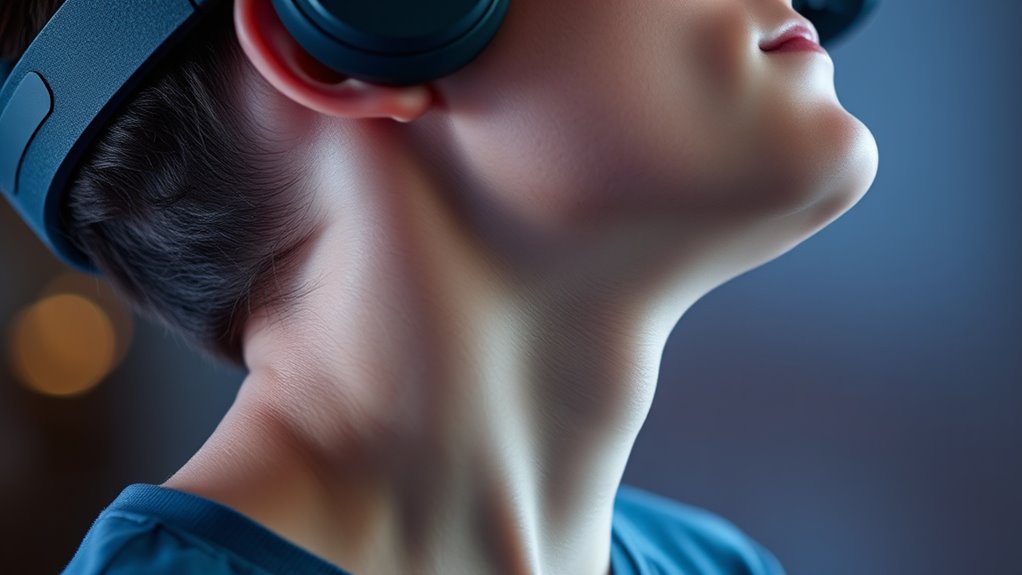
You may notice certain symptoms that indicate your neck is experiencing strain from VR use. Common signs include persistent soreness, stiffness, or a dull ache after gaming or exploring virtual worlds. You might also feel headaches radiating from your neck area or find it hard to turn your head comfortably. To visualize, consider this table:
| Symptom | Description | How It Feels |
|---|---|---|
| Neck Soreness | Tenderness or pain in neck muscles | Aching or tightness |
| Headaches | Pain radiating from neck area | Throbbing or pressure |
| Reduced Mobility | Difficulty turning or tilting head | Stiffness hindering movement |
| Fatigue | Tiredness in neck and shoulder area | Heavy or exhausted feeling |
Additionally, maintaining proper posture during VR sessions can significantly reduce these symptoms. Being mindful of ergonomic principles can help prevent strain and promote comfort during extended use. Incorporating regular breaks into your routine is also beneficial for minimizing discomfort and avoiding long-term issues. Practicing proper setup techniques ensures your VR experience remains safe and comfortable. Recognizing early signs of strain allows for prompt adjustments, helping to prevent long-term injury.
As an affiliate, we earn on qualifying purchases.
The Role of Headset Fit and Positioning
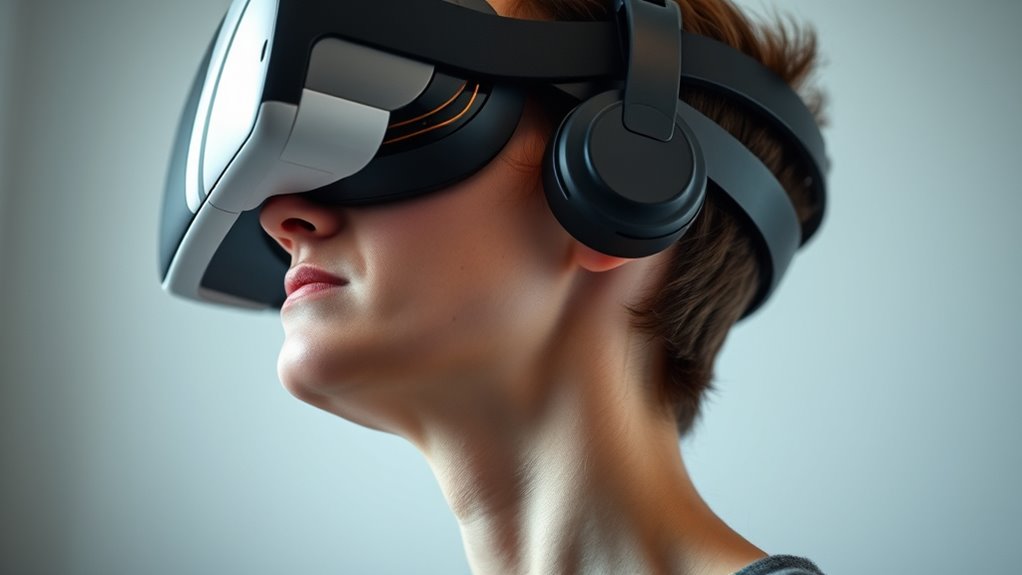
Proper headset fit and positioning are crucial in preventing VR-induced neck strain, as they guarantee your device distributes weight evenly and aligns comfortably with your eyes and neck. If the headset is too tight, it can cause pressure points, leading to tension and discomfort. Conversely, if it’s too loose, you may constantly adjust it, straining your neck muscles. Make sure the straps are snug but not tight, and the headset sits centered on your face. The visual lenses should be aligned with your eyes, reducing the need to crane your neck or lean forward. Adjust the height and tilt so your view remains natural and comfortable. Correct fit minimizes unnecessary muscle engagement, helping you enjoy longer VR sessions without risking neck fatigue. Proper fit also ensures that your posture remains ergonomic throughout extended use. Additionally, understanding ergonomic design principles can help you optimize your setup for comfort and health. Paying attention to posture awareness during VR use can further reduce the risk of strain and promote better overall comfort. Incorporating proper ergonomic practices can enhance your overall VR experience and prevent discomfort over time. Maintaining awareness of equipment maintenance can also prolong the lifespan of your headset and ensure consistent comfort.
VR headset head and neck support
As an affiliate, we earn on qualifying purchases.
As an affiliate, we earn on qualifying purchases.
The Overlooked Posture Adjustment That Can Help

A simple yet often overlooked adjustment that can considerably reduce neck strain during VR sessions is improving your overall posture by aligning your spine properly. When your spine is in a neutral position, it minimizes unnecessary stress on your neck muscles. Focus on sitting upright with your shoulders relaxed and back supported. Keep your head level, avoiding forward or downward tilting, which increases strain. Regularly check your ergonomics during use to prevent slouching or leaning forward. Maintaining a neutral spine helps distribute weight evenly and reduces muscle fatigue. This small change can make a big difference in comfort and reduce fatigue over time. Additionally, posture awareness techniques can help you maintain proper alignment throughout your VR experience.
Step-by-Step Guide to Correcting Your Posture
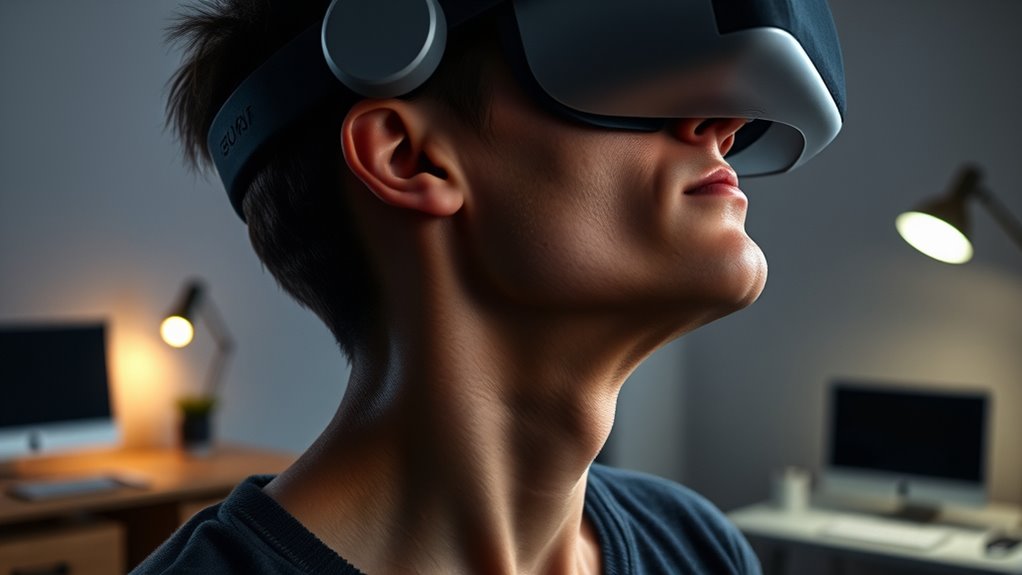
Correcting your posture during VR sessions involves a clear, step-by-step approach to guarantee proper alignment and comfort. First, stand or sit with your back straight and shoulders relaxed. Next, adjust your headset so it sits snugly without pressing into your face or causing strain on your neck. Keep your head aligned over your spine, not tilted forward or downward. Regularly check your posture using the table below for guidance:
| Posture Element | Proper Position |
|---|---|
| Head | Neutral, aligned with spine |
| Shoulders | Relaxed, not shrugged |
| Back | Straight, supported if needed |
| Hips | Level, avoiding slouching |
| Eyes | Level with the horizon |
Maintaining awareness of posture and understanding how it impacts comfort can help prevent strain and enhance your VR experience. Being mindful of proper alignment is especially important during extended sessions to avoid fatigue. Incorporating regular posture checks and mindful adjustments can help you stay comfortable over longer periods. Additionally, practicing ergonomic sitting and taking frequent breaks can further reduce the risk of neck strain.
Additional Tips for Reducing Neck Discomfort
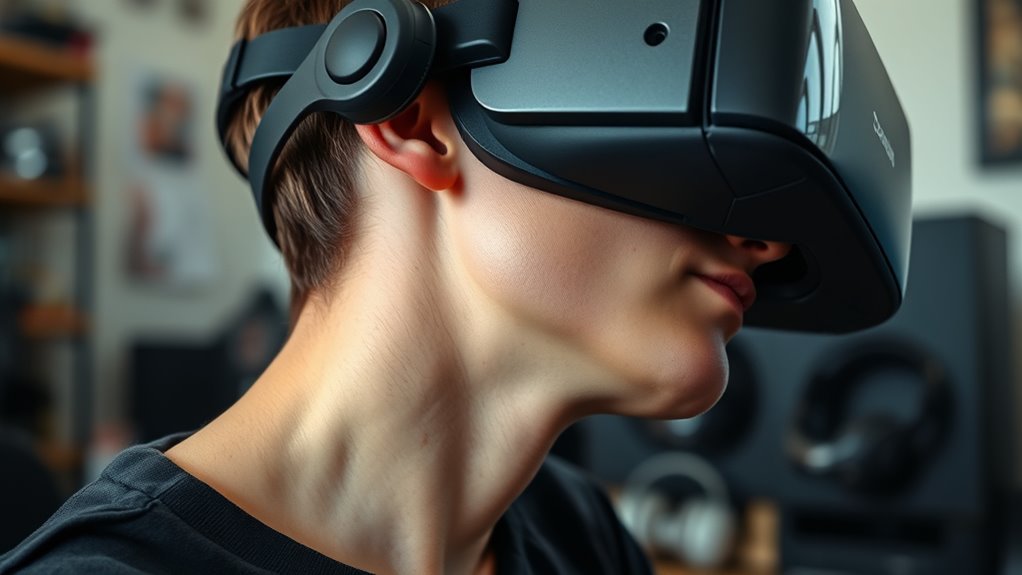
To further reduce neck discomfort during VR sessions, consider taking regular breaks to stretch and relax your neck muscles. Short pauses help prevent tension buildup and improve circulation. During breaks, gently tilt your head side to side, rotate your neck slowly, or do shoulder rolls to release tightness. Staying hydrated and maintaining good hydration supports muscle health and reduces fatigue. Adjust your VR headset to fit comfortably, avoiding unnecessary pressure. Keep your environment well-lit to reduce eye strain, which can lead to poor posture. Finally, pay attention to your body’s signals; if you start feeling discomfort, pause and stretch before continuing. Incorporating ergonomic principles into your setup can significantly decrease neck strain and improve your overall VR experience. Small, consistent habits can considerably decrease neck strain and improve your overall VR experience.
Incorporating Ergonomic Habits Into Your VR Routine
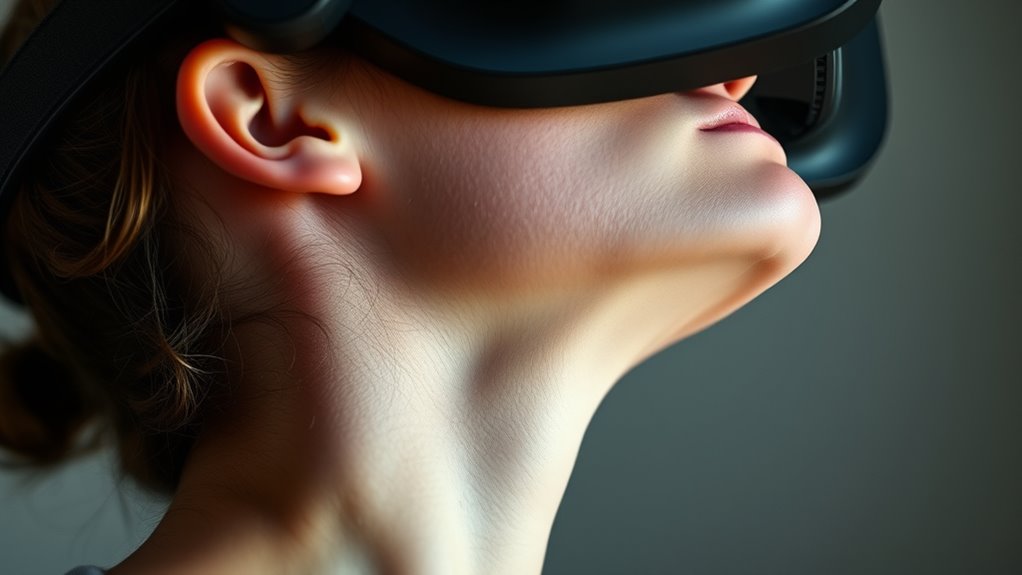
Integrating ergonomic habits into your VR routine can substantially reduce neck strain and enhance comfort during extended sessions. Start by setting up your play area at eye level to avoid tilting your head upward or downward. Take regular breaks every 20-30 minutes to stretch and reset your posture. Keep your headset snug but comfortable, ensuring it doesn’t put unnecessary pressure on your neck or face. Maintain a neutral neck position by avoiding excessive tilting or craning forward. Use supportive chairs that promote good spinal alignment, and keep your feet flat on the ground. Be mindful of your overall posture, keeping your shoulders relaxed and back straight. Incorporating these habits helps prevent strain, making your VR experience more enjoyable and less tiring over time. Additionally, utilizing smart ergonomic accessories can further optimize your setup and reduce discomfort during long VR sessions.
Frequently Asked Questions
How Long Should I Take Breaks During VR Sessions to Protect My Neck?
You should take a break every 30 minutes during VR sessions to protect your neck. This helps prevent strain and gives your muscles a chance to recover. During breaks, stretch your neck and shoulders, and rest your eyes. Don’t ignore discomfort—if you feel any pain, stop immediately. Staying mindful of your posture and taking regular breaks will keep your neck healthy and make your VR experience more enjoyable.
Can Specific Exercises Prevent Vr-Related Neck Strain Effectively?
Yes, specific exercises can effectively prevent VR-related neck strain. Incorporate neck stretches, such as gently tilting your head side to side and forward and backward, to improve flexibility. Strengthening exercises like shoulder rolls and upper back stretches also help support your neck muscles. Regularly doing these exercises during breaks can reduce tension, improve posture, and minimize discomfort, ensuring you enjoy VR sessions without unnecessary strain.
Are There Particular VR Headsets Better for Neck Health?
Sure, some VR headsets are better for your neck than others—if you enjoy the feeling of a tiny, heavy weight pressing down on your shoulders. Lightweight models with balanced weight distribution, like Oculus Quest or HTC Vive Focus, reduce strain. Avoid bulky, front-heavy headsets. Remember, if your neck protests louder than your in-game victories, you might want to reconsider your choice—or at least your posture!
How Does Lighting in the Room Impact Neck Posture During VR Use?
Lighting in your room markedly impacts your neck posture during VR use. Poor lighting can cause you to strain your eyes, leading you to tilt or crane your neck to see better. Bright, even lighting reduces eye strain, helping you maintain a natural head position. Avoid glare and shadows, and make sure your room is well-lit to promote comfortable, upright posture while enjoying your VR experience.
What Role Does Overall Body Posture Play in Reducing Neck Discomfort?
Your overall body posture directly influences neck comfort. When you sit or stand with a straight back and relaxed shoulders, you reduce strain on your neck. Conversely, slouching or leaning forward increases tension, causing discomfort. Think of your body as a chain—if one link weakens, the whole chain suffers. Maintain proper alignment, engage core muscles, and keep your head centered to prevent neck pain during VR sessions.
Conclusion
By paying attention to your posture and making small adjustments, you can enjoy VR without inviting unnecessary neck tension. It’s easy to overlook these subtle shifts, but they make a big difference. Think of your neck as a delicate instrument—gentle tuning keeps your experience smooth and comfortable. So, embrace these simple habits and let your virtual adventures remain a source of fun, not strain. Your neck will thank you for the extra care.
Fall Picks
fall essentials
As an affiliate, we earn on qualifying purchases.