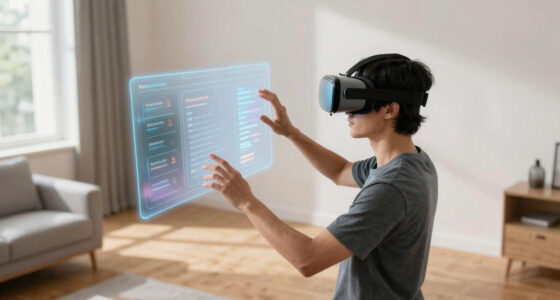

To prevent scratches and hot spots when wearing glasses with a VR headset, make sure your glasses fit comfortably by adjusting straps and using nose pads or spacers. Clean and protect your lenses with covers or films, and regularly inspect them for damage. Keep your headset well-ventilated and take breaks to avoid overheating. Proper handling, storage, and maintenance are key. Keep going to discover more tips to enhance your VR safety and comfort.

Play games on Amazon Luna for your next adventure, included with Prime
- A rotating selection of games, no download needed
- Play on TV, laptop or phone
- Fast, free delivery for your gear, too
Key Takeaways
- Use lens protectors or covers to shield glasses from scratches during VR sessions and storage.
- Properly adjust headset straps to prevent glasses from pressing against lenses, reducing hot spots and discomfort.
- Clean lenses regularly with microfiber cloth to remove dust and smudges that cause scratches and visual distortions.
- Choose glasses with thinner, compatible lenses or lens inserts to minimize pressure and prevent hot spots.
- Store VR glasses in protective cases to avoid scratches and maintain lens integrity when not in use.
As an affiliate, we earn on qualifying purchases.
Choosing the Right Glasses for VR Use
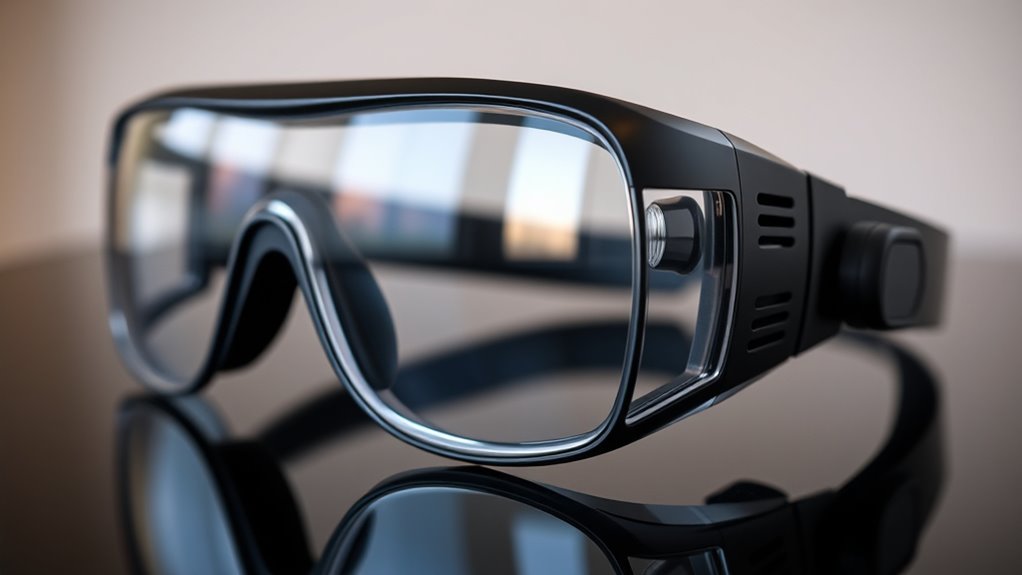
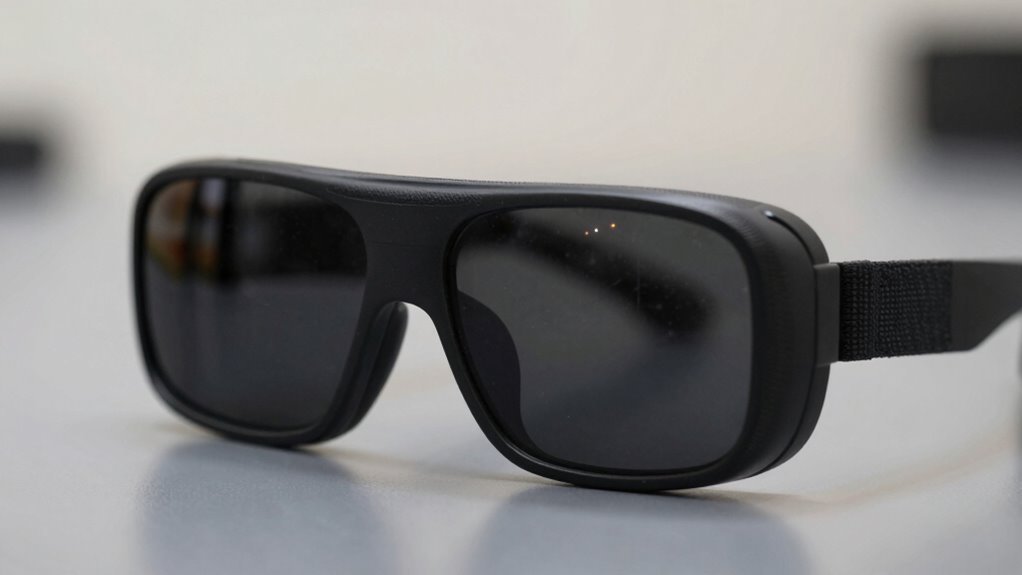
When selecting glasses for VR use, it’s essential to take into account how well they fit your face and your vision needs. You want glasses that sit comfortably without pressing against your face or causing discomfort during extended sessions. Consider the size and shape of your frames; larger lenses may improve peripheral vision, but they should still fit within the VR headset’s eye box. Make sure your glasses are compatible with the headset’s design, especially if you wear thick or specialty lenses. Prescription glasses with thinner lenses or lens inserts designed for VR can enhance clarity without sacrificing comfort. Ultimately, choosing the right glasses involves balancing fit, vision correction, and ensuring they won’t interfere with the headset’s seal or tracking capabilities. Additionally, understanding how different types of lenses can impact your experience, similar to field‑of‑view considerations in deep-sky imaging, can help you make a more informed choice. Paying attention to lens coatings can also reduce glare and reflections that might interfere with your VR experience. Properly fitted glasses can also help prevent scratches on both the lenses and the VR headset, ensuring a clearer visual experience. Using glasses with anti-reflective coatings can further improve visibility and reduce eye strain during long VR sessions, especially when combined with sound therapy techniques that promote relaxation and focus during extended use.
glasses compatible with VR headset
As an affiliate, we earn on qualifying purchases.
As an affiliate, we earn on qualifying purchases.
Properly Adjusting Your Headset for Comfort
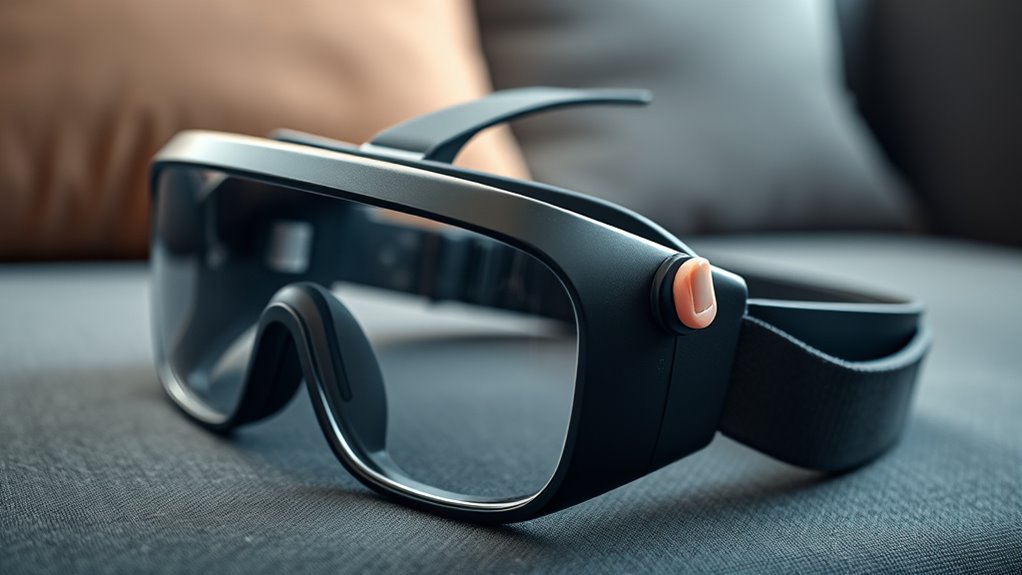
Once you’ve selected glasses that fit comfortably and suit your vision needs, the next step is to properly adjust your VR headset for maximum comfort. Start by loosening the straps to position the headset gently on your head, avoiding excessive pressure. Position the device so that the lenses align with your eyes—centered and at the right distance—so you don’t strain your neck or eyes. Make sure the padding rests comfortably on your forehead and cheeks without pinching or creating hot spots. Tighten the straps gradually, ensuring even pressure without squeezing too tightly. Check the fit by moving your head; it should stay securely in place without shifting. Proper adjustment prevents discomfort, reduces fatigue, and ensures a better VR experience. Additionally, proper fit can help prevent common issues like scratches and hot spots during extended use. Ensuring your headset is correctly aligned can also reduce the risk of pressure points that cause discomfort over time. Paying attention to ergonomic design can significantly enhance your comfort and protect your glasses from damage. Properly adjusting your headset also helps maintain lens alignment, which is crucial for a clear and comfortable visual experience. Incorporating smart home automation principles, like adjusting your environment for comfort, can further improve your VR sessions.
As an affiliate, we earn on qualifying purchases.
Using Lens Protectors and Covers
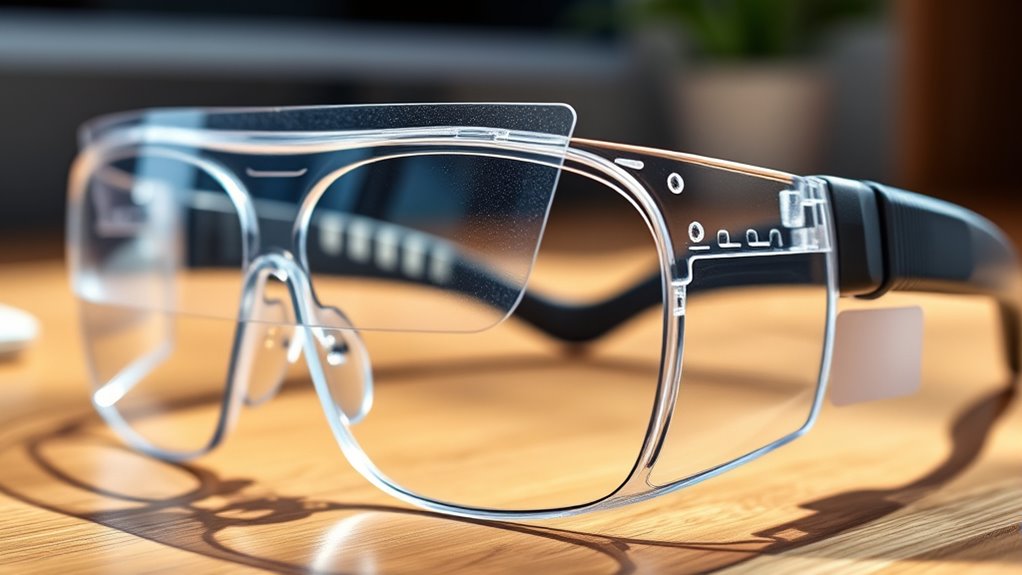
To keep your VR lenses clean and protected, maintaining lens protectors and covers regularly is vital. Use a soft, lint-free cloth to gently clean the protectors, removing dust and smudges that can cause scratches or distort your view. Consider investing in tempered glass or silicone covers designed specifically for VR headsets; these act as a barrier against scratches from accidental bumps or debris. When you’re not using your VR headset, keep the protectors in place or store them in a clean, dust-free container. Regularly inspecting the covers for signs of damage guarantees they continue to shield your lenses effectively. Proper maintenance of these protectors helps extend the lifespan of your VR lenses and keeps your experience sharp and clear. Incorporating connected equipment into your setup can also help monitor and maintain the health of your VR headset over time, ensuring optimal performance and preventing issues like scratches and hot spots. Additionally, utilizing lens monitoring systems can alert you to potential damage early, preserving your visual clarity. Staying aware of device safety guidelines ensures you handle your headset properly and avoid unnecessary damage. Regular cleaning and inspection are essential to prevent buildup that can lead to hot spots and glare during extended use.
As an affiliate, we earn on qualifying purchases.
Maintaining Your Glasses and VR Equipment Regularly
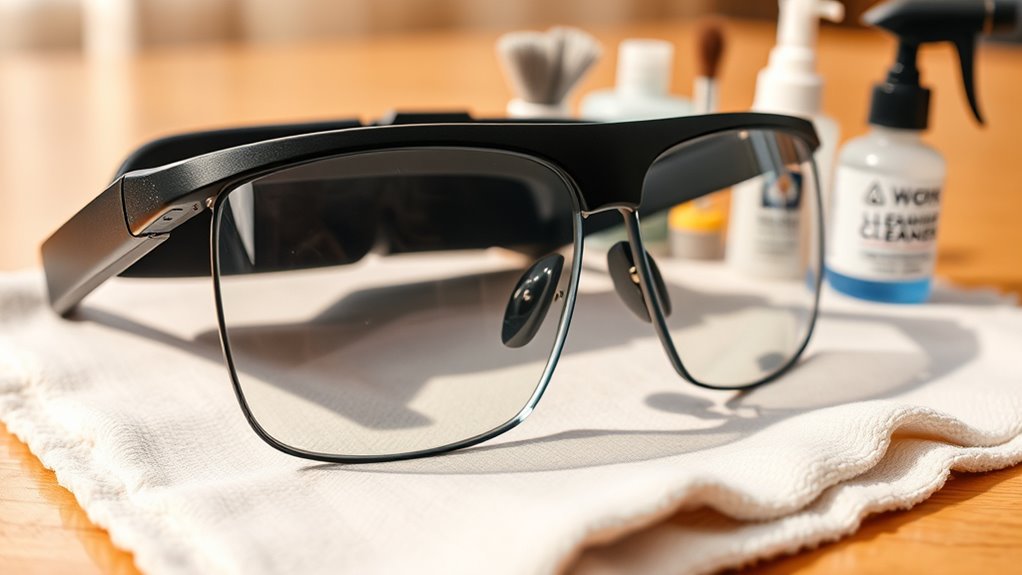
Keeping your glasses and VR equipment clean and well-maintained is essential for a smooth experience. You should develop a regular cleaning routine to remove dust and smudges and store your gear properly to prevent damage. Proper upkeep guarantees your devices stay clear, comfortable, and functional for longer use. Additionally, understanding safe handling practices can help prevent scratches and other damage during maintenance. When handling your devices, avoid exposing them to infection risks such as bacteria or moisture that could compromise their integrity or cause discomfort. Regularly inspecting your gear also helps identify potential issues early, ensuring European cloud innovation standards are maintained in your device care routines. Incorporating preventative maintenance into your routine can further extend the lifespan of your equipment and ensure optimal performance. Using appropriate cleaning tools designed specifically for delicate electronics can help maintain the clarity of your lenses and screens without causing surface damage.
Regular Cleaning Routine
Regular cleaning is essential to guarantee your glasses and VR equipment stay clear and function properly. You should clean your lenses regularly to prevent smudges, dust, and oils from impairing your view or causing discomfort. Use a microfiber cloth designed for lenses, gently wiping in a circular motion to avoid scratches. Avoid harsh chemicals or abrasive cleaners that can damage coatings. If needed, lightly dampen the cloth with water or a specialized lens cleaner. Clean your VR headset and glasses after each use to prevent buildup. Pay attention to areas that contact your face, such as foam padding and straps, ensuring they stay hygienic. Regular maintenance helps prevent hot spots and scratches, ensuring a more comfortable and immersive VR experience every time. Additionally, understanding the importance of Free Floating design principles can help you optimize your setup for better comfort and safety.
Proper Storage Practices
Proper storage is key to preserving the clarity and longevity of your glasses and VR equipment. When not in use, keep your devices in a protective case or on a clean, soft surface to prevent scratches and dust accumulation. Follow these best practices:
- Store in a dedicated case to avoid accidental damage.
- Keep away from direct sunlight and extreme temperatures.
- Avoid stacking or placing heavy objects on your equipment.
- Clean and dry your glasses before storage to prevent moisture buildup.
- Consider using storage solutions designed specifically for delicate electronics to ensure optimal protection. Utilizing organized storage methods can help maintain your equipment’s condition and make it easier to find when needed.
Correctly Positioning Your Glasses Inside the Headset
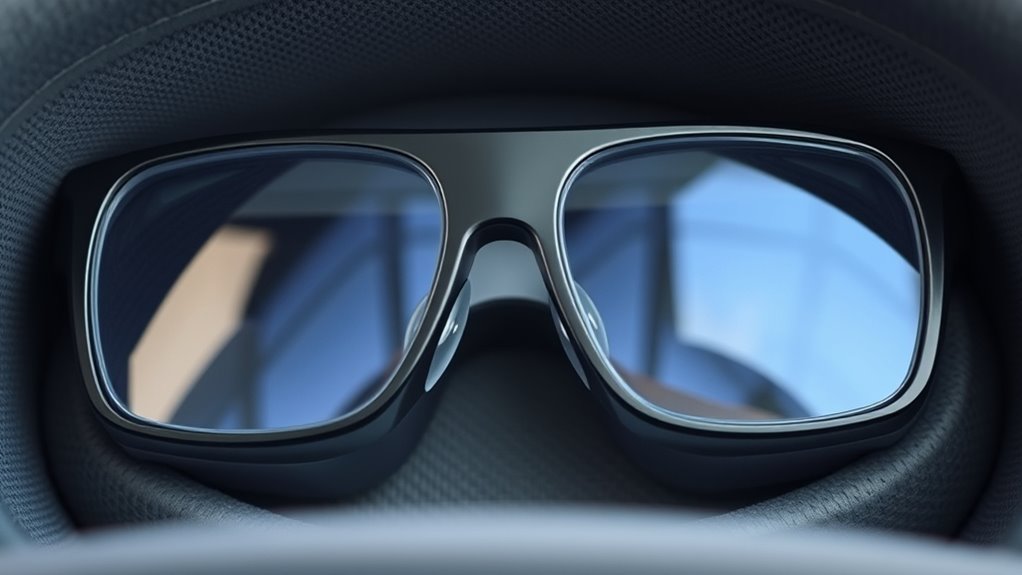
Positioning your glasses correctly inside the headset can make a significant difference in your comfort and visual clarity. First, adjust the headset’s straps to ensure a snug fit without being too tight. Gently place your glasses on your face, aligning them with the nose bridge and ensuring the temples sit comfortably within the headset’s supports. Be careful not to press the glasses against the lenses or the inside of the headset, which could cause scratches or pressure points. If your headset has adjustable nose pads or spacing, use these features to fine-tune the fit. Keep your glasses centered and straight, avoiding tilting, to prevent strain on your eyes and ensure a clear, immersive experience. Proper positioning reduces hot spots and helps protect both your glasses and the device. Additionally, choosing the right accessories can help safeguard your glasses and improve comfort during extended use.
Utilizing Anti-Fog and Anti-Scratch Films
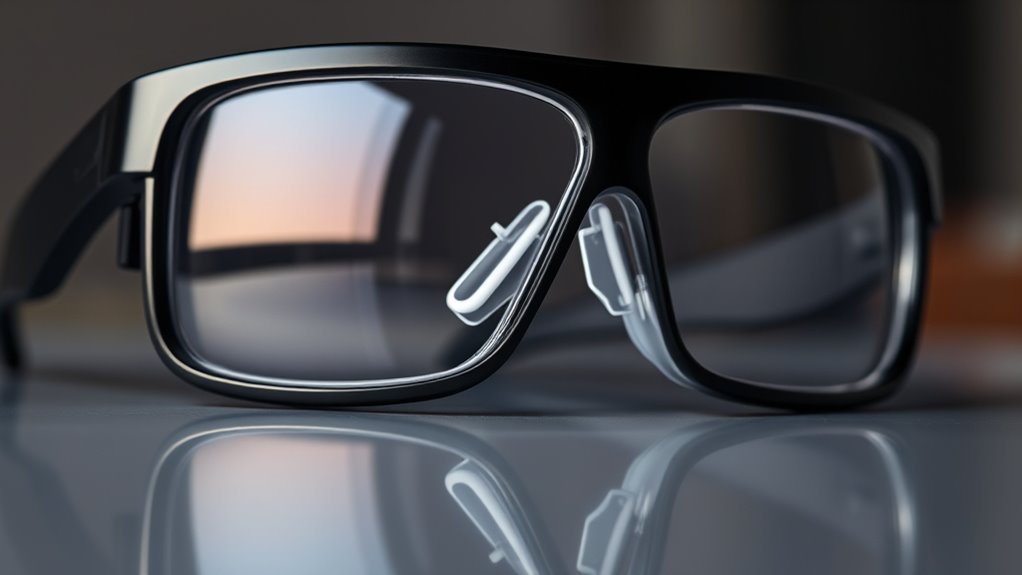
Applying anti-fog and anti-scratch films can substantially improve your VR experience, but choosing the right material matters. You’ll want to take into account durability and how well the film adheres over time. Proper application, maintenance, and knowing when to replace the films ensure they stay effective and clear.
Film Material Durability
To guarantee that VR glasses remain functional and clear during extended use, incorporating anti-fog and anti-scratch films is essential. The durability of these films depends on their material quality, which determines how well they withstand daily wear. High-quality films are made from materials like PET or TPU, offering flexibility and resistance to scratches. To maximize longevity, consider these factors:
- Choose films with a strong adhesive that prevents peeling over time.
- Opt for coatings that resist tearing and pilling.
- Select materials with high transparency to avoid distortion.
- Prioritize films with properties that resist chemical damage from cleaning agents.
Application Techniques Tips
Proper application of anti-fog and anti-scratch films guarantees they perform effectively and last longer. Start by cleaning your glasses thoroughly with a microfiber cloth and a gentle cleaning solution to remove dust, oils, and debris. Confirm the surface is completely dry before applying the film. Carefully align the film with the edges of your glasses, avoiding bubbles or wrinkles. Use a plastic card or a squeegee to smooth out the film from the center outward, pressing out air and excess adhesive. Take your time during application to prevent misalignment. Once applied, avoid touching the film’s surface to prevent fingerprints. Proper technique ensures maximum adhesion and clarity, enhancing your VR experience and protecting your glasses from scratches and fogging.
Maintenance and Replacement
Ever wonder how to keep your VR glasses in top shape over time? Regular maintenance is key to prolonging their lifespan. Using anti-fog and anti-scratch films can considerably reduce damage and improve clarity. Here’s what you should do:
- Clean the lenses gently with a microfiber cloth to prevent scratches.
- Apply anti-scratch films carefully to avoid bubbles or misalignment.
- Replace films when they show signs of wear or damage to maintain protection.
- Store your VR glasses in a protective case to prevent dust and accidental scratches.
Managing Heat and Ventilation During VR Sessions
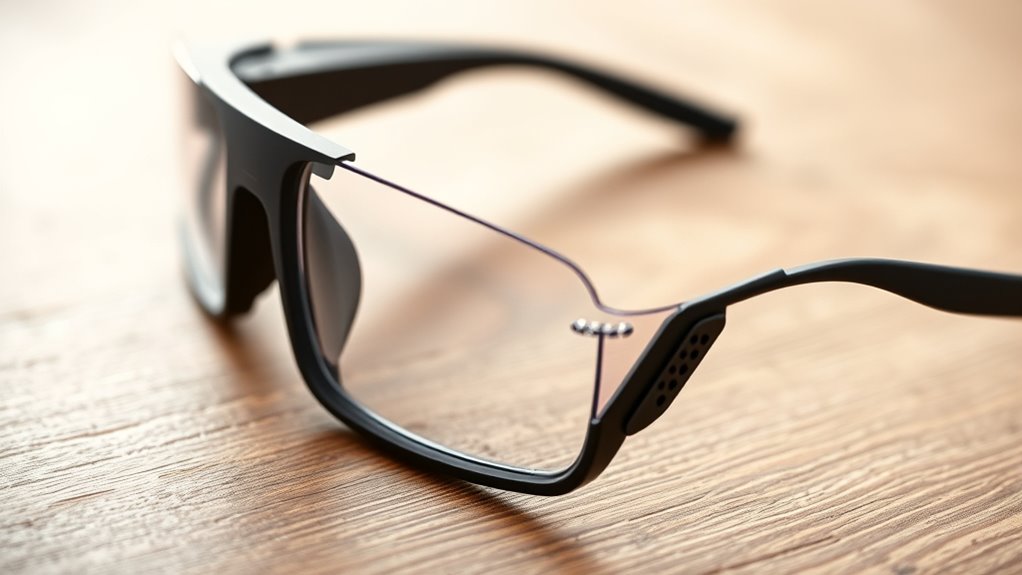
Managing heat and ventilation during VR sessions is essential to guarantee comfort and safety. When you wear VR glasses for extended periods, they can generate heat, leading to discomfort or even overheating. To prevent this, ensure your play area is well-ventilated and avoid wearing the headset in hot or humid environments. Take regular breaks to allow your device to cool down and air out. Adjust the fit so it’s snug but not tight, which can improve airflow. Keep your VR glasses clean and free of dust, as debris can trap heat. If your device has built-in ventilation or cooling features, use them properly. Staying aware of heat buildup helps you enjoy longer, safer VR sessions without risking discomfort or damage to your equipment.
Tips for Safe Handling and Storage of Your Devices
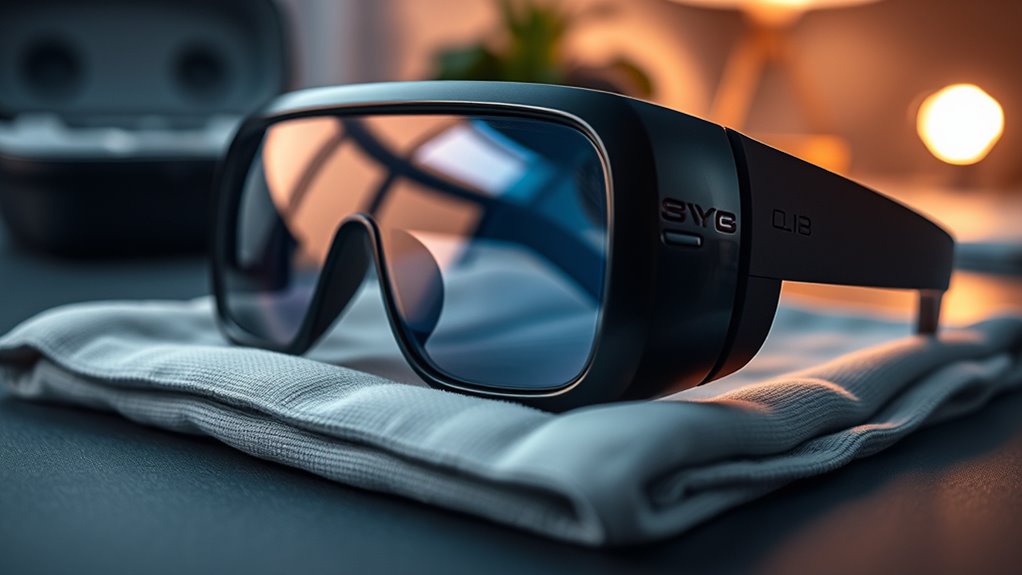
To keep your VR devices in top condition, always handle them with care and store them properly when not in use. Proper handling prevents damage and prolongs their lifespan. Here are essential tips:
- Use gentle hands when putting on or removing your headset, avoiding sudden movements.
- Keep your devices clean by wiping lenses with a microfiber cloth regularly.
- Store your VR gear in a cool, dry place away from direct sunlight and humidity.
- Use a designated case or protective cover to prevent scratches and dust accumulation.
Troubleshooting Common Issues and When to Seek Help

Even with careful handling and proper storage, issues can still arise with your VR devices. If your headset feels uncomfortable, check for misaligned lenses or dirt on the lenses. If the display flickers or has dead pixels, try restarting your device or updating the firmware. For overheating, ensure proper ventilation and avoid extended use. If the audio isn’t working properly, verify connections or replace faulty cables. Persistent problems that don’t resolve with basic troubleshooting may require professional help. Contact the manufacturer’s support team or visit a certified repair center. Don’t ignore persistent issues, as they could worsen or cause further damage. Regular maintenance and timely assistance guarantee your VR experience remains smooth and safe.
Frequently Asked Questions
Can I Wear Glasses With Prescription Lenses Inside My VR Headset?
Yes, you can wear glasses with prescription lenses inside your VR headset. Make sure your glasses fit comfortably and don’t press too hard against the headset padding. Consider using lens inserts designed for VR headsets for a better fit and clearer view. Adjust the straps to keep everything snug but not tight. If your glasses are bulky, look for headsets with adjustable or larger eye boxes to guarantee comfort and proper vision.
What Materials Are Best for Preventing Lens Scratches?
Protect your lenses with perfect, plush, and protective materials. Opt for soft microfiber cloths, as they’re gentle and won’t scratch. Use lens caps or covers when not in use to prevent pesky particles from causing problems. Consider applying a scratch-resistant coating for extra assurance. Always handle lenses carefully, avoiding abrasive items or rough surfaces. Proper cleaning, cautious storage, and gentle wiping keep your lenses pristine, preventing scratches and prolonging VR headset happiness.
How Often Should I Replace Lens Protectors?
You should replace lens protectors whenever they show visible signs of wear, scratches, or cloudiness, usually every few months with regular use. Check them regularly for damage, especially after cleaning or intense sessions. If you notice reduced clarity or scratches, it’s time for a new protector. Keeping them fresh ensures peak visual quality and prevents damage to your lenses, so don’t delay replacing them when necessary to maintain your VR experience.
Are There Specific Cleaning Products Recommended for VR Lenses?
You should use a microfiber cloth specifically designed for lenses to clean your VR lenses. Avoid harsh chemicals and household cleaning products, as they can damage the lens coating. If needed, use a small amount of lens cleaner or isopropyl alcohol (70%) diluted with water. Gently wipe the lenses in a circular motion, ensuring you remove smudges and dust without scratching or leaving streaks.
How Do I Identify if My Glasses Are Causing Fogging or Overheating?
Is your VR experience turning into a foggy nightmare or feeling like an oven? You can tell if your glasses are causing fogging by noticing blurred vision or persistent condensation on the lenses. Overheating signs include discomfort, sweating around your face, or the device becoming uncomfortably warm. Keep your lenses clean, guarantee proper ventilation, and take breaks to prevent these issues. Stay alert, and your virtual adventures will stay crystal clear.
Conclusion
By taking these simple steps, you can turn your VR experience from a rocky road into a smooth sail. Think of your glasses as the loyal sailboat, gliding effortlessly across the digital ocean—protected from scratches and hot spots. With careful attention and a few smart habits, you’ll keep your VR journey crystal clear and comfortably cool, ensuring every adventure feels like a gentle breeze rather than a storm. plunge in confidently, and let your virtual voyage flourish.
Halloween Picks
halloween
As an affiliate, we earn on qualifying purchases.