VR latency makes you feel like your movements aren’t matching what you see, causing sensations of heaviness, stiffness, or twitching. You might feel disoriented, with sensations of spinning, tilting, or drifting, which disrupt your sense of presence. This mismatch between visual cues and your inner ear balance often leads to motion sickness. Understanding what causes these delays can help prevent discomfort, so keep exploring how to reduce VR lag and stay comfortable.
Key Takeaways
- VR latency causes a disconnect between your physical movements and visual updates, leading to feelings of delay and out-of-sync sensations.
- It disrupts spatial awareness, making you feel tilted, spinning, or disoriented, which can contribute to nausea.
- Sensory mismatch occurs when visual motion conflicts with inner ear signals, triggering discomfort and motion sickness.
- High latency results in choppy visuals and delayed responses, breaking immersion and increasing dizziness.
- Persistent latency can cause muscle tension, heaviness, and disorientation, making you feel physically strained and unwell.
Recognizing the Lag: What It Feels Like in Your Body

When your VR system experiences lag, you’ll immediately notice a disconnect between your movements and what you see. You might feel as if your body is delayed or out of sync with the virtual environment. For example, when you turn your head, the scene might hesitate before catching up, creating a jarring sensation. You could also feel a strange heaviness or stiffness in your limbs, making precise movements difficult. Sometimes, your stomach might lurch or you may experience a slight dizziness, as your brain struggles to reconcile the mismatch. These sensations happen because your sensory inputs aren’t aligning with your expectations, making you feel disoriented or off-balance. Additionally, high refresh rates can help reduce these lag sensations, leading to a smoother experience. Ensuring proper system calibration can further minimize latency and enhance comfort during VR use. Recognizing these physical cues early helps you understand when lag is disrupting your VR experience, and being aware of latency management strategies can improve overall immersion. Moreover, understanding how sensor accuracy impacts tracking can aid in troubleshooting lag issues and improving your VR sessions.
The Connection Between Latency and Disorientation
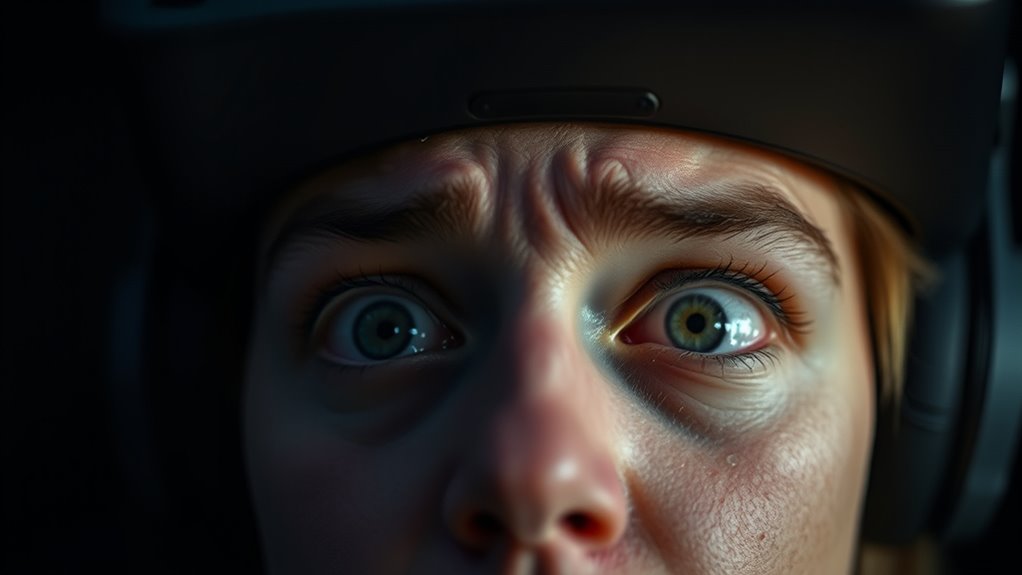
Latency in VR directly impacts your sense of spatial awareness, often causing disorientation that can disrupt your experience. When there’s a delay between your movements and the system’s response, your brain struggles to reconcile what it sees with what your body feels. This mismatch creates a sense of imbalance, making you feel as if you’re tilting or spinning when you’re actually still. You might find yourself confused about your orientation or feel like you’re drifting outside your body. Over time, this persistent disconnection can lead to nausea or dizziness. The longer the latency persists, the more your brain fights to make sense of conflicting signals, increasing disorientation. Recognizing this link helps you understand why smooth, low-latency VR is essential for maintaining stable spatial awareness. Free Floating environments can further complicate this sensation by adding unpredictable visual cues that challenge your brain’s ability to adapt, intensifying feelings of dizziness.
How Delays Affect Your Sense of Presence
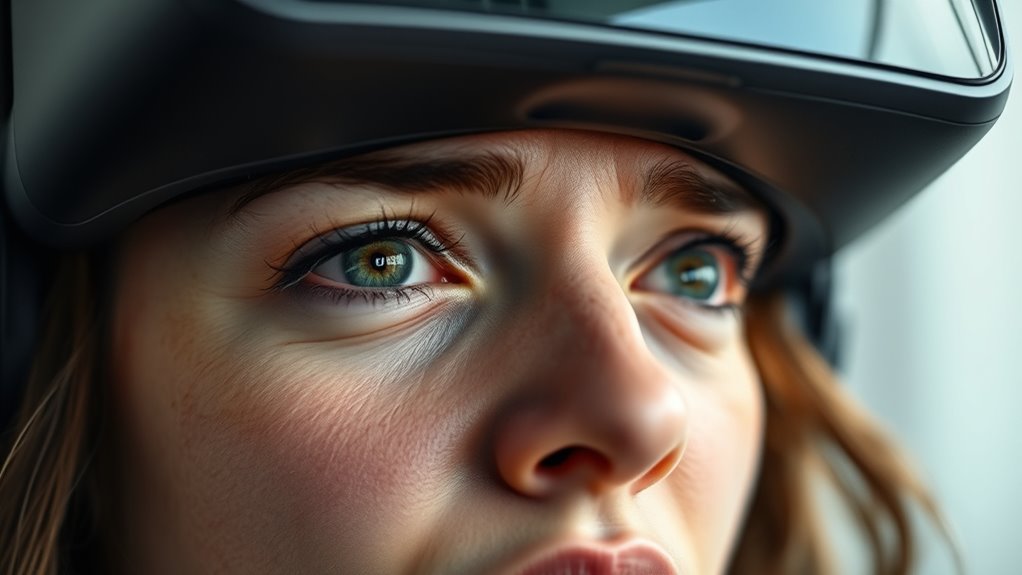
When delays occur in VR, your sense of being truly present can quickly fade. You might notice your spatial awareness disrupted, making the environment feel less real. These delays can also cause motion discomfort and break the immersive flow, pulling you out of the experience.
Disrupted Spatial Awareness
Delays in VR can substantially disrupt your sense of spatial awareness, making it feel like the virtual environment is out of sync with your movements. When your actions aren’t reflected immediately, you lose track of where you are in the space. You might step forward and not see your movement right away, which can cause confusion and disorientation. This mismatch between your physical motions and what you see leads to a distorted perception of your surroundings. Over time, this can cause you to question your position or even feel like you’re floating or drifting. The delay hampers your ability to gauge distances accurately, making interactions less natural. As a result, your brain struggles to construct a coherent map of the virtual space, diminishing your overall sense of immersion. Latency is a critical factor that influences how seamlessly your brain can integrate sensory information during VR experiences.
Increased Motion Discomfort
As your movements in VR are delayed, your brain struggles to process the disconnect between your actions and the visual feedback, leading to increased motion discomfort. When you move your head or body, the visuals should update instantly, matching your expectations. Delays disrupt this synchronization, causing your brain to interpret the mismatch as a sign of instability or imbalance. This mismatch can trigger nausea, dizziness, or headaches, as your sensory systems send conflicting signals. The more noticeable the delay, the more your body reacts negatively, trying to compensate for the inconsistency. Over time, this heightened motion discomfort can make extended VR sessions unpleasant or even intolerable, reducing your sense of presence and enjoyment while increasing the risk of feeling sick. Proper hardware setup and calibration can help minimize these delays and improve your experience. Additionally, understanding and managing latency sources can further enhance comfort and reduce adverse effects, especially since processing delays can accumulate from multiple hardware and software components. Recognizing the role of feedback latency is crucial in designing systems that feel more natural and responsive, which can also be influenced by cryptid myths that often spread misinformation about technological issues.
Breaks Immersive Flow
Latency disrupts your sense of presence in VR by breaking the seamless flow of experience. When there’s a delay between your actions and the system’s response, it feels like the environment isn’t reacting naturally. This interruption pulls you out of the immersive world and reminds you that you’re in a simulation. To make this clearer:
- You might reach for an object, but it doesn’t respond immediately, breaking the illusion.
- Moving your head causes a lag, making the scene feel disconnected from your motions.
- Quick gestures or interactions become choppy, reducing realism and flow. Additionally, system responsiveness plays a crucial role in maintaining a convincing virtual environment, much like how smart home automation depends on prompt device communication to function effectively.
These disruptions hinder your ability to stay immersed, making it harder to forget you’re in a virtual space. As a result, the experience feels less natural and more like a series of disjointed events.
The Physical Signs of VR Latency
When VR experiences lag, your body often reacts through noticeable physical signs. You might find yourself instinctively jerking or twitching, trying to correct your position. Your eyes may blink rapidly or squint as they struggle to process conflicting visual information. You could also feel a sudden feeling of disorientation or dizziness, as your brain tries to reconcile mismatched signals. Some people experience increased tension in their muscles or a feeling of being pulled out of the virtual environment. These signs are your body’s way of responding to the disconnect between what you see and what your inner senses expect. Recognizing these physical reactions can help you understand when latency is affecting your experience, prompting you to pause or adjust to prevent discomfort. Understanding sensory conflicts can help users better identify and mitigate symptoms caused by latency. Additionally, individual differences in net worth and fame may influence how users perceive and react to VR latency, as their experiences with technology and media exposure can shape their sensitivity to such issues. Being aware of sensorimotor integration is crucial in understanding how your body responds to virtual environments and can aid in developing strategies to reduce discomfort. Moreover, understanding the role of visual cues can assist in designing more comfortable VR experiences that minimize adverse reactions. Recognizing how visual feedback impacts your perception can also be a key factor in reducing latency-related discomfort.
Why Motion Sickness Occurs During Laggy Experiences
When your VR headset lags, your brain struggles to match what your eyes see with what your inner ear feels. This mismatch can cause disorientation and nausea. Understanding these effects helps explain why laggy experiences often lead to motion sickness. Additionally, water resistance features in some devices can impact performance if not properly maintained, further contributing to lag issues. Advances in nanotechnology are also exploring ways to improve hardware responsiveness and reduce latency, enhancing user comfort.
Mismatch Between Sight and Motion
The mismatch between sight and motion occurs when your eyes perceive movement that your inner ear and body do not feel, leading to a disorienting experience. This disconnect confuses your brain, making you feel uneasy or nauseous. Here’s what happens:
- You see your virtual hand move, but your body remains still.
- Your eyes notice rapid changes, but your inner ear senses no corresponding motion.
- Your brain receives conflicting signals, trying to reconcile the mismatch.
- This type of sensory discord can activate sensory processing pathways associated with nausea and discomfort, intensifying the sensation of sickness.
This inconsistency disrupts your sense of balance and spatial orientation, triggering motion sickness. It’s especially common during laggy experiences when visual updates are delayed, making your visual system think you’re moving while your body isn’t. The result is a confusing, often unpleasant sensation and can be exacerbated by visual-vestibular conflict, which is a core contributor to motion sickness.
Inner Ear Disorientation
Laggy VR experiences disrupt the inner ear’s ability to accurately detect motion, which is a key reason for motion sickness during virtual interactions. Your inner ear, specifically the vestibular system, relies on fluid-filled canals to sense head movement and balance. When your VR display lags or stutters, your eyes see motion that your inner ear doesn’t feel yet, creating a conflict. Conversely, if your inner ear detects movement that your eyes don’t see, confusion ensues. This mismatch confuses your brain, leading to disorientation and nausea. Your body receives conflicting signals about whether you’re moving or staying still, and it struggles to interpret the information. This sensory discord is a primary cause of inner ear disorientation in laggy VR environments.
The Impact of Latency on Immersive Gameplay
High latency in VR can considerably disrupt your immersive experience, making actions feel delayed or unresponsive. When latency is high, your movements don’t sync instantly with the virtual world, which can break your sense of presence. This leads to frustration and reduces enjoyment. Here’s how latency impacts gameplay:
High latency in VR causes delayed actions, breaks immersion, and leads to discomfort.
- Delayed Reactions: Your quick reflexes become useless when your actions lag behind the game’s responses.
- Broken Immersion: Mismatched visuals and movements make the environment feel less real.
- Increased Discomfort: Latency can cause disorientation and motion sickness, pulling you out of the experience.
Reducing latency is vital for seamless, engaging gameplay. When latency drops, your actions feel natural, and the virtual world becomes truly immersive.
Common Causes Behind VR Lag and Delay
Latency issues in VR often stem from various technical factors that can interfere with smooth gameplay. One common cause is insufficient hardware performance, such as a slow GPU or CPU that struggles to process data quickly enough. Network latency also plays a role, especially in multiplayer VR experiences, where slow internet connections cause delays. Additionally, poor optimization of the VR software can lead to lag, as the system processes too many tasks simultaneously. Faulty or outdated drivers, especially for graphics cards and USB devices, can introduce delays. In conclusion, HDMI or DisplayPort cables that are too long or of poor quality can cause signal degradation, resulting in lag. Understanding these causes helps you identify what might be affecting your VR experience. Upgrading your hardware or ensuring proper hardware compatibility can significantly reduce latency issues. Furthermore, optimizing your system settings and keeping software up-to-date are crucial steps for minimizing lag and enhancing overall VR performance.
Strategies to Minimize and Prevent VR Latency
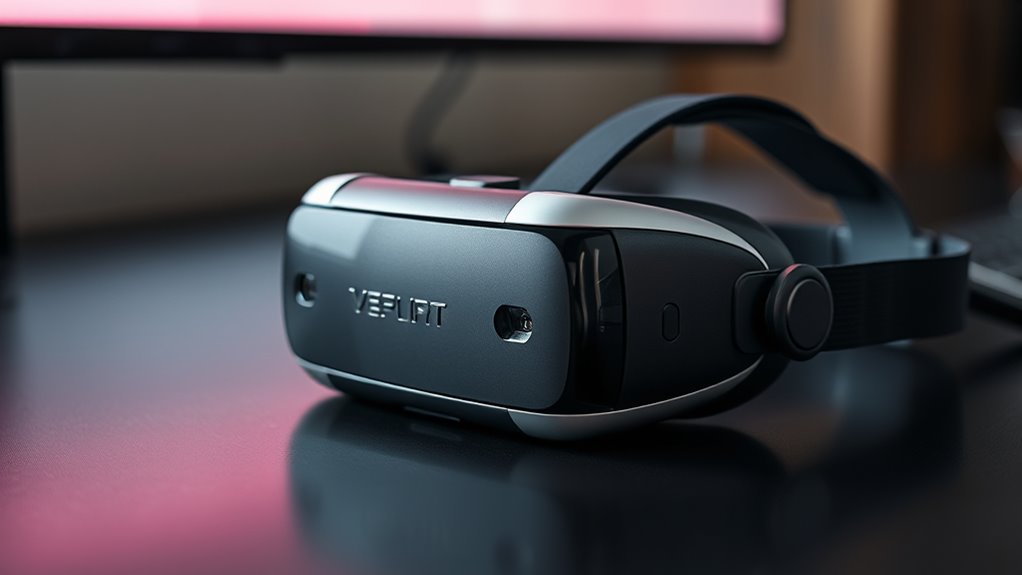
To reduce VR latency effectively, you should start by optimizing your hardware and software setup. First, ensure your PC or console meets or exceeds the recommended specs for your VR system, as powerful hardware minimizes processing delays. Second, keep your graphics drivers and VR software up to date, which helps fix bugs and improve performance. Third, close unnecessary background applications to free up system resources, reducing lag during gameplay. Additionally, use wired connections instead of Wi-Fi to prevent network lag, and adjust in-game settings like resolution and refresh rate for smoother visuals. Regularly cleaning your hardware and ensuring proper ventilation also prevents overheating that can cause performance drops. These steps help create a seamless experience, decreasing latency and preventing discomfort.
Frequently Asked Questions
Can Latency Vary Between Different VR Hardware Brands?
Yes, latency can vary between different VR hardware brands. You might notice that some brands prioritize reducing latency for smoother experiences, while others may have higher latency, leading to less responsive visuals. Factors like display technology, tracking systems, and processing power influence this. When choosing a VR headset, consider brands known for low latency to avoid discomfort, motion sickness, and to enjoy more immersive, seamless virtual experiences.
How Does Latency Impact Long-Term VR Exposure?
Long-term VR exposure can cause discomfort if latency is high, as over 80 milliseconds can lead to motion sickness and eye strain. You might notice persistent headaches or dizziness after extended sessions. To prevent this, verify your hardware maintains low latency, ideally under 20 milliseconds. Taking regular breaks and adjusting settings can also help reduce negative effects, making your VR experience safer and more enjoyable over time.
Are There Specific Games More Sensitive to VR Lag?
Yes, some games are more sensitive to VR lag, especially fast-paced titles like first-person shooters, racing games, and action-adventure games. You notice lag more in these because quick movements and precise reactions are vital for gameplay. If latency increases, it can cause motion sickness or disorientation. To improve your experience, choose games with optimized performance, and make certain your hardware and software are up to date.
Does Room Size Influence VR Latency Issues?
Ever wonder if your room size affects VR lag? Yes, it does. Larger spaces can introduce more latency because your system needs to process more data as you move around, especially if your setup isn’t optimized. Smaller rooms tend to lessen this delay since movements are easier to track accurately. So, creating a well-organized, appropriately sized space helps guarantee smooth, responsive VR experiences without frustrating lag or sickness.
Can Software Updates Reduce VR Latency Problems Effectively?
Yes, software updates can effectively reduce VR latency problems. Developers often optimize code, improve rendering efficiency, and fix bugs that cause delays. By installing updates, you guarantee your VR headset runs smoother, with less lag and better responsiveness. Keep your device’s software current to experience minimal latency, which helps prevent motion sickness and enhances overall immersion. Regular updates are essential for maintaining ideal VR performance.
Conclusion
When latency hits, it’s like your senses are fighting to catch up with a fleeting shadow—disorienting and unsettling. To stay immersed and avoid sickness, you need smooth, responsive experiences that feel like an extension of your own body. Think of latency as a ripple in a calm pond—disrupting the clarity and flow. By understanding and minimizing delays, you can keep your VR world seamless, vibrant, and truly immersive.