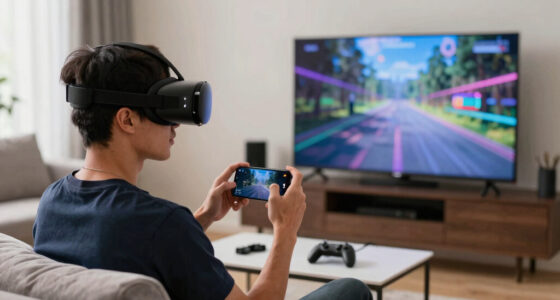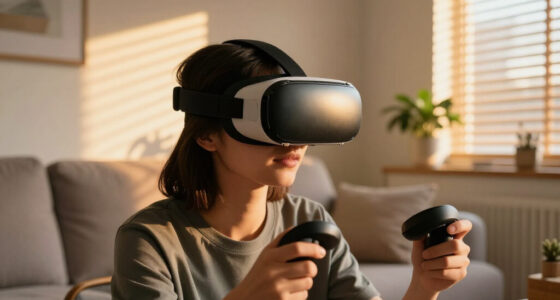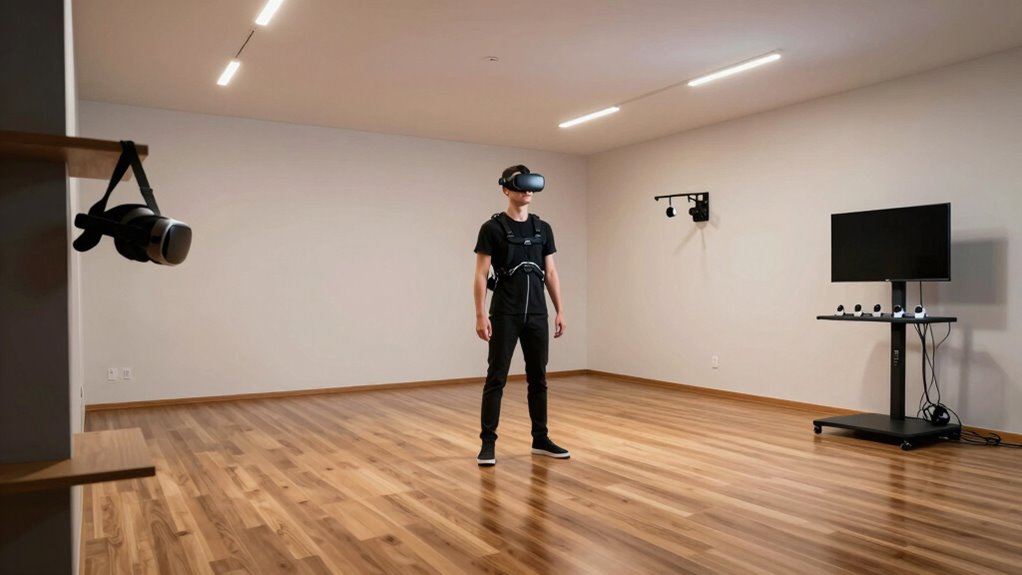
If you’ve got plenty of space and want full movement in virtual worlds, room-scale VR is your best pick, allowing you to walk, turn, and explore naturally. But if your area is limited or budget is tight, stationary VR offers immersive experiences while staying safe within a smaller spot. Deciding which fits best depends on your space, budget, and how much movement you desire. Exploring more will help you choose the perfect setup for you.

Get VR and gaming gear delivered free — and shop member deals
- Fast, free delivery on millions of items
- Access to Prime Big Deal Days deals on October 6–7
- Prime Video, Amazon Music and more included
Key Takeaways
- Room-scale VR offers full-body movement and greater immersion, ideal for spacious areas of at least 6.5×6.5 feet.
- Stationary VR suits smaller spaces or limited budgets, focusing on seated or standing experiences without extensive physical movement.
- Consider your available space and hardware budget to determine whether full-room tracking or a simpler setup is feasible.
- For active gameplay and exploration, room-scale VR provides a more natural and immersive experience.
- Stationary VR is practical for casual use, training, or environments with space constraints.
As an affiliate, we earn on qualifying purchases.
Understanding Room‑Scale VR
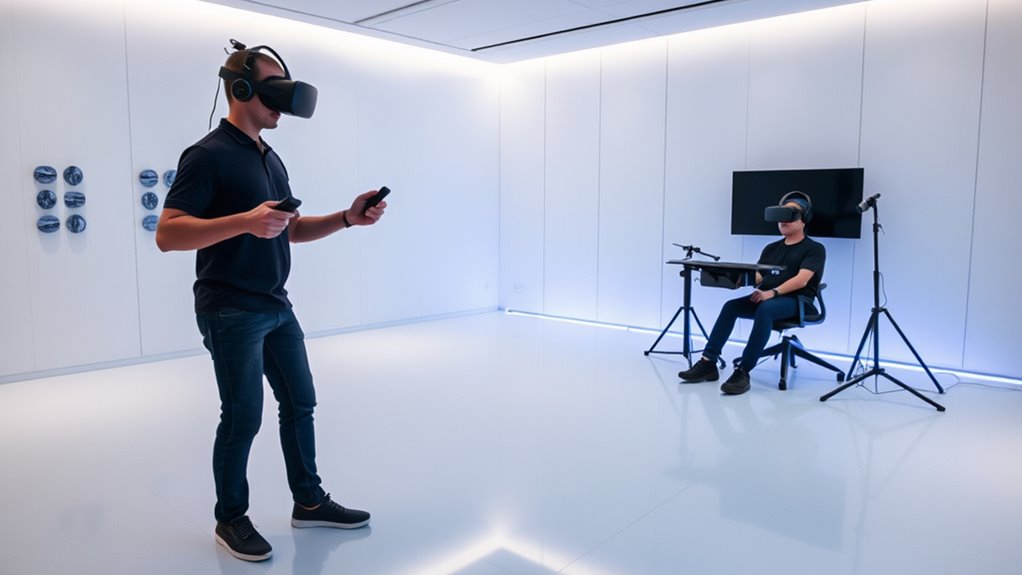
To understand room-scale VR, it’s important to recognize that this technology allows you to move freely within a designated physical space, translating your real-world movements into the virtual environment. You can walk around, lean, and turn naturally, creating a highly immersive experience. This setup uses sensors or cameras placed around the room to track your position and movements accurately. Typically, a room-scale system requires a play area of at least 6.5 feet by 6.5 feet, giving you enough space to explore comfortably. You’ll often use wireless controllers or motion-tracking devices to interact with virtual objects, making the experience more engaging. With room-scale VR, your physical movements directly influence what you see and do in the virtual world, enhancing realism and immersion. Additionally, understanding the importance of high-quality projectors can significantly improve the visual experience in a dedicated VR or gaming space. Having a spacious, well-lit environment also helps optimize the tracking accuracy for a seamless experience. Moreover, ensuring the available space is free of obstacles is crucial for safety and uninterrupted gameplay. Properly calibrating your sensors can further improve motion tracking and overall immersion, especially when combined with appropriate lighting conditions to enhance sensor performance.
As an affiliate, we earn on qualifying purchases.
Exploring Stationary VR Setup
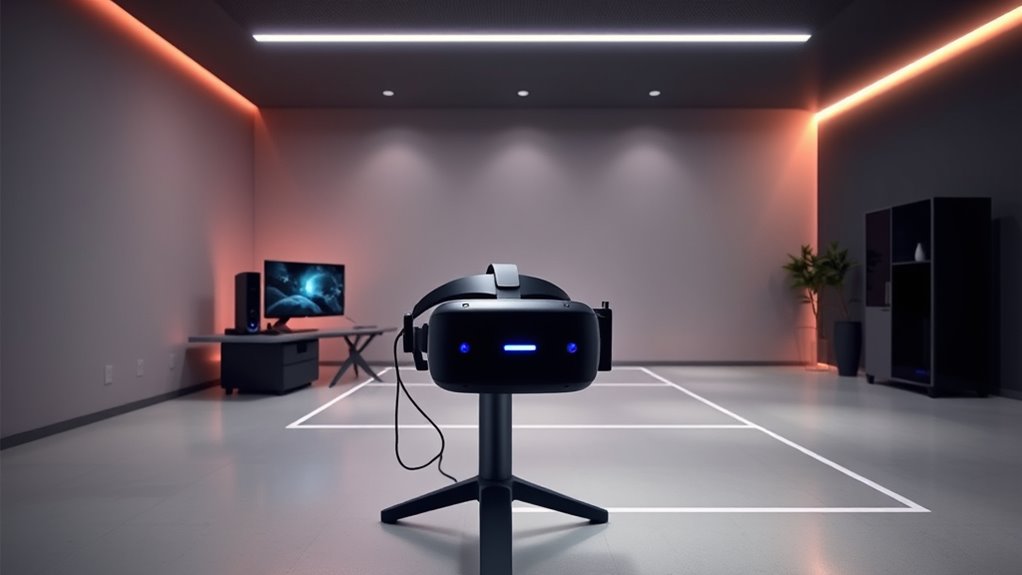
While it doesn’t require physical movement through a large space, stationary VR setups focus on immersing you in virtual environments from a fixed position. You’ll typically sit or stand in a designated area with sensors or controllers tracking your hand and head movements. This setup is ideal if you have limited space or prefer a simpler, more streamlined experience. The hardware usually includes a headset connected to a PC or console, along with controllers for interaction. Stationary VR emphasizes visual and auditory immersion, letting you explore detailed worlds without the need to move around physically. For optimal performance, understanding the tracking technology used in stationary VR can enhance your immersive experience. Additionally, incorporating local automation features can help customize your VR environment for comfort and safety, similar to how water chemistry adjustments are essential for maintaining a healthy pool environment. Being aware of space calibration can also help ensure your setup remains accurate and comfortable during extended use. Moreover, selecting the right hardware specifications can significantly impact the overall quality and responsiveness of your VR experience.
As an affiliate, we earn on qualifying purchases.
Comparing Immersion and Movement Freedom
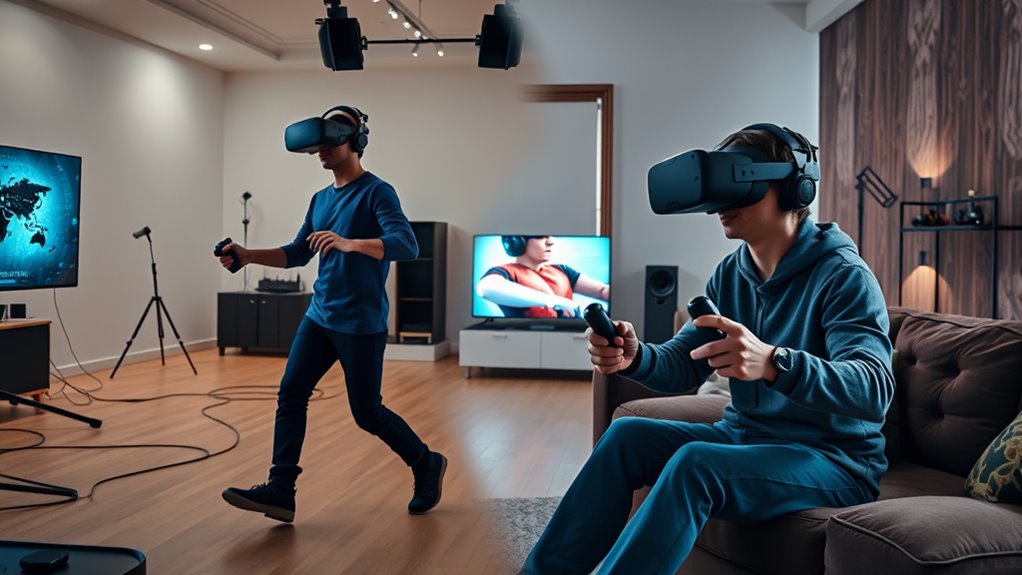
When comparing stationary and room-scale VR, the key difference lies in immersion and movement freedom. With stationary VR, you’re confined to a small area, so your experience depends heavily on virtual content rather than movement. You might feel immersed in detailed environments, but your physical movement remains limited, often just head and hand gestures. In contrast, room-scale VR offers greater freedom—allowing you to walk, turn, and explore your virtual surroundings naturally. This enhances immersion because you can physically interact with objects and navigate spaces as if you were truly inside the world. Your sense of presence grows stronger when movement aligns with what you see and do. Additionally, the tracking accuracy in VR systems can significantly impact how seamlessly your physical actions translate into the virtual environment, especially during extended play sessions. High tracking precision ensures your movements are reflected accurately, further boosting realism. The overall system setup also influences how well you can engage with room-scale VR, affecting ease of use and comfort. Proper spatial calibration is essential to maximize the effectiveness of room-scale tracking and ensure a comfortable experience. Ultimately, room-scale VR maximizes immersion by combining visual detail with physical mobility, creating a more engaging and realistic experience.
As an affiliate, we earn on qualifying purchases.
Space and Budget Considerations
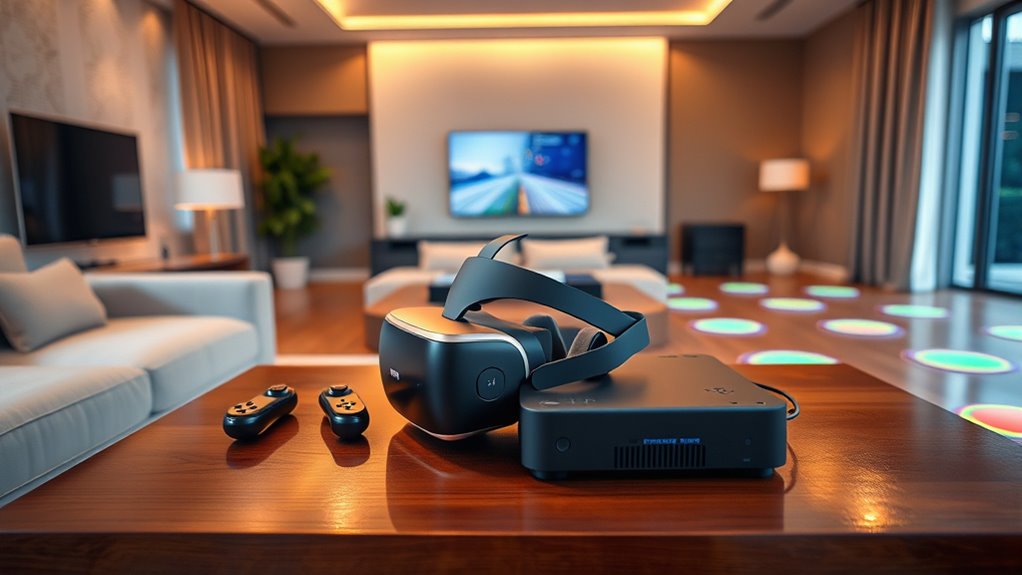
Room-scale VR setups typically require more space and a higher budget than stationary systems. You’ll need a dedicated area, ideally at least 6.5 feet by 6.5 feet, free of obstacles to move comfortably. This space allows for full-body movement and safety. The equipment costs also increase: you’ll need sensors, a more powerful PC or console, and possibly additional accessories. Additionally, space requirements are crucial to ensure safe and effective gameplay. Properly assessing available space can help prevent costly modifications later. When planning your VR setup, consider physical constraints that might limit your options and influence your choice of system. For smaller spaces or budget-conscious setups, stationary VR still provides a satisfying experience.
Tips for Choosing the Right VR Mode
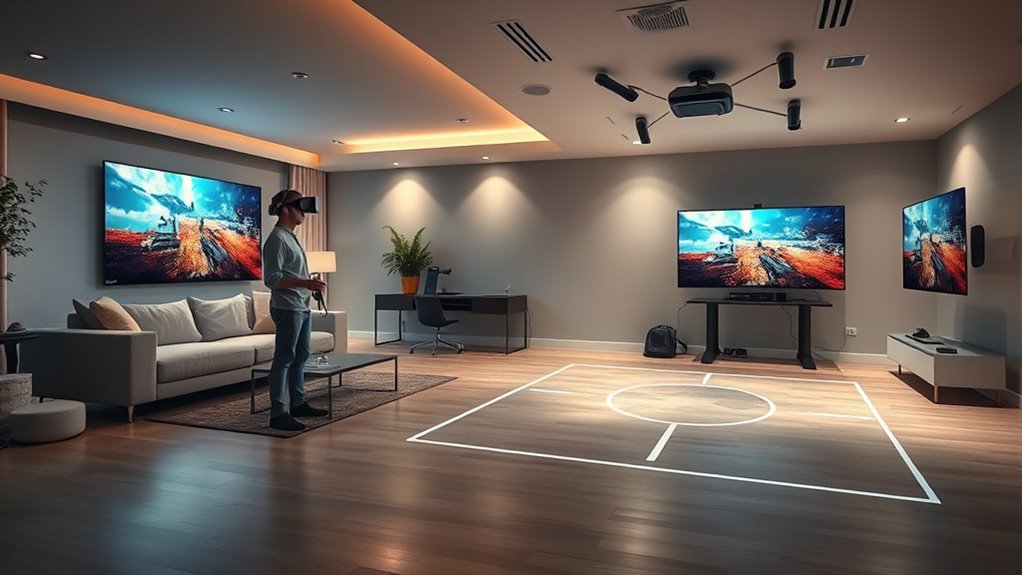
Choosing the right VR mode depends on your space, budget, and how you plan to use your system. If you have a large area and want immersive movement, room-scale VR is ideal. It offers freedom to walk around and interact naturally with the environment. However, it requires more space and a higher investment in sensors or tracking cameras. If your space is limited or you prefer a simpler setup, stationary VR might be better. It’s suitable for seated or limited-movement experiences and usually costs less. Consider your gaming or application needs—if you want full-body movement, go for room-scale. For casual or seated experiences, stationary VR suffices. Assess your environment and priorities carefully before choosing to guarantee you get the most enjoyment and functionality from your VR system. Additionally, understanding VR comfort considerations can help you select the most suitable mode for a comfortable experience. Recognizing space requirements is crucial to determine whether your environment can support a room-scale setup or if a stationary system is more appropriate. Factors like tracking accuracy and available hardware also influence which mode will work best for your specific situation. When evaluating options, also consider future scalability to ensure your VR setup can adapt as technology advances. Being aware of maintenance needs can help you keep your VR system functioning smoothly over time.
Frequently Asked Questions
Can I Switch Between Room-Scale and Stationary VR Easily?
Yes, you can switch between room-scale and stationary VR easily if your headset supports both modes. Most modern VR systems allow quick adjustments through their setup or settings menu. You might need to recalibrate or reset boundaries when switching, but it’s generally a smooth process. Just make certain your play area is clear, and follow the on-screen instructions to shift seamlessly between immersive room-scale experiences and stationary play.
How Does VR Tracking Accuracy Differ Between the Two Modes?
You’ll find that VR tracking accuracy is generally better in room-scale mode because sensors have more space to monitor your movements precisely. In stationary mode, tracking can be slightly less accurate, especially if sensors are limited or obstructed, but it’s still quite good for most experiences. Moving between modes might cause minor calibration adjustments, but overall, room-scale offers more precise tracking when you have enough space.
Are There Safety Concerns With Room-Scale VR in Small Spaces?
Yes, there are safety concerns when using room-scale VR in small spaces. You might accidentally bump into furniture, walls, or other objects, risking injury or device damage. To avoid this, clear a designated play area, use boundary systems like Guardian, and stay aware of your surroundings. Always set up your VR space carefully and remain cautious during active gameplay to prevent accidents.
What Are the Best VR Headsets for Each Setup Type?
If you’re looking for the best VR headsets, consider Oculus Quest 2 for room-scale setups because it’s wireless, portable, and offers a wide field of view. For stationary experiences, HTC Vive Pro or Valve Index are top choices, providing high-fidelity visuals and precise tracking. Don’t let space limitations hold you back—these headsets deliver immersive experiences whether you’re in a small room or a dedicated setup.
Does Room-Scale VR Require More Technical Knowledge to Set Up?
Yes, room-scale VR generally requires more technical knowledge to set up. You’ll need to calibrate sensors, guarantee your space is properly mapped, and troubleshoot potential tracking issues. It’s important to follow setup instructions carefully and sometimes adjust hardware positions. If you’re comfortable with technology and enjoy DIY projects, you’ll find it manageable. Otherwise, it might take some patience and additional research to get everything working smoothly.
Conclusion
Now that you understand the differences, weigh your space, budget, and gameplay needs. Decide if you crave the freedom of movement or prefer a simpler setup. Embrace the choice that excites you, that fuels your adventures, that transforms your gaming experience. Whether you choose room-scale or stationary VR, make it yours. Because the right mode isn’t just about tech—it’s about unblocking your imagination, igniting your passion, and creating memories that last.
Halloween Picks
halloween
As an affiliate, we earn on qualifying purchases.