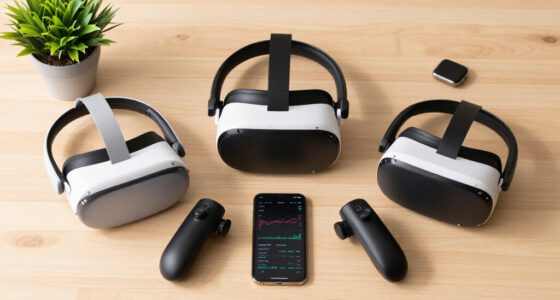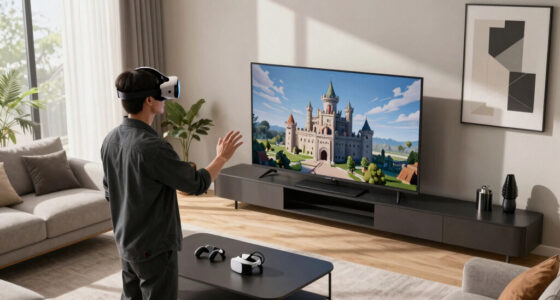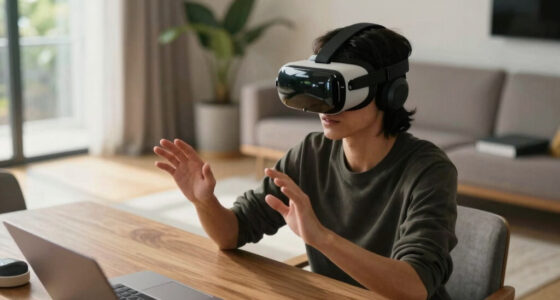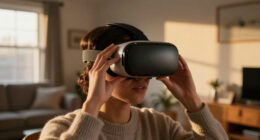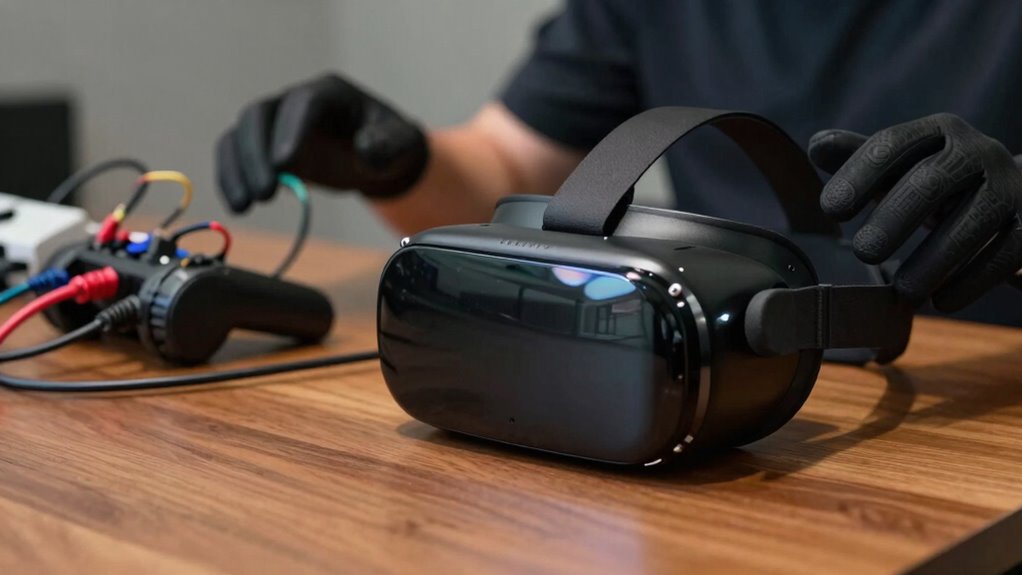

In VR, terms like haptic feedback refer to vibrations or pressure that mimic touch, making interactions feel real. Controllers and gloves deliver this sensation, bridging the gap between virtual and physical worlds. Motion sickness is a common issue caused by mismatched visual cues and inner ear signals, but strategies like better hardware and comfort adjustments help. If you want to master these concepts, exploring further will clarify how they all work together for a smoother VR experience.

Play games on Amazon Luna for your next adventure, included with Prime
- A rotating selection of games, no download needed
- Play on TV, laptop or phone
- Fast, free delivery for your gear, too
Key Takeaways
- Haptic feedback simulates touch sensations, making virtual interactions feel more realistic and tangible.
- VR controllers and gloves deliver tactile cues, bridging the gap between virtual actions and physical sensations.
- Motion sickness results from conflicting visual and inner ear signals, causing discomfort during VR use.
- Strategies like reducing movement speed and taking breaks can minimize VR-induced motion sickness.
- Hardware innovations focus on improving tracking and reducing lag to enhance comfort and reduce discomfort.
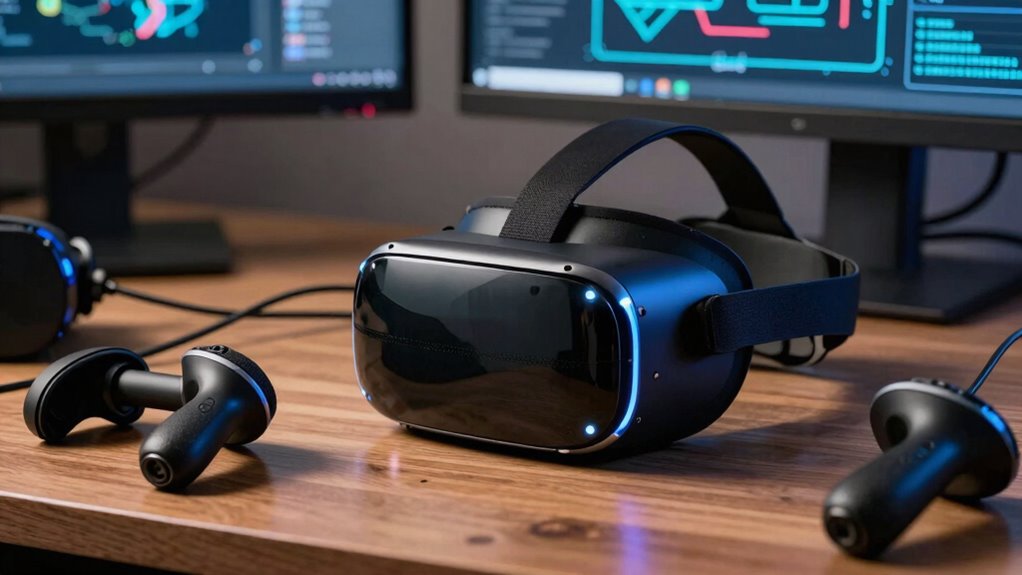
Have you ever wondered what all those terms related to virtual reality really mean? It can be overwhelming trying to keep up with the jargon, especially when some words seem to sound complicated or vague. Let’s break down a couple of common VR terms so you can better understand what’s happening when you’re immersed in a virtual world. First, consider haptic feedback. This is a fancy way of saying that your VR controllers or gloves can simulate the sensation of touch. When you pick up a virtual object or feel a virtual explosion, haptic feedback makes it feel real by vibrating or applying pressure to your hands. It’s a way to bridge the gap between visual and physical sensations, making your experience more immersive. Without it, actions in VR can feel flat or disconnected. Think of it as a way your hardware communicates with you, providing tactile cues that enhance realism and interaction. haptic feedback helps to create a more convincing and engaging environment, further blurring the line between virtual and real experiences.
Now, on the flip side, many people encounter motion sickness in VR. This isn’t a new phenomenon, but it’s a common obstacle that can ruin an otherwise great experience. Motion sickness in VR happens because your eyes see movement, but your inner ear, which helps regulate balance, doesn’t feel the same motion. This sensory conflict confuses your brain, leading to nausea, dizziness, or discomfort. To combat this, developers often include options like static cameras, comfort settings, or reduced movement speeds to lessen the chances of motion sickness. As a user, you can also take precautions, like taking breaks, ensuring your headset fits properly, or gradually increasing your VR exposure to build tolerance. Recognizing the importance of user comfort and understanding how hardware innovations aim to improve tracking accuracy can help you troubleshoot and enjoy VR without feeling queasy. These improvements are designed to minimize motion sickness by reducing lag and enhancing overall experience quality, making VR more accessible and enjoyable. Knowing these factors is essential for a safer and more enjoyable VR session.
In essence, these terms—haptic feedback and motion sickness—are about making your virtual experience more tangible and comfortable. Haptic feedback aims to make sensations more realistic, heightening immersion, while understanding motion sickness equips you with strategies to prevent or reduce discomfort. Both are vital in creating a balanced VR environment that’s engaging yet manageable. So, next time you hear these words, you’ll know exactly what they mean and how they influence your virtual adventures. VR isn’t just about visuals; it’s about feeling, balancing, and interacting seamlessly. Grasping these concepts can make your VR experiences more enjoyable, safe, and truly immersive.
As an affiliate, we earn on qualifying purchases.
Frequently Asked Questions
How Do VR Headsets Impact Eye Health Long-Term?
VR headsets can cause eye strain and vision fatigue if used excessively or without breaks. You might notice blurred vision, headaches, or discomfort after long sessions. To protect your eye health, take regular breaks, follow the 20-20-20 rule (look at something 20 feet away for 20 seconds), and make sure your headset is properly fitted. Limiting continuous use helps reduce long-term risks and keeps your eyes comfortable.
What Is the Difference Between VR and AR?
VR creates a fully immersive experience, blocking out your surroundings, while AR blends digital elements with the real world. Notably, a 2022 study found 78% of users prefer AR for practical tasks, blending virtual immersion with real-world awareness. So, VR transports you entirely into a digital space, perfect for gaming or simulations, whereas AR enhances your environment, making it ideal for navigation, training, or interactive experiences that keep you connected to reality.
Can VR Cause Motion Sickness Permanently?
VR can cause motion sickness temporarily, but it doesn’t usually lead to permanent issues if you take proper motion sickness prevention measures. To avoid lasting effects, limit your VR sessions, take regular breaks, and practice eye strain mitigation techniques like adjusting headset fit and screen brightness. If you experience persistent discomfort or symptoms, consult a healthcare professional to prevent potential long-term effects.
Are There Age Restrictions for VR Device Use?
Yes, there are age restrictions for VR device use. Parental guidelines recommend that children under a certain age, often around 12 or 13, avoid VR to prevent potential eye or developmental issues. Manufacturers usually require age verification during setup to confirm compliance. It’s important you follow these guidelines and monitor younger users closely, as VR can be intense and may not be suitable for all ages.
How Does Haptic Feedback Enhance Virtual Experiences?
Haptic feedback boosts your virtual experience by providing tactile immersion, making you feel like you’re truly touching or interacting with virtual objects. It enhances sensory realism by simulating textures, vibrations, or forces, which deepens your connection to the environment. When you feel the feedback, it’s easier to stay engaged and immersed, creating a more authentic and convincing virtual experience that feels remarkably real through touch.
As an affiliate, we earn on qualifying purchases.
Conclusion
So, now that you’ve navigated the maze of VR terms, you’re better equipped to plunge into the virtual world without feeling like you’re deciphering an ancient scroll. Remember, understanding these terms is like having a pocket-sized DeLorean—you’ll get where you need to go faster and with less confusion. As you explore, keep your curiosity alive and don’t be afraid to ask questions. After all, even the most seasoned explorers started with a little help from a glossary or two.
VR motion sickness relief accessories
As an affiliate, we earn on qualifying purchases.
As an affiliate, we earn on qualifying purchases.
As an affiliate, we earn on qualifying purchases.
Fall Picks
fall essentials
As an affiliate, we earn on qualifying purchases.