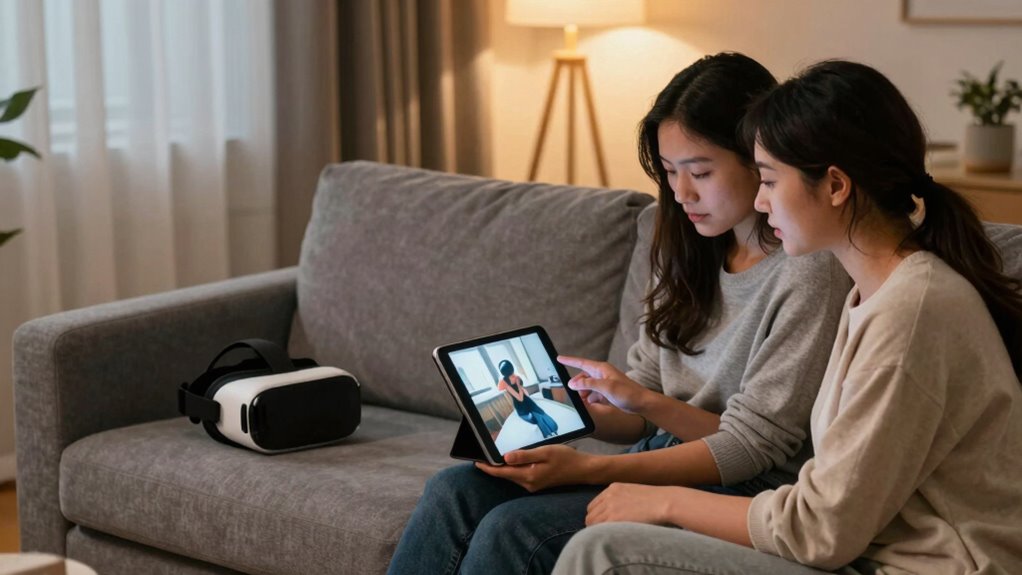

To share VR photos or videos with your partner without oversharing, start by using privacy settings and secure sharing features like private view modes or secure links. Communicate with your partner beforehand to make certain both are comfortable and respect boundaries. Use adjustable headsets to make sharing a smooth experience and avoid discomfort. By taking these careful steps, you’ll find a balance that keeps your digital intimacy safe and enjoyable—more tips await if you keep exploring.
Key Takeaways
- Use privacy settings and secure links to restrict access and prevent unintended sharing.
- Communicate with your partner about comfort levels and boundaries beforehand.
- Share content during meaningful moments to keep the experience personal and intentional.
- Ensure VR headsets are comfortable and lightweight to maintain focus and avoid distractions.
- Utilize private viewing modes or secure platforms to control who can see your VR media.
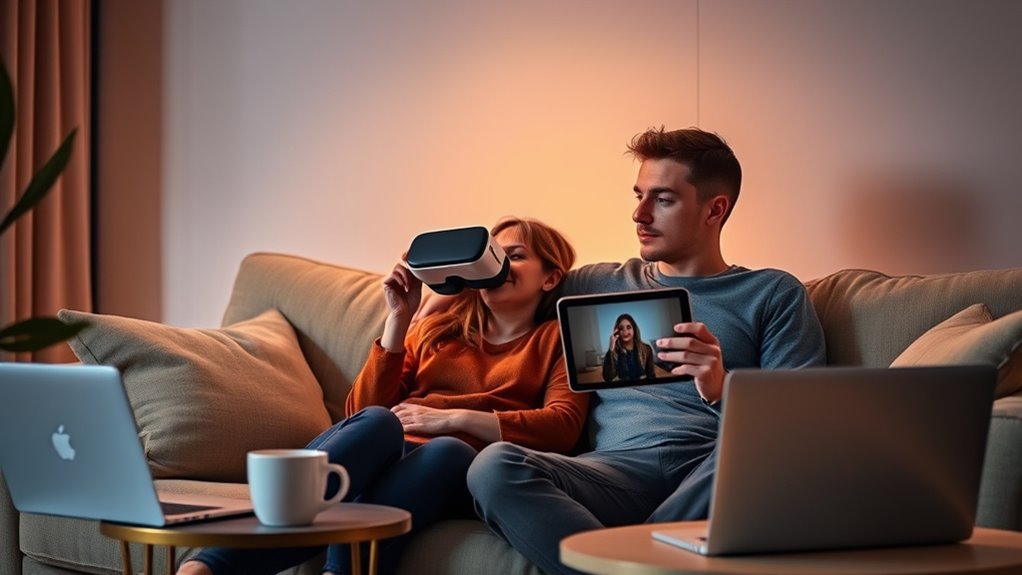
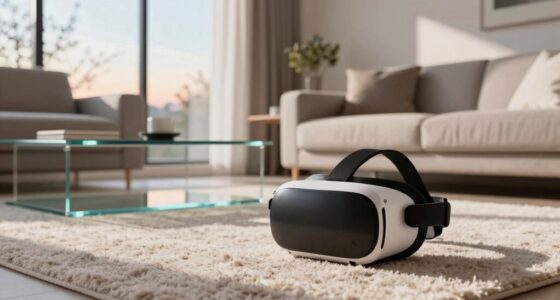
Sharing VR photos and videos with a partner can deepen your connection by allowing both of you to experience immersive moments together. It’s a powerful way to bond over shared adventures, whether you’re exploring a new city or reliving a special event. But to make this sharing meaningful and comfortable, you need to consider how you do it. The first step is ensuring your VR headset comfort is a priority. If your headset isn’t comfortable, it becomes a distraction rather than a way to connect. Look for one with adjustable straps, cushioned padding, and lightweight design. When both of you feel physically at ease, you’re more likely to enjoy the experience fully and focus on the content you’re sharing. Comfortable headsets prevent discomfort that could hinder your ability to engage with the immersive media, making the process smoother and more enjoyable.
Prioritize comfort with adjustable, cushioned VR headsets for a more immersive, enjoyable sharing experience.
Alongside comfort, privacy settings play a vital role in sharing VR content responsibly. Before you send any photos or videos, double-check your device’s privacy options. Many VR platforms and apps offer settings that control who can view or access your shared media. Use these settings to restrict access to just your partner. This way, you avoid unintended sharing or exposure to others, which is especially important if the content is personal or sensitive. Secure privacy settings give you peace of mind, knowing that your shared moments remain between you and your partner. They also help set boundaries and prevent potential misunderstandings or oversharing that could damage trust.
When sharing VR photos and videos, you should also consider the context and timing. Don’t just send content randomly; instead, select moments that are meaningful or special. This prevents oversharing and keeps your shared experiences intimate. Always ask for your partner’s comfort level with the content before sharing, and respect their boundaries if they’re hesitant. It’s essential to communicate openly about what you’re comfortable sharing and what you’d prefer to keep private. Remember, VR allows for incredibly immersive and personal experiences, so handling this sharing thoughtfully ensures it remains a positive and enriching activity. Additionally, understanding the importance of privacy management helps you maintain control over your shared media and foster trust.
Finally, take advantage of features like private viewing modes or secure links if available. These tools give you control over how and when your partner accesses the media. By combining attention to VR headset comfort, carefully managing privacy settings, and respecting boundaries, you can share VR photos and videos without oversharing. This balanced approach keeps your digital intimacy safe, meaningful, and enjoyable for both of you.

Kawaye for Meta Quest 3S/Quest 2/Quest 3 Head Strap, Double Knobs Adjustable Elite Strap Replacement,VR Headset Strap with Two Large Support Pad Enhanced Support, Reduce Pressure
- Adjustable Dual Straps: Customizable fit with dual knobs
- Even Weight Distribution: Reduces facial pressure for comfort
- Fits Various Head Sizes: Suitable for children and adults
As an affiliate, we earn on qualifying purchases.
As an affiliate, we earn on qualifying purchases.
Frequently Asked Questions
How Can I Ensure My VR Content Remains Private?
You can keep your VR content private by adjusting your device’s privacy settings to restrict access. Use encryption methods to protect your files, ensuring only authorized people can view them. Regularly update your software to enhance security. Avoid sharing links or files through insecure channels. By managing privacy settings and employing strong encryption, you maintain control over who sees your VR photos and videos, keeping your content secure.
What Are the Best Apps for Sharing VR Files Securely?
Think of sharing VR files like passing a secret message through a locked box. Apps like Dropbox and Google Drive offer cloud storage, making your files accessible yet manageable. For added security, enable file encryption features or use dedicated secure sharing apps like Tresorit or Sync. These tools act as digital safes, ensuring your VR photos and videos stay private while you share them confidently with your partner.
How Do I Control Access to Shared VR Media?
You control access to shared VR media by adjusting privacy settings and access controls on the platform or app you use. Set permissions to limit who can view or download your content, and consider creating private links or password-protected galleries. Regularly review these settings to guarantee only trusted individuals have access, helping you share your VR photos and videos without oversharing or risking unwanted exposure.
Can I Share VR Experiences Anonymously?
Yes, you can share VR experiences anonymously. By leveraging VR privacy settings, you can keep your identity under wraps while sharing. Use anonymous sharing options, avoid linking personal details, and choose platforms that prioritize privacy. This way, you preserve your privacy, protect personal info, and enjoy sharing immersive moments without revealing who you are. Protect your persona, preserve your privacy, and enjoy VR experiences without revealing your real identity.
What Are the Risks of Oversharing VR Content?
Oversharing VR content can lead to privacy concerns, exposing personal details you might not want others to see. It also risks crossing emotional boundaries, making your partner uncomfortable or feeling overwhelmed. To protect yourself, be mindful of what you share, consider your comfort level, and set clear limits. Keeping control over your VR content guarantees you maintain privacy and emotional safety while sharing experiences responsibly.
As an affiliate, we earn on qualifying purchases.
Conclusion
Sharing VR photos and videos with your partner can deepen your connection without oversharing. Think of it like a visual conversation—each shared moment builds trust and understanding. To make it work, set boundaries and choose meaningful content. Visualize your relationship as a gallery, where each piece reflects trust and respect. By carefully curating what you share, you’ll strengthen your bond while keeping your privacy intact, turning VR sharing into a thoughtful, intimate experience.
secure VR media sharing platform
As an affiliate, we earn on qualifying purchases.
As an affiliate, we earn on qualifying purchases.

VR Headset 3D VR Glasses Universal Virtual Reality Goggles Support 360°Panorama Large Screen An-ti Bluelight Adjustable Pupil Distance Eye Protection VR Goggles for Movies Games Gift for Kids Adults
- Supports Myopia Users: Designed to reduce eye fatigue for myopia users
- Immersive 360° VR Experience: Provides panoramic view for immersive entertainment
- Adjustable Pupil Distance: Customizable for clear, comfortable viewing
As an affiliate, we earn on qualifying purchases.
As an affiliate, we earn on qualifying purchases.