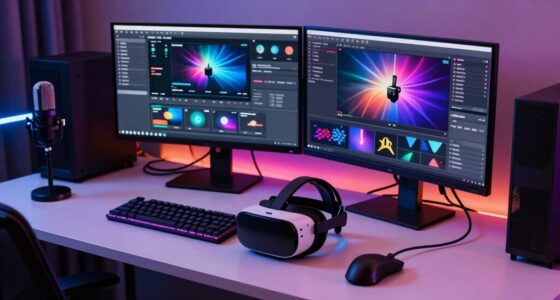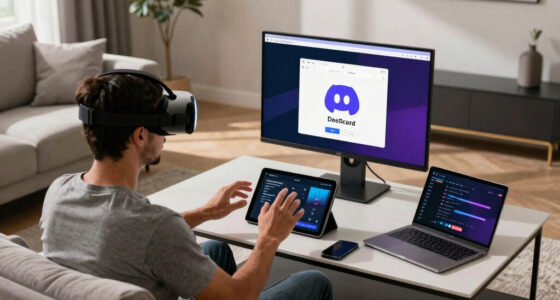
To make your VR setup more reliable at home, focus on optimizing your wireless network by upgrading to a Wi-Fi 6 router and positioning it centrally away from interference sources. Use a dedicated 5GHz network for VR devices and consider deploying a mesh system for better coverage. Keep your hardware up-to-date, organize cables, and clear your play area of obstacles. For tips on creating a smooth experience, you’ll find helpful insights as you explore further.

Play games on Amazon Luna for your next adventure, included with Prime
- A rotating selection of games, no download needed
- Play on TV, laptop or phone
- Fast, free delivery for your gear, too
Key Takeaways
- Upgrade to a Wi-Fi 6 router and position it centrally to ensure fast, stable wireless connectivity.
- Use dedicated 5GHz networks and consider a mesh system to extend reliable coverage throughout the space.
- Regularly update hardware firmware and perform maintenance to prevent performance issues and hardware failures.
- Clear the play area of obstacles and interference sources for optimal sensor tracking and minimal disruptions.
- Organize cables and power sources to prevent disconnections and maintain a clutter-free, stable setup.
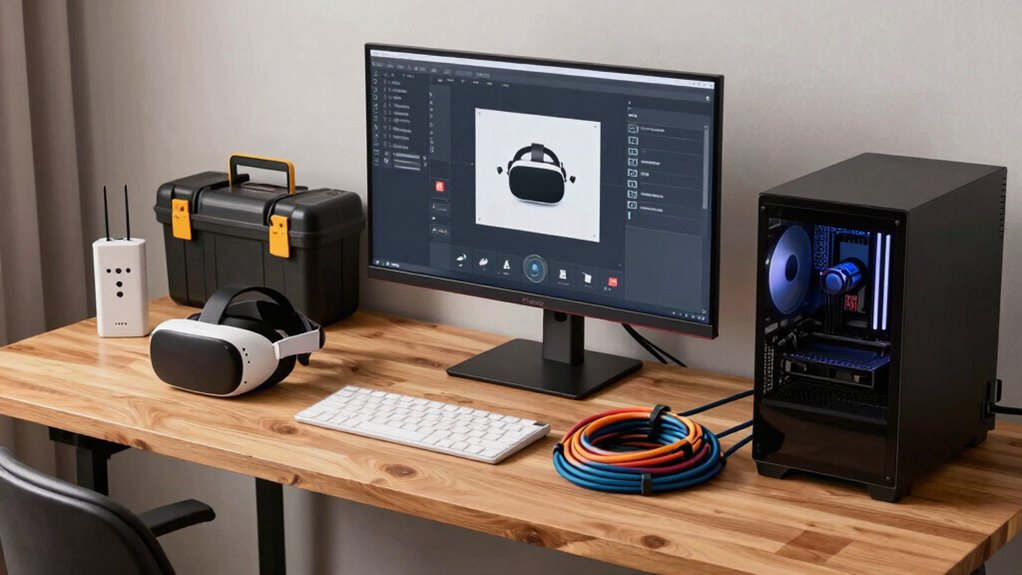
Setting up a reliable VR content system at home can considerably enhance your immersive experience, but it requires careful planning and attention to detail. One of the most critical aspects is ensuring stable wireless connectivity. A strong, uninterrupted connection allows you to move freely without lag or disconnections, which can break immersion and cause frustration. To achieve this, invest in a high-quality Wi-Fi router that supports the latest standards like Wi-Fi 6, which offers faster speeds and better range. Position the router centrally in your home, away from thick walls and electronic interference, to maximize signal strength. Consider using a dedicated 5GHz network for your VR device, as it’s less congested and provides faster data transfer. If your Wi-Fi struggles to keep up, adding a mesh network system can help extend coverage evenly across your space, ensuring a seamless experience no matter where you move. Regularly checking your network’s signal strength can help you identify and resolve connectivity issues before they impact your VR sessions. Implementing proper network configuration can further optimize your connection, reducing lag and improving overall stability. Additionally, being aware of potential sources of wireless interference in your environment can prevent unexpected disruptions during your VR sessions. Maintaining a clean and organized network environment also minimizes the risk of signal disruptions caused by interference from other devices or clutter. Understanding the latest wireless standards can help you choose the best equipment to future-proof your setup.
Hardware upgrades are equally important to maintain a reliable VR setup. Over time, older hardware can become a bottleneck, causing latency issues or degraded graphics quality. Upgrading your VR headset’s sensors or controllers can improve tracking accuracy, making your movements feel more natural and responsive. Also, updating your PC’s graphics card, RAM, and processor can significantly boost performance, reducing lag and enhancing image clarity. Sometimes, even simple improvements like replacing worn-out cables with high-quality, low-latency alternatives can make a noticeable difference. Keep an eye on firmware updates for your hardware, as manufacturers often release patches that fix bugs or improve compatibility, ensuring your system runs smoothly.
In addition, managing your environment can prevent many common issues. Clear the play area of obstacles or reflective surfaces that might interfere with sensors. Use dedicated power strips to prevent voltage drops that could disrupt your devices, and keep cables organized to avoid accidental disconnections. Regularly restarting your router and VR hardware can also resolve minor glitches, maintaining optimal performance. By combining reliable wireless connectivity with strategic hardware upgrades, you create a more stable foundation for your VR experiences. This not only minimizes technical interruptions but also maximizes immersion, allowing you to enjoy your virtual worlds without constant troubleshooting. With a bit of planning and the right investments, you’ll enjoy a smoother, more reliable VR experience at home that keeps you fully immersed and ready for whatever virtual adventure awaits.
Products Worth Considering

LG UltraGear 32GS60QC-B 32-inch Curved QHD Gaming Monitor (180Hz, 1ms, 1000R, AMD FreeSync, HDR10)

Jackery Explorer 300 Portable Power Station, 292Wh

LG UltraGear 32GX850A-B 32-inch 4K UHD Glossy OLED Gaming Monitor
As an affiliate, we earn on qualifying purchases.
Frequently Asked Questions
How Often Should I Update My VR Software and Firmware?
You should update your VR hardware’s firmware and software at least every few months to guarantee peak performance. Regular updates improve software compatibility, fix bugs, and add new features, keeping your VR experience smooth and reliable. Check for updates frequently through the manufacturer’s app or website. Staying current with updates minimizes crashes and glitches, ensuring your hardware stays compatible with the latest VR content and enhances your overall experience.
What Are the Best Storage Options for VR Content?
A place for everything, and everything in its place—this applies to your VR content storage. For ideal storage options, consider SSDs for faster access, external drives for expansion, or NAS systems for centralized storage. Focus on storage enhancement and content organization to keep your library manageable and easily accessible. Regular backups and clear folder structures help prevent data loss and streamline your VR experience, making setup smoother and more reliable.
Can I Use Wireless Accessories for a More Reliable Setup?
Yes, you can use wireless accessories for a more reliable setup, especially if they offer strong wireless connectivity. Look for accessories that are compatible with your VR headset to guarantee seamless integration. Wireless options reduce cable clutter, but make sure they have reliable connections to prevent lag or disconnections. Always verify accessory compatibility with your device to avoid any compatibility issues that could affect your VR experience.
How Do I Troubleshoot Audio Issues in VR?
Did you know that poor audio calibration is a common cause of VR audio issues? To troubleshoot, first check your headset positioning, ensuring it’s snug and correctly aligned. Then, adjust the audio calibration settings in your VR software or device menu. Make sure your headphones are securely connected and test with different apps. If issues persist, update your drivers or restart your headset to resolve potential software conflicts.
What Safety Precautions Should I Follow During Prolonged VR Use?
During prolonged VR use, you should prioritize safety by managing cables properly to prevent tripping hazards, ensuring they’re neatly secured and out of your way. Use safety alarms or alerts to remind you to take breaks, reducing eye strain and physical fatigue. Regularly check your VR area for obstacles, and keep a clear, well-lit space. Always listen to your body, and avoid overexertion to maintain a safe and enjoyable experience.
Conclusion
So, there you have it—your foolproof plan to turn your VR setup into an unwavering fortress of reliability. Just remember, if your headset suddenly decides to develop a mind of its own or your cables rebel, you’ve got the secrets to tame them. After all, who needs a perfectly functioning VR experience when you can chuckle at the chaos? Just sit back, embrace the unpredictability, and let your home VR setup keep you on your toes—literally.