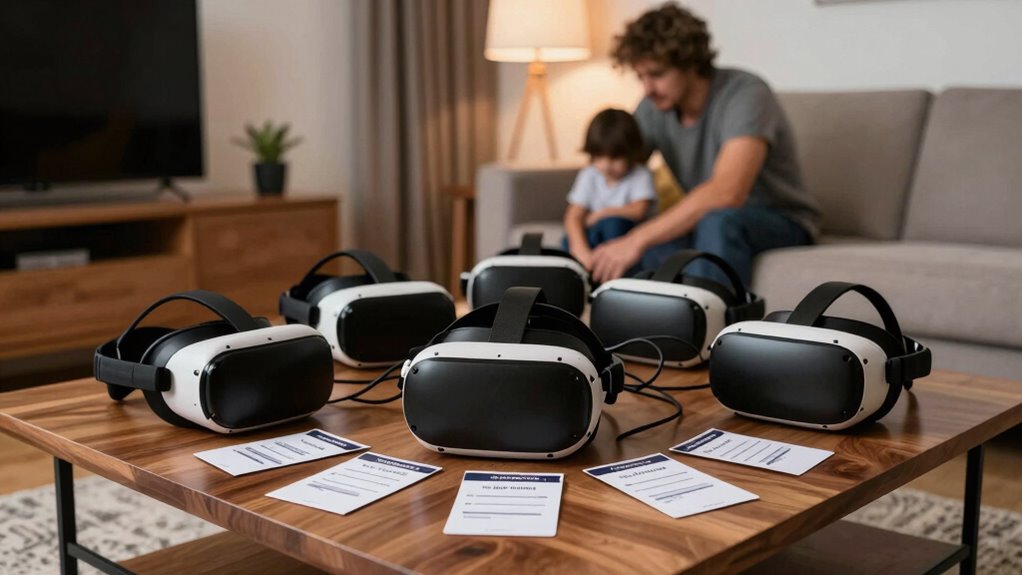

Managing multiple VR accounts in your household can feel overwhelming, but organizing login details and setting up individual profiles can make it easier. Use password managers or shared documents to keep credentials secure and create a system to track who owns each account. Regularly update passwords and review privacy settings to guarantee security. With these strategies, you can create a safer, smoother VR experience for everyone—learn more about simplifying your VR account management below.
Key Takeaways
- Use a password manager to securely store and organize multiple VR account credentials for easy access.
- Create separate profiles within the VR system to personalize settings and restrict access.
- Maintain a household log or document tracking account ownership, login details, and access rights.
- Regularly update passwords and review privacy settings to enhance security and manage accounts effectively.
- Establish household policies on account sharing and privacy to prevent confusion and unauthorized access.
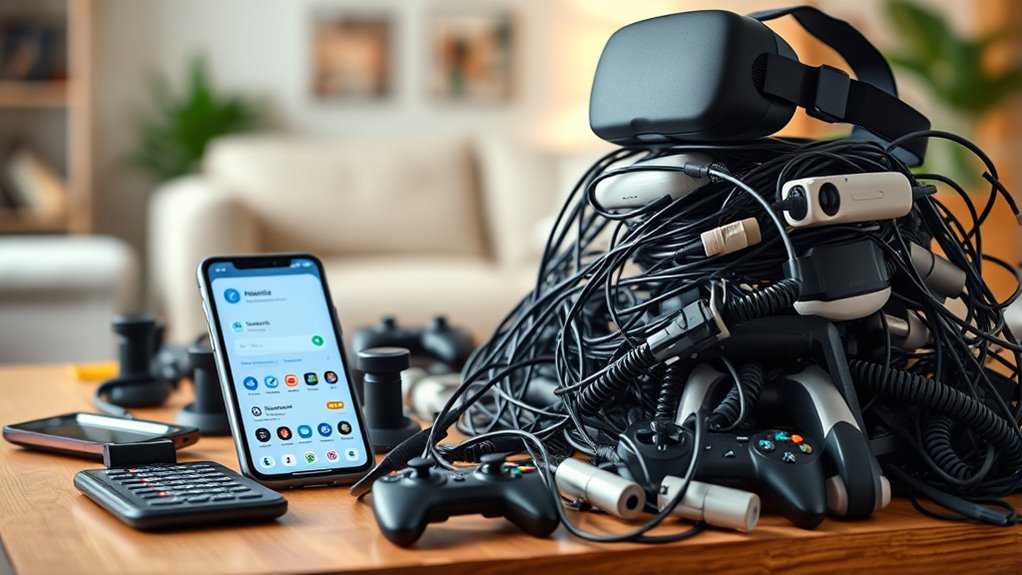
Managing multiple virtual reality accounts can quickly become overwhelming for households, especially when each family member has their own login. It’s easy to lose track of which account belongs to whom, leading to confusion and frustration. Effective account management becomes essential to keep things organized and ensure everyone can access their favorite VR experiences without hassle. You need a system that simplifies login processes, reduces the risk of accidental logouts, and maintains a clear overview of who owns which account. Creating a shared document or password manager can help you keep track of login credentials securely, so you’re not constantly trying to remember or search for passwords. This way, managing multiple accounts becomes less stressful and more streamlined, freeing up time for actual VR enjoyment instead of troubleshooting login issues.
Simplify VR account management with secure logs and shared documents to reduce stress and prevent confusion.
However, as you juggle various accounts, privacy concerns inevitably come into play. You want to protect each family member’s personal data and gaming history without exposing sensitive information to others in the household. Setting up individual profiles within the VR platform can help address this, allowing each user to have their own space with customized settings and privacy controls. It’s also vital to establish clear boundaries about shared information, such as payment details or personal preferences, to prevent accidental disclosures. Using strong, unique passwords for each account adds an extra layer of security, minimizing the risk of unauthorized access. If your VR system supports multi-user login options, take advantage of those features to separate each family member’s data securely. Additionally, understanding the importance of color accuracy in visual experiences can enhance how immersive and realistic your VR sessions feel, making the overall experience more enjoyable.
Another essential aspect of managing multiple VR accounts involves regularly updating passwords and reviewing privacy settings. This practice ensures that your household remains protected against potential breaches and that each user’s privacy preferences are respected. Communicate openly with your family about the importance of maintaining privacy, especially if minors are involved. Encourage everyone to understand the importance of not sharing login details and to recognize signs of suspicious activity. By proactively managing account security and privacy, you prevent potential issues before they arise, creating a safer VR environment for everyone.
Ultimately, balancing account management with privacy concerns can seem formidable at first, but with a systematic approach, it becomes manageable. Keep track of login details securely, set up individual profiles, and educate your family members about privacy best practices. This way, everyone can enjoy VR experiences without the headache of lost passwords or privacy breaches, making your household’s virtual reality use smooth, safe, and enjoyable.
Frequently Asked Questions
How Can I Securely Share VR Account Access Among Family Members?
You can securely share VR account access among family members by setting up an account hierarchy with clear permissions. Use password sharing carefully, ideally through a password manager to keep credentials safe. Assign different access levels based on each person’s needs, preventing unauthorized changes. Regularly update passwords and avoid sharing login details via insecure methods. This way, everyone gets access while maintaining security and control over your VR accounts.
What Are the Best Tools for Managing Multiple VR Logins?
You should use login management tools like LastPass or Dashlane to handle multiple VR logins efficiently. These tools help with account consolidation, securely storing your usernames and passwords in one place. They offer easy sharing options for family members while maintaining security. By using login management tools, you facilitate access, prevent password fatigue, and ensure everyone can enjoy VR experiences without hassle or security risks.
How Do I Prevent Accidental Account Deletions or Errors?
To prevent accidental account deletions or errors, always verify your account details before making changes. Enable account verification features like two-factor authentication and double-check login credentials. Use error prevention tools such as confirmation prompts for deletions and changes, and regularly back up your information. Staying vigilant and cautious guarantees you avoid costly mistakes, keeping your VR accounts safe and well-organized.
Are There Parental Controls for Managing Children’s VR Accounts?
Yes, parental controls help you manage your children’s VR accounts, enhancing child safety. You can set restrictions, monitor digital activity, and limit access to certain apps or content. These controls give you peace of mind by allowing you to oversee your child’s VR experience, ensuring they stay safe while exploring virtual worlds. Regularly update and review these settings to maintain effective digital monitoring and protect your child’s online environment.
How Can I Recover Lost or Forgotten VR Login Credentials?
If you’ve lost or forgotten your VR login credentials, start with password recovery options provided by your VR platform. Visit the login page and click on “Forgot Password” to receive a reset link via email. To prevent future issues, implement credential management by storing passwords securely in a password manager. This way, you can easily access your VR accounts when needed and keep track of multiple logins efficiently.
Conclusion
Imagine trying to find your keys in a cluttered drawer—frustrating and time-consuming. That’s exactly what managing multiple VR accounts feels like. By organizing logins with shared passwords or a password manager, you simplify the chaos and reclaim your time. Just like decluttering your space, streamlining your accounts makes your household VR experience smoother and more enjoyable. Don’t let account chaos keep you from diving into virtual worlds—take control today.