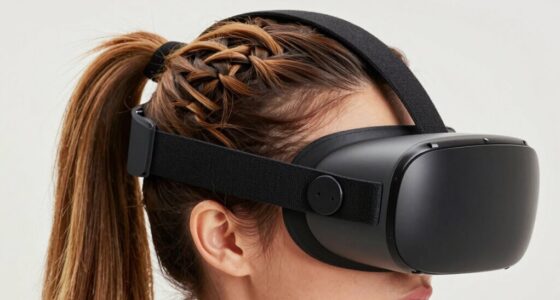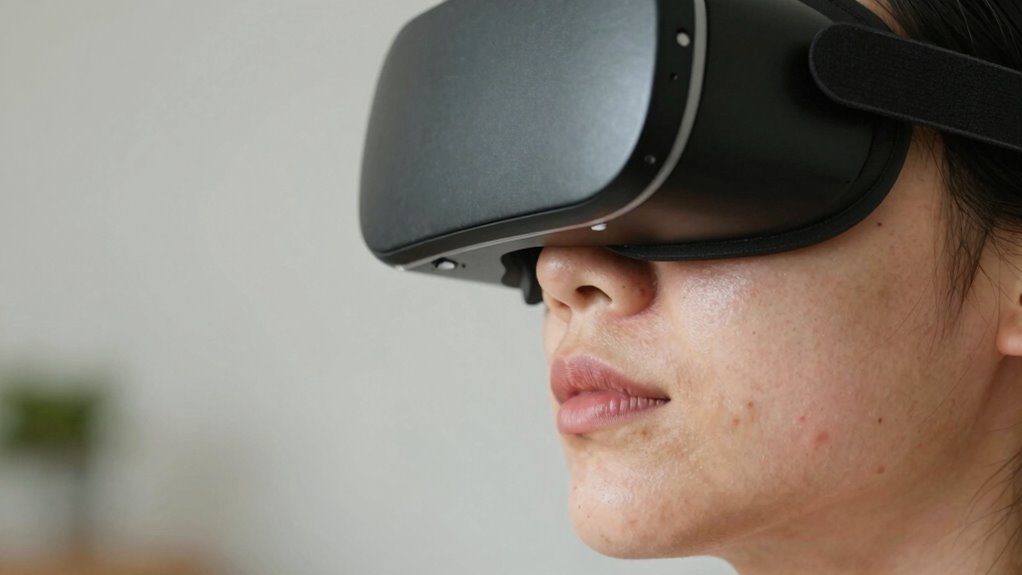

To reduce VR headset red marks, start by adjusting your headset for a snug but comfortable fit, ensuring even pressure across your face. Use padding or foam inserts to soften contact points and apply moisturizer beforehand to protect your skin. Take regular breaks to relieve pressure and stretch your face and eyes. Opt for lightweight, ergonomic models with adjustable straps, and make sure to position the device correctly. Keep your headset clean and explore additional tips to keep your skin comfortable.
Key Takeaways
- Ensure a proper, snug but comfortable fit by adjusting straps and leveling the headset to distribute pressure evenly.
- Use soft, breathable padding or foam inserts to cushion contact points and reduce skin irritation.
- Apply a lightweight moisturizer or barrier cream before use to minimize friction and skin redness.
- Take regular breaks every 20-30 minutes to relieve pressure, relax facial muscles, and prevent red marks.
- Regularly recheck and tweak the headset fit during use to avoid excessive tightness and uneven pressure.
Adjust the Fit of Your VR Headset
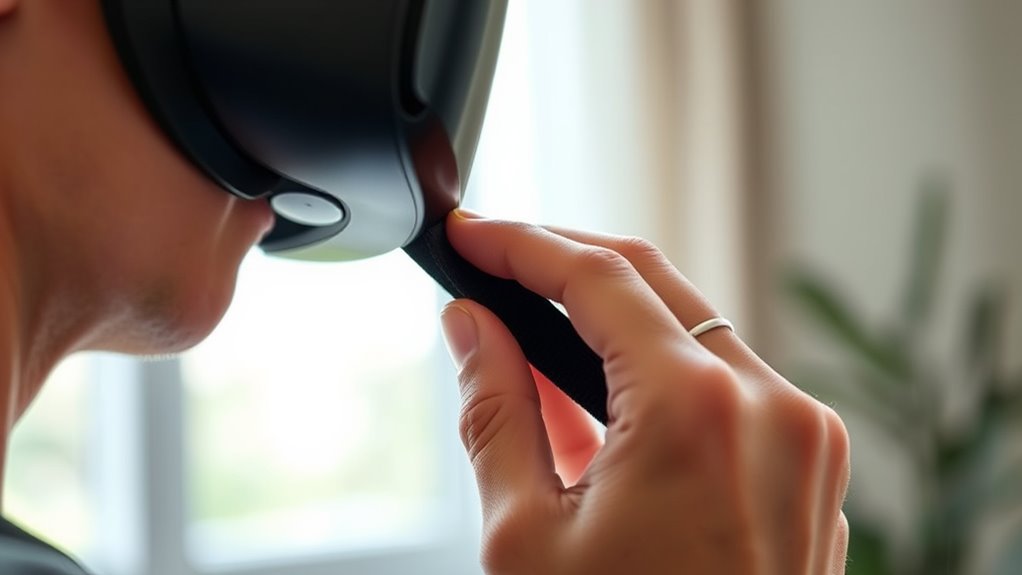
To minimize red marks, start by adjusting the fit of your VR headset so it sits comfortably on your face. Make sure the straps are not too tight, as excessive pressure causes indentation and irritation. Loosen the straps gradually until the headset feels snug but not tight, allowing even weight distribution across your face. Check that the device isn’t pressing on sensitive areas like your cheeks or forehead. Position the headset so the lenses are aligned with your eyes and the display is centered. If it feels uneven or causes discomfort, tweak the straps and the positioning until it rests securely without feeling constrictive. A proper fit ensures minimal pressure points and helps prevent those unwanted red marks after your VR session. Additionally, ensuring your fit is correct can improve overall comfort and reduce skin irritation. Adjusting the pressure distribution can further enhance comfort and prevent marks from forming, especially when you understand how proper fitting techniques impact skin health. Regularly check the fit and make adjustments as needed can help prevent discomfort and skin issues during extended use.
Use Padding or Foam Inserts for Comfort

Adding padding or foam inserts can substantially boost comfort and reduce red marks during VR sessions. These inserts create a softer barrier between your face and the headset, distributing pressure evenly and preventing spots of excessive force. You can customize the fit and comfort by choosing different materials or thicknesses. For example, gel pads, memory foam, or fabric-lined foam can be be effective options. Incorporating cleaning and maintenance tips for your inserts can also prolong their lifespan and ensure a more hygienic experience. Using ventilation considerations to keep your headset and padding dry can further enhance comfort and reduce skin irritation over time. Additionally, selecting appropriate materials that wick away moisture can help maintain a comfortable and irritation-free experience. Considering personal growth and transformation, such as developing resilience and self-care habits, can also improve overall comfort during extended use. Ensuring proper airflow and ventilation can prevent sweating buildup, minimizing skin irritation and discomfort.
Take Regular Breaks During VR Sessions

Taking regular breaks during your VR sessions helps reduce pressure on your skin and eyes. Schedule short intervals to rest and practice eye exercises to prevent strain. These simple steps can make a big difference in minimizing red marks and discomfort. Incorporating proper ergonomics into your VR setup can further enhance comfort and reduce skin irritation. Additionally, paying attention to device fit ensures the headset sits comfortably without excessive pressure on sensitive areas. Being mindful of pressure points can also help prevent prolonged discomfort and skin marks. Practicing proper positioning can further distribute pressure evenly and improve overall comfort during extended use. Furthermore, adjusting the strapping system properly can help alleviate localized pressure and improve overall headset stability.
Schedule Break Intervals
Scheduling regular breaks during your VR sessions is essential to prevent red marks and discomfort. By planning short pauses every 20 to 30 minutes, you give your skin and face a chance to recover from constant pressure. During these breaks, remove the headset and gently relax your face muscles. This not only reduces the likelihood of red marks but also minimizes skin irritation and fatigue. Use this time to hydrate and stretch your neck and shoulders, helping to improve circulation. Incorporating smart energy management into your routine can also help manage your virtual environment more comfortably, reducing strain. Paying attention to pressure points during VR use can further prevent lasting marks. Consistent intervals help you stay aware of how your face feels and prevent prolonged pressure that can cause lasting marks. Creating a comfortable VR setup and adjusting the headset properly can also make a significant difference in preventing red marks. Being mindful of ergonomic considerations can contribute to a more comfortable and skin-friendly VR experience. Incorporating these breaks into your VR routine ensures a more comfortable experience and smoother skin, making red marks less of a concern.
Practice Eye Exercises
To reduce eye strain and prevent red marks from the VR headset, it’s important to take regular breaks to perform eye exercises. This helps relax your eye muscles and reduce fatigue. You can practice simple movements like focusing on distant objects or rolling your eyes gently. These exercises refresh your vision and lessen discomfort during extended VR sessions. Consider tracking your breaks and exercises with this table:
| Exercise | Duration | Frequency |
|---|---|---|
| Focus on distant | 20 seconds | Every 20 minutes |
| Eye rolling | 10 repetitions | Every 30 minutes |
| Blinking intentionally | 10 seconds of rapid blinking | Every 15 minutes |
| Palming | Cover eyes with palms, relax | During breaks |
Additionally, choosing high-quality daisy varieties can enhance your outdoor relaxation space, providing a calming environment after VR sessions. Incorporating eye relaxation techniques can further help in alleviating discomfort and preventing red marks. Regularly practicing these exercises, along with maintaining proper eye health, can significantly improve comfort during VR use and help prevent red marks. Incorporating preventive maintenance habits can also help in reducing eye-related issues caused by prolonged headset use.
Apply Moisturizer or Barrier Cream Before Use
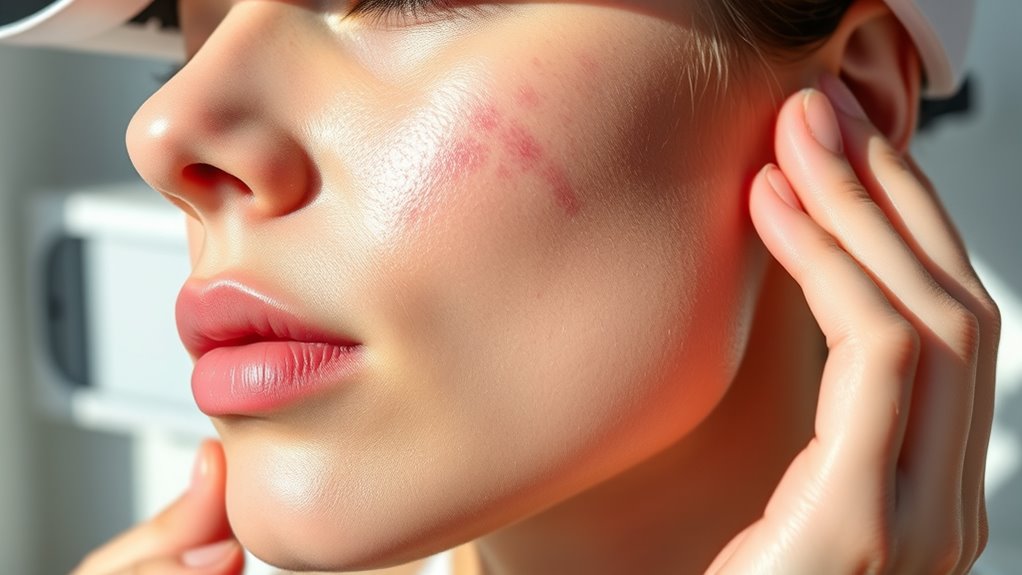
Applying a moisturizer or barrier cream before using your VR headset can create a protective layer between your skin and the device, reducing friction and pressure that cause red marks. This barrier helps distribute pressure more evenly, preventing localized irritation. Choose a lightweight, non-comedogenic moisturizer or barrier cream suitable for your skin type to avoid breakouts or discomfort. Apply a thin, even layer on areas where the headset contacts your face, such as your forehead, cheeks, and around your nose. This simple step can markedly decrease the likelihood of red impressions after extended use. Remember, the goal is to create a smooth, protective surface that minimizes direct skin contact with tight straps or hard edges, making your VR experience more comfortable and less irritating.
Opt for Headsets With Adjustable Straps and Padding

Choosing a VR headset with adjustable straps and padding can substantially reduce red marks. Proper fit guarantees even pressure distribution and minimizes skin irritation. When selecting a headset, look for these features:
- Adjustable Straps: Fine-tune the tightness to prevent excessive pressure on sensitive areas.
- Cushioned Padding: Opt for soft, breathable materials that add comfort and reduce friction.
- Flexible Fit: Choose headsets with customizable fit options to accommodate different head sizes and shapes.
Position the Headset Properly for Even Pressure Distribution

Make certain your headset fits snugly but isn’t too tight by adjusting the strap tension. Center the device on your head so even pressure spreads across your face and scalp. Proper positioning helps prevent red marks and ensures a comfortable VR experience.
Adjust Strap Tension
To prevent red marks caused by uneven pressure, you should adjust the strap tension so the headset sits snugly but comfortably on your head. Proper tension guarantees even pressure distribution, reducing discomfort and marks. Start by loosening or tightening the straps gradually. Check for a secure fit without feeling tight or causing headaches. Use these tips:
- Adjust the top strap first to balance pressure across your forehead.
- Tighten side straps evenly to prevent the headset from tilting.
- Ensure the device feels firm but not restrictive, with no pressure points.
Regularly recheck the fit during use, especially if you notice red marks or discomfort. Proper strap tension is key to enjoying VR without unnecessary skin irritation.
Center the Device Properly
Ensuring the headset is centered on your head is essential for even pressure distribution and preventing red marks. Start by adjusting the strap so the device sits level, not tilted forward or backward. Make sure the front of the headset is aligned with your nose and the back rests comfortably on the crown of your head. Check that the weight is evenly spread across your forehead and cheeks. If your headset has a top strap, use it to secure the device without tightening too much. Proper centering guarantees equal pressure on all contact points, reducing the chance of pressure points forming. Regularly readjust the device during use to maintain this balance. Centering the headset correctly is key to a comfortable VR experience without marks or discomfort.
Choose Lightweight and Ergonomic VR Headsets

Choosing a lightweight and ergonomic VR headset can considerably reduce red marks and discomfort during extended use. Lighter headsets put less pressure on your face, minimizing skin indentations and irritation. Ergonomic designs ensure the weight is evenly distributed, preventing strain and reducing the chance of marks forming. When selecting a headset, consider these key factors:
- Opt for models made with lightweight materials like plastic or composites.
- Look for adjustable straps that help balance the weight comfortably.
- Choose headsets with well-designed padding that contours to your face without excess pressure.
Customize Straps and Padding for Better Fit

Adjusting your VR headset’s straps and padding can considerably improve the fit, reducing pressure points that cause red marks. Start by loosening or tightening the straps until the headset sits snugly without feeling too tight. Make certain the padding evenly distributes pressure across your face, avoiding any areas where it feels too tight or uncomfortable. Consider adding extra padding or replacing worn-out cushions to improve comfort and reduce skin irritation. Use adjustable straps to fine-tune the fit around your forehead and back of your head, preventing uneven pressure. A well-fitted headset stays securely in place without excessive force, minimizing red marks and discomfort. Regularly check and adjust the straps and padding as needed, especially if you notice increased pressure or marks after extended use.
Clean Your Headset Regularly to Prevent Skin Irritation

Regularly cleaning your VR headset is essential to prevent skin irritation and reduce red marks. Dirt, sweat, and oils can build up on the device, leading to skin issues over time. To keep it clean, follow these steps:
- Wipe the face padding and contact surfaces with a soft cloth dampened in a mild disinfectant or soap solution.
- Remove and wash fabric parts according to manufacturer instructions to eliminate bacteria and oils.
- Use alcohol wipes or screen-safe disinfectants to clean the headset’s exterior regularly, especially around areas that contact your skin.
Frequently Asked Questions
Can Wearing Makeup Affect VR Headset Comfort?
Yes, wearing makeup can affect VR headset comfort. Makeup can create a barrier between your skin and the headset, leading to increased pressure and potential slipping. Heavy or oily makeup may cause discomfort or even cause the headset to shift during use. To improve comfort, consider wearing minimal makeup or applying it after your VR session. Using breathable, lightweight products can also help reduce discomfort and guarantee a better fit.
Are There Specific Skincare Products Recommended Before VR Use?
Yes, using a gentle, hydrating moisturizer before VR use can help reduce redness and discomfort. Look for products with calming ingredients like aloe vera or chamomile, which soothe your skin. Avoid heavy or oily creams that might cause slippage. Apply a thin layer about 15-20 minutes beforehand, giving it time to absorb. This simple step can make your VR experience more comfortable and prevent annoying red marks.
How Long Should I Wear My VR Headset to Avoid Marks?
You should limit your VR headset wear time to about 30-60 minutes at a stretch to prevent marks. Take regular breaks every 15-20 minutes to give your skin a chance to recover. If you notice redness or pressure, remove the headset immediately and loosen straps. Using a lightweight, breathable mask or padding can also help reduce pressure and prevent lasting marks. Listening to your skin’s signals is key.
Do Different VR Headset Brands Cause Varying Skin Irritation?
Yes, different VR headset brands can cause varying skin irritation. You might find that some brands use softer, more breathable materials, reducing discomfort, while others have tighter fits or rougher surfaces that irritate your skin more. It’s a good idea to read user reviews and try different models if possible. Additionally, using padding or wearing a thin cloth underneath can help minimize irritation regardless of the brand.
What Should I Do if I Develop a Skin Rash From VR Use?
If you develop a skin rash from VR use, you should remove the headset immediately and gently clean your skin with mild soap and water. Avoid scratching or irritating the rash further. Apply a soothing, hypoallergenic moisturizer or over-the-counter hydrocortisone cream to reduce inflammation. If the rash persists, worsens, or shows signs of infection, see a healthcare professional promptly for proper treatment and advice.
Conclusion
By taking these simple steps, you can turn your VR experience from a face-ruining ordeal into a comfortable adventure. Think of your headset as a trusted friend—adjust it, cushion it, and give your skin the care it deserves. Remember, a well-fitted headset isn’t just about comfort; it’s about enjoying your virtual world without the red marks as unwelcome souvenirs. After all, your face deserves the best seat in the virtual house!