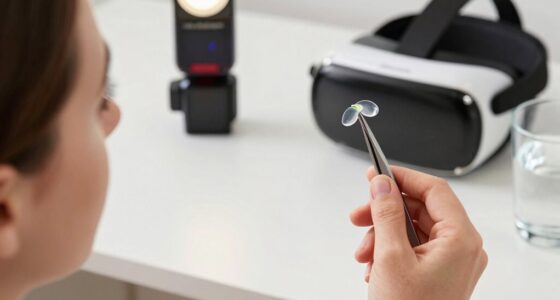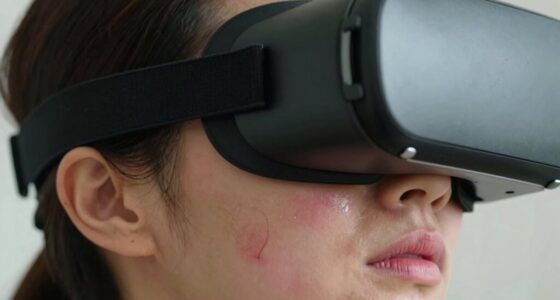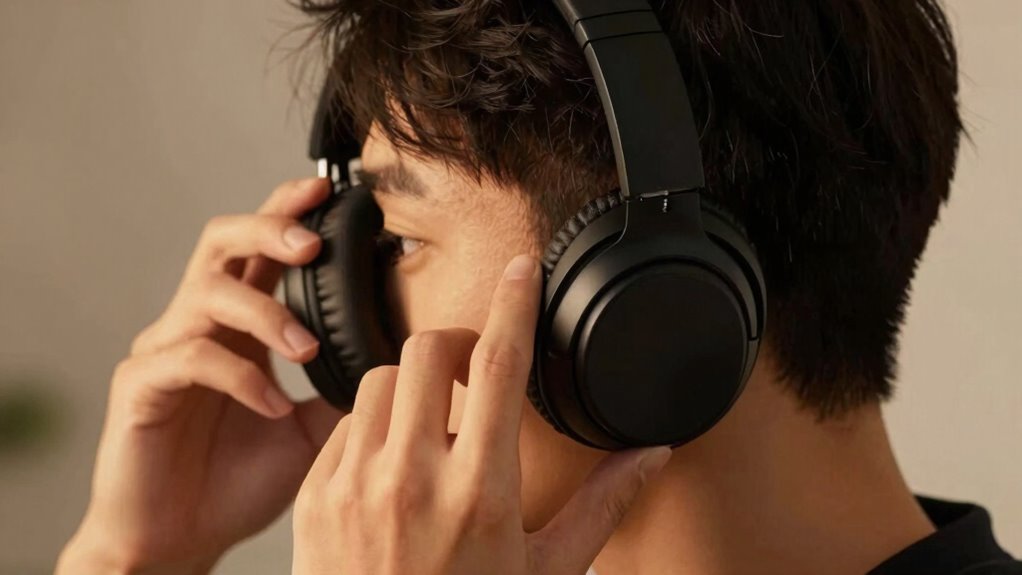

During a session, your headset fit shifts because your body moves, and pressure from prolonged wear affects comfort and stability. Head turns, posture changes, and even swelling around your ears can cause it to feel tighter or looser. Material wear and softening also influence the fit over time. If you want to understand how to manage these natural changes and stay comfortable, keep exploring the details behind headset fit dynamics.

Play games on Amazon Luna for your next adventure, included with Prime
- A rotating selection of games, no download needed
- Play on TV, laptop or phone
- Fast, free delivery for your gear, too
Key Takeaways
- Body movements and posture shifts subtly reposition the headset during extended use.
- Ear pressure and swelling alter fit and comfort over time.
- Cushion compression and material softening change how the headset sits.
- Muscle fatigue and postural adjustments cause natural fit variations.
- Prolonged wear leads to pressure buildup, affecting fit and requiring adjustments.
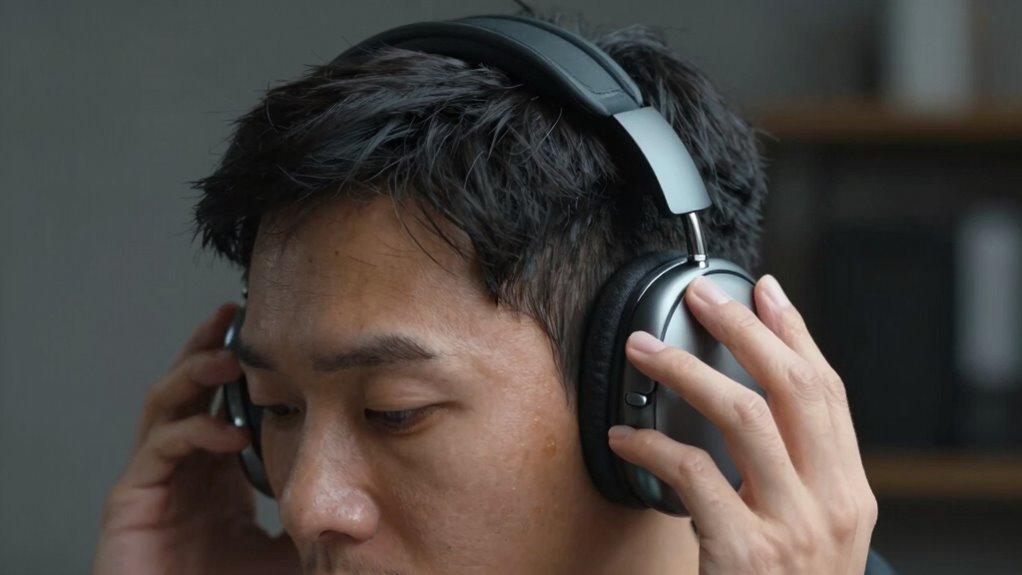
When you wear a headset for an extended period, you’ll notice that its fit can change unexpectedly during a session. This is a common experience, and it often leaves you wondering why your headset feels looser or tighter over time. Several factors contribute to these changes, but one key aspect is how your body reacts to prolonged wear, especially concerning ear pressure and overall headset comfort. As you continue listening or working, your ears and head may shift slightly due to movement, posture adjustments, or even swelling that occurs from prolonged pressure. These subtle shifts can cause the headset to feel less secure or more uncomfortable than when you first put it on.
Your ears are particularly sensitive to pressure, and when a headset applies constant force, your body tends to adapt. Over time, the sensation of ear pressure can become more noticeable, leading to discomfort. If the pressure is too high, your ears might feel sore or numb, prompting you to adjust the headset or take breaks. Conversely, if the headset is too loose, it might slide around, causing inconsistent sound quality and additional discomfort from repeated repositioning. The balance between secure fit and comfort is delicate, and it can shift as your body responds to the device.
The comfort level of your headset is also influenced by factors like material, padding, and fit design. As you wear the headset longer, the cushioning might compress, or the materials may soften slightly, changing how it sits on your head. These changes can lead to variations in pressure distribution, affecting both ear pressure and overall fit. Sometimes, head and ear movements during a session, like turning your head or leaning forward, can alter how the headset sits, making it feel tighter or looser without any real adjustment on your part. Additionally, the natural material compression of padding and cushioning can also contribute to these subtle changes in fit over time. Recognizing these factors and understanding body responses can help you better manage comfort during extended use. Furthermore, material properties and how they respond to wear can influence the fit and comfort level over time, making it essential to select a headset with quality materials designed for durability.
Moreover, your body’s natural responses, such as swelling or muscle fatigue, can modify the fit over time. Swelling around the ears or head can increase pressure, making the headset feel tighter, while muscle fatigue or slight postural shifts may loosen the grip. All these factors combine to create a dynamic fit that’s constantly changing during a session. To maintain headset comfort, it’s essential to take regular breaks, adjust the fit when needed, and choose a headset designed with adjustable features that accommodate these natural shifts. Being aware of fit adjustments and how they can help you stay comfortable can significantly improve your overall experience. Recognizing these causes helps you better understand why your headset fit isn’t static, ensuring you stay comfortable and connected throughout your listening or gaming experience.
Products Worth Considering

Bose QuietComfort 45 SE Wireless Noise-Cancelling Over-Ear Headphones

Logitech MX Master 4 Ergonomic Wireless Mouse with Haptic Feedback, Graphite

LG UltraGear 32GS60QC-B 32-inch Curved QHD Gaming Monitor (180Hz, 1ms, 1000R, AMD FreeSync, HDR10)
As an affiliate, we earn on qualifying purchases.
Frequently Asked Questions
Can Headset Fit Issues Cause Discomfort or Headaches?
Yes, headset fit issues can cause discomfort or headaches. If the headset applies too much pressure, it can strain your head and ears. Your ear canal shape also plays a role; a poor fit may lead to pinching or uneven pressure, causing pain or headaches. Ensuring the headset is properly adjusted to your head size and ear shape can help prevent discomfort and improve your overall experience.
Are Certain Head Shapes More Prone to Fit Changes?
Yes, your head shape can influence headset comfort and cause fit changes during a session. People with rounder or narrower head shapes might find the headset shifts or becomes tight over time, while those with broader or more oval-shaped heads may experience pressure points. Knowing your head shape helps in choosing a headset that offers consistent comfort, minimizing adjustments and discomfort during extended use.
How Often Should I Adjust My Headset During a Session?
You should adjust your headset as needed, ideally every 15 to 20 minutes, to maintain fit consistency. Imagine the gentle shift of the headset settling into place with each adjustment, keeping comfort and sound clarity in sync. Regular tweaks prevent discomfort and guarantee peak performance, especially during longer sessions. Stay attentive to any pressure points or movement, making small adjustments to keep your headset snug and comfortable throughout your gaming or work session.
Does Sweating Affect Headset Fit Over Time?
Sweating can indeed affect your headset fit over time. Sweat accumulation causes moisture to seep into the headset material, which may lead to loosening or slipping as the material becomes less snug. Additionally, if your headset isn’t made from moisture-resistant materials, sweat can cause discomfort, odors, or even damage the components. To maintain a proper fit, regularly clean your headset and consider models with sweat-resistant or breathable materials.
Are There Specific Headset Materials That Maintain Fit Better?
If you’re worried about headset fit over time, choose models with high-quality materials like memory foam or leather, which enhance fit durability. These materials adapt better to your head’s shape and resist loosening from sweating or movement. Silicone or plastic components may not hold their shape as well, leading to a less secure fit. Investing in durable headset materials guarantees consistent comfort and performance during long sessions.
Conclusion
Just like a rollercoaster’s twists and turns, your headset fit can shift with every move you make. Staying aware of these changes guarantees you get the best experience, avoiding discomfort or compromised sound. Remember, your head isn’t a fixed point—it’s a dynamic landscape that can influence how your headset sits. Keep adjusting and checking in, so your virtual adventure stays smooth and comfortable, like a well-oiled machine cruising through its ride.