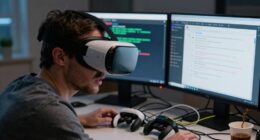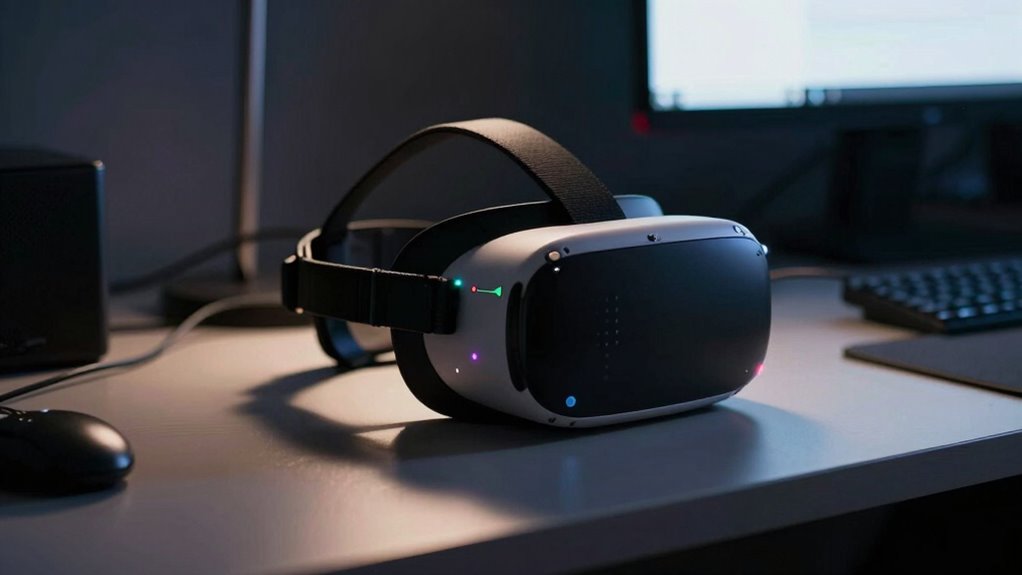

VR tracking worsens at night because low ambient light confuses the sensors that depend on visible lighting to detect your movements. When lighting is poor, sensors struggle to read signals accurately, leading to tracking drift or jitter. To fix this, improve your environment with brighter, diffuse lighting, remove reflective surfaces, and consider recalibrating or upgrading your sensors for low-light conditions. Keep listening to discover more effective ways to enhance your nighttime VR experience.

Play games on Amazon Luna for your next adventure, included with Prime
- A rotating selection of games, no download needed
- Play on TV, laptop or phone
- Fast, free delivery for your gear, too
Key Takeaways
- Low ambient light reduces sensor effectiveness, leading to tracking inaccuracies and jitter.
- Environmental interference from reflective surfaces or conflicting light sources can disrupt sensor signals.
- Regular calibration in current lighting conditions helps maintain accurate sensor positioning.
- Upgrading to infrared or low-light optimized sensors can improve nighttime tracking performance.
- Improving room lighting with diffuse, stable illumination minimizes environmental interference and enhances accuracy.
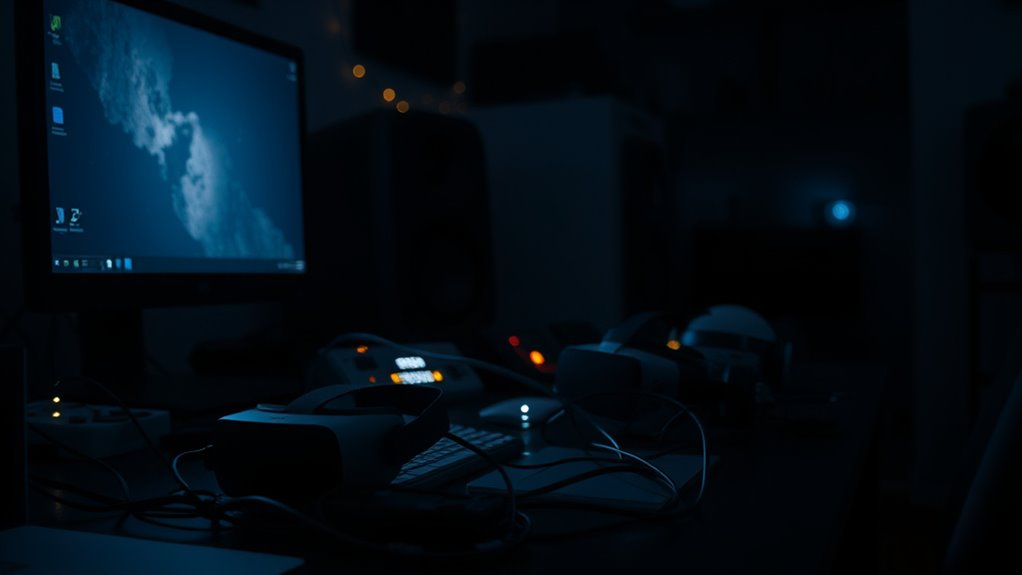
Many VR users have noticed that their tracking performance deteriorates as night falls, and recent research suggests that ambient lighting plays an essential role. When you’re immersed in a VR experience, precise tracking depends heavily on how well your system’s sensors are calibrated and how much environmental interference they encounter. As lighting conditions shift, especially in low-light settings, your sensors may struggle to maintain accurate positioning, leading to jittery or lost tracking.
Sensor calibration is indispensable for ideal VR tracking. When you first set up your headset, the system calibrates its sensors to your environment, establishing baseline readings for positional accuracy. However, calibration isn’t a one-and-done process; it requires regular updates, especially if your environment changes or if you notice tracking issues. At night, decreased ambient light can cause sensors to misread signals, making calibration less effective. You might find that, despite calibrating properly during the day, your sensors perform poorly after sunset. To fix this, verify your sensors are properly calibrated in the current lighting conditions. Some systems allow you to recalibrate easily within their settings, which can help the sensors adjust to lower light levels and reduce environmental interference.
Proper calibration is essential for accurate VR tracking, especially in changing lighting conditions.
Environmental interference is another key factor affecting nighttime tracking. Light sources like lamps, screens, or even reflective surfaces can create signals that confuse your sensors. At night, the absence of bright, consistent lighting can make your sensors more susceptible to interference from smaller, inconsistent light sources or shadows. These disturbances can cause tracking drift or temporary loss of position. To minimize environmental interference, keep your play area well-lit with stable, diffuse lighting that doesn’t produce glare or reflections. Removing reflective objects from the space can also help sensors differentiate between intended signals and background noise. Additionally, sensor sensitivity settings can often be adjusted to improve performance in low-light conditions, providing a more reliable tracking experience during nighttime use.
Additionally, the type of sensors your VR system uses influences how well it handles low-light conditions. Optical sensors, for example, depend heavily on visible light, so they tend to perform worse in darkness. If you’re experiencing persistent tracking issues at night, consider enhancing your environment’s lighting or upgrading to a system with sensors better suited to low-light conditions, such as infrared-based sensors. Infrared sensors are less affected by visible light levels and can maintain reliable tracking even in darker environments.
Frequently Asked Questions
Does Room Size Affect Night-Time VR Tracking Performance?
Yes, room size can influence your night-time VR tracking performance. Larger rooms may cause issues if lighting conditions are inadequate or sensors aren’t ideally placed, leading to tracking dropouts. To improve, make sure your sensors are positioned correctly and that the room is well-lit. Adequate lighting and strategic sensor placement help maintain consistent tracking, even in bigger spaces, so your VR experience stays smooth regardless of room size.
Can Ambient Noise Influence VR Tracking Accuracy at Night?
Imagine your room filled with ambient noise and flickering electrical interference, like distant thunder rumbling through wires. This chaos can disrupt your VR tracking at night, causing sensors to misread signals or lose accuracy. The noise interferes with the sensors’ ability to lock onto the controllers, making your experience less precise. To fix this, reduce background noise and minimize electrical interference, creating a calmer environment for better tracking.
Are Certain VR Headsets Better Suited for Night Use?
Yes, some VR headsets are better suited for night use. Look for models with high sensor sensitivity, as they perform better in low-light conditions. Additionally, headsets with adjustable lighting settings or built-in infrared tracking can maintain accuracy when lighting conditions change. You should choose a headset that adapts well to darker environments, ensuring you get smooth, reliable tracking even at night.
How Does Temperature Impact VR Tracking Stability After Dark?
Ever notice how the cold night air causes your VR tracking to falter? Temperature impacts sensor calibration, leading to thermal drift that reduces tracking stability after dark. When sensors cool down, they struggle to maintain accurate positions, like a compass losing its bearings. To fix this, keep your room warm or allow your headset to warm up before use, ensuring sensors stay calibrated and tracking remains smooth, no matter the hour.
Does Using Night Mode Settings Improve Tracking Quality?
Yes, using night mode settings can improve your VR tracking quality. Night mode adjusts display settings to reduce glare and optimize lighting conditions, making it easier for sensors to track your movements accurately. When you enable night mode, it minimizes interference caused by poor lighting, helping your VR system maintain stable tracking even in dim environments. So, activating night mode can considerably enhance your overall VR experience at night.
Conclusion
So, don’t dismiss your device when darkness dims your VR experience. By checking clutter, controlling cables, and calming your environment, you can curb the complications caused by nighttime nuisances. Keep your space clear, stay consistent, and stay clever with your calibration. With these simple steps, you’ll stay sharp and succeed in safeguarding your super-strong, seamless VR sessions, regardless of the hour. Brighten your boundaries and banish bothersome blips for the best virtual ventures!
Fall Picks
fall essentials
As an affiliate, we earn on qualifying purchases.