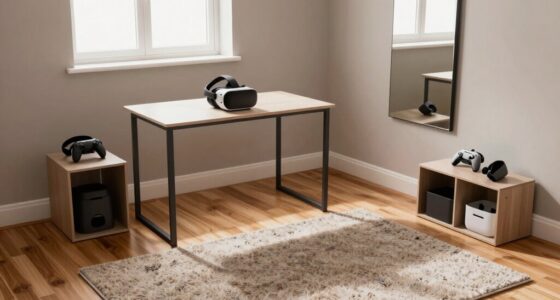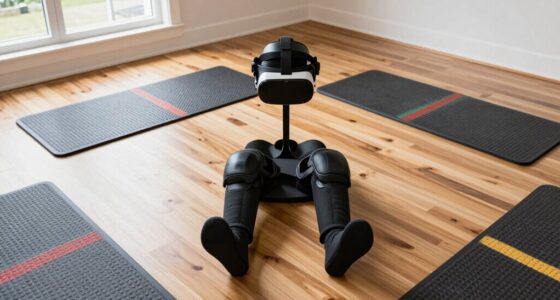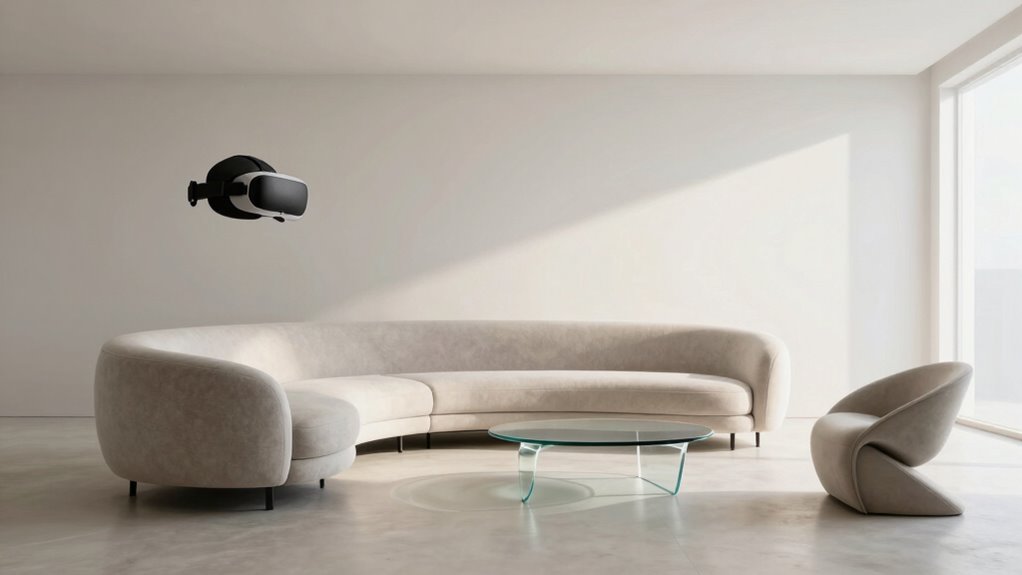
To choose furniture that works around VR, focus on ergonomic, adjustable pieces that support safe and comfortable movement. Opt for slim, low-profile furniture that minimizes obstruction of sensors and tracking devices. Keep essential items within easy reach and avoid clutter by using wall-mounted storage or foldable options. Prioritize flexibility with lightweight, modular pieces that can be easily reconfigured. For more tips on creating a seamless VR space, keep exploring these key strategies.

Play games on Amazon Luna for your next adventure, included with Prime
- A rotating selection of games, no download needed
- Play on TV, laptop or phone
- Fast, free delivery for your gear, too
Key Takeaways
- Select slim, low-profile furniture to prevent obstruction of sensors and tracking devices.
- Arrange furniture to keep sensors and play area clear for unobstructed movement.
- Use modular, lightweight pieces for easy reconfiguration to accommodate different VR activities.
- Ensure furniture placement maintains open pathways and avoids blocking camera or sensor lines of sight.
- Prioritize adjustable, ergonomic furniture that supports safe, natural movements without interfering with VR equipment.
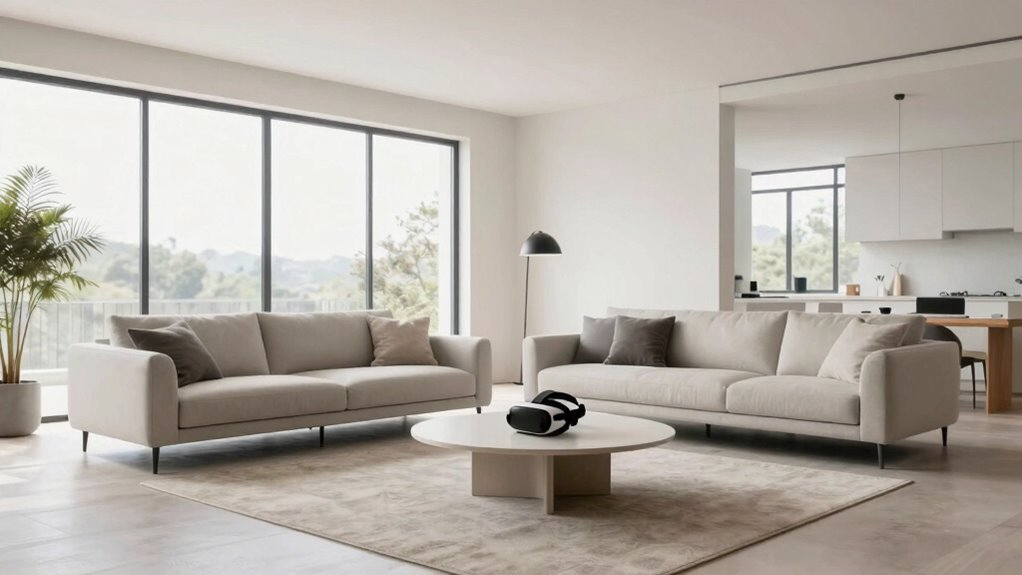
When setting up a virtual reality space, choosing the right furniture is essential to guarantee safety, comfort, and an immersive experience. You need pieces that support your movement without causing obstruction, so prioritizing ergonomic design becomes paramount. Furniture with adjustable heights, supportive structures, and comfortable padding helps you stay relaxed during extended VR sessions, reducing fatigue and discomfort. Keep in mind that your body should be well-aligned, which means selecting chairs and stands that adapt to your posture and allow easy movement. Avoid bulky furniture that might restrict your range of motion or create hazards, especially when you’re immersed in a virtual environment.
Choose ergonomic, adjustable furniture to ensure safety, comfort, and unobstructed movement in your VR space.
Space optimization is equally significant. Your goal is to maximize the usable area without clutter, so opt for sleek, multi-functional pieces that fit snugly into your designated space. For example, foldable or stackable chairs can be moved out of the way when not in use, freeing up room for active gameplay. Wall-mounted shelves or storage units can keep controllers, headsets, and accessories organized without taking up precious floor space. When planning your setup, think vertically as well as horizontally—using vertical storage solutions can save considerable space while keeping everything accessible. Additionally, ergonomic furniture can greatly enhance comfort and reduce strain during long sessions. Incorporating space-saving solutions can further optimize your environment, ensuring that every inch of your gaming area is functional. Using modular furniture allows for flexible reconfiguration tailored to different VR activities, making your setup adaptable to various needs. Considering adjustable furniture options can also help accommodate different users and preferences, enhancing overall comfort and usability.
It’s also essential to consider furniture placement carefully. Keep essential items within arm’s reach but avoid crowding the play area. You want clear pathways that facilitate smooth movement and quick reaction times, especially if your VR experience involves physical activity. Position furniture in a way that doesn’t block sensors or tracking devices, which are often sensitive to obstructions. Low-profile tables or slim stands can hold controllers or VR gear without intruding into your movement zone. Remember, the goal is to create an environment that feels open and safe, minimizing accidental bumps or trips. Proper furniture arrangement can significantly improve your overall VR experience by reducing clutter and enhancing safety.
Furthermore, choose furniture that is easy to adjust or move. During different VR activities, you might need to reconfigure your space, so lightweight or modular pieces will make this process effortless. Keep safety in mind by avoiding sharp edges or unstable furniture that could pose risks during energetic movements. All of this comes down to balancing ergonomic comfort with efficient space usage, so your VR setup remains functional, safe, and immersive. With thoughtful furniture choices, you’ll enhance your virtual experiences without compromising safety or accessibility.
ergonomic adjustable gaming chair
As an affiliate, we earn on qualifying purchases.
As an affiliate, we earn on qualifying purchases.
Frequently Asked Questions
How Can I Prevent Furniture From Obstructing VR Sensors?
To prevent furniture from obstructing VR sensors, you should position decorative accents and storage solutions carefully, keeping clear sightlines to your sensors. Place larger pieces against walls and avoid blocking sensor angles. Use open or minimalist furniture to minimize interference. Regularly check sensor coverage and adjust your decor as needed, ensuring unobstructed views. This way, your space stays functional and stylish without compromising your VR experience.
What Materials Are Best for Vr-Friendly Furniture?
Did you know that choosing the right materials can extend your furniture’s lifespan? For VR-friendly furniture, opt for durable materials like high-quality plastics, metal, or treated wood that withstand frequent use. These materials also offer a sleek aesthetic appeal, blending functionality with style. Lightweight yet sturdy options make it easier to move around without blocking sensors, ensuring your VR experience remains smooth and immersive.
How Should Furniture Be Arranged for Optimal VR Movement?
Arrange your furniture to maximize space optimization, keeping enough clearance for your VR movements. Place larger pieces against walls to avoid obstruction and create an open, clutter-free area. This setup not only enhances your VR experience by preventing collisions but also supports aesthetic integration, making your space look seamless and inviting. Regularly reassess your layout as your VR setup evolves, ensuring smooth, unrestricted movement and a visually cohesive environment.
Are There Specific Furniture Designs That Enhance VR Experience?
Think of your space as a well-oiled machine, where every part plays a role. Opt for furniture with ergonomic comfort, like adjustable chairs and streamlined consoles, that supports movement without blocking your view or sensors. Choose designs that blend seamlessly with your aesthetic, avoiding bulky pieces that disrupt flow. This combination enhances your VR experience by ensuring freedom of movement and visual clarity, making your virtual adventures smooth and immersive.
How Do I Ensure Safety Around Furniture During VR Use?
To guarantee safety around furniture during VR use, you should prioritize decor safety by removing or securing any sharp or unstable items. Choose furniture with appropriate height, so it doesn’t obstruct your movement or create tripping hazards. Clear the area of clutter, and consider using soft or padded furniture to prevent injuries if you accidentally bump into it. Always stay aware of your surroundings, and set boundaries to keep your space safe.
As an affiliate, we earn on qualifying purchases.
Conclusion
So, next time you pick your furniture, don’t just settle for the usual clutter—think of it as building a portal to another universe! With the right pieces, you’ll open a VR experience so smooth and immersive, it’s like stepping into a sci-fi movie. Avoid blocking your virtual adventures with furniture that’s more obstacle than asset. Get it right, and you’ll be teleporting through worlds faster than you can say “virtual reality!”
As an affiliate, we earn on qualifying purchases.
As an affiliate, we earn on qualifying purchases.
Evergreen bestsellers Picks
bestsellers
As an affiliate, we earn on qualifying purchases.