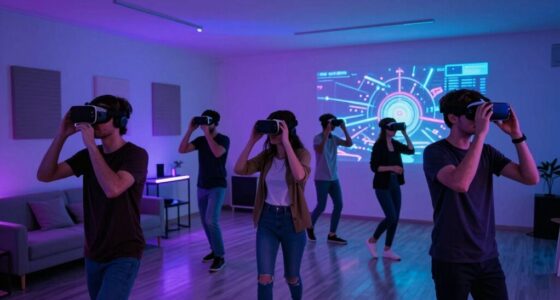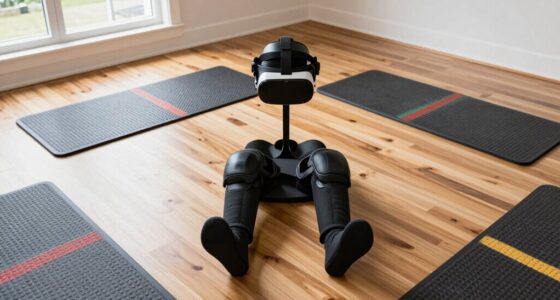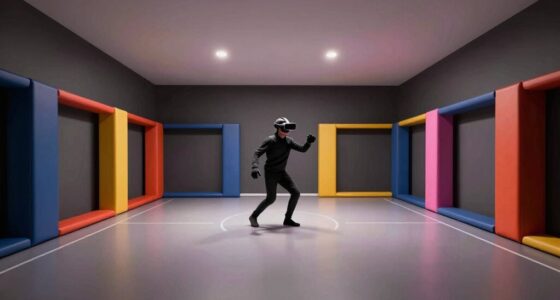
To make your small room better for VR, focus on creating a bright, clutter-free space with minimal reflections and shadows. Use a strong, stable Wi-Fi connection on a 5GHz band and position your router close to your play area. Optimize sensor placement to reduce obstructions and interference, and keep lighting diffuse and consistent, avoiding bright windows or direct sunlight. Fine-tuning these aspects will boost your experience—stick around to discover even more tips for a seamless VR setup.
Key Takeaways
- Optimize sensor placement and room lighting to maintain accurate tracking and reduce interference.
- Use wireless VR systems on a strong 5GHz Wi-Fi network to enhance movement freedom and reduce cables.
- Arrange furniture and decorations to minimize shadows, reflections, and obstructions in the play area.
- Create a well-lit environment with diffuse lighting, avoiding direct sunlight and glare for sensor efficiency.
- Keep the space clutter-free and clear of reflective surfaces for better sensor accuracy and safety.
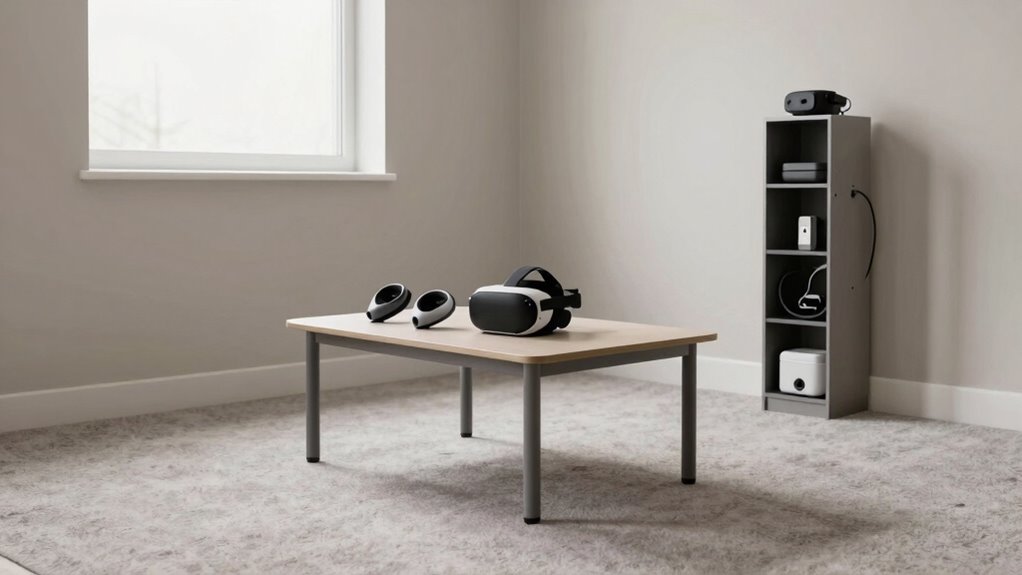
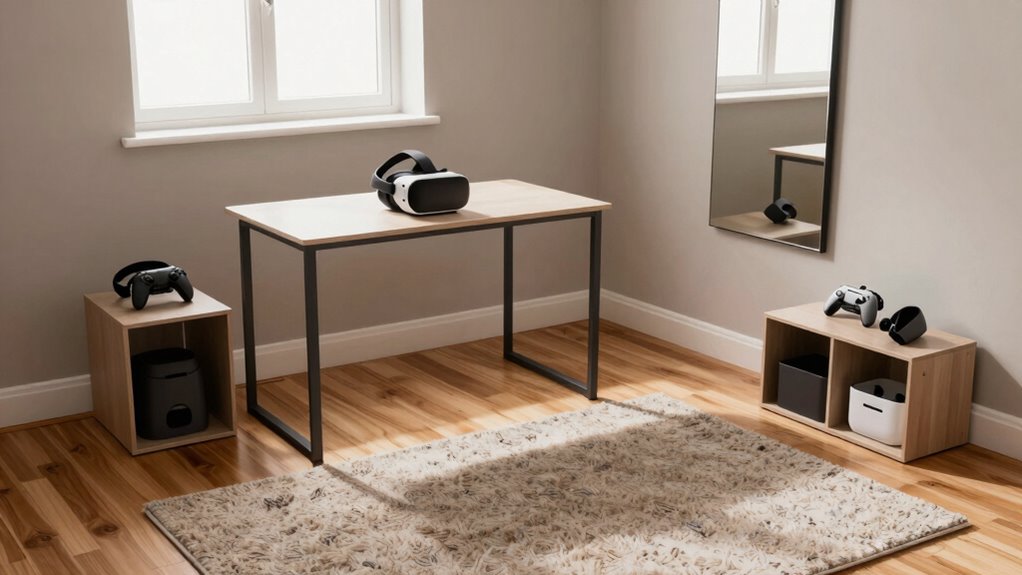
Ever wondered how to optimize a small room for a seamless VR experience? You’re not alone. Limited space can seem like a barrier, but with a few strategic adjustments, you can turn your tight quarters into a VR-ready zone. The first step is to focus on a wireless setup. Cables running across the room can be a hazard, especially when you’re moving around freely in VR. Investing in wireless VR headsets eliminates these tripping hazards and gives you the freedom to move naturally. Wireless technology also reduces clutter, making the room feel larger and less cramped. Before diving into gameplay, verify your wireless connection is strong and stable to prevent lag or disconnections. Use a high-quality Wi-Fi router, position it close to your play area, and consider using a 5GHz band for lower latency. Keep in mind, some wireless systems require a dedicated base station or transmitter, so set those up in a way that minimizes obstructions and maximizes range. Additionally, ensuring your wireless signal is stable can significantly improve your VR experience by reducing lag and disconnections. Properly configuring your network can also help avoid interference from other devices and maintain a consistent connection. To enhance overall tracking accuracy, consider the room’s spatial environment and how it might impact sensor performance. You might also explore ways to optimize your sensor placement to further improve tracking precision. Lighting optimization is another vital factor. Small rooms tend to have limited natural light, which can interfere with sensors or tracking systems. You want to create a lighting environment that’s bright enough for your sensors to work efficiently but not so harsh that it causes glare or reflections. Avoid direct sunlight or bright windows during gameplay, as they can cause tracking issues. Instead, aim for even, diffuse lighting. Use soft, adjustable LED lights to maintain control over brightness levels, and position them to avoid shining directly into your sensors or headset. Dimming or blackout curtains can help block out external light sources, creating a consistent environment that your VR system can track reliably. Additionally, consider the placement of furniture and decorations to prevent shadows or reflective surfaces that could interfere with sensor accuracy. Keeping the play area well-lit but free of glare ensures your sensors can accurately track your movements, delivering a smoother VR experience.

Meta Quest 3S 128GB | VR Without Wires — Gorilla Tag Cardboard Monkenaut Bundle — Amazon Exclusive —Access to 100+ Games with a 3-Month Trial of Meta Horizon+ Included
- Exclusive Gorilla Tag Bundle: Includes Gorilla Space Suit and 2000 Shiny Rocks
- Wireless VR Experience: Untethered gaming and exploration
- Enhanced Graphics Power: Double processing for faster load times
As an affiliate, we earn on qualifying purchases.
As an affiliate, we earn on qualifying purchases.
Frequently Asked Questions
What Are the Best VR Headsets for Small Spaces?
You should consider compact VR headsets like the Oculus Quest 2 or Pico Neo 3, which are great for small spaces. They don’t require extensive room lighting adjustments or ventilation setups, making setup easier. These headsets are lightweight and wireless, reducing clutter and movement restrictions. Just make certain your room is well-ventilated for comfort during extended use, and keep lighting stable to avoid tracking issues.
Can I Use Wireless VR in Limited Rooms?
Yes, you can use wireless VR in limited rooms with a proper wireless setup. Opt for headsets that offer wireless options and guarantee your room adapts to the setup by minimizing obstacles and clear line-of-sight for the sensors or transmitters. This setup allows for greater freedom of movement, making the most of your limited space without sacrificing immersion. Just be mindful of signal strength and interference to maintain smooth gameplay.
How Do I Prevent VR Motion Sickness in Small Areas?
Imagine you’re in a small room, and to prevent VR motion sickness, you focus on proper calibration techniques and seating arrangements. You should regularly recalibrate your headset to guarantee accurate tracking, minimizing disorientation. Additionally, choose seating that stabilizes your body, like a chair with good support, to reduce sudden movements. These steps help your brain process virtual motion more naturally, making your VR experience smoother and more comfortable in confined spaces.
Are There Specific Sensors for Small-Room VR Setups?
Yes, there are sensors designed specifically for small-room VR setups. You should focus on sensors that offer precise sensor calibration and room mapping features, which help optimize tracking in limited spaces. These sensors often come with compact designs and advanced calibration tools to guarantee accurate movement detection. Properly calibrated sensors and effective room mapping improve your VR experience, making it smoother and more immersive even in small rooms.
How Do I Improve Audio Experience in Tight Spaces?
To enhance your audio experience in tight spaces, focus on soundproofing techniques to minimize echo and external noise. Proper speaker placement is key—position speakers at ear level and guarantee they’re angled toward you for clearer sound. Using soft furnishings or acoustic panels can absorb unwanted sound reflections. These steps help create a more immersive environment, making your VR sessions more comfortable and engaging despite limited space.

TP-Link AX1800 WiFi 6 Router (Archer AX21 V5) – Dual Band Wireless Internet, Gigabit, Easy Mesh, Works with Alexa – A Certified for Humans Device, Free Expert Support
- Dual-Band WiFi 6: Faster speeds and reduced congestion
- AX1800 Speed: Up to 1.8 Gbps total bandwidth
- Connect More Devices: Supports multiple devices simultaneously
As an affiliate, we earn on qualifying purchases.
As an affiliate, we earn on qualifying purchases.
Conclusion
Think of your small room as a cozy ship sailing smoothly through virtual seas. By optimizing your space with smart furniture, clearing clutter, and setting boundaries, you turn tight quarters into a haven for immersive VR adventures. With a little planning, you can navigate your limited space like a skilled captain, ensuring your VR experiences are seamless and safe. Remember, even the smallest ship can voyage far with the right crew and a clear course.

Flupuro ICRGB Corner Floor Lamp, DIY Floor Lamp with Music Sync and 16 Million Colors, Color Changing Standing Floor LED Lights for Bedroom Living Room Decor, Ambient Mood Lighting Gaming Accessories
- DIY Assembly Required: Approx. 5-minute setup time
- Customizable Atmosphere: 16 million colors and dynamic modes
- Music Sync Feature: Lights sync with music for ambiance
As an affiliate, we earn on qualifying purchases.
As an affiliate, we earn on qualifying purchases.

VR Headset Proximity Sensor Flex Cable for Meta Oculus Quest 2 Photosensitive Converter Flex Cable Accessories Replacement with Repair Tools(No.330-00819)
- Compatible Model: For Meta Oculus Quest 2
- Application: Fix sensor and connection issues
- Quality Material: Durable and precisely designed
As an affiliate, we earn on qualifying purchases.
As an affiliate, we earn on qualifying purchases.