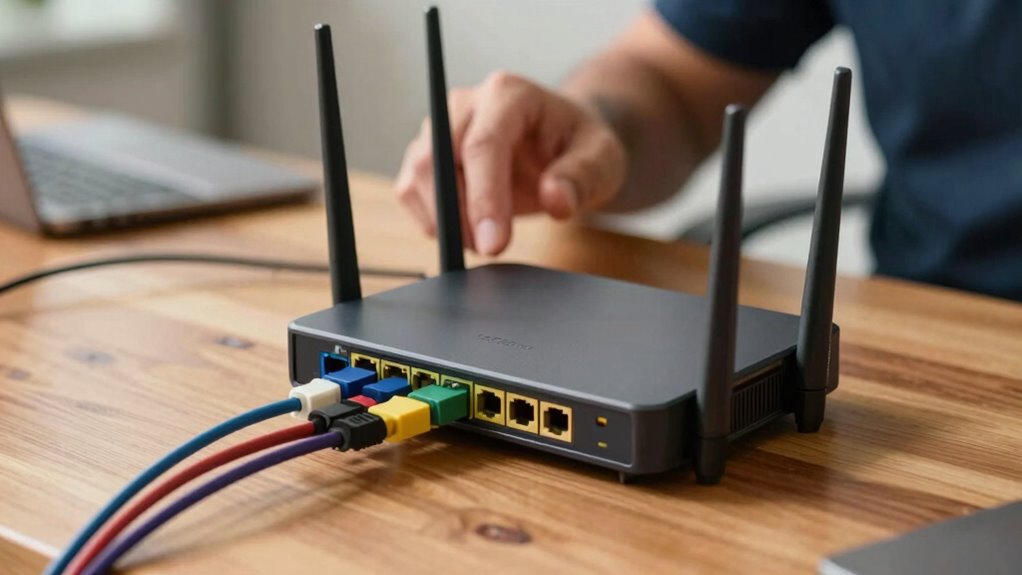

Rebooting your router can temporarily fix connection issues or clear minor bugs, but it doesn’t improve security, extend hardware life, or fix persistent problems. Regularly rebooting is a myth and may mask underlying issues needing proper troubleshooting or updates. It’s best to focus on firmware updates, strong passwords, and network security. If problems persist, there’s more to contemplate—discover the when and why of rebooting and how to maintain a reliable network.
Key Takeaways
- Rebooting temporarily clears malware or unauthorized access but is not a substitute for updating security measures.
- Regular rebooting does not extend hardware lifespan; proper ventilation and avoiding power surges are more effective.
- Rebooting can improve performance briefly but doesn’t resolve persistent internet speed or connection issues.
- Frequent rebooting is based on myths and can mask underlying problems needing proper troubleshooting.
- Best network maintenance involves firmware updates, changing default passwords, and addressing issues with troubleshooting or ISP support.

Many people believe that rebooting their router regularly is the best way to improve internet performance, but is this really necessary? While restarting your router can sometimes fix temporary glitches, it’s important to understand the real reasons behind this habit. One key aspect often overlooked is security concerns. Rebooting your router can temporarily clear out malware or unauthorized access, especially if your device has been compromised. However, it’s not a substitute for proper security measures like updating firmware, changing default passwords, or enabling robust encryption. Relying solely on rebooting as a security fix can give a false sense of safety and leave your network vulnerable to persistent threats. Instead, focus on maintaining a secure network environment, which involves regular updates and vigilant monitoring.
Another reason people reboot their routers frequently is to extend hardware longevity. The idea is that turning the device off periodically can prevent overheating or reduce wear and tear, thereby prolonging its lifespan. While this may seem logical, modern routers are designed to operate continuously without degrading quickly from normal use. Frequent power cycling isn’t necessary for hardware health and can sometimes cause more harm than good, especially if done improperly or too often. Instead, keeping your router in a well-ventilated area, avoiding power surges, and performing manufacturer-recommended firmware updates are better ways to ensure your device lasts longer. If your router is aging or showing signs of failure, replacing it is often more effective than routine rebooting. Additionally, understanding trusted resources can help you identify reliable maintenance practices for your network.
It’s also worth noting that rebooting your router might temporarily improve performance if it’s been running for a long time and accumulating cache or minor bugs. However, if your internet slows down consistently, the issue is more likely related to your internet service provider, network congestion, or outdated hardware rather than a simple need for a reboot. In these cases, troubleshooting your connection, updating firmware, or consulting your ISP can yield better results. Rebooting is a quick fix, but it’s not a long-term solution for persistent problems.
Frequently Asked Questions
Can Rebooting Fix All Wi-Fi Connectivity Issues?
Rebooting your router can fix many Wi-Fi issues, but it doesn’t resolve all problems. Sometimes, outdated router firmware causes connectivity issues, so updating it is essential. Signal interference from other devices or thick walls can also disrupt your connection, which rebooting won’t fix. If rebooting doesn’t work, try updating your firmware or reducing interference sources. Keep your router optimized to ensure better, more reliable Wi-Fi performance.
How Often Should I Reboot My Router?
You should reboot your router once a month to keep it running smoothly. Regular reboots help clear out glitches and improve performance, especially if you experience signal interference or slow speeds. Don’t forget to check for firmware updates, as these can fix bugs and security issues. Think of it as giving your router a quick tune-up—staying on top of maintenance prevents bigger problems down the road.
What Are Alternative Solutions to Rebooting for Network Problems?
Instead of rebooting, try updating your router’s firmware to fix bugs and improve performance. Running network diagnostics helps identify issues like signal interference or weak coverage. You can also reset specific settings or change channels to reduce congestion. These steps often resolve problems more effectively and quickly than a reboot, providing a long-term solution and keeping your network running smoothly.
Does Rebooting Improve Internet Speed Permanently?
Rebooting your router doesn’t provide a permanent boost to your internet speed. For example, a user who regularly reboots due to slow speeds might see temporary improvements, but persistent issues like outdated firmware or signal interference need addressing for lasting results. Updating firmware and reducing interference sources, like placing the router away from microwaves, offers a more permanent solution than rebooting alone.
Are There Risks Associated With Frequent Router Reboots?
Frequent router reboots can pose risks, like disrupting your internet connection and possibly causing firmware update issues if interrupted. Rebooting helps clear signal interference and refreshes your network, but doing it too often might lead to hardware wear or missed updates. To minimize risks, make sure your firmware is up-to-date and avoid unnecessary reboots. Regular maintenance promotes a stable, secure connection without the downsides of excessive rebooting.
Conclusion
Rebooting your router might seem like a quick fix, but sometimes it’s just a temporary patch, like putting a bandage on a deeper wound. When your connection drops unexpectedly, a reboot can restore your internet, acting like a reset button. But if issues persist, it’s like trying to fix a leaky faucet with tape—short-term relief, not a solution. Know when to reboot and when to dig deeper for real fixes.