
When casting VR to a big screen, Wi-Fi quality is more vital than you might realize. A strong, stable connection ensures smooth visuals, minimal lag, and synchronized audio, making your shared experience immersive and enjoyable. Poor Wi-Fi can cause delays, disconnects, and choppy video, ruining the moment. Upgrading your network and devices can make a big difference. Keep going, and you’ll discover how to optimize your setup for the best VR casting experience.

Get VR and gaming gear delivered free — and shop member deals
- Fast, free delivery on millions of items
- Access to Prime Big Deal Days deals on October 6–7
- Prime Video, Amazon Music and more included
Key Takeaways
- Reliable Wi-Fi ensures smooth VR casting with minimal lag, maintaining immersion and real-time synchronization.
- High network speeds prevent video and audio choppiness, enhancing overall viewing quality on big screens.
- Wi-Fi standards like Wi-Fi 6 provide greater stability and faster data transfer for seamless sharing.
- Proper device setup and updates reduce connection issues, ensuring consistent VR casting performance.
- Compatibility across VR headsets and casting devices depends on supporting the right protocols and firmware.
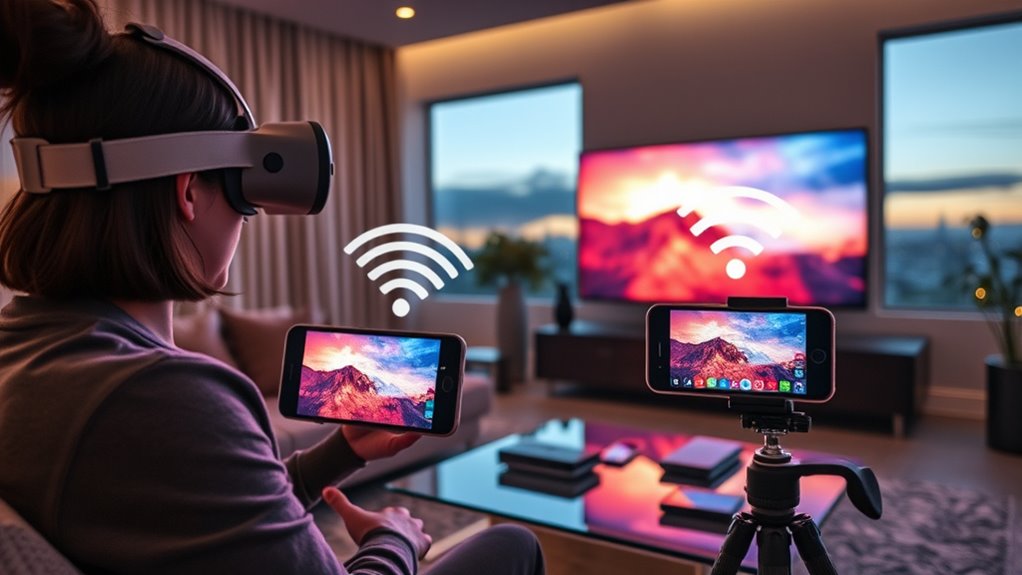
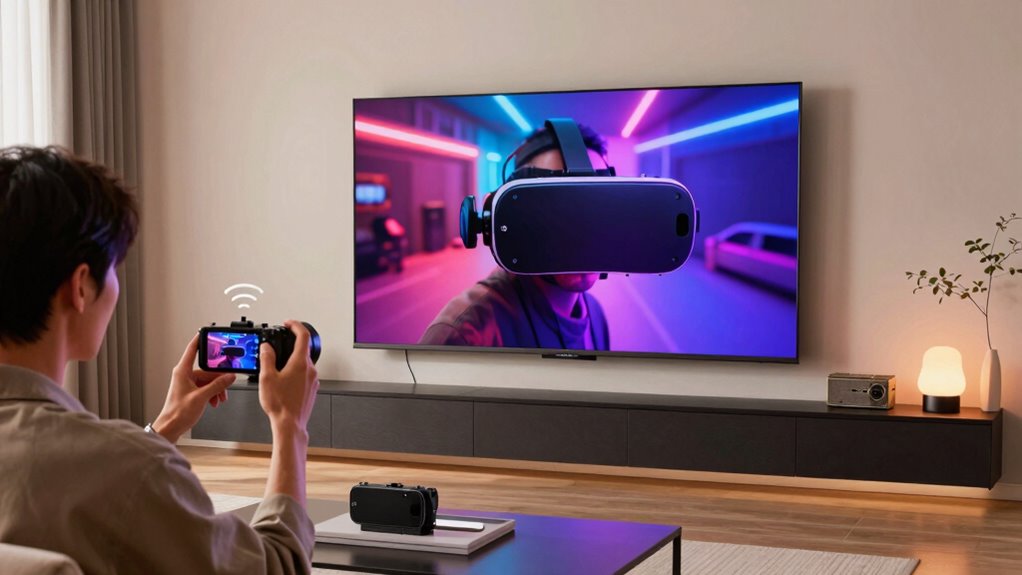
Imagine experiencing your favorite virtual reality worlds not just through a headset but on a large screen where everyone can see and join in. This shift from solo immersion to shared entertainment is exciting, but it comes with challenges. One major hurdle is guaranteeing your casting setup runs smoothly, which hinges on two critical factors: latency issues and device compatibility. If your Wi-Fi isn’t reliable or fast enough, the experience can become frustrating, with lag disrupting the immersion and making interactions feel sluggish. Latency issues are especially noticeable in fast-paced VR games or experiences where timing matters, causing delays between your movements and what’s displayed on the big screen. To enjoy seamless casting, you need a strong, stable Wi-Fi network that minimizes lag, so the visuals stay synchronized with your actions. Poor connection quality can lead to choppy video, audio sync problems, and an overall disconnect that ruins the shared experience. Investing in a high-quality Wi-Fi router that supports the latest standards, like Wi-Fi 6, can significantly improve your setup by providing faster speeds and better handling of multiple devices. Device compatibility is another essential aspect. Not all VR headsets or casting devices work seamlessly together, which can create hurdles when trying to mirror your VR experience onto a larger display. Some headsets may require specific apps or firmware updates, and certain smart TVs or streaming devices might not support the necessary casting protocols out of the box. Before you start, check that your VR headset, casting device, and TV or monitor are compatible and can communicate efficiently over your network. Using incompatible devices often results in connection dropouts or degraded video quality, making it hard to enjoy the experience with friends or family. To avoid these problems, ensure that all your devices support the same casting protocols, such as Miracast or Chromecast, and keep firmware updated on all devices to fix bugs and improve compatibility. When all these elements align — a robust Wi-Fi network, compatible devices, and minimal latency — you can effortlessly cast your VR adventures onto a big screen. This setup transforms solitary VR sessions into lively shared experiences, where everyone can see your virtual worlds come alive without frustrating lag or technical glitches.
Frequently Asked Questions
Can I Cast VR Content to a Big Screen Without Wi-Fi?
You can’t easily cast VR content to a big screen without Wi-Fi because wireless standards like 802.11ac or ax are essential for smooth streaming. To improve your chances, place your router in a central, open spot to reduce interference and boost signal strength. A strong, stable Wi-Fi connection guarantees seamless casting, so prioritize your router placement and network quality for the best VR-to-big-screen experience.
What Wi-Fi Bandwidth Is Needed for Smooth VR Casting?
You need at least 25 Mbps for smooth VR casting, but for ideal performance, aim for 50 Mbps or higher. A 5 GHz wireless standard offers faster, more reliable bandwidth than 2.4 GHz, reducing lag. Place your router centrally and elevate it for better signal. Studies show that proper router placement can improve Wi-Fi performance by up to 30%, ensuring a seamless VR experience.
Does Wi-Fi Interference Affect VR Casting Quality?
Yes, Wi-Fi interference can affect your VR casting quality. Network congestion from multiple devices or nearby signals causes signal disruption, leading to lag or dropped frames. To guarantee smooth VR casting, avoid crowded Wi-Fi channels, reduce interference sources like microwaves, and use a dedicated 5GHz network if possible. This minimizes signal disruption and network congestion, providing a more stable connection for a seamless VR experience on the big screen.
Can I Cast VR to a Big Screen From a Mobile Hotspot?
Casting VR to a big screen from a mobile hotspot is like trying to juggle with one hand—possible but tricky. You can do it, but expect potential lag or disconnects. Make sure your hotspot offers strong signal and fast speeds. Keep in mind, network security and device compatibility matter—some devices may not support casting over a hotspot, which could hinder your experience. Always check your device’s specs and connection stability beforehand.
How Does Wi-Fi Latency Impact VR Experience Quality?
Wi-Fi latency directly affects your VR experience by causing lag and motion sickness. When network congestion occurs, it increases latency, leading to delayed responses and reduced signal stability. This makes movements feel sluggish, and visuals can stutter, ruining immersion. For smooth VR casting, make certain your Wi-Fi connection is stable and free of congestion, so your movements translate instantly and accurately, keeping your experience seamless and enjoyable.
Conclusion
Think of Wi-Fi like the invisible bridge connecting your world to the big screen. Without it, your VR adventures are like ships stranded at sea—powerful but unable to reach their destination. When your Wi-Fi is strong, it’s as if the bridge is sturdy and unbreakable, letting your immersive experiences sail smoothly onto the big screen. So, remember, the strength of your Wi-Fi isn’t just a detail—it’s the current that carries your virtual journey home.
Halloween Picks
halloween
As an affiliate, we earn on qualifying purchases.