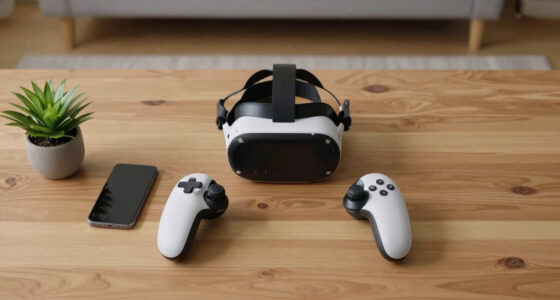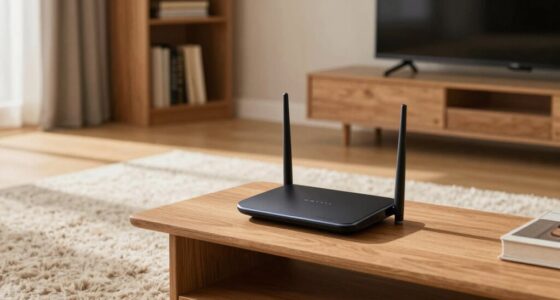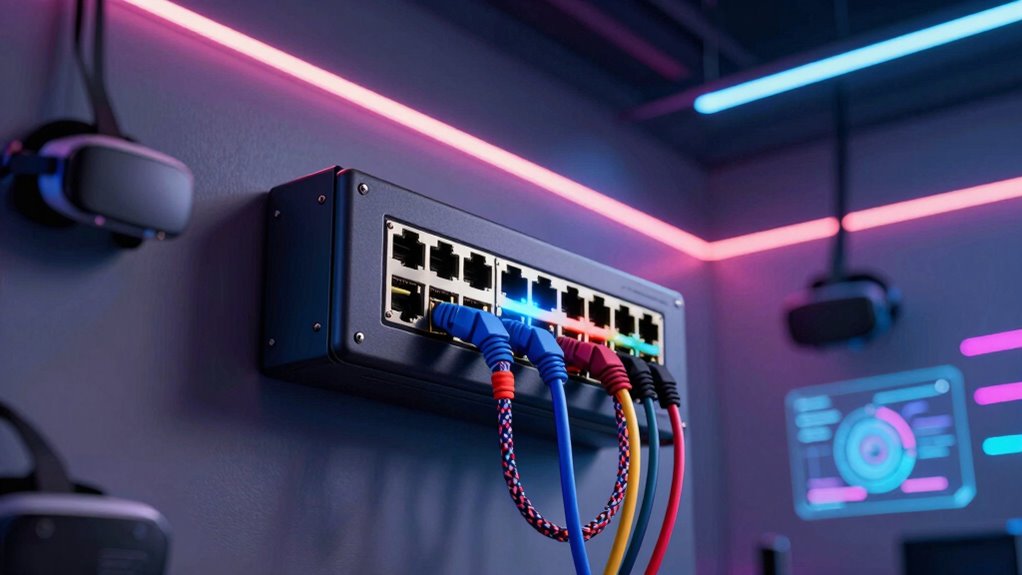

Network switches are essential in advanced VR rooms because they guarantee your setup has fast, reliable connections that prevent lag and interruptions. They support seamless data flow, prioritize VR traffic, and reduce latency, which keeps your virtual environment smooth and immersive. Switches also enhance security, monitor network performance, and allow easy upgrades for future needs. If you want to discover how these features keep your VR experience ideal, keep exploring the details.

Get VR and gaming gear delivered free — and shop member deals
- Fast, free delivery on millions of items
- Access to Prime Big Deal Days deals on October 6–7
- Prime Video, Amazon Music and more included
Key Takeaways
- They provide high-speed, reliable connections essential for seamless, immersive VR experiences without lag or interruptions.
- Managed switches prioritize VR data traffic with QoS, reducing latency and ensuring real-time responsiveness.
- They enhance network security through access controls, port security, and segmentation, protecting sensitive VR data.
- Switches enable efficient network monitoring and troubleshooting, supporting maintenance and future upgrades.
- Advanced management features optimize performance, security, and scalability for evolving VR environments.
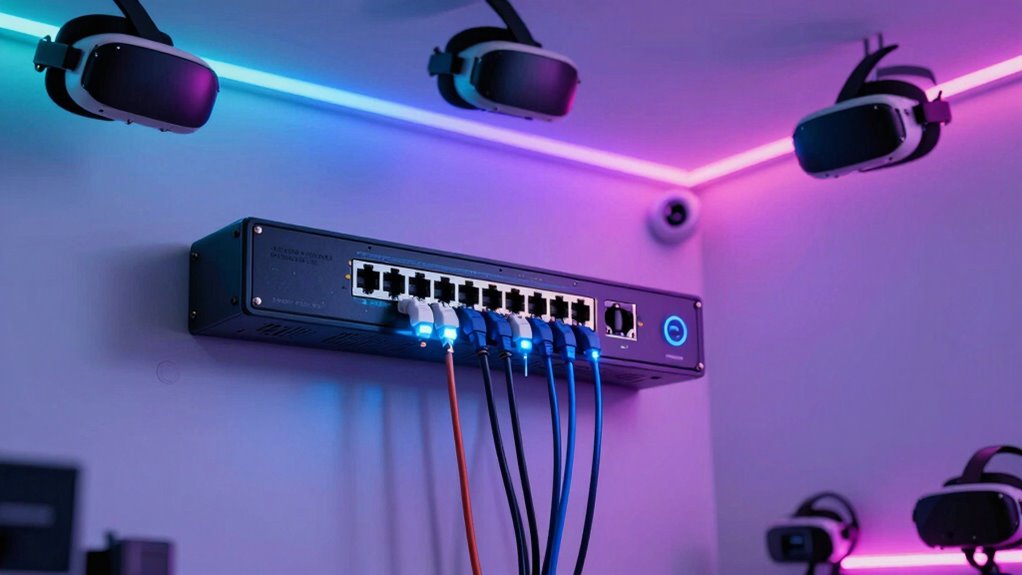
In virtual reality (VR) rooms, a dependable network switch is crucial for delivering seamless, high-speed connections that support immersive experiences. As you step into a VR environment, you want every movement, interaction, and visual to happen instantly and smoothly. That’s where a quality network switch comes into play, guaranteeing your devices stay connected without lag or interruption. Without a solid network backbone, even the most advanced VR hardware can fall short, causing frustration and disrupting the experience.
A reliable network switch ensures smooth, lag-free VR experiences with fast, uninterrupted connections.
A key reason why network switches matter so much in VR rooms is their ability to optimize wireless connectivity. While many VR setups rely on Wi-Fi, wireless connections can sometimes be unstable or prone to interference. A managed network switch, especially one supporting VLANs and Quality of Service (QoS), helps prioritize VR data traffic, reducing latency and ensuring that your headset and controllers receive the bandwidth they need. This minimizes lag and keeps your virtual environment responsive, which is crucial for maintaining immersion and preventing motion sickness. With a robust switch, you can confidently scale your VR setup, knowing that wireless devices will perform reliably even when multiple users are involved.
Network security is another critical aspect that a good network switch addresses in advanced VR rooms. Since VR environments often handle sensitive data—such as user credentials, biometric information, or proprietary virtual assets—protecting this data becomes paramount. Managed switches offer features like port security, access controls, and network segmentation, which help prevent unauthorized access and cyber threats. You can isolate VR traffic from other network segments, reducing the risk of breaches and ensuring that your virtual experiences remain private and secure. This is especially important in corporate or educational settings, where data privacy is a primary concern. Incorporating advanced security protocols into your network infrastructure further enhances the protection of valuable virtual assets.
Additionally, a high-quality network switch simplifies maintenance and monitoring. You can track network performance, identify bottlenecks, and quickly troubleshoot issues before they impact users. This proactive approach keeps your VR room running smoothly, even during high-demand periods. Modern switches with network management features enable real-time insights and automated alerts, making network management more efficient. Moreover, a switch with future-proof features allows you to add more devices or upgrade your network infrastructure without major disruptions, supporting ongoing advancements in VR technology. Investing in a managed switch with comprehensive monitoring capabilities ensures you stay ahead of potential issues and maintain optimal performance.
Furthermore, choosing a switch with advanced management features can help optimize overall network performance and reliability, ensuring your VR environment remains responsive and secure as your setup evolves. Ultimately, investing in the right network switch makes all the difference in delivering immersive, secure, and reliable VR experiences. It guarantees that your wireless connectivity remains strong, latency stays low, and your network security stays intact. By choosing a switch built for the demands of advanced VR environments, you set the foundation for a seamless and safe virtual reality experience that meets both current needs and future growth.
As an affiliate, we earn on qualifying purchases.
Frequently Asked Questions
How Do Switches Handle High Data Traffic in VR Environments?
Switches handle high data traffic in VR environments by intelligently managing bandwidth and optimizing latency. They prioritize critical data streams, reducing delays and guaranteeing smooth, real-time interactions. Using features like Quality of Service (QoS), switches allocate sufficient bandwidth to demanding applications, preventing lag or jitter. This ensures your VR experience remains seamless and immersive, even during intense data exchanges, making switches essential for maintaining high-performance in advanced VR setups.
Can Network Switches Prioritize VR Data Over Other Network Traffic?
Yes, network switches can prioritize VR data over other traffic through bandwidth management and quality prioritization. Ironically, in a world obsessed with speed, these switches guarantee your immersive experience isn’t interrupted by mundane data. They intelligently allocate resources, giving VR streams the necessary bandwidth. So, while it might seem like just tech, it’s really about ensuring you remain fully immersed, not fighting for network attention like everyone else.
What Are the Security Features of Advanced Switch Networks?
You’ll find that advanced switch networks include robust security features like encryption protocols and access controls. Encryption protocols protect VR data during transmission, ensuring your sensitive information stays safe from eavesdroppers. Access controls restrict network access to authorized devices and users, preventing unauthorized entry. Together, these features create a secure environment, allowing you to focus on immersive VR experiences without worrying about potential security breaches or data leaks.
How Scalable Are These Network Switches for Expanding VR Setups?
You’ll find these network switches highly scalable for expanding VR setups, supporting additional devices seamlessly. They handle increased wireless connectivity demands and guarantee stable, high-speed data transfer for multiple VR headsets. Plus, their advanced power management features optimize energy use, preventing overloads as you add more equipment. With these capabilities, your VR room can grow without sacrificing performance, making expansion easy and reliable.
Do Switches Require Special Configurations for Different VR Applications?
Ever wondered if your switches need special tweaks for different VR apps? They might, especially when you’re handling diverse applications. You’ll want to configure network segmentation and VLAN management to optimize performance and prevent interference. Custom settings guarantee each VR experience runs smoothly without lag or glitches. So, yes, adjusting switch configurations for specific VR applications can considerably enhance your immersive environment, making your virtual worlds more seamless and enjoyable.
high-speed Ethernet switch for virtual reality
As an affiliate, we earn on qualifying purchases.
As an affiliate, we earn on qualifying purchases.
Conclusion
Don’t underestimate the power of a good network switch in your VR setup. Yes, it might seem like a small detail, but it’s the backbone that keeps everything running smoothly. You might think it’s complicated or unnecessary, but investing in quality switches guarantees seamless experiences and avoids frustrating lag. Trust me, when you’re immersed in VR and everything just works, you’ll be glad you prioritized your network’s performance from the start.
QoS network switch for immersive VR
As an affiliate, we earn on qualifying purchases.
As an affiliate, we earn on qualifying purchases.
As an affiliate, we earn on qualifying purchases.
Fall Picks
fall essentials
As an affiliate, we earn on qualifying purchases.