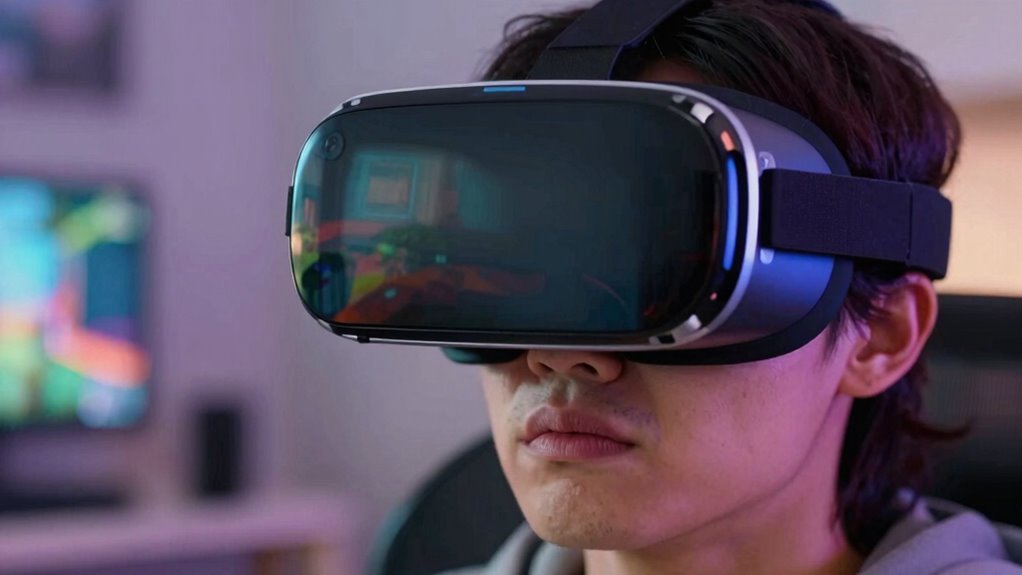

Your wireless VR experience feels great one day and frustratingly bad the next because of unseen technical factors. Variations in Wi-Fi signal strength, interference from walls or devices, and network conditions can cause fluctuating latency. Compatibility issues, firmware bugs, or software glitches might also impact performance unexpectedly. Environmental changes and hardware limitations contribute to inconsistency. If you want to understand how these elements intertwine and affect your sessions, keep exploring these factors further.

Play games on Amazon Luna for your next adventure, included with Prime
- A rotating selection of games, no download needed
- Play on TV, laptop or phone
- Fast, free delivery for your gear, too
Key Takeaways
- Wireless VR performance is affected by fluctuating network conditions and interference, causing inconsistent latency and experience quality.
- Compatibility issues and firmware bugs can lead to sudden drops in performance or disconnections.
- Environmental factors like walls or metal objects can disrupt signals, resulting in variable VR smoothness.
- Hardware limitations and background processes may cause delays or glitches on certain days.
- Ongoing technological improvements aim to stabilize wireless VR, but current limitations cause inconsistent experiences.
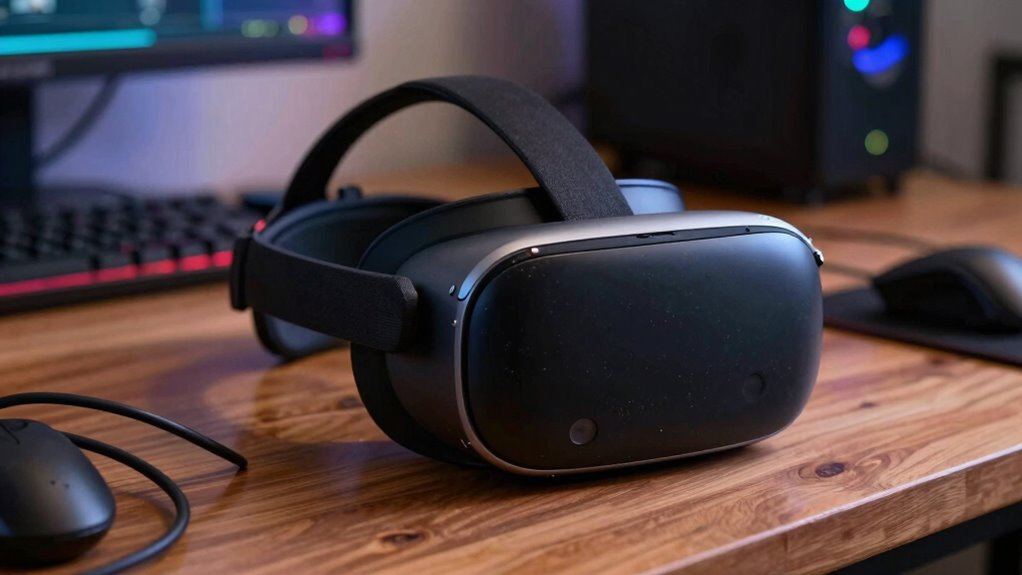
Wireless VR has promised a future of untethered, immersive experiences, but lately, that promise has been inconsistent at best. One day, you’re fully immersed, feeling like you’re truly inside a virtual world. The next, you’re frustrated by lag, disconnections, or a feeling that the device just isn’t working smoothly. It’s a rollercoaster ride of excitement and disappointment, and understanding why can help you navigate the ups and downs.
Latency issues are often the biggest culprit behind the inconsistent experience. When you’re immersed in VR, even small delays in tracking or display updates can break the illusion. If your headset’s wireless connection isn’t fast enough or if there’s interference, you might notice a lag between your movements and what you see. Sometimes, this latency causes nausea or disorientation, which can ruin the experience entirely. The variability in latency stems from fluctuating network conditions, hardware limitations, or even background processes on your device. On a good day, the signals are crisp and quick, giving you that seamless, untethered sensation. On a bad day, delays creep in, and you’re left feeling disconnected from the virtual world.
Latency fluctuations can break immersion, causing lag, nausea, or disconnection during wireless VR experiences.
Hardware compatibility is another factor that makes your wireless VR experience unpredictable. Not all headsets work well with every wireless solution, and some require specific adapters or setups. If your hardware isn’t fully compatible, you might encounter frequent disconnects or degraded performance. Firmware updates or software bugs can also throw a wrench into the works, causing sudden drops in quality or functionality. Sometimes, a headset that works flawlessly one day may struggle the next because of driver issues or incompatible software updates. This inconsistency can make it feel like wireless VR is more of a gamble than a reliable way to explore virtual environments. Moreover, hardware compatibility issues may become more apparent as new devices and updates are released, further complicating the experience. Additionally, software updates can sometimes introduce unexpected bugs that affect performance, adding to the unpredictability. Furthermore, software bugs may occasionally cause glitches that temporarily hinder your VR experience, emphasizing the need for stable software environments. Regularly checking for Firmware updates and ensuring your hardware is supported can help mitigate some of these issues.
Furthermore, the environment you’re in plays a role. Wireless signals can be disrupted by walls, metal objects, or other wireless devices, worsening latency issues or causing signal drops. Your experience will vary depending on how crowded or interference-heavy your space is. Even the quality of your wireless router or transmitter impacts performance. When all these factors align perfectly, you’re rewarded with a smooth, immersive experience. When they don’t, frustration sets in, and you wonder whether wireless VR is worth it.
Additionally, ongoing advancements in wireless technology continue to address some of these challenges, promising more consistent experiences in the future. In the end, wireless VR’s inconsistency boils down to a mix of latency issues, hardware compatibility, and environmental factors. While technology continues to improve, these challenges remind you that the perfect untethered experience isn’t quite here yet.
Products Worth Considering

Bose QuietComfort Wireless Noise Cancelling Headphones, Sandstone

Bose QuietComfort True Wireless Noise-Cancelling Earbuds, Black

Bose QuietComfort Ultra Wireless Noise-Cancelling Headphones with Spatial Audio, Black
As an affiliate, we earn on qualifying purchases.
Frequently Asked Questions
How Does Device Battery Life Impact Wireless VR Performance?
Device battery life directly impacts your wireless VR performance. When batteries degrade over time, they can’t hold a full charge, leading to shorter play sessions and lag or disconnects. To maintain peak performance, you should focus on power optimization, such as reducing screen brightness or closing background apps. Properly managing battery health ensures smoother, more reliable VR experiences, preventing those frustrating drops in quality when your device’s battery isn’t at its best.
Can Software Updates Cause Fluctuations in Wireless VR Experience?
Yes, software updates can cause fluctuations in your wireless VR experience. When updates improve software stability and enhance update compatibility, your VR performance tends to improve. However, if updates introduce bugs or compatibility issues, it can lead to lag, disconnects, or reduced quality. You might notice better performance after updates, but sometimes, initial bugs or conflicts can temporarily worsen your experience until subsequent patches fix them.
What Role Does Wi-Fi Interference Play in Connection Quality?
Wi-Fi interference substantially impacts your wireless VR connection quality. When there’s Wi-Fi congestion, multiple devices compete for bandwidth, causing signal interference that leads to lag, disconnections, or poor video quality. You might notice your VR experience fluctuates in areas with many active networks or crowded spaces. To improve, reduce nearby Wi-Fi traffic, switch to less congested channels, or use a dedicated 5GHz network to minimize signal interference and ensure smoother VR gameplay.
Are There Specific Hardware Issues That Affect Wireless VR Consistency?
Hardware issues like poor durability can disrupt your wireless VR experience, causing connection drops or lag. Over time, components may wear out or become misaligned, reducing connectivity reliability. Faulty antennas or loose connections also contribute to inconsistent performance. To guarantee smooth gameplay, regularly check your hardware’s condition, invest in durable equipment, and keep everything properly maintained. This way, you minimize disruptions and enjoy a more reliable wireless VR experience.
How Does User Environment Influence Wireless VR Stability?
Your environment greatly impacts wireless VR stability. Environmental distractions like loud noises or movement can interfere with your focus and performance. Physical obstructions, such as furniture or walls, can block the signals between your headset and the transmitter, causing lag or disconnections. To guarantee a smooth experience, clear the space of obstacles and minimize distractions. A tidy, open area helps maintain a strong connection and keeps your VR session consistent and enjoyable.
Conclusion
Wireless VR is like chasing a fleeting dream—sometimes it’s a smooth, exhilarating ride, and other times, a tangled web of disappointment. Your experience depends on a delicate dance of signals, hardware, and environment, all aligning perfectly one day and falling out of sync the next. So, embrace the unpredictability, knowing that behind every glitch lies the promise of another day’s adventure—where technology and your imagination can finally dance in harmony.