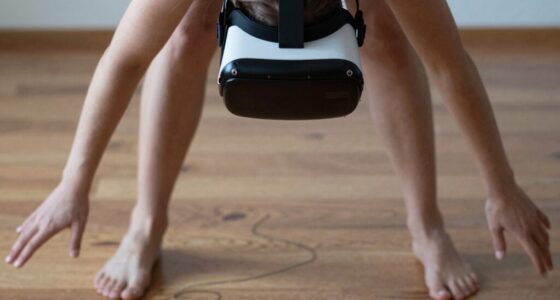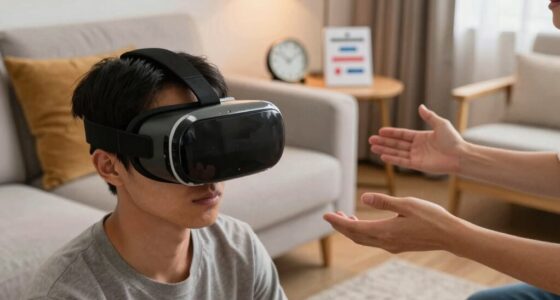
Your VR sessions can feel worse on some days due to various factors like hardware issues, environmental conditions, and your physical or mental state. Dust on devices, poor lighting, or unstable internet can disrupt tracking and responsiveness. Fatigue, stress, or dehydration also dull your perception of haptic feedback, making experiences less immersive. Staying aware of these factors and properly maintaining your gear can help improve your sessions. Keep exploring for more ways to optimize your VR experience.

Play games on Amazon Luna for your next adventure, included with Prime
- A rotating selection of games, no download needed
- Play on TV, laptop or phone
- Fast, free delivery for your gear, too
Key Takeaways
- Fatigue and stress can reduce responsiveness and perception of haptic feedback, making sessions feel less immersive.
- Dust, wear, or outdated software may impair device accuracy and performance, affecting experience quality.
- Unstable internet or lag disrupts synchronization, leading to a less seamless VR experience.
- Poor lighting, clutter, or reflective surfaces can interfere with tracking accuracy and immersion.
- Physical or mental tiredness, dehydration, and lack of rest diminish sensory perception and comfort during VR sessions.
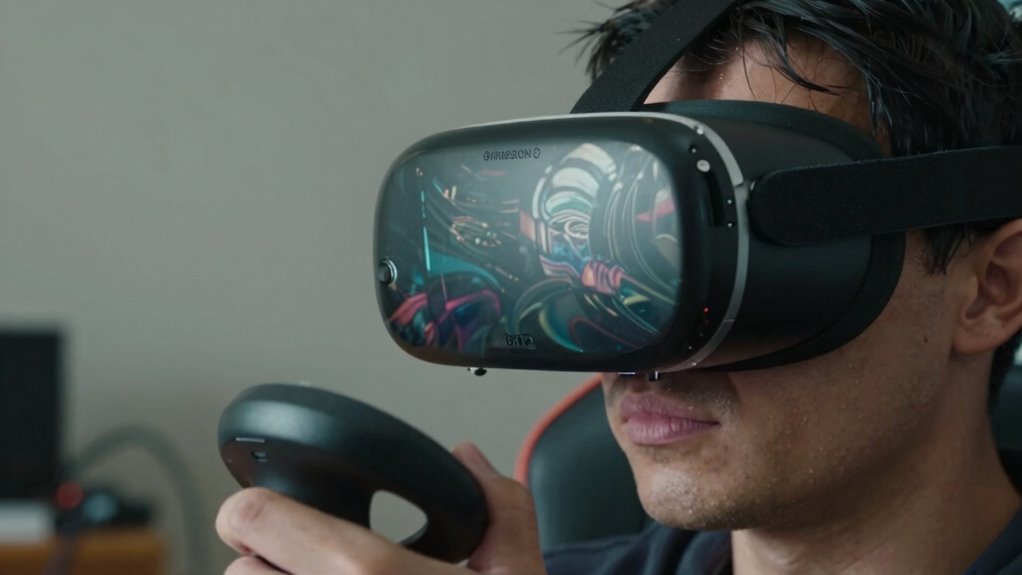
Have you ever noticed how your virtual reality sessions can feel noticeably different from one day to the next? Sometimes, you’re fully immersed, feeling the haptic feedback sync perfectly with the game, and everything runs smoothly. Other days, it’s like you’re fighting against the system—laggy visuals, weak vibrations, and a sense that the experience isn’t as engaging. Several factors influence this variability, and understanding them can help you enjoy more consistent VR sessions.
One key factor is session duration. If you spend too long in VR without breaks, you might start feeling fatigued or notice a decline in the quality of your experience. Longer sessions can lead to decreased responsiveness in haptic feedback, making it less realistic and immersive. Over time, your body and mind become tired, which can diminish your perception of haptic sensations and increase discomfort. Keeping sessions shorter and taking regular breaks can help maintain the best haptic feedback and prevent fatigue, resulting in a smoother experience.
Long VR sessions can cause fatigue and reduce haptic feedback quality, so take regular breaks for a smoother experience.
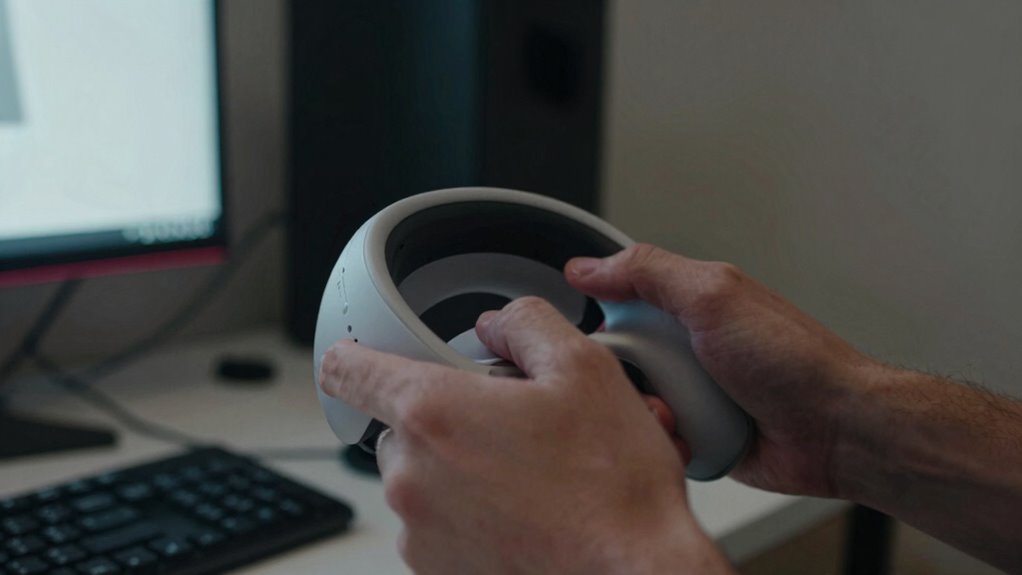
Another element is the state of your hardware and software. Over time, your VR headset and controllers can accumulate dust or experience minor wear, affecting sensor accuracy and haptic feedback quality. Firmware updates or software glitches can also interfere with session performance, causing inconsistencies. Ensuring your devices are clean, up to date, and well-maintained can greatly improve session reliability. Additionally, hardware maintenance is essential for consistent performance. Regularly checking for software updates can also resolve bugs that cause performance issues. Proper environmental setup can go a long way in ensuring stable tracking and immersive VR experiences, especially when considering the impact of environmental factors on sensor accuracy.
Network stability plays a crucial role, especially in multiplayer or cloud-based VR experiences. An unstable internet connection can lead to lag, affecting the synchronization of haptic feedback and visual cues. This lag can make the experience feel disjointed or worse on some days when your connection dips. Running a speed test before starting your session and using wired connections when possible can help minimize these issues.
Environmental factors shouldn’t be overlooked either. A cluttered or poorly lit space can disrupt tracking, leading to less precise haptic feedback and a less immersive experience. Make sure your play area is clear, well-lit, and free of reflective surfaces that can interfere with sensors. Additionally, proper lighting can improve sensor accuracy and tracking performance.
Lastly, your mental and physical state impacts VR comfort. If you’re overly tired, stressed, or dehydrated, your perception of haptic feedback might diminish, making the experience feel less engaging or even uncomfortable. Staying hydrated, rested, and relaxed before your sessions helps guarantee you get the most out of your VR experience. Additionally, mental and physical well-being plays a significant role in how you perceive and enjoy VR sessions.
As an affiliate, we earn on qualifying purchases.
Frequently Asked Questions
Can Hydration Levels Affect VR Experience Quality?
Hydration effects can substantially influence your VR experience quality. When you’re well-hydrated, your focus improves, and your reaction times stay sharp, making the VR session more immersive and comfortable. Dehydration impacts your concentration, causes headaches, and can lead to dizziness, all of which diminish your VR experience. Staying hydrated helps prevent these dehydration impacts, ensuring you enjoy smoother, more engaging sessions without discomfort or fatigue.
Does the Time of Day Impact VR Comfort?
Your VR comfort can definitely be affected by the time of day, like a tide that rises and falls. When you’re well-rested and your sleep quality is high, your eyes handle eye strain better, making the experience smoother. In the mornings or after a good night’s sleep, your eyes are fresher, and you’re less prone to fatigue, helping you enjoy longer, more comfortable VR sessions.
Are Certain VR Headsets More Prone to Causing Discomfort?
Yes, certain VR headsets can cause more discomfort due to poor ergonomics or inadequate software optimization. If your headset isn’t well-designed for comfort, it might put strain on your head or face. Additionally, software issues like lag or poor tracking can cause motion sickness or eye strain. Choosing a headset with better ergonomics and ensuring software updates are installed can notably improve your VR experience and reduce discomfort.
How Does Ambient Temperature Influence VR Session Quality?
Imagine your VR headset as a delicate plant needing just the right environment to thrive. Ambient temperature plays a vital role in thermal regulation and environmental stability, directly impacting your comfort and session quality. When it’s too hot or cold, your body struggles to maintain ideal temperature, causing discomfort or dizziness. Keeping your room at a steady, moderate temperature helps guarantee smoother, more enjoyable VR experiences.
Can Mental Fatigue Affect VR Session Performance?
Yes, mental fatigue can markedly impact your VR session performance. When you’re tired, your cognitive load increases, making it harder to focus and react smoothly. Practicing mindfulness techniques helps refresh your mind, reducing fatigue and improving your experience. If you notice your sessions feeling worse, take breaks, breathe deeply, and reset your mental state. Managing fatigue and cognitive load ensures more immersive, comfortable VR sessions.
As an affiliate, we earn on qualifying purchases.
Conclusion
Don’t let occasional VR discomfort discourage you. Remember, many factors—like your environment, hardware, or even your mood—can influence how good your experience feels. It’s normal for sessions to vary, so give yourself grace and troubleshoot gradually. With some patience and small adjustments, you’ll likely find your groove again. After all, VR is meant to be fun and immersive—so keep experimenting and enjoy the ride, even on the tougher days.
high speed Ethernet cable for VR
As an affiliate, we earn on qualifying purchases.
As an affiliate, we earn on qualifying purchases.
As an affiliate, we earn on qualifying purchases.
Fall Picks
fall essentials
As an affiliate, we earn on qualifying purchases.