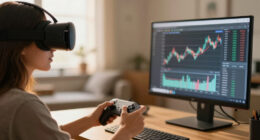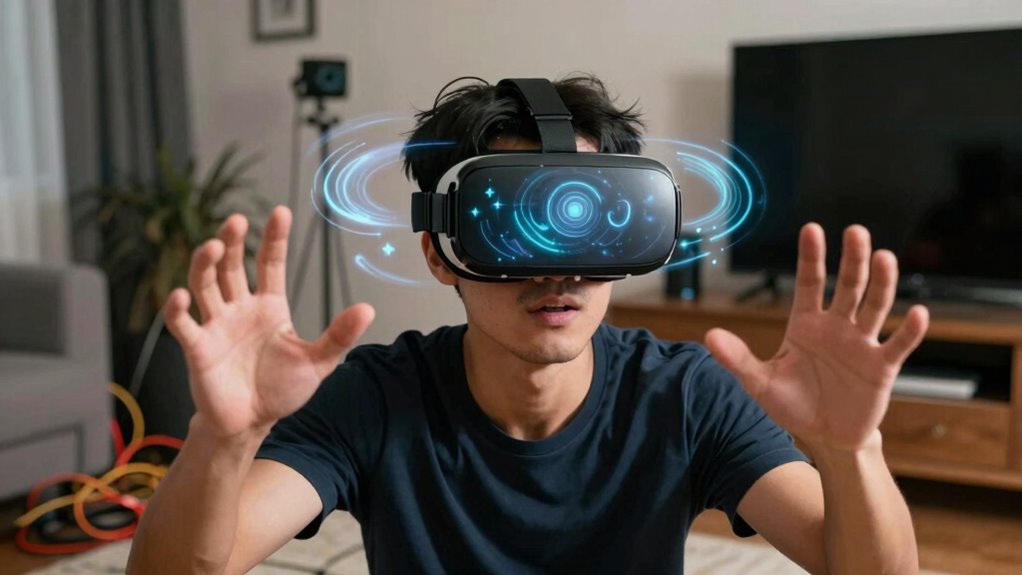
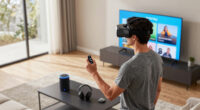
When you show off VR to others, it becomes riskier because guests often ignore signs of eye strain or motion sickness, increasing the chance of accidents. Without careful setup or supervision, they might trip over obstacles or feel dizzy, leading to injuries. People may forget to take breaks, pushing their eyes or bodies past safe limits. Staying aware of these dangers is essential, and if you keep exploring, you’ll discover how to keep everyone safe during virtual adventures.

Play games on Amazon Luna for your next adventure, included with Prime
- A rotating selection of games, no download needed
- Play on TV, laptop or phone
- Fast, free delivery for your gear, too
Key Takeaways
- Sharing VR increases the risk of accidents due to unfamiliar or cluttered environments and lack of personal awareness.
- Guests may not recognize signs of eye strain or motion sickness, leading to prolonged or unsafe usage.
- Longer or unmonitored sessions can cause discomfort, dizziness, or headaches for users unfamiliar with safe VR limits.
- Inexperienced users might not adjust headset fit or lighting, increasing eye fatigue and physical discomfort.
- Without proper guidance, users may push through symptoms, risking injuries or worsening health issues during shared VR sessions.
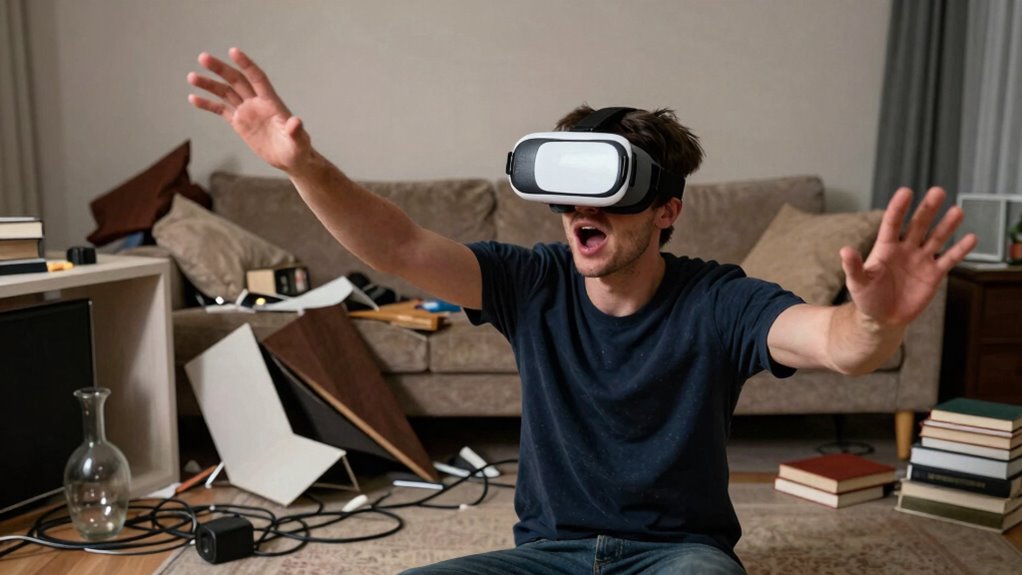
Virtual reality offers immersive experiences, but it also introduces safety risks that you need to be aware of. When you’re showing VR to friends or family, these risks can become more pronounced, especially since you’re sharing your setup with others who may not be familiar with how to use it safely. One of the most common issues you might face is eye strain. Extended use of VR headsets causes your eyes to work harder as they focus on close screens, leading to discomfort and even headaches if you’re not careful. When you’re demonstrating VR to someone else, they might forget to take breaks, pushing their eyes past healthy limits, which can result in eye fatigue. It’s essential to remind your guests to pause frequently and to be mindful of how their eyes feel. Properly adjusting the headset for comfort and assure good lighting conditions can also help reduce eye strain and make the experience safer for everyone. Being aware of VR health effects can help you better monitor and mitigate these issues during shared sessions.
Another safety concern that becomes more prominent when you’re showing VR off is motion sickness. Virtual reality can trigger motion sickness because your brain receives conflicting signals: your eyes see movement, but your inner ear may not detect the same motion, leading to dizziness or nausea. When demonstrating VR, you might notice that someone becomes queasy after just a few minutes, especially if they’re unfamiliar with how the experience affects their body. To prevent this, you should start with shorter sessions and encourage your guests to stop if they begin feeling uneasy. It’s also helpful to select experiences with smooth, gentle movements and avoid those with rapid or unpredictable motions. Having a nearby chair or support can help someone regain their balance if they start feeling dizzy. Additionally, being aware of VR safety risks can help you create a safer environment for everyone involved.
Creating a comfortable and secure environment is crucial, especially when sharing VR with others unfamiliar with its potential physical effects, so always prioritize safety over enthusiasm. When you’re sharing VR, safety becomes a shared responsibility. You need to make sure your space is clear of obstacles, so no one trips or bumps into furniture during an active session. Keep an eye on your guests and be ready to pause the experience if they show signs of discomfort. Educating your friends about potential risks and how to recognize symptoms of eye strain and motion sickness can make the experience safer and more enjoyable for everyone. Remember, the more people you show VR to, the more cautious you should be. It’s easy to overlook these risks when you’re excited to share your setup, but taking steps to minimize hazards assures that everyone has a fun, safe time exploring virtual worlds.
VR headset comfort adjustment accessories
As an affiliate, we earn on qualifying purchases.
As an affiliate, we earn on qualifying purchases.
Frequently Asked Questions
How Can I Prevent Others From Accidentally Injuring Themselves During Demos?
To prevent others from injuring themselves during VR demos, make certain their VR posture is correct and comfortable, reducing the risk of strain or accidents. Always check equipment calibration before starting, making sure the headset and controllers fit properly. Clear the surrounding area of obstacles, and supervise users closely. Remind them to move slowly and be aware of their space, helping them stay safe while enjoying the experience.
Are There Legal Liabilities if Someone Gets Injured Using My VR Setup?
Yes, you could face legal liabilities if someone gets injured using your VR setup. Your legal responsibilities include ensuring a safe environment and warning users of potential hazards. Liability concerns mean you might be held accountable if your setup causes harm, especially if you neglect safety precautions or fail to inform users properly. To protect yourself, consider having users sign waivers and follow safety guidelines carefully.
What Precautions Should I Take When Demonstrating VR to Children?
When demonstrating VR to children, you should prioritize their safety by ensuring VR comfort and proper equipment calibration. Keep the session short to prevent discomfort, and constantly monitor their reactions for signs of dizziness or fatigue. Make sure the headset fits well and the area is clear of obstacles. Use age-appropriate content, and stay close to guide them through the experience, reducing risks and keeping their excitement safe.
How Do I Ensure My VR Equipment Is Safe for Public Use?
To guarantee your VR equipment is safe for public use, focus on VR ergonomics by adjusting headsets for comfort and proper fit, reducing strain and discomfort. Regular equipment maintenance is vital; clean lenses, check straps, and inspect cables for damage. Keep the play area clear to prevent accidents, and supervise users closely. By maintaining your gear and prioritizing ergonomic design, you create a safer, more enjoyable experience for everyone.
Can Showing off VR Increase the Risk of Data Theft or Hacking?
Think of your VR setup as a treasure chest; when you show it off, you risk exposing its secrets. Sharing your VR experience publicly can increase data privacy risks and hacking vulnerabilities because more people access your device or network. Hackers may exploit these vulnerabilities, stealing personal data or infecting your system. Stay cautious by limiting access, updating software regularly, and using strong security measures to protect your digital treasure.
As an affiliate, we earn on qualifying purchases.
Conclusion
Sharing VR experiences is like opening a door to a wild jungle—you might be excited, but without caution, you risk getting lost or hurt. As you showcase this immersive world, remember that safety is the vine that keeps you grounded. Stay aware of your surroundings, and don’t let the thrill of discovery cloud your judgment. With careful steps, you can explore the digital jungle without losing your way or damaging the adventure for others.
VR safety mat or obstacle sensor
As an affiliate, we earn on qualifying purchases.
As an affiliate, we earn on qualifying purchases.
VR motion sickness relief products
As an affiliate, we earn on qualifying purchases.
As an affiliate, we earn on qualifying purchases.
Fall Picks
fall essentials
As an affiliate, we earn on qualifying purchases.