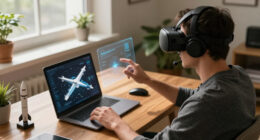

When you start feeling eye soreness, dryness, or blurred vision, it’s time to pause and take a break. Dizziness, dizziness, or mental fatigue can also signal you’ve been immersed too long. If you notice discomfort, headaches, or difficulty focusing afterward, it’s a clear sign to rest. Continuing without addressing these symptoms can worsen your discomfort. Keep going to discover more tips on preventing these issues and staying comfortable during VR sessions.

Get VR and gaming gear delivered free — and shop member deals
- Fast, free delivery on millions of items
- Access to Prime Big Deal Days deals on October 6–7
- Prime Video, Amazon Music and more included
Key Takeaways
- Experiencing eye dryness, soreness, or blurred vision during or after VR use.
- Feeling overwhelmed, mentally exhausted, or disoriented after extended VR sessions.
- Noticing increased sensitivity to light or eye irritation.
- Developing headaches or dizziness following immersive experiences.
- Struggling to refocus on real-world objects or experiencing visual discomfort.
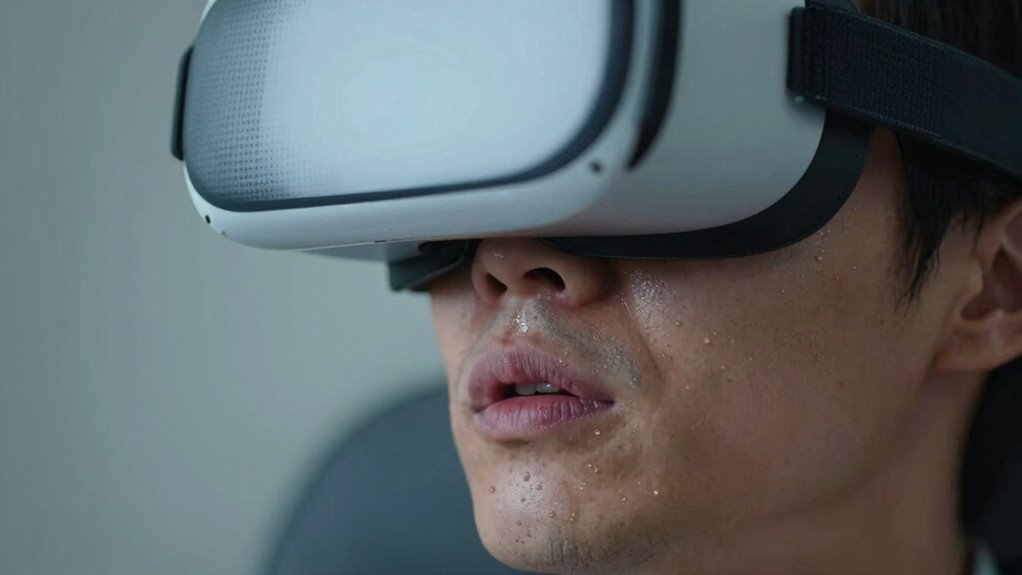
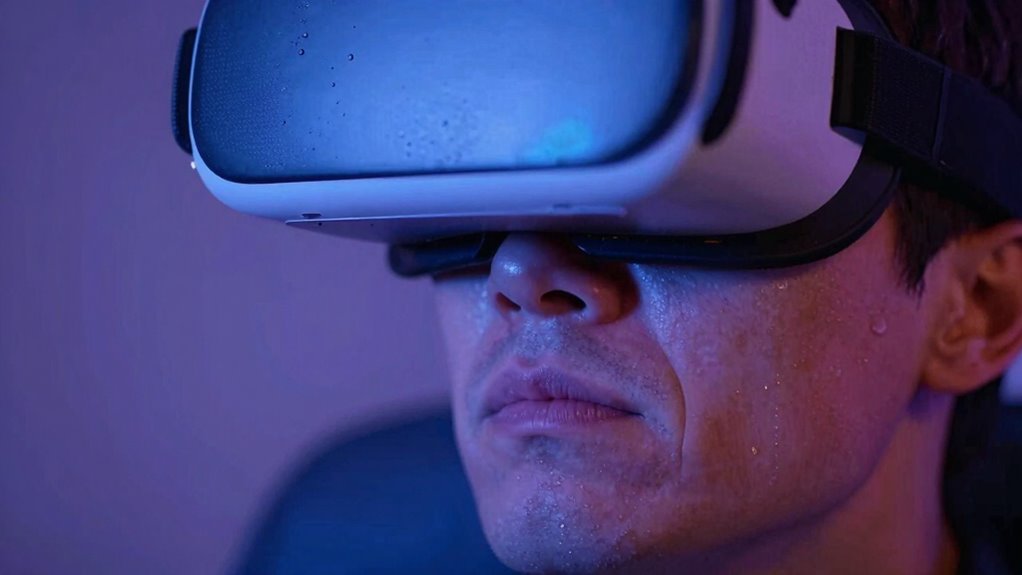
Feeling overwhelmed or fatigued after hours of virtual reality gaming or work is a clear sign that you might need a break. Virtual fatigue is common when you spend long periods immersed in VR environments, and it often manifests alongside eye strain. If you notice your eyes feeling sore, tired, or dry, it’s a strong indicator that your eyes are working harder than they should be. VR headsets create a close proximity to your eyes, which can lead to excessive focusing, causing discomfort and fatigue. When your vision blurs or you find it difficult to concentrate afterward, it’s time to step back and give your eyes a rest.
Feeling sore, tired, or blurry eyes after VR use? It’s time to rest and protect your vision.
You might also feel a sense of dizziness or disorientation after extended VR sessions. This can be a sign that your brain is struggling to process the virtual environment, especially if your balance feels off or you experience nausea. These symptoms often accompany virtual fatigue, which results from prolonged exposure to immersive digital worlds that demand intense focus and sensory input. Ignoring these signs can lead to headaches or worsened eye strain, which might linger even after you’ve taken off the headset. Additionally, poor ventilation can exacerbate discomfort during long sessions, making it even more important to take regular breaks. Proper air circulation can help keep the environment more comfortable and reduce overheating that may contribute to fatigue. Ensuring the ergonomics of your setup is also crucial for comfort and preventing unnecessary strain during extended use. Taking into account proper lighting in your environment can further reduce eye strain and improve overall comfort during prolonged VR use.
Another indication you need a break is persistent eye discomfort. If your eyes start to water or you notice increased sensitivity to light, these are classic signs of eye strain. VR can cause your eyes to work in unnatural ways, especially if your headset isn’t properly adjusted or if you’re not blinking enough during gameplay or work tasks. Reduced blinking leads to dryness and irritation, making your eyes feel gritty or tired. If these symptoms persist, it’s crucial to step away, hydrate, and give your eyes a chance to recover. Proper eye hygiene can also help prevent further discomfort and maintain eye health.
You might also realize that your focus becomes increasingly difficult, even after removing your VR gear. Blurred vision or difficulty refocusing on real-world objects indicates that your visual system needs a break from the intense focus VR demands. Additionally, if you start feeling mentally exhausted or find it hard to concentrate on simple tasks afterward, it’s a sign that your cognitive resources are overwhelmed. Your brain needs time to reset from the high stimulation of virtual environments. Recognizing these early signs of virtual fatigue and eye strain is essential for maintaining your health and comfort. Taking regular breaks, adjusting the headset properly, and practicing good eye hygiene can prevent these issues from worsening. Remember, your body’s signals are there for a reason—listen to them and give yourself the necessary time to rest and recover.
As an affiliate, we earn on qualifying purchases.
Frequently Asked Questions
Can VR Overuse Cause Long-Term Eye Damage?
Yes, overusing VR can cause long-term eye damage. You might experience eye strain and visual fatigue from prolonged exposure, which can lead to discomfort and potential issues like blurred vision or dry eyes. To protect your eyes, take regular breaks, follow the 20-20-20 rule, and limit your VR sessions. Being mindful of these symptoms helps prevent long-term damage and keeps your eyes healthy.
How Long Should a Typical VR Session Last?
A typical VR session should last about 30 to 60 minutes to prevent virtual reality fatigue. Extended use can strain your eyes and cause discomfort. To enjoy immersive experiences limits without overdoing it, take breaks every 20 minutes. Listening to your body helps you recognize signs of fatigue early, ensuring you stay comfortable and avoid long-term eye issues or dizziness. Shorter, frequent sessions make VR more enjoyable and safer.
Are There Age Restrictions for Safe VR Use?
An age-old adage says, “Better safe than sorry,” and that’s especially true with VR. Age restrictions are crucial for safe VR use, typically recommending children under 12 avoid immersive experiences. Always follow safety guidelines, which include supervision and time limits. For teenagers, guarantee the device suits their age and maturity. Prioritizing these rules helps prevent eye strain and other health issues, keeping your VR experience fun and safe.
What Are Common Signs of VR Motion Sickness?
You might notice signs of VR motion sickness like visual discomfort, such as blurred vision or eye strain, and dizziness symptoms, including lightheadedness or a spinning sensation. If you start feeling nauseous, sweaty, or overly disoriented, it’s a clear signal to take a break. Pay attention to these signs, and don’t ignore them—rest your eyes and give your body time to recover before jumping back into virtual reality.
Can VR Use Impact Mental Health?
Using VR can impact your mental health if you don’t set boundaries. You might develop virtual reality addiction, making it hard to disconnect, or experience emotional detachment from real-life relationships. Prolonged use can also lead to feelings of isolation or anxiety. To protect your mental health, take regular breaks, limit your VR sessions, and stay connected with the real world. Recognizing these signs helps you avoid negative effects.
As an affiliate, we earn on qualifying purchases.
Conclusion
If you find yourself squinting, feeling dizzy, or losing focus, it’s your mind’s way of waving a red flag. Ignoring these signs is like pushing a fragile sailboat through a storm—you risk capsizing your well-being. Take a break, step away from the virtual world, and give your senses a chance to breathe. Remember, your mind is the canvas; don’t let VR stretch it too thin. Prioritize your health and enjoy the virtual adventures responsibly.
As an affiliate, we earn on qualifying purchases.
As an affiliate, we earn on qualifying purchases.
Fall Picks
fall essentials
As an affiliate, we earn on qualifying purchases.