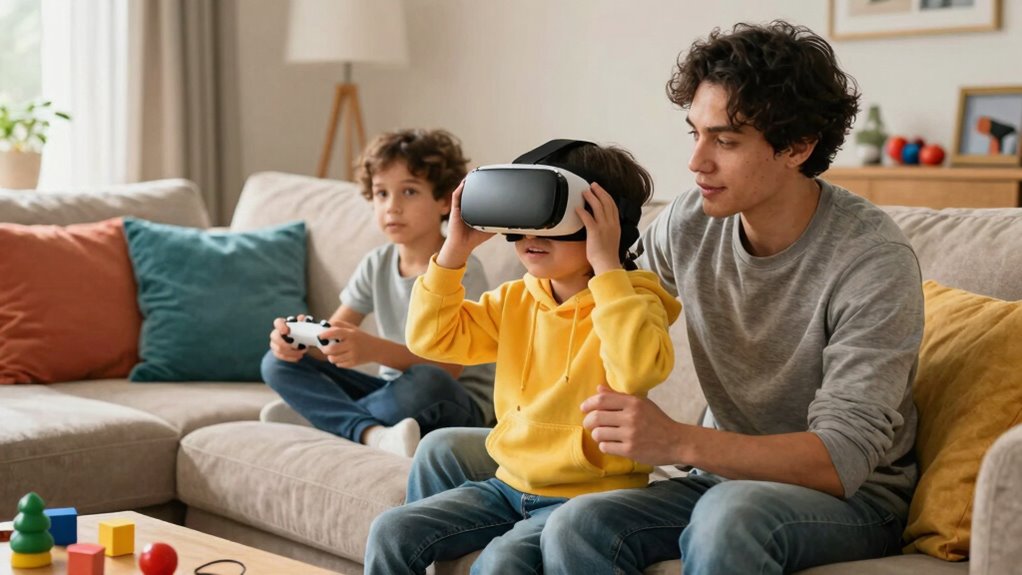

As a family, you need different VR rules than solo users because everyone’s safety, comfort, and experience matter. Children and adults face different risks and needs, so setting clear boundaries, like time limits and designated play areas, helps prevent accidents and overexposure. Supervising virtual sessions and establishing shared guidelines ensure everyone stays safe and engaged. To create a fun, stress-free environment, understanding these unique considerations is vital—keep exploring to learn more.

Get VR and gaming gear delivered free — and shop member deals
- Fast, free delivery on millions of items
- Access to Prime Big Deal Days deals on October 6–7
- Prime Video, Amazon Music and more included
Key Takeaways
- Children have different physical and emotional needs requiring tailored safety boundaries and supervision.
- Group settings increase risks of collisions and accidents, necessitating specific safety rules.
- Shared VR sessions demand clear boundaries to prevent overexposure and ensure physical safety.
- Family environments involve varying ages and understanding levels, requiring adaptable guidelines.
- Promoting communication and teamwork in family VR use calls for customized rules to foster safe, positive experiences.
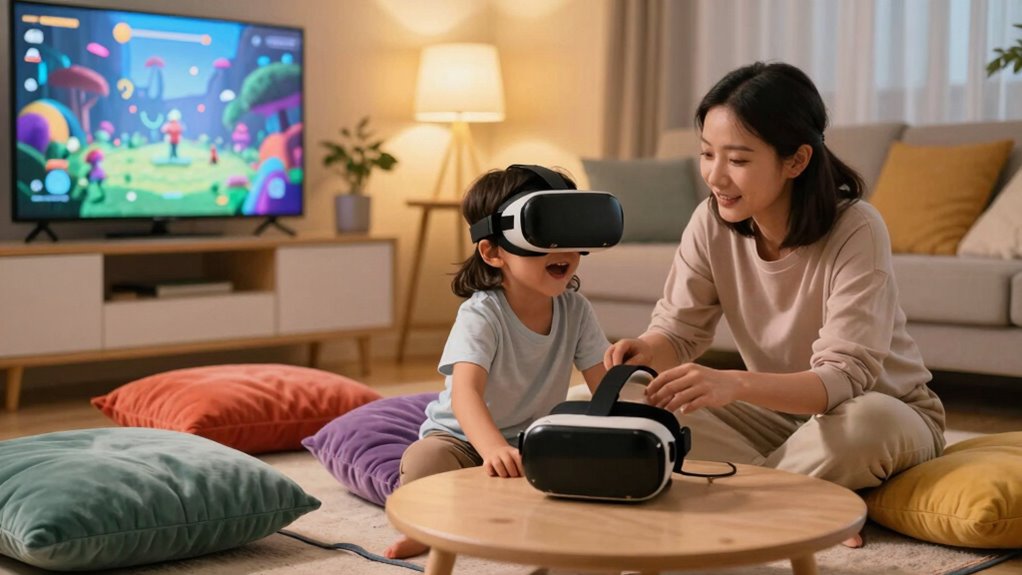
Virtual reality offers immersive experiences that can entertain and educate, but when it comes to families, solo user rules often fall short. As you introduce VR into your home, you quickly realize that children and adults have different needs and risks. You can’t just rely on the standard safety guidelines designed for individual users; you need to craft a set of rules that prioritize virtual safety and promote shared experiences. Kids, especially, may not fully grasp the boundaries of virtual environments, making supervision essential. For example, establishing clear boundaries, like time limits and designated play zones, helps prevent overexposure and reduces physical hazards, such as tripping over cords or bumping into furniture.
Shared experiences in VR can be incredibly enriching, but they also demand specific rules to ensure everyone’s well-being. When family members play together, you can foster communication and teamwork, but only if everyone understands how to interact safely. For example, establishing a common play area and encouraging players to stay aware of their surroundings minimizes accidents. You might also set rules about taking turns or playing collaborative games, which encourages patience and social skills. These shared experiences not only strengthen family bonds but also teach respect for each other’s safety. You can use this time to educate younger family members about virtual safety, emphasizing the importance of respecting boundaries within the virtual space and being mindful of physical surroundings. Recognizing that virtual environments often lack real-world cues is crucial to prevent accidental injuries. Additionally, understanding the importance of proper VR hardware setup can significantly impact safety, so ensuring proper setup and maintenance can prevent many common issues. Incorporating clear safety guidelines tailored for family use helps everyone feel more comfortable and secure during VR sessions.
Moreover, different VR rules for families help manage the emotional aspect of immersive content. Children may find intense virtual scenarios frightening or confusing, so you should monitor their reactions and be ready to pause or stop the experience if needed. Establishing a debriefing routine after VR sessions allows you to discuss what they saw and felt, helping them process and differentiate between virtual and real worlds. As a parent or caregiver, your role is to create an environment where VR enhances family time rather than causing stress or injury. By developing tailored rules around virtual safety and shared experiences, you ensure that VR remains a positive activity that builds connections while keeping everyone protected. Ultimately, thoughtful guidelines help you enjoy the benefits of virtual reality with your family, making the experience both safe and memorable.
As an affiliate, we earn on qualifying purchases.
Frequently Asked Questions
How Do VR Safety Concerns Differ for Children Versus Adults?
You need to understand that VR safety concerns differ for children versus adults because children require closer supervision and stricter parental controls. Children might not recognize risks or understand boundaries, so you must actively monitor their use. Parental controls help you limit exposure and manage content, ensuring a safe experience. For adults, risks are fewer, but you still need to be aware of potential motion sickness or disorientation.
What Are the Best Ways to Enforce VR Rules at Home?
To enforce VR rules at home, set clear virtual boundaries and establish privacy controls that your family understands and respects. Use parental controls to limit time and access, and regularly discuss safety rules to keep everyone aware. You can also use physical markers or designated play areas to reinforce boundaries. Consistency and open communication help guarantee your family follows the rules, making VR a safe and enjoyable experience for everyone.
Are There Specific VR Headsets Better Suited for Families?
Like a trusted family car, some VR headsets are built for safety and shared use. Look for family-friendly options with robust parental controls, designed for all ages. Devices like Oculus Quest 2 offer age-appropriate content and easy management, making it perfect for families. These headsets help keep everyone safe while exploring immersive worlds, ensuring content is suitable and experiences are enjoyable for all members.
How Can Parents Monitor VR Activity Remotely?
You can monitor VR activity remotely by utilizing parental controls available on many VR headsets. These controls let you set time limits, restrict content, and monitor usage from your device. Enable remote monitoring features through the headset’s app or online portal, giving you real-time insights into what your family members are doing in VR. This way, you stay involved and guarantee a safe, age-appropriate experience for everyone.
What Legal Considerations Exist for Family VR Use?
You need to guarantee you get parental consent before your family uses VR, especially for minors, to comply with legal requirements. Privacy protection is essential; you should review the platform’s privacy policies and control what data is shared. Be aware of laws related to children’s online privacy, like COPPA, and always monitor VR activities to safeguard your family’s safety and uphold legal standards.
As an affiliate, we earn on qualifying purchases.
Conclusion
Remember, prevention is better than cure. When it comes to VR, establishing tailored rules for families guarantees everyone’s safety and enjoyment. Kids and adults have different needs and vulnerabilities, so setting clear boundaries helps avoid potential issues. By creating a balanced environment, you foster a healthy relationship with technology. As the saying goes, “A stitch in time saves nine.” Invest in good rules now, and you’ll avert bigger problems later, making VR a positive experience for all.
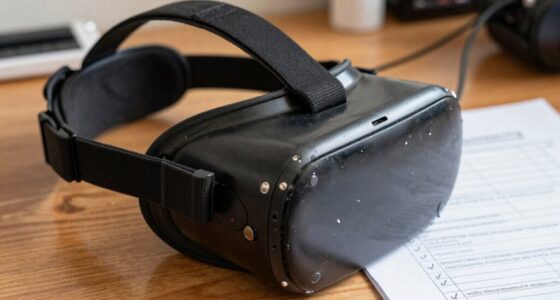
VR headset with adjustable straps
As an affiliate, we earn on qualifying purchases.
As an affiliate, we earn on qualifying purchases.
As an affiliate, we earn on qualifying purchases.
Fall Picks
fall essentials
As an affiliate, we earn on qualifying purchases.