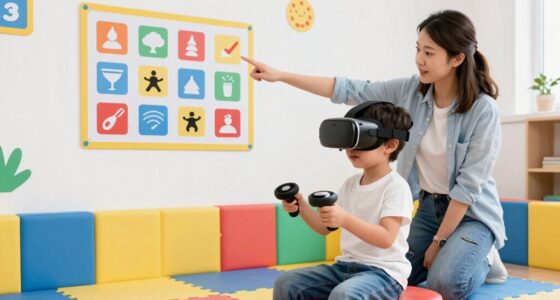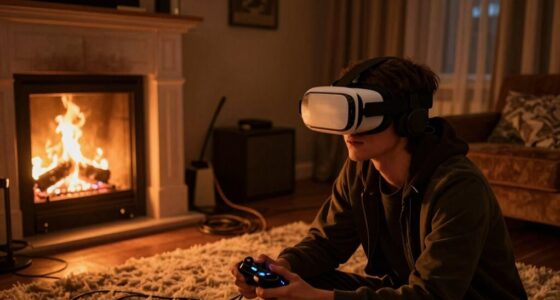
To avoid VR controller collisions as a two-player, focus on maintaining proper spacing by visualizing safe distances and staying aware of your environment. Use hand tracking and ergonomic controllers to improve movement control and prevent accidental hits. Keep a mental note of your teammate’s position, and step back if controllers get too close. Practicing these habits, combined with the right gear, creates a safer, smoother experience—continue to explore this for more helpful tips.
Key Takeaways
- Maintain a comfortable distance between players to prevent controller overlaps and collisions during gameplay.
- Use visual cues and environment awareness to monitor the positions of both players’ controllers.
- Practice spatial habits, such as stepping back when controllers approach each other, to enhance safety.
- Customize ergonomic controllers and enable hand tracking for better control and collision avoidance.
- Communicate with teammates to coordinate movements and ensure proper spacing throughout the session.
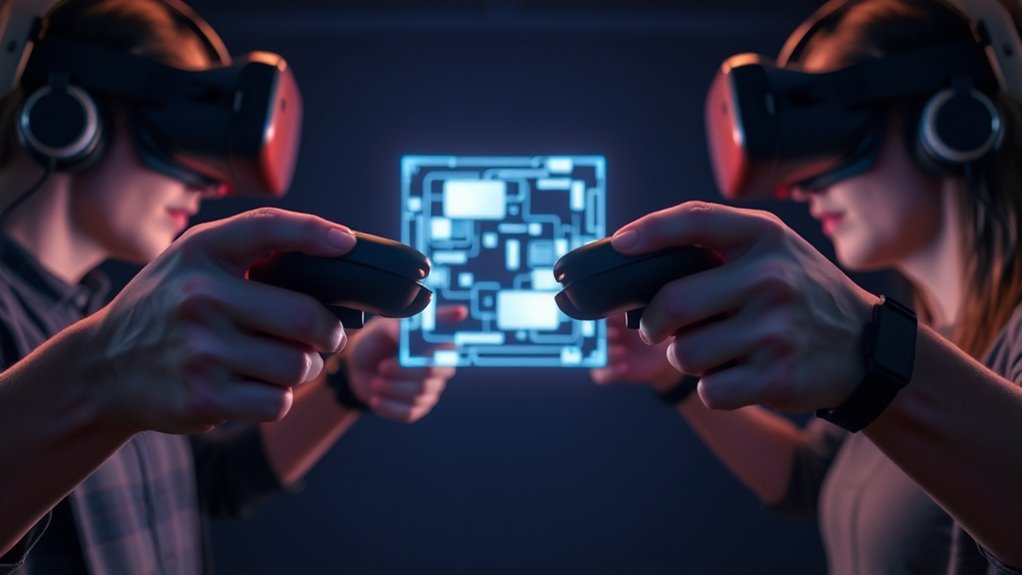
When you’re immersed in a virtual reality experience, accidental controller collisions can break your focus and disrupt the game or simulation. These collisions aren’t just annoying; they can cause frustration, break immersion, and even lead to minor injuries if you’re not careful. To minimize these disruptions, understanding how to maintain proper spacing with your fellow players is essential. That’s where the two-player spacing rule comes into play, encouraging players to keep a safe distance to avoid bumping controllers into each other. Proper spacing isn’t just about courtesy; it’s about preserving the flow of your experience and protecting your equipment.
Maintaining proper spacing in VR prevents collisions, enhances immersion, and keeps your experience safe and seamless.
One effective way to improve your spatial awareness is by leveraging hand tracking technology. Hand tracking allows you to see your hands and gestures more clearly within the VR environment, reducing the chances of accidental controller collisions. When your movements are more natural and intuitive, you’re less likely to swing controllers wildly or misjudge your space. This technology also helps you anticipate your hand positions, making it easier to maintain a comfortable distance from your gaming partner. Coupling hand tracking with good controller ergonomics enhances your control and comfort, minimizing unintentional movements and improving overall coordination. Ergonomically designed controllers fit comfortably in your hands, reducing fatigue and allowing more precise, controlled gestures. When your controllers feel natural and comfortable, your movements become smoother, and accidental collisions are less frequent.
Maintaining proper spacing requires awareness of your surroundings and your partner’s position. Always keep a mental note of where your teammate is, especially during fast-paced or physically demanding activities. Use visual cues and the VR environment itself to gauge distance, and don’t hesitate to step back if you notice your controllers getting too close. Remember, the two-player spacing rule isn’t just about avoiding collisions; it’s about creating a shared space where both players can move freely without interference. Good controller ergonomics and hand tracking make it easier to stay within these boundaries because your movements feel more natural and predictable. If you’re using controllers with adjustable grips or customizable button layouts, take time to set them up for *ideal* comfort. When your gear is tailored to your hands, you’ll find it easier to control your movements precisely and stay aware of your space. Additionally, understanding the importance of high refresh rates can help improve the responsiveness of your controllers, further reducing the risk of collisions and enhancing your overall experience.
Ultimately, practicing good spacing habits, utilizing hand tracking, and choosing ergonomic controllers all contribute to a smoother, more enjoyable VR experience. When you respect personal space and understand the importance of these tools, you’ll reduce accidental collisions and keep your focus on the game or simulation. This mindful approach enhances immersion, safety, and fun, making every session more seamless and engaging.

GFTVRCE Original Right handle Hand Controller for Meta Oculus Quest 2
As an affiliate, we earn on qualifying purchases.
As an affiliate, we earn on qualifying purchases.
Frequently Asked Questions
How Do Different VR Headsets Handle Controller Collision Prevention?
Different VR headsets handle controller collision prevention with various features. Some use advanced hand tracking to reduce accidental bumps, while others rely on haptic feedback to alert you when you’re too close to objects or other players. You can also find headsets that incorporate virtual boundaries or collision detection algorithms, helping you stay aware of your surroundings and avoid collisions naturally, making your experience smoother and more immersive.
Can User Height Affect VR Controller Collision Risks?
Your height influence plays a vital role in VR controller collision risks, acting like a hidden current guiding your movements. Taller users might extend their arms further, increasing the chance of accidental hits, while shorter players benefit from more ergonomic considerations that naturally reduce collisions. Adjusting your VR setup for height guarantees smoother gameplay, minimizing collision risks and making your virtual experience safer and more comfortable.
Are There Software Updates That Improve Collision Avoidance?
Yes, there are software patches and firmware upgrades that can improve collision avoidance in VR. You should regularly check for updates from your headset manufacturer, as these patches often include enhanced tracking algorithms and collision detection features. Installing these updates guarantees your controllers operate more smoothly, reducing the risk of collisions. Keep your device’s software current to benefit from the latest improvements and maintain a safe, immersive VR experience.
How Does Room Size Impact Spacing Rules?
Room size directly impacts your spacing rules because larger room dimensions give you more space to maneuver and reduce the risk of collisions. If your space has fewer spatial constraints, you can comfortably maintain the recommended distance between controllers and players. Conversely, smaller areas require tighter coordination to avoid collisions, so you must be more mindful of your movements. Always adapt your gameplay to fit your room’s dimensions for a safer experience.
What Are Common Mistakes Beginners Make Regarding Controller Spacing?
You often make mistakes with controller proximity by not keeping enough spacing awareness during gameplay. It’s easy to overlook how close your controllers get, risking collisions or accidental actions. To avoid this, stay mindful of your controller distance from objects and other players. Regularly check your spacing, practice deliberate movements, and use visual cues to maintain proper separation, ensuring a smoother, collision-free experience.

AMZDM Controller Grip for Meta Quest 3S Oculus Quest 3 VR Accessories Grips Cover for VR Touch Controllers Straps Silicone Covers Protector with Non-Slip Thumbstick Covers 1Pair Black
- Controller Protection: Secure and protect Oculus Quest 3/3S
- Enhanced Comfort & Control: Ergonomic design with non-slip surface
- Adjustable Knuckle Straps: Vegan leather straps for a secure fit
As an affiliate, we earn on qualifying purchases.
As an affiliate, we earn on qualifying purchases.
Conclusion
Now that you know the two-player spacing rule, you can confidently prevent VR controller collisions and enjoy smoother gameplay. Remember, just like a good duel in the old west, maintaining proper distance keeps everyone safe and the game fun. Don’t forget to stay mindful of your space, even if you’re wielding a lightsaber or a laser gun—imagine it’s the year 1887, and you’re the fastest draw in the West. Happy VR gaming!
AMZDM Controller Grip for Meta Quest 3S Oculus Quest 3 VR Accessories Grips Cover for VR Touch Controllers Straps Silicone Covers Protector with Non-Slip Thumbstick Covers 1Pair Black
- Controller Protection: Secure and protect Oculus Quest 3/3S
- Enhanced Comfort & Control: Ergonomic design with non-slip surface
- Adjustable Knuckle Straps: Vegan leather straps for a secure fit
As an affiliate, we earn on qualifying purchases.
As an affiliate, we earn on qualifying purchases.
AMZDM Controller Grip for Meta Quest 3S Oculus Quest 3 VR Accessories Grips Cover for VR Touch Controllers Straps Silicone Covers Protector with Non-Slip Thumbstick Covers 1Pair Black
- Controller Protection: Secure and protect Oculus Quest 3/3S
- Enhanced Comfort & Control: Ergonomic design with non-slip surface
- Adjustable Knuckle Straps: Vegan leather straps for a secure fit
As an affiliate, we earn on qualifying purchases.
As an affiliate, we earn on qualifying purchases.