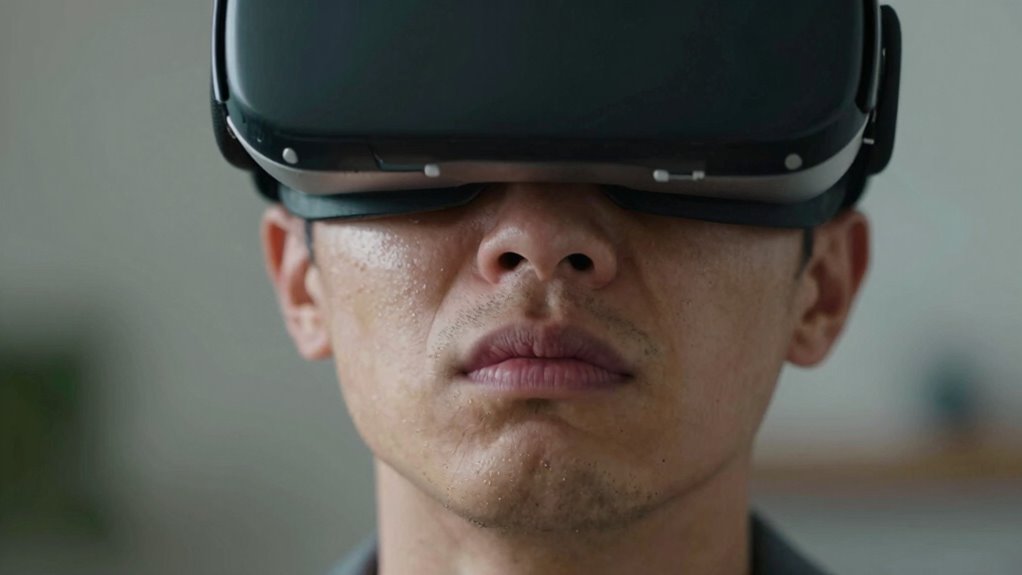
If you feel nauseous just watching VR, it’s likely because your brain detects conflicting signals: your eyes see movement, but your inner ears don’t feel it, leading to sensory mismatch. This disconnect tricks your brain into thinking you’re moving when you’re stationary, causing dizziness and nausea. Poor visual quality or rapid changes can worsen this. Understanding these causes can help you find ways to minimize discomfort—continue on to learn more about making VR easier on your body.

Get VR and gaming gear delivered free — and shop member deals
- Fast, free delivery on millions of items
- Access to Prime Big Deal Days deals on October 6–7
- Prime Video, Amazon Music and more included
Key Takeaways
- Visual cues in VR suggest movement, but the inner ear remains stationary, causing sensory conflict and nausea.
- Poor visual quality or low resolution can increase eye strain, leading to discomfort and nausea.
- Rapid or inconsistent VR movements intensify sensory mismatch, triggering nausea in some viewers.
- Close screen proximity and flickering visuals contribute to visual overload and discomfort.
- Individual differences in sensory processing and pre-existing sensitivities make some people more prone to VR nausea.
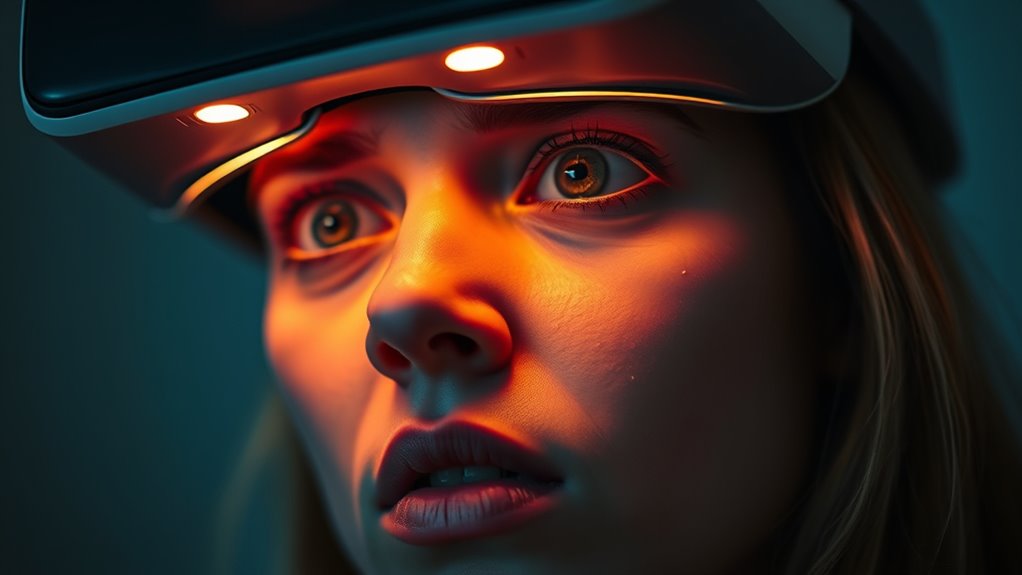
Virtual reality (VR) offers immersive experiences that can feel incredibly real, but for some users, it also triggers nausea and discomfort. You might find yourself feeling dizzy or queasy after just a few minutes in a VR headset, and understanding why can help you manage or even prevent these sensations. The main culprits are often motion sickness and visual discomfort, both of which occur because your brain struggles to reconcile what your eyes see with what your inner ear senses.
Motion sickness in VR happens when your eyes perceive movement, like walking or flying, but your body remains still. This conflict confuses your brain, which expects signals of motion from your vestibular system in the inner ear. When those signals don’t match, it can lead to nausea, dizziness, or a feeling of imbalance. It’s similar to car sickness, where your eyes might be fixed on a stationary object, but your inner ear detects motion. In VR, the rapid, often unpredictable movements can intensify this effect, especially if the visual cues are exaggerated or inconsistent with your actual physical state. To reduce motion sickness, you might try taking breaks, adjusting the headset, or limiting sessions to shorter periods.
Motion sickness in VR occurs when visual movement cues conflict with inner ear signals, causing nausea and dizziness.
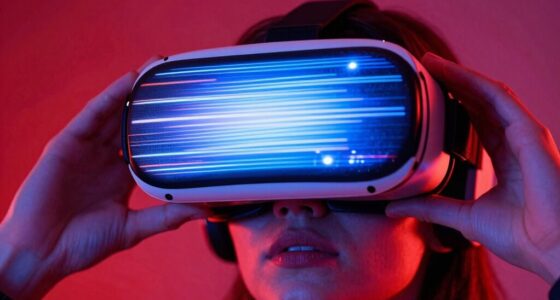
Visual discomfort is another common issue that contributes to nausea when using VR. The screens inside headsets are very close to your eyes, and they often generate a pixelated or slightly blurry image if the resolution isn’t high enough. This strain can cause eye fatigue, headaches, or a feeling of visual overload. Additionally, the mismatch between your eye movements and the visual flow—called vergence-accommodation conflict—can make your eyes work harder, leading to discomfort and even nausea. Bright, flashing visuals or poor frame rates can worsen these symptoms, making the experience less comfortable and more likely to cause nausea. Recognizing visual strain as a key factor helps in understanding the importance of proper headset calibration and environment setup. Your visual system is highly sensitive to inconsistencies in VR content. When images don’t match your head movements or appear distorted, your brain struggles to interpret what’s happening, which can intensify visual discomfort. To minimize these effects, ensure your VR headset is properly calibrated, take regular breaks, and start with experiences that are less intense or fast-paced. Using high-quality headsets with better resolution and refresh rates can also make a big difference in reducing visual discomfort and related nausea.
Understanding these factors helps you become a more informed user. While VR offers incredible possibilities for entertainment and learning, being aware of how motion sickness and visual discomfort impact your experience enables you to take steps to enjoy it more comfortably. Adjusting your usage habits and equipment can make a significant difference, helping you explore virtual worlds without feeling sick afterward.
VR headset anti nausea accessories
As an affiliate, we earn on qualifying purchases.
As an affiliate, we earn on qualifying purchases.
Frequently Asked Questions
Can Nausea From VR Be Completely Prevented?
Nausea from VR can often be minimized, but not always completely prevented. You can reduce motion sickness by taking breaks, adjusting the headset, and starting with shorter sessions. Sensory conflict, which occurs when your eyes see movement that your inner ear doesn’t feel, is a major cause. To prevent it, gradually acclimate yourself to VR environments and choose experiences with minimal motion. These steps help lessen nausea but may not eliminate it entirely.
Do Certain Types of VR Content Cause More Nausea?
Some VR content definitely causes more nausea, especially those with intense motion sickness and visual discomfort. Fast-paced scenes, quick camera movements, or shaky visuals can trigger your body’s mismatch response. You might not notice it at first, but your brain struggles to reconcile what your eyes see with your inner ear’s balance signals. To avoid this, choose smoother, less chaotic experiences, and watch out for content with jarring motion.
How Long Does Vr-Induced Nausea Typically Last?
VR-induced nausea from motion sickness usually lasts a few minutes to an hour, depending on your sensitivity. It’s caused by sensory conflict, where your eyes see movement but your inner ear feels none. To lessen this, take breaks, focus on stable objects, and gradually increase VR exposure. If symptoms persist beyond an hour or worsen, it’s best to consult a healthcare professional to rule out other issues.
Are There Specific Health Conditions That Increase VR Nausea Risk?
An ounce of prevention is worth a pound of cure. If you have motion sickness or vestibular disorders, you’re at a higher risk of VR nausea. These conditions make your inner ear more sensitive to visual motion, triggering dizziness or nausea. It’s wise to consult your doctor before trying VR, especially if you have existing balance or ear issues. Being aware helps you enjoy VR safely and comfortably.
Do Age or Gender Influence Vr-Induced Nausea Susceptibility?
You might find that age differences and gender disparities influence your VR nausea susceptibility. Younger users often experience less nausea, while older individuals may be more prone due to changes in balance and vision. Gender disparities also play a role; some studies suggest women might be more sensitive to VR-induced motion sickness. Your personal response depends on these factors, so it’s wise to start with shorter sessions and see how your body reacts.
As an affiliate, we earn on qualifying purchases.
Conclusion
As you plunge into virtual worlds, your stomach might rebel like a ship caught in turbulent seas, betrayed by a mismatch between sight and balance. Your brain, a cautious captain, struggles to interpret this digital mirage, causing nausea to ripple through your senses. Understanding this delicate dance between perception and reality helps you navigate VR’s uncharted waters more smoothly. With patience and awareness, you can tame the storm within and enjoy immersive adventures without being lost at sea.
As an affiliate, we earn on qualifying purchases.
As an affiliate, we earn on qualifying purchases.
Halloween Picks
halloween
As an affiliate, we earn on qualifying purchases.