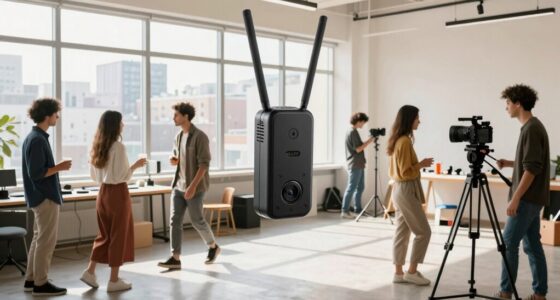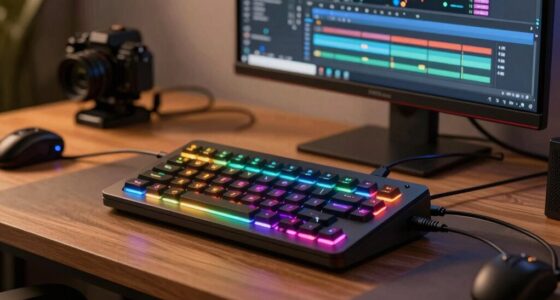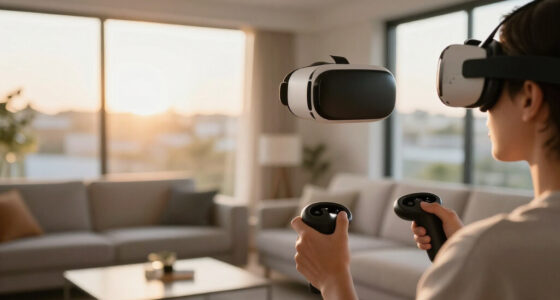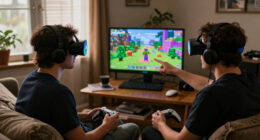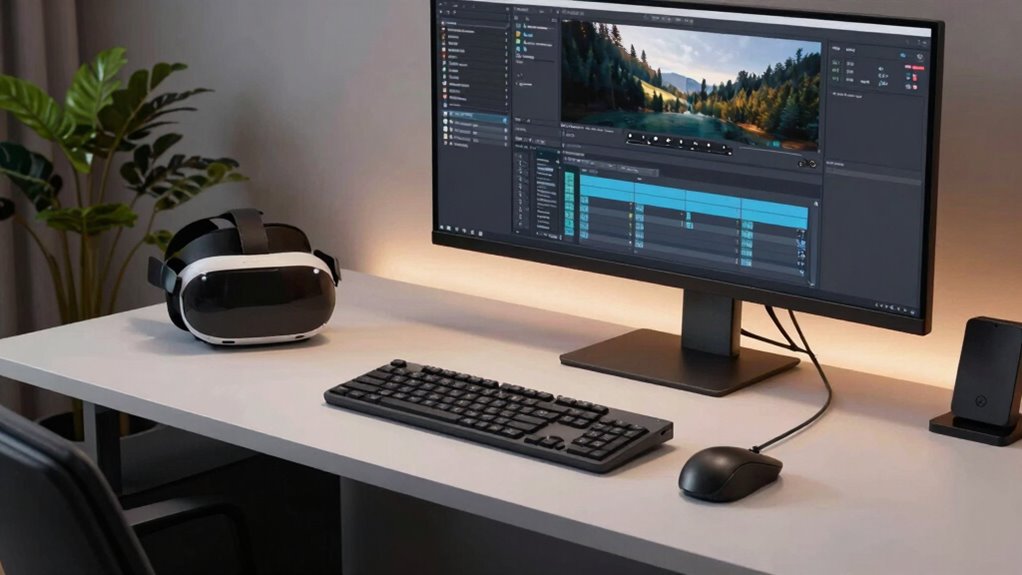
Start by designing a spacious, organized desk with designated zones for VR, editing, and daily work. Use adjustable monitor stands at eye level and ergonomic chairs to stay comfortable. Incorporate cable management tools to keep cords tidy and prevent tangles. Place equipment strategically—such as VR gear in a dedicated corner and frequently used tools within easy reach. Add adjustable lighting for eye comfort, and optimize your layout for flexibility. Keep going to discover more tips for a seamless setup.

Play games on Amazon Luna for your next adventure, included with Prime
- A rotating selection of games, no download needed
- Play on TV, laptop or phone
- Fast, free delivery for your gear, too
Key Takeaways
- Design distinct zones for VR setup, editing station, and daily work to optimize space and prevent interference.
- Position monitors at eye level with adjustable stands for comfortable viewing during editing and daily tasks.
- Incorporate cable management solutions to keep cords organized and prevent tangling between different activity areas.
- Use ergonomic furniture and accessories to ensure comfort during long sessions across all activities.
- Optimize lighting with adjustable, flicker-free sources to reduce eye strain during editing and VR use.
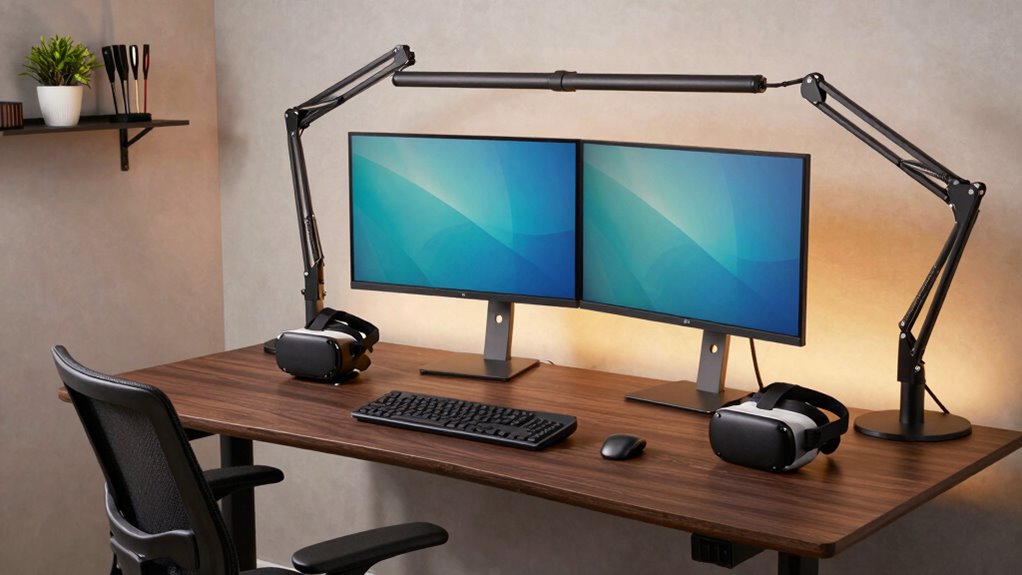
Creating a versatile workspace that caters to VR development, editing, and daily tasks requires careful planning and strategic layout. You need to consider the different demands each activity places on your desk, ensuring that your setup supports comfort, efficiency, and flexibility. To start, prioritize ergonomic accessories, such as adjustable monitor stands, ergonomic chairs, and keyboard supports. These tools help prevent strain during long sessions and allow you to switch seamlessly between tasks. When working with VR, make sure your space accommodates the sensors and headset comfortably, avoiding clutter that could interfere with movement or tracking. For editing and daily work, a clean, organized surface is key, which brings cable management into focus.
Cable management isn’t just about aesthetics; it’s essential for safety and efficiency. Use cable trays, clips, or sleeves to route cords neatly along the edges of your desk or behind it. This prevents accidental tugs that could damage equipment or cause interruptions. Proper cable organization also makes switching between VR, editing, and regular work smoother, as you won’t waste time untangling or hunting for misplaced cables. Keep frequently used cables within easy reach, but tucked away when not needed to maintain a clutter-free workspace. Additionally, incorporating ergonomic accessories can further enhance comfort and reduce fatigue during extended work sessions. Incorporating adjustable lighting solutions can also improve your workspace by reducing eye strain and enhancing focus.
When designing your layout, position your monitor or monitors at eye level to reduce neck strain, and ensure that your keyboard and mouse are within comfortable reach. For VR development, allocate space for your headset, sensors, and controllers, ideally in a corner or designated zone that doesn’t interfere with your other equipment. You might also consider a dedicated shelf or drawer for accessories like extra controllers, cables, or calibration tools, keeping your main workspace clear. A well-planned layout can also help in maximizing available space, especially if your desk area is limited, ensuring that every inch serves a purpose.
Lighting plays a crucial role, especially for editing tasks that require color accuracy and detail. Invest in adjustable, flicker-free lighting that can be dimmed or brightened to suit your current activity. This minimizes eye strain and enhances your focus. Additionally, a secondary task light can be positioned for reading or detailed work, ensuring you don’t strain your eyes switching between screens and paper or reference materials.
Ultimately, building a desk layout that supports VR, editing, and daily work involves balancing comfort, accessibility, and organization. Use ergonomic accessories to promote good posture and reduce fatigue. Implement effective cable management so your workspace remains tidy and safe. By thoughtfully arranging your equipment and accessories, you create a flexible environment that adapts to your evolving needs, boosts productivity, and keeps your work sessions comfortable and enjoyable.
Products Worth Considering

LG UltraGear 32GX850A-B 32-Inch 4K UHD Glossy OLED Gaming Monitor

Samsung 27-Inch Odyssey QD-OLED G8 4K 240Hz Gaming Monitor

Sonos Era 100 SL Compact, Microphone-Free Speaker – Black
As an affiliate, we earn on qualifying purchases.
Frequently Asked Questions
How Can I Optimize Cable Management for Multiple Devices?
You can optimize cable management by using cable organizers to keep cords tidy and prevent tangling. Switch to wireless solutions whenever possible to reduce clutter and free up space. Route cables along desk edges and behind furniture to hide them from view. Label cords for easy identification, and use cable clips or sleeves to secure multiple devices. This approach keeps your workspace clean, organized, and efficient for all your daily tasks.
What Lighting Is Best for Extended VR Sessions?
Think of your setup as a spaceship cockpit—bright, focused, yet comfortable for long journeys. For extended VR sessions, ambient illumination softens eye strain, while task lighting zeroes in on your workspace, preventing glare and shadows. Opt for adjustable, flicker-free LED lights that mimic natural daylight. This combo keeps your eyes relaxed and alert, so you can immerse yourself in virtual worlds without fatigue or discomfort.
How Do I Prevent Desk Clutter During Busy Workdays?
To prevent desk clutter during busy workdays, prioritize desk organization by implementing storage solutions like drawers, shelves, or cable organizers. Keep only essential items within reach, and regularly declutter your workspace. Use cable management tools to prevent tangles, and designate specific areas for different tasks. By maintaining a tidy environment through clutter prevention, you’ll enhance focus, streamline your workflow, and create a more efficient, comfortable workspace.
What Ergonomic Accessories Enhance Comfort for Long Sessions?
Think of your workstation as a finely tuned orchestra, where comfort hits all the right notes. Ergonomic chairs provide proper support, preventing fatigue during long sessions. Wrist supports keep your hands at a natural angle, reducing strain. Together, these accessories create a harmony of comfort, allowing you to focus on your work or VR experience without distraction. Invest in them, and your body will thank you for the symphony of relief.
How Can I Incorporate Soundproofing Into My Desk Setup?
You can incorporate soundproofing into your desk setup by using acoustic panels strategically placed on your walls to absorb noise. Consider adding soundproof curtains or mats under your desk to reduce vibrations and echoes. Sealing gaps around windows and doors also helps. These soundproofing techniques create a quieter environment, allowing you to focus better whether you’re working, editing, or immersed in VR.
Conclusion
Think of your desk as a well-tuned orchestra, each element playing its part in harmony. When your VR station, editing zone, and daily workspace are balanced, your productivity flows smoothly like a symphony. With careful placement and thoughtful design, you’ll create a space where your creativity dances freely, and work feels effortless. Remember, a harmonious setup isn’t just a desk—it’s the conductor guiding your best performance every day.