
As your creator workflows grow, a Stream Deck becomes more valuable because it helps you manage multiple tools and tasks efficiently. You can assign custom functions, organize shortcuts into folders, and create multi-action sequences, reducing the need for constant switching and manual navigation. This centralizes control and streamlines complex projects, saving time and minimizing errors. Keep exploring to discover how integrating a Stream Deck can elevate your productivity and creative process even further.
Key Takeaways
- They scale easily with increasing project complexity by adding more customizable buttons and functions.
- They centralize control, simplifying management of multiple tools, platforms, and social media accounts.
- They enable workflow automation through multi-action sequences, saving time during growth.
- They adapt to new hardware and software, supporting evolving creator needs.
- They enhance collaboration and organization, making multi-stream or multi-project workflows more efficient.
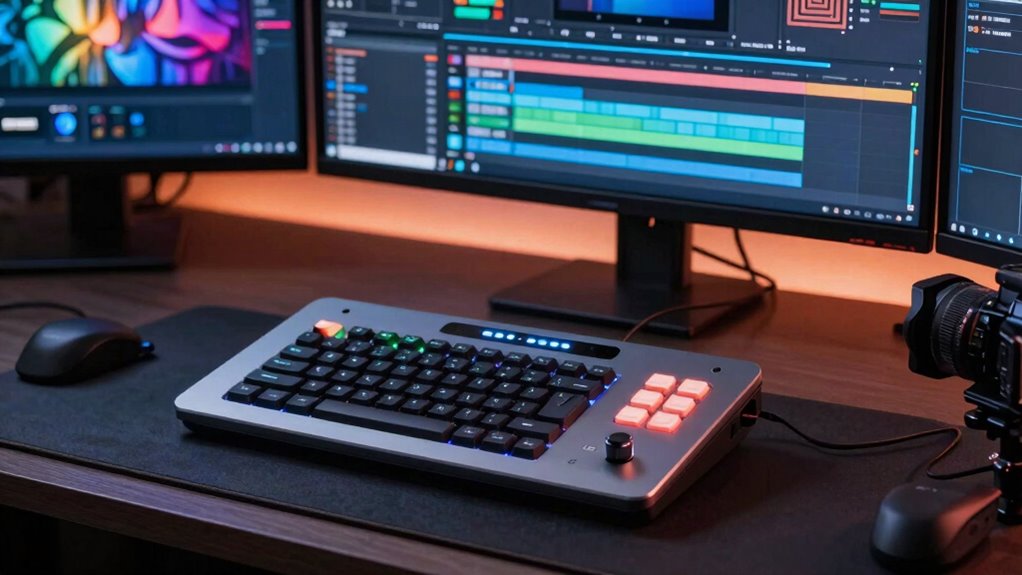
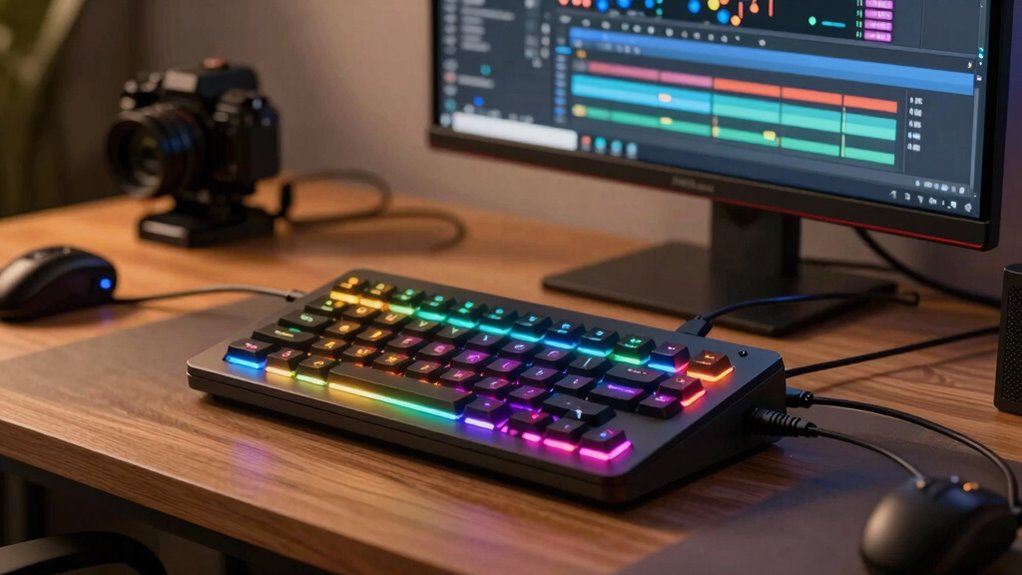
Stream decks have become essential tools for creators looking to streamline their workflows and boost productivity. As your projects grow in complexity, so does the need for efficient management of multiple tools, shortcuts, and commands. This is where a stream deck’s hardware integration becomes invaluable. Designed with dedicated buttons, a stream deck connects seamlessly to your computer, allowing you to assign specific functions—whether launching apps, switching scenes, or controlling audio—at your fingertips. This hardware integration minimizes the need to switch between different windows or manually click through menus, saving you time and reducing errors during live streams or editing sessions. As your setup evolves, the ability to physically customize your device with different button layouts and functions means you can adapt your workflow without overhauling your entire system. Incorporating user customization options grows more important as your content becomes more complex. A stream deck isn’t a one-size-fits-all device; it’s highly adaptable to your unique needs. You can create personalized button icons, organize functions into folders, and assign multi-action sequences to a single press. This level of customization allows you to tailor your workflow precisely, whether you’re managing multiple social media accounts, switching between editing tools, or controlling lighting and sound. As your channel or project expands, this personalized setup helps keep everything organized and accessible, eliminating the clutter and confusion that often come with larger, more complicated workflows. The ability to customize your stream deck also means you can optimize it for different stages of your process, switching between creative modes with a single tap. Additionally, the hardware’s seamless integration with various platforms and devices ensures your workflow remains fluid and uninterrupted as you scale your content creation efforts. Moreover, understanding power management can help you extend your device’s usability during long sessions, preventing interruptions caused by power issues. Incorporating the right hardware compatibility is crucial for ensuring all your devices and tools work harmoniously together. As you add new tools and platforms to your workflow, the value of a stream deck continues to grow. Its hardware integration ensures smooth communication between your devices, while user customization empowers you to adapt the device to changing needs. Rather than cluttering your workspace with multiple controllers or shortcuts scattered across different screens, you centralize control in one physical device that molds itself around your workflow. This scalability becomes especially useful when collaborating with others or managing multiple streams, where efficiency and quick access are critical. In short, as your creator activities expand, a stream deck becomes more than just a tool—it becomes an integral part of your creative process, helping you work smarter, faster, and more professionally.

Elgato Stream Deck XL Advanced Studio Controller, 32 Keys
- Advanced Live Production Control: Easily manage your tools and platforms
- 32 Customizable LCD Keys: Trigger unlimited actions instantly
- Wide App Integrations: Supports Elgato 4KCU, OBS, Twitch, and more
As an affiliate, we earn on qualifying purchases.
As an affiliate, we earn on qualifying purchases.
Frequently Asked Questions
Can Stream Decks Support Third-Party Plugins for Custom Functions?
Yes, Stream Decks support third-party plugins for custom functions. You can easily install these plugins to enhance your workflow, adding features not available out of the box. Third-party plugins allow you to customize buttons for specific tasks, making your setup more efficient. As your creator work grows, these custom functions become increasingly valuable, helping you automate and streamline complex processes for a more professional and seamless experience.
How Do Stream Decks Integrate With Different Streaming Platforms?
Think of your Stream Deck as a universal translator, seamlessly speaking to different streaming platforms. You can integrate it with platforms like Twitch, YouTube, and Facebook Live through dedicated plugins or software. Voice control enhances this connection, allowing you to manage scenes or chat commands hands-free. Its multi-device integration guarantees your Stream Deck works effortlessly across your setup, making your streaming process smoother and more responsive, no matter where your content takes you.
Are There Specific Models Best Suited for Complex Workflows?
Yes, certain models are better suited for complex workflows. The Elgato Stream Deck XL offers more buttons, making it ideal for workflow optimization and creative automation. Its extensive customization options let you assign multiple actions, streamline your process, and manage intricate tasks efficiently. If your projects grow more complex, investing in a larger, versatile model like the XL helps you stay organized, save time, and enhance your creative productivity seamlessly.
How Customizable Are the Buttons Beyond Simple Shortcuts?
You might be surprised at how customizable your Stream Deck buttons truly are. Beyond simple shortcuts, you can tweak button aesthetics with icons, colors, and animations that fit your style. The user interface allows you to assign complex multi-step actions, scripts, or even integrate third-party plugins. This flexibility means your workflow becomes seamless, with each button tailored to enhance efficiency and bring a personalized touch to your creative process.
What Is the Average Learning Curve for New Users?
You’ll find the learning curve for new users of Stream Decks relatively gentle. The user interface is intuitive, with drag-and-drop customization that makes setting up workflow automation straightforward. Most users get comfortable within a few hours, especially as they experiment with creating shortcuts and automations. As your workflow grows more complex, the device adapts easily, making it a valuable tool for streamlining tasks and enhancing productivity.

VSDINSIDE Macro Keypad, Stream Controller Deck Gaming Streaming Shortcut Keyboard, 18 Programmable Keys Customizable Visual AI Pad USB Soundboard for OBS, YouTube, Desk Office Setup, Laptop, PC, Mac
- Programmable Macro Keys: 18 customizable keys with visual display
- Quick Single Tap Commands: Trigger macros, open files, control media
- Multi-Shortcut Programming: Run multiple macros sequentially or simultaneously
As an affiliate, we earn on qualifying purchases.
As an affiliate, we earn on qualifying purchases.
Conclusion
As your creator workflows expand, a Stream Deck becomes your trusty sidekick, much like a Swiss Army knife for digital tasks. It streamlines your processes, saving you time and effort, so you can focus on what you love—creating. As your projects grow more complex, the Stream Deck adapts, making your setup feel as seamless as a well-oiled machine. Embrace it, and watch your productivity soar like a kite in a steady breeze.

VSDINSIDE K1 Pro Macro Keyboard, Wired Only Full-Key Programmable On-Board Keypad, Custom Gaming Streaming Mechanical Keyboards with Screen & Knob, Gasket, RGB Backlit, Hot Swappable Shortcut Pad
- Full-Key Programmable Keyboard: Custom macros and shortcuts support
- Stream Controller Deck: Multiple pages with LCD keys and knobs
- Personalized LCD Display: Real-time updates and customization
As an affiliate, we earn on qualifying purchases.
As an affiliate, we earn on qualifying purchases.

Elgato Stream Deck Neo, 8 Customizable Keys, 2 Touch Points
- Number of Customizable Keys: 8 shortcut keys for automation
- Touch Points: 2 touch-sensitive controls
- Easy Setup: Drag-and-drop action configuration
As an affiliate, we earn on qualifying purchases.
As an affiliate, we earn on qualifying purchases.