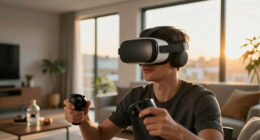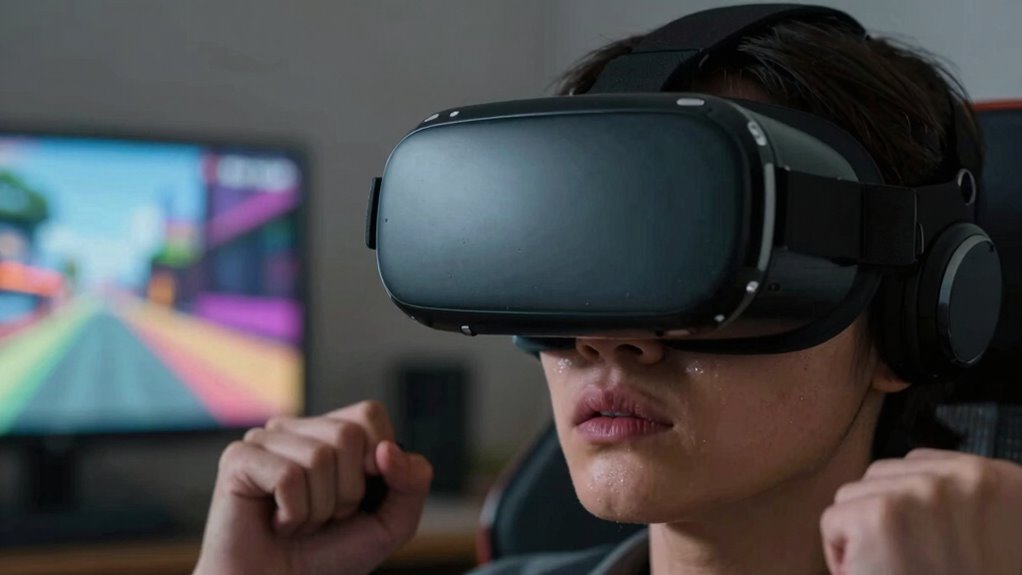

You might never feel fully comfortable in VR because physical discomfort like heavy headsets, tight straps, and eye strain can distract you and limit your focus. Social disconnection also plays a role, making interactions feel superficial or distant, which affects your emotional engagement. When discomfort or loneliness set in, it’s harder to relax and enjoy the experience fully. Keep exploring to discover ways to improve your comfort and make VR more enjoyable.
Key Takeaways
- Poor ergonomic design and hardware weight cause persistent physical discomfort during extended VR sessions.
- Close-screen placement leads to eye strain and headaches, reducing overall comfort.
- Physical discomfort can hinder immersion, making social interactions feel superficial and emotionally distant.
- Limited social cues and a sense of disconnection in VR contribute to feelings of loneliness and unease.
- Lack of regular breaks and adjustments worsens physical strain, preventing users from achieving full comfort.

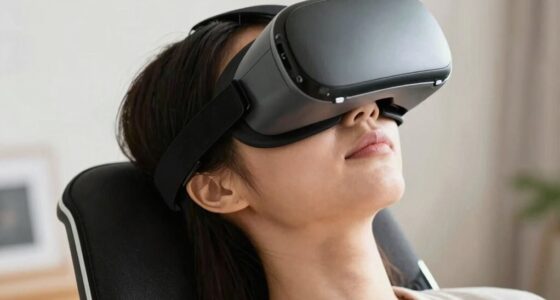
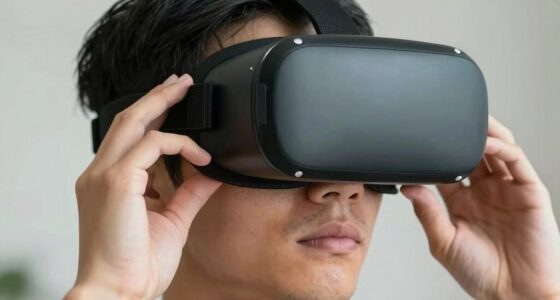
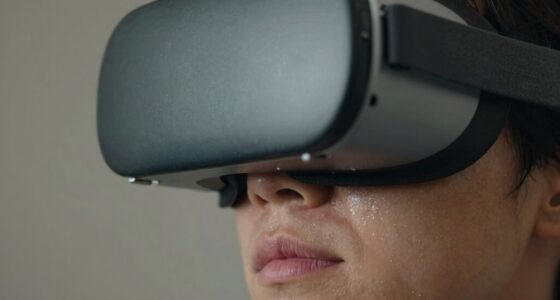
Virtual reality promises immersive experiences, but for some users, the discomfort never fully fades. You might find yourself feeling physically uncomfortable after just a few minutes in a VR headset. The sensation of tight straps, the weight of the device, or even motion sickness can make extended use challenging. Your eyes might strain from focusing on screens so close to your face, or you could experience headaches or dizziness. These physical discomforts aren’t just fleeting annoyances—they can create a barrier to fully enjoying VR. When your body is uncomfortable, it’s hard to relax and become fully engaged in the virtual environment. Over time, this physical strain can lead to frustration, discouraging you from exploring longer or more frequent VR sessions. Additionally, hardware limitations can contribute to discomfort if devices are not ergonomically designed for prolonged wear. Poor ergonomics can exacerbate issues like neck strain or pressure points, further reducing comfort during extended use.
Physical discomfort in VR, like tight straps and eye strain, can hinder immersion and lead to frustration over time.
Beyond the physical, social isolation plays a significant role in why some users don’t feel at ease in virtual reality. If you’re using VR primarily to connect with others, you might notice a sense of disconnection. Even though VR enables you to meet people in digital spaces, it often lacks the warmth and subtle cues of face-to-face interaction. You may feel like you’re in a bubble, unable to truly engage or read social signals as naturally as you would in real life. This can lead to feelings of loneliness, especially if you’re relying on VR as your main social outlet. The disconnect can make interactions feel superficial or awkward, amplifying your sense of social isolation rather than alleviating it. Recognizing the importance of social cues can help in understanding the limitations of virtual interactions and how they impact user comfort.
These issues can compound each other. Physical discomfort makes it harder to stay engaged, which can heighten feelings of detachment from others. If you’re constantly adjusting the headset or experiencing discomfort, it becomes difficult to focus on social interactions within the virtual world. Meanwhile, the sense of social isolation can deepen your physical discomfort, since feeling lonely or disconnected might make VR experiences seem less rewarding. Over time, this cycle can reinforce your reluctance to spend extended periods in VR, leaving you feeling like you’ll never fully find comfort in the technology.
Ultimately, your experience depends on a mix of physical and emotional factors. If discomfort persists or social interactions feel hollow, it’s understandable that VR might not feel like a welcoming space. Recognizing these barriers can help you set realistic expectations and explore ways to improve your comfort—whether that’s taking breaks, adjusting hardware, or seeking more meaningful social connections outside of VR. Addressing hardware ergonomics and finding supportive social environments can significantly enhance your overall VR experience.

Meta Quest 3 512GB | VR Headset — Thirty Percent Sharper Resolution — 2X Graphical Processing Power — Virtual Reality Without Wires — Access to 40+ Games with a 3-Month Trial of Meta Horizon+ Included
NEARLY 30% LEAP IN RESOLUTION — Experience every thrill in breathtaking detail with sharp graphics and stunning 4K+…
As an affiliate, we earn on qualifying purchases.
As an affiliate, we earn on qualifying purchases.
Frequently Asked Questions
How Does VR Hardware Affect User Comfort?
VR hardware can considerably impact your comfort through visual ergonomics and hardware ergonomics. If the headset’s design causes eye strain or feels heavy, you might feel uneasy or fatigued quickly. Poorly fitted straps or bulky hardware can also lead to discomfort during extended use. Ensuring your VR device has good visual ergonomics and is ergonomically designed helps minimize strain, making your experience more comfortable and immersive.
Can Physical Health Issues Influence VR Experience?
Think of your body as your VR control panel—if you have physical health issues, your experience might suffer. Posture correction becomes essential, as poor posture can cause discomfort and fatigue. Eye strain is another concern, especially if you have pre-existing eye issues or spend long hours in VR. Addressing these health problems beforehand helps you stay comfortable, making your VR sessions more immersive and enjoyable.
What Role Does Psychological Factors Play in Discomfort?
Psychological factors play a significant role in your VR discomfort. Your mindset barriers, like fear or anxiety, can heighten negative emotional responses to virtual environments, making you feel uneasy or disoriented. If you approach VR with apprehension, your mind might amplify sensations of discomfort. To improve your experience, try to foster a positive mindset and manage emotional responses, helping your brain adapt better to virtual worlds and reducing discomfort.
Are There Specific VR Environments That Reduce Discomfort?
Calm, controlled, and customizable VR environments can considerably reduce discomfort. Opt for settings with gentle visuals and minimal sensory overload to prevent motion sickness. Environments that allow easy adjustments to brightness, sound, and movement speed help you feel more comfortable. By choosing calming, consistent spaces, you create a cozy virtual cocoon that minimizes sensory overload and motion sickness, making your VR experience more pleasurable and less unsettling.
How Long Does It Take to Acclimate to VR?
It typically takes a few hours to several sessions for you to acclimate to VR, but this varies. During this time, your body adjusts to reduce motion sickness and visual fatigue. To speed up the process, start with short sessions, take regular breaks, and gradually increase usage. Listening to your body helps prevent discomfort, making your VR experience more comfortable and enjoyable over time.

Kawaye for Meta Quest 3S/Quest 2/Quest 3 Head Strap, Double Knobs Adjustable Elite Strap Replacement,VR Headset Strap with Two Large Support Pad Enhanced Support, Reduce Pressure
【Weight Balance-Dual Adjustable Straps】Customize fit using by dual adjustment knobs (top/back), kawaye vr headset strap 4 points adjustable…
As an affiliate, we earn on qualifying purchases.
As an affiliate, we earn on qualifying purchases.
Conclusion
So, if you find yourself feeling unsure or uneasy in virtual reality, remember you’re not alone. Take small steps, stay patient, and give yourself time to adapt. By believing in your bravery and embracing the experience, you’ll gradually grow more comfortable. Don’t forget, persistence and patience are powerful partners on your VR voyage. With time, trust, and a little tenacity, you’ll turn discomfort into confidence and enjoy every immersive adventure ahead.

VR Headset 3D VR Glasses Universal Virtual Reality Goggles Support 360°Panorama Large Screen An-ti Bluelight Adjustable Pupil Distance Eye Protection VR Goggles for Movies Games Gift for Kids Adults
SUPPORT FOR MYOPIA USERS: The reasonable design of the optical lens and the body can pre-vent fatigue and…
As an affiliate, we earn on qualifying purchases.
As an affiliate, we earn on qualifying purchases.

Saqico Head Strap for Meta Oculus Quest 2/3/3s, 3-in-1 Adjustable Halo Headband, Replacement for Elite Strap, Enhanced Comfort Gaming Immersion VR Accessories Compatible with Oculus/Meta Quest 2/3/3s
🥇【Compatible With 】—- Unlike other products, our Headstap for Meta Quest 2/3/3s has been upgraded to support not…
As an affiliate, we earn on qualifying purchases.
As an affiliate, we earn on qualifying purchases.