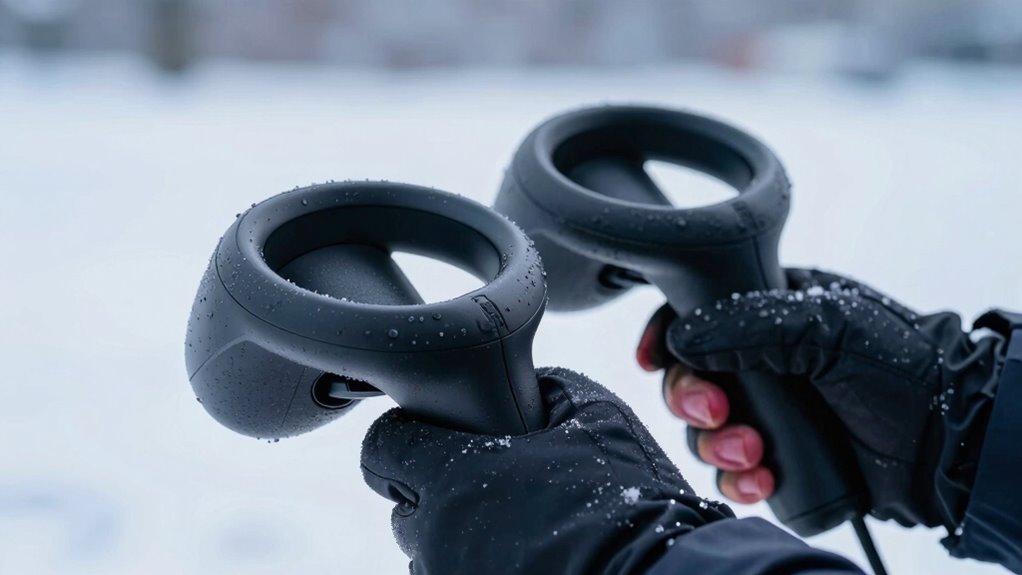

When your hands are cold during winter VR sessions, you’re likely to find controllers feeling slippery and less responsive. Cold temperatures reduce tactile sensation and grip stability, making it harder to hold controllers firmly. Your hands might also become sweaty or less sensitive, further decreasing control. Wearing gloves or warming your hands can help maintain better grip and feel. Stay with us to discover effective ways to keep your hands warm and improve your VR experience.

Get VR and gaming gear delivered free — and shop member deals
- Fast, free delivery on millions of items
- Access to Prime Big Deal Days deals on October 6–7
- Prime Video, Amazon Music and more included
Key Takeaways
- Cold hands reduce tactile feedback, making controllers feel slippery and harder to grip securely.
- Lower skin temperature diminishes finger sensitivity, affecting grip stability during VR use.
- Cold environments cause hands to lose warmth, weakening grip strength and increasing slipperiness.
- Wearing gloves or hand warmers helps maintain warmth and improves tactile sensation.
- Keeping hands warm enhances grip, control, and overall VR immersion in winter conditions.
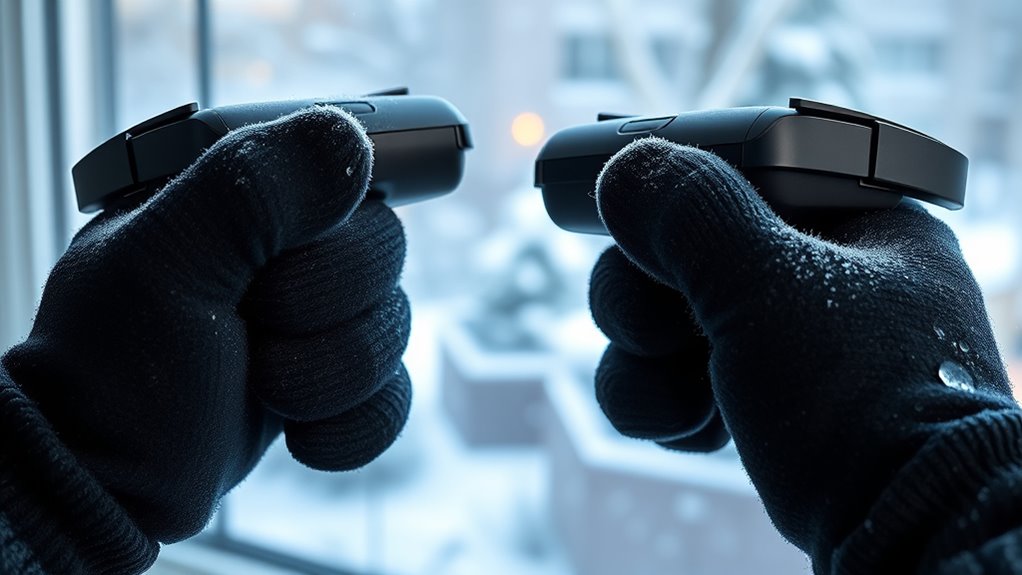
Have you ever noticed your hands feeling cold while using virtual reality? It’s a common experience, especially during winter months when the ambient temperature drops. When your hands are chilly, you might find it harder to maintain a firm controller grip, which can make VR sessions less immersive and more frustrating. The decrease in hand warmth affects your tactile sensation, making your fingers less responsive and more slippery on the controllers. This slippery feeling isn’t just in your head—it’s a real consequence of cold hands compromising your ability to hold the controllers securely. Maintaining hand warmth can significantly improve your grip and overall VR comfort. Your hands naturally lose heat in cold environments, and that loss can markedly impact how you interact with VR gear. When hand warmth drops, your skin’s sensitivity decreases, and your grip on the controllers becomes less stable. Controllers are designed with textured grips and sometimes rubberized surfaces to help prevent slipping, but these features aren’t enough when your hands are cold. The colder your hands, the less effective these grips become, leading to a slippery, uncomfortable experience. You might find yourself gripping the controllers tighter, but that only intensifies fatigue and discomfort, making it harder to enjoy extended VR sessions.
To combat this, it’s helpful to keep your hands warm before and during your VR play. Wearing gloves designed for VR can improve hand warmth and provide a better controller grip, especially in winter. Some VR enthusiasts use fingerless gloves or heated gloves that allow for tactile feedback while maintaining warmth. Additionally, warming your hands with hand warmers or rubbing them together before starting your session can make a noticeable difference. When your hands are warm, your skin maintains its sensitivity, and your grip on the controllers feels more natural and secure. This not only improves hand warmth but also enhances your overall VR experience.
Frequently Asked Questions
Can Wearing Gloves Improve VR Controller Grip in Winter?
Wearing thermal gloves can improve your VR controller grip in winter, especially if they feature grip enhancement technology. These gloves help keep your hands warm while maintaining tactile sensitivity, allowing you to hold controllers securely. Look for gloves with textured palms or silicone grips, as they offer better traction. This way, you can enjoy your VR experience without slipping or discomfort caused by cold, slippery hands.
Do Specific Materials Help Keep Hands Warm During VR Gaming?
Ironically, the best materials for keeping your hands warm during VR gaming are those with high thermal insolation and low material conductivity. Insulating gloves made from wool or neoprene trap heat effectively, preventing cold hands. Avoid metals that conduct heat away rapidly. By choosing these materials, you’ll maintain warmth and grip, making your VR experience less slippery and more enjoyable, even in the chilliest winter sessions.
How Does Cold Air Affect VR Headset and Controller Sensors?
Cold air can negatively impact your VR headset and controller sensors by causing sensor calibration issues and promoting ice formation on internal components. When sensors aren’t properly calibrated due to temperature fluctuations, tracking becomes inaccurate, and ice buildup can interfere with sensor signals. To avoid these problems, keep your devices warm and store them in a controlled environment, ensuring accurate tracking and smooth gameplay during winter sessions.
Are There Heated VR Gloves Available on the Market?
Yes, heated VR gloves are available to warm your fingertips and improve your experience. These gloves, featuring advanced VR glove technology, act like cozy mittens for your hands, ensuring warmth and better grip. They typically integrate heating elements that keep cold at bay, making your VR sessions more comfortable and immersive. With heated gloves, you can conquer winter’s chill and enjoy VR adventures without slipping or discomfort.
What Are Quick Fixes to Improve Grip During Cold Sessions?
To improve grip during cold sessions, you can use grip-enhancing accessories like silicone or textured controller covers. Keep your hands warm with hand sweat or moisture-wicking gloves to combat slippery fingers. Additionally, consider adjusting your controller design by using grips or adding grip tape. These quick fixes help maintain better control, ensuring your VR experience stays smooth even when your hands are cold and sweaty.
Conclusion
So, next time your VR controllers slip right out of your cold hands, remember—it’s not just the hardware, but your chilly fingers playing tricks. Ironically, the very winter chill that keeps you cozy outside can sabotage your immersive game inside. Maybe, in a strange twist, the cold is the real obstacle, turning your high-tech experience into a slippery challenge. Who knew winter’s icy grip would make virtual worlds feel just as unpredictable as real life?
Fall Picks
fall essentials
As an affiliate, we earn on qualifying purchases.