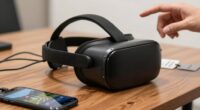
To re-enter VR after a long break, start by updating your hardware, such as headsets and controllers, for better comfort and tracking. reconnect with social VR communities to ease back into shared experiences, and explore any new content or features. Confirm your devices are compatible and properly calibrated for smooth performance. Begin with short sessions and gradually increase to rebuild confidence and immersion. Keep exploring these tips, and you’ll find more ways to make your return seamless and enjoyable.

Play games on Amazon Luna for your next adventure, included with Prime
- A rotating selection of games, no download needed
- Play on TV, laptop or phone
- Fast, free delivery for your gear, too
Key Takeaways
- Upgrade outdated hardware for better comfort, resolution, and tracking accuracy.
- Reconnect with social VR communities to rebuild confidence and engagement.
- Explore recent updates and new features gradually to familiarize yourself with changes.
- Ensure device compatibility and calibrate hardware for seamless performance.
- Start with short sessions to gradually regain comfort and immersion in VR.
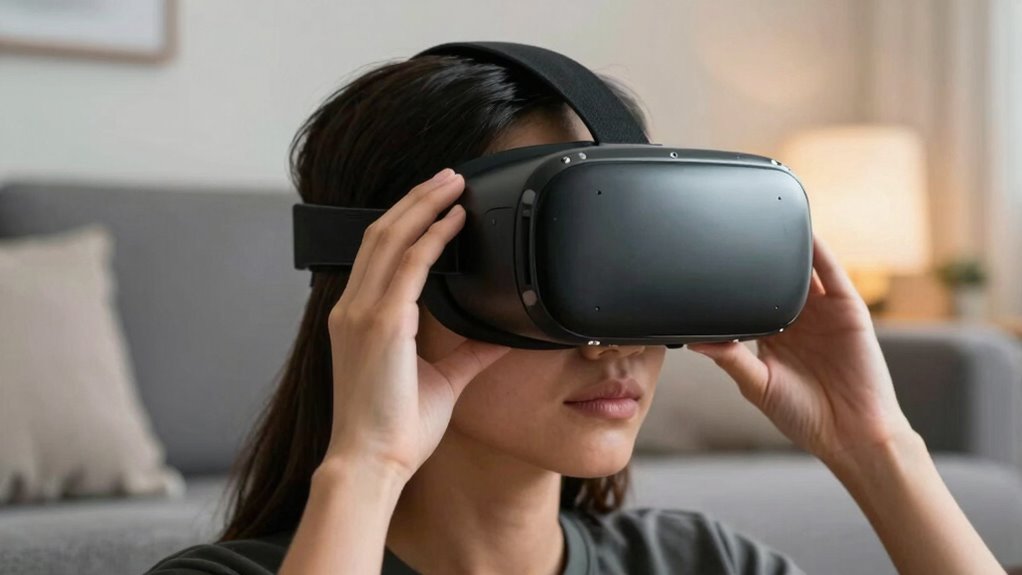
Have you ever taken a break from virtual reality and wondered how to smoothly jump back in? If so, you’re not alone. After a long pause, revisiting VR can feel overwhelming, especially if your hardware is outdated or if you’re unsure how to reconnect with social VR communities. The key is to prepare yourself with a few simple steps that make the transition seamless and enjoyable again.
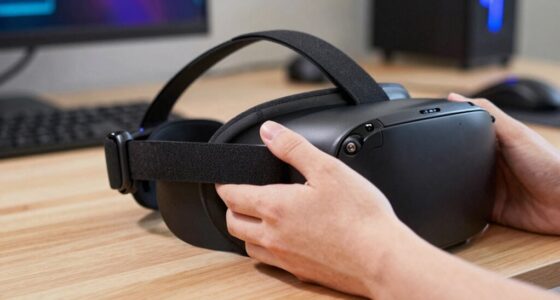
First, consider your VR hardware. Over time, VR headsets and controllers can become outdated, which might cause discomfort or compatibility issues. Upgrading your VR hardware can drastically improve your experience. Modern headsets offer better resolution, wider fields of view, and more comfortable designs, making long sessions more enjoyable. If you haven’t upgraded in a while, it’s worth investing in newer equipment to ensure your return feels fresh and immersive. Also, check your controllers and sensors; sometimes, simply replacing a worn-out controller or recalibrating sensors can make a significant difference in tracking accuracy and overall responsiveness.
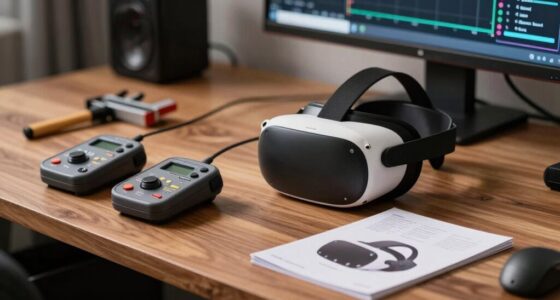
Upgrading VR hardware and recalibrating controllers can significantly enhance comfort, accuracy, and immersion for a smoother return.
Once your hardware is updated, reconnecting with social VR communities can reignite your enthusiasm. Social VR platforms like VRChat, Rec Room, or AltspaceVR are hubs for meeting friends, attending events, or exploring virtual worlds together. Rejoining these communities helps you ease back into VR naturally, by sharing experiences with others who are equally excited to reconnect. Don’t hesitate to jump into group chats or attend virtual meetups, as these social interactions can boost your confidence and remind you of the fun that drew you to VR in the first place. Engaging with social VR communities can also help you discover new content and build connections that keep your VR experience fresh and engaging.
Before diving into more intense experiences, take some time to explore new features or updates in your favorite VR platforms. Developers often introduce new content, improved graphics, and enhanced social tools that can refresh your experience. Familiarize yourself with these updates to get the most out of your return. Additionally, exploring user-generated content can open up a wider variety of experiences tailored to your interests, further enriching your VR journey. Start with smaller sessions to rebuild your comfort level, especially if you’ve been away for a while. Gradually increase your time in VR as you reacquaint yourself with the controls and environment.
Additionally, understanding hardware compatibility and ensuring your devices are properly calibrated can prevent frustration and technical issues, making your re-entry smoother. Regularly checking for software updates and troubleshooting potential issues can save you time and hassle later on. Ultimately, a smooth re-entry into VR after a break hinges on both technological upgrades and social reconnections. Upgrading your hardware ensures a high-quality experience, while engaging with social VR communities helps you reconnect with the social aspect that makes VR so compelling. With patience and a little preparation, you’ll find yourself immersed and enjoying VR again in no time.
As an affiliate, we earn on qualifying purchases.
Frequently Asked Questions
How Long Should I Wait Before Re-Entering VR After a Break?
You should wait at least 24 to 48 hours before re-entering VR after a long break to guarantee VR comfort and prevent discomfort. During this time, check your equipment for maintenance needs, like cleaning lenses and tightening straps. This break allows your eyes to adjust and reduces motion sickness risks. Taking this step helps you enjoy a safer, more comfortable VR experience when you’re ready to dive back in.
Are There Specific Exercises to Ease Back Into VR?
Imagine you’re easing back into VR, focusing on maintaining good VR posture and preventing eye strain. A simple exercise is to take short breaks every 10-15 minutes, stretching your neck and shoulders, and focusing on distant objects to relax your eye muscles. You could also gradually increase session length, paying attention to how your eyes and body feel. This approach helps prevent discomfort and makes re-entering VR smoother.
Can Extended Breaks Affect My VR Equipment?
Extended breaks can affect your VR hardware, mainly by causing dust buildup or misalignment, which might impact user comfort. You should carefully inspect your VR headset, controllers, and sensors before reusing them. Clean the equipment thoroughly, check for any damage, and make sure all connections are secure. Taking these steps helps maintain ideal user comfort and prevents potential issues that could arise from prolonged inactivity or storage.
How Do I Prevent Motion Sickness After Returning?
You can prevent motion sickness by focusing on sensory adaptation and visual acclimation. Start slowly, taking breaks to let your eyes and brain adjust to the VR environment again. Keep your headset fitted comfortably, and adjust the settings for smoother visuals. Avoid rapid movements, and stay seated if needed. This approach helps your senses recalibrate, minimizing discomfort and making your re-entry into VR smoother and more enjoyable.
Is There a Recommended Routine for Re-Familiarizing With VR Controls?
To re-familiarize yourself with VR controls, start with a simple routine focusing on VR posture and control calibration. Begin by sitting comfortably and practicing basic movements to get used to the controls again. Gradually stand up and perform calibration tests to guarantee accuracy. Take breaks if needed, and repeat these steps daily. This approach helps rebuild confidence, reduces discomfort, and makes re-entering VR smoother and more enjoyable.
As an affiliate, we earn on qualifying purchases.
Conclusion
As you slip back into your VR headset, imagine the virtual world awakening like a familiar sunrise, colors blooming brighter with each breath. Feel the gentle pulse of your equipment, grounding you as you reconnect with the digital domain. Take it slow, let the adventures unfold naturally, and soon you’ll find yourself immersed once again—lost in a universe as vivid and welcoming as an old friend’s smile. Your virtual journey awaits, ready to reignite your wonder.
As an affiliate, we earn on qualifying purchases.
As an affiliate, we earn on qualifying purchases.
Fall Picks
fall essentials
As an affiliate, we earn on qualifying purchases.