A starter VR kit gives you basic hardware with limited options for upgrades, focusing on quick setup and affordability but often sacrificing performance and customization. A useful VR setup, however, offers better hardware compatibility, upgradability, and long-term flexibility to grow with your needs. It provides a smoother, more immersive experience and guarantees future relevance. If you want to understand what truly makes a VR system worthwhile, keep exploring for more insights.

Play games on Amazon Luna for your next adventure, included with Prime
- A rotating selection of games, no download needed
- Play on TV, laptop or phone
- Fast, free delivery for your gear, too
Key Takeaways
- Starter kits are basic, affordable, and quick to assemble but lack advanced features and upgrade options.
- Useful VR setups prioritize compatibility, allowing for hardware upgrades and expanded functionality over time.
- Higher-quality setups deliver better performance, responsiveness, and immersive experiences compared to entry-level kits.
- Useful systems are designed for flexibility and future-proofing, adapting to evolving user needs and technological advances.
- Long-term value depends on upgrade potential, reliability, and overall user comfort, which basic kits often cannot provide.
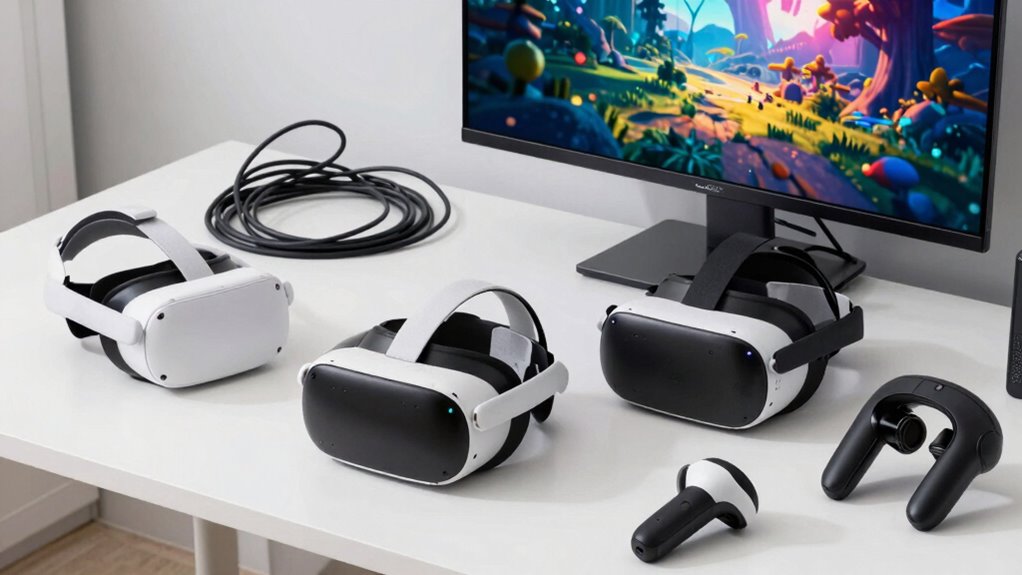
Virtual reality has become more accessible, but not all setups are created equal. When you’re exploring VR options, understanding the difference between a starter kit and a fully functional, useful VR setup is vital. A starter kit often promises an easy entry point with basic hardware, but it can fall short when it comes to performance and long-term satisfaction. The key lies in hardware compatibility and how it influences your overall user experience.
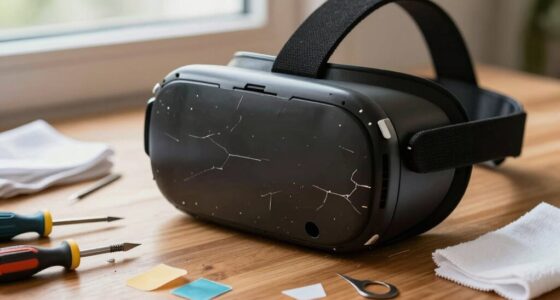
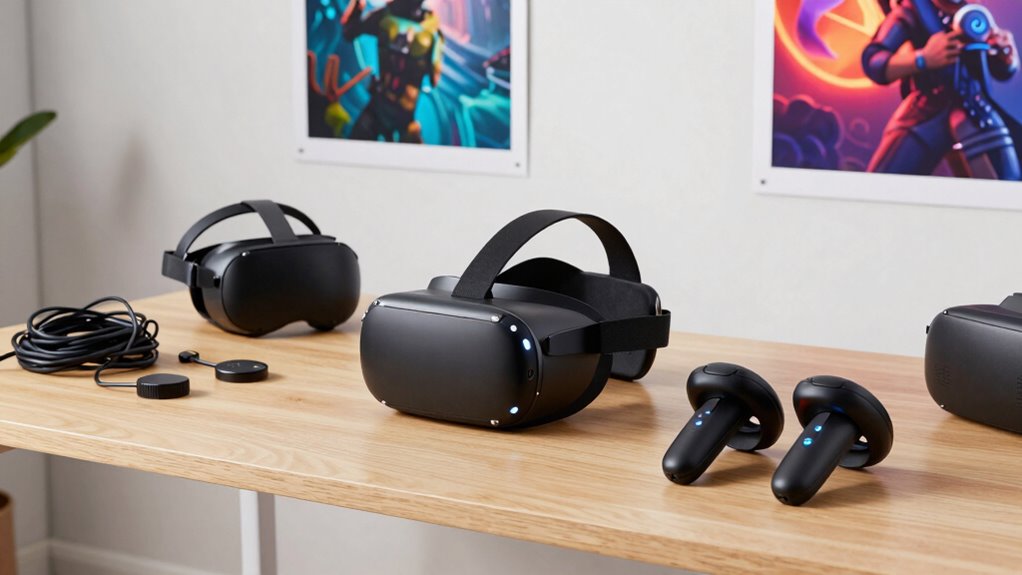
A starter kit typically includes the essential components—like a headset, controllers, and maybe a few sensors—assembled quickly and at a lower price point. While convenient for beginners, these kits often lack the flexibility to upgrade or customize further, limiting your hardware compatibility. If you want to expand your VR experience later, you might find yourself constrained by the initial hardware choices, which can lead to frustrations and a less immersive experience. The user experience with a basic kit might be adequate for casual use but often doesn’t deliver the smooth, responsive interaction that more advanced setups provide.
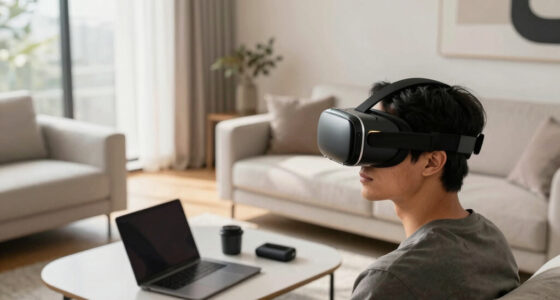
On the other hand, a useful VR setup is designed with both hardware compatibility and user experience in mind. It involves carefully selecting components that work seamlessly together and can be upgraded over time. For example, choosing a high-quality headset with better resolution and wider field of view enhances immersion. Pairing it with controllers that have precise tracking and comfortable ergonomics improves interaction. By investing in a system that’s compatible with various accessories and software, you’re creating a flexible environment that adapts to your evolving needs. This flexibility guarantees your VR experience remains smooth, responsive, and engaging over the long haul. Additionally, considering hardware compatibility ensures your system can be upgraded efficiently without replacing the entire setup, saving time and money.
Furthermore, a practical VR setup prioritizes the user experience by minimizing issues like lag, discomfort, or calibration problems. When your hardware is compatible and well-integrated, you enjoy a more natural and intuitive experience—less frustration, more immersion. A comprehensive setup that considers both hardware and software integration can significantly elevate your overall VR enjoyment. Investing in a system that is built with future-proofing in mind can help you stay current with technological advancements without frequent replacements. The difference between a starter kit and a well-constructed VR system often boils down to this: the latter offers a higher-quality, more reliable experience that keeps you engaged and coming back for more.
high-end VR headset with upgrade options
As an affiliate, we earn on qualifying purchases.
As an affiliate, we earn on qualifying purchases.
Frequently Asked Questions
Can a Starter Kit Be Upgraded to a Full VR Setup?
Yes, you can upgrade your starter kit to a full VR setup. Many VR hardware components, like controllers and headsets, offer upgrade compatibility, allowing you to enhance your experience over time. By adding more advanced VR hardware, you improve performance and immersion. Just make certain the components you choose are compatible with your existing system to make upgrading smooth and effective, turning your basic setup into a thorough VR experience.
How Long Does a Typical VR Headset Last Before Needing Replacement?
Think of your VR headset as a trusty compass that guides your adventures. Typically, a good VR headset lasts about 2 to 3 years, but VR safety and proper maintenance can extend this. Screen wear, battery life, and hardware updates influence longevity. To maximize headset longevity, handle it with care, keep software updated, and replace it when performance declines or safety becomes compromised, ensuring your virtual journeys remain safe and immersive.
Are There Significant Health Risks Associated With VR Use?
Yes, there are some health risks with VR use, mainly motion sickness and eye strain. You might experience dizziness or nausea if your brain struggles to process VR movements. Eye strain can occur from prolonged use, causing discomfort or headaches. To mitigate these risks, take regular breaks, adjust the fit, and limit sessions to manageable periods. Listening to your body helps guarantee a safer, more enjoyable VR experience.
What Is the Average Cost Difference Between Starter Kits and Advanced Setups?
Think of a VR setup as a journey—starter kits are like a basic map, while advanced setups are the full expedition gear. The average cost difference is around $200 to $800, depending on your choices. With a starter kit, you get essential hardware compatible with popular VR software, but upgrading to an advanced setup means investing in high-end hardware that offers richer experiences and better hardware compatibility for immersive adventures.
Do VR Setups Require a Powerful Computer or Console?
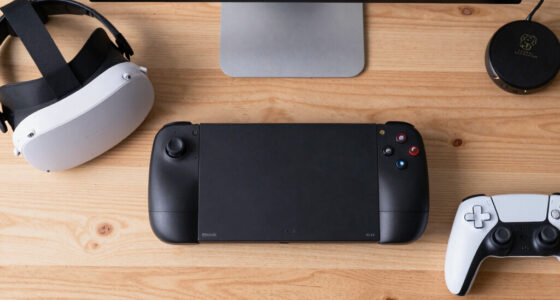
Most VR setups do require a powerful computer or compatible console to deliver smooth gameplay and good VR ergonomics. You’ll want a system with a strong graphics card and processor for ideal headset compatibility, ensuring comfort and immersion. A less powerful device can cause lag or discomfort, so investing in a suitable machine makes a significant difference in your overall VR experience.
VR controllers with precise tracking
As an affiliate, we earn on qualifying purchases.
As an affiliate, we earn on qualifying purchases.
Conclusion
A starter kit is like a seed—you can plant it, but it needs nurturing to grow. A useful VR setup is the fully bloomed tree, offering shade, fruit, and endless possibilities. Don’t settle for a mere sprout; invest in the roots that will support your journey. With the right tools, you’ll cultivate a world where your imagination blossoms and reality transforms—turning a simple seed into a thriving, vibrant forest.
As an affiliate, we earn on qualifying purchases.
VR sensor and accessory compatibility
As an affiliate, we earn on qualifying purchases.
As an affiliate, we earn on qualifying purchases.
Fall Picks
fall essentials
As an affiliate, we earn on qualifying purchases.