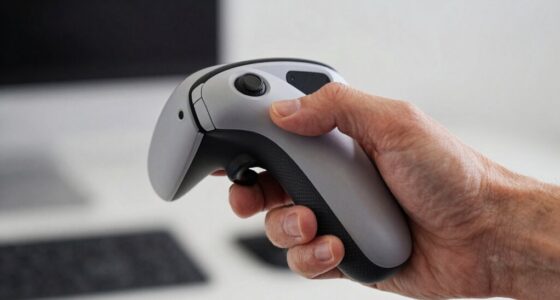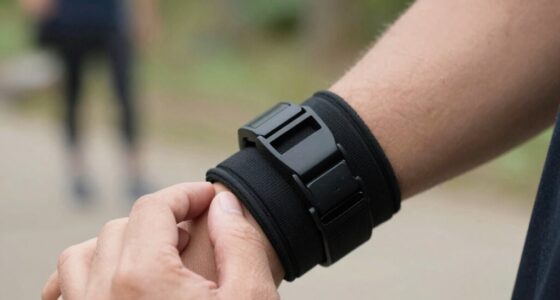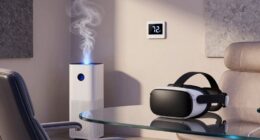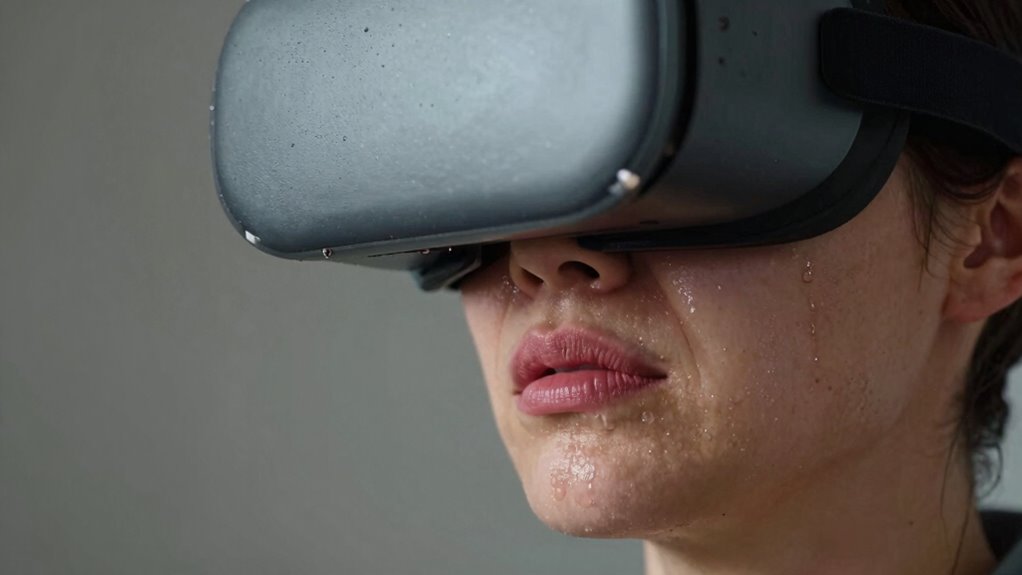
Your VR comfort drops after 30 minutes because your eyes, brain, and body struggle to handle rapid visual changes, sensory conflicts, and hardware limitations. You experience eye strain from focusing and refocusing, while mismatched cues disrupt your balance and trigger discomfort. The cognitive effort needed to reconcile digital and physical worlds also adds mental fatigue. If you want to understand how to stay comfortable longer, keep exploring what causes this fatigue and how to manage it effectively.
Key Takeaways
- Sensory conflicts between visual motion cues and inner ear signals cause discomfort after about 30 minutes.
- Eye strain from prolonged focusing and low display refresh rates contribute to fatigue.
- Cognitive load increases as the brain reconciles real and virtual environments, leading to mental exhaustion.
- Hardware limitations like poor ergonomics and limited field of view cause physical discomfort over time.
- Lack of regular breaks prevents adaptation, amplifying fatigue and reducing VR comfort after 30 minutes.
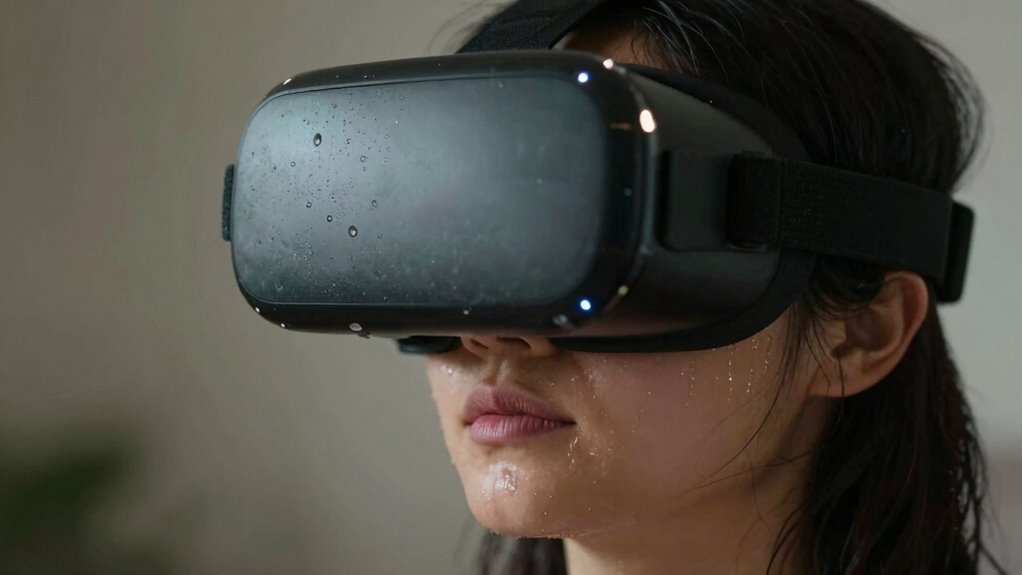
Many VR users notice their comfort drops after about 30 minutes, but what’s really causing this fatigue? The answer lies in how our brains and bodies process virtual environments and augmented reality. When you step into these digital worlds, your eyes and inner ear work together to keep you balanced and oriented. However, virtual environments often challenge this coordination because they don’t perfectly match real-world cues. This mismatch can cause eye strain, dizziness, and fatigue after a short period.
Virtual environments challenge our senses, causing eye strain, dizziness, and fatigue within minutes.
Your eyes are constantly focusing and refocusing to make sense of the virtual images. When the display’s refresh rate isn’t high enough or the lenses aren’t perfectly aligned, your eyes have to work harder. This effort leads to eye fatigue, which intensifies as you spend more time immersed. Additionally, in augmented reality, where digital elements overlay your real surroundings, your brain constantly switches between real and virtual cues. This mental juggling increases cognitive load, making you tire more quickly.
Your vestibular system, responsible for balance, also plays a key role. In virtual environments, especially those with fast movements or disorienting visuals, your inner ear senses motion that doesn’t match what your eyes see. This sensory conflict causes motion sickness or discomfort, which can set in after about half an hour of use. The more intense or confusing the virtual environment, the sooner your system signals that it’s time to take a break. sensory conflict can be intensified by rapid visual changes or inconsistent motion cues, further adding to fatigue.
Another factor is the hardware itself. Headsets with limited field of view, lower resolution, or poor ergonomics can cause physical discomfort that accumulates over time. Poorly ventilated headsets may also lead to sweating and overheating, adding to the discomfort. As you become aware of these physical sensations, your overall experience becomes less enjoyable, pushing you to stop sooner.
In augmented reality, where digital content interacts closely with your real environment, these issues can be even more pronounced. The blending of real and virtual can cause visual and spatial conflicts that strain your senses. Your brain constantly tries to reconcile the digital overlays with the physical world, leading to mental fatigue. Additionally, visual-cognitive mismatch can heighten the sensory conflict, further accelerating fatigue.
Ultimately, your discomfort after 30 minutes stems from a combination of visual strain, sensory conflicts, hardware limitations, and cognitive overload. To extend your VR sessions, consider taking regular breaks, adjusting hardware fit, and gradually increasing exposure to virtual environments. Recognizing how these factors interplay helps you understand why your comfort drops and what you can do to improve your experience.

Meta Quest 3S 128GB | VR Headset — Thirty-Three Percent More Memory — Virtual Reality Without Wires — Access to 40+ Games with a 3-Month Trial of Meta Horizon+ Included (Renewed Premium)
- Wireless Freedom: Untethered VR experience
- Enhanced Graphics Power: Twice the processing speed
- Immersive Virtual Reality: Blend virtual and physical worlds
As an affiliate, we earn on qualifying purchases.
As an affiliate, we earn on qualifying purchases.
Frequently Asked Questions
How Can I Improve My VR Comfort for Longer Sessions?
To improve your VR comfort for longer sessions, take regular breaks to reduce eye strain and prevent motion sickness. Adjust the headset to guarantee a snug fit, which helps stabilize your view. Use comfort settings like reduced motion or vignetting if available. Keep your environment well-lit, stay hydrated, and gradually increase session time to build tolerance. These steps help you enjoy extended VR experiences comfortably.
Do Different VR Headsets Have Varying Comfort Durations?
Yes, different VR headsets have varying comfort durations due to their ergonomic design and weight distribution. You’ll find that headsets with better weight balance and adjustable straps tend to be more comfortable for extended sessions. Lighter headsets put less strain on your neck and face, allowing you to enjoy longer VR experiences. Choosing a headset with an ergonomic design tailored to your head shape can considerably improve your comfort over time.
Are There Specific Activities That Cause More Discomfort Than Others?
Certain activities in VR, like rapid movement or intense gameplay, can cause more discomfort, especially for you. These actions often lead to motion sickness and eye strain because your eyes and brain struggle to sync with the virtual environment. Prolonged exposure during these activities heightens discomfort, making breaks essential. To stay comfortable, take regular pauses, adjust your headset properly, and avoid overly intense or fast-paced scenes.
Can Adjusting Headset Fit Reduce Discomfort After 30 Minutes?
Yes, adjusting your headset fit can ease discomfort after 30 minutes. Think of it like fine-tuning a tightrope walk; proper fit balances your headset, reducing pressure points that cause pain. When you tighten or loosen straps, you guarantee even weight distribution, preventing strain. Regularly adjusting the fit keeps your VR experience smooth, helping you avoid that sinking feeling of discomfort, so you stay immersed longer and enjoy your virtual adventures.
What Are the Long-Term Health Effects of Extended VR Use?
Extended VR use can lead to long-term health effects like persistent eye strain and increased motion sickness. You might experience headaches, blurred vision, or discomfort if you don’t take breaks or adjust settings properly. To minimize risks, you should limit session durations, guarantee proper headset fit, and practice eye exercises. Regular breaks help your eyes recover, reducing the chances of developing ongoing issues from prolonged VR exposure.
Meta Quest 3S 128GB | VR Headset — Thirty-Three Percent More Memory — Virtual Reality Without Wires — Access to 40+ Games with a 3-Month Trial of Meta Horizon+ Included (Renewed Premium)
- Wireless Freedom: Untethered VR experience
- Enhanced Graphics Power: Twice the processing speed
- Immersive Virtual Reality: Blend virtual and physical worlds
As an affiliate, we earn on qualifying purchases.
As an affiliate, we earn on qualifying purchases.
Conclusion
So, next time your VR session starts to wobble, remember it’s not just fatigue—it’s your brain juggling a delicate balance. As your senses try to sync up, discomfort sneaks in like a shadow, growing louder after 30 minutes. Think of it as your mind’s way of saying, “Eh, enough for now.” By taking breaks and adjusting your setup, you can keep that virtual world spinning smoothly, turning frustration into freedom—your gateway to endless adventures.
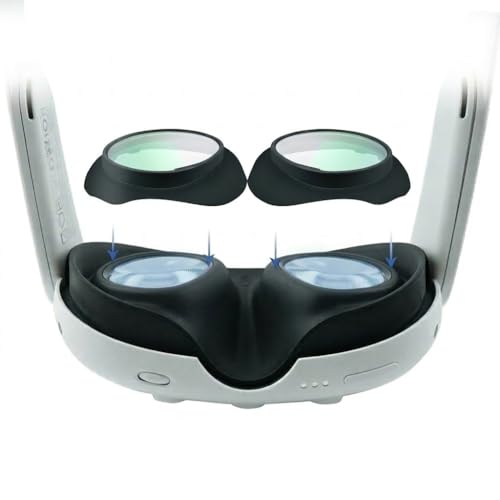
Lens Protector Cover Compatible with Meta Quest 3, Anti-Blue Light & Scratch-Resistant VR Lens Covers, Anti-Glare Glass for Quest 3 Accessories, Eye Strain Relief (1 Pair)
- Custom Fit for Meta Quest 3: Precision-molded lens covers for perfect fit
- Protects Investment from Scratches: Physical barrier prevents lens damage
- Designed for Eyeglass Wearers: Acts as spacer to prevent contact
As an affiliate, we earn on qualifying purchases.
As an affiliate, we earn on qualifying purchases.

Saqico Head Strap for Meta Oculus Quest 2/3/3s, 3-in-1 Adjustable Halo Headband, Replacement for Elite Strap, Enhanced Comfort Gaming Immersion VR Accessories Compatible with Oculus/Meta Quest 2/3/3s
- Compatible Devices: Supports Meta Quest 3/3s and Oculus Quest 2
- Enhanced Comfort: Designed for extended VR gaming sessions
- Pressure Reduction: Soft memory foam cushion for comfort and support
As an affiliate, we earn on qualifying purchases.
As an affiliate, we earn on qualifying purchases.