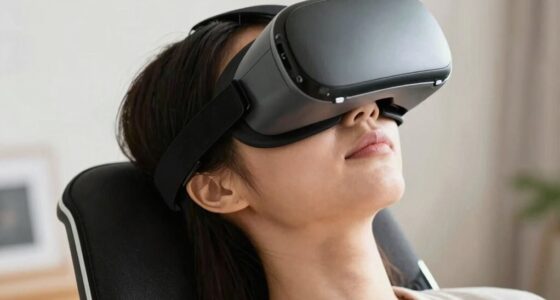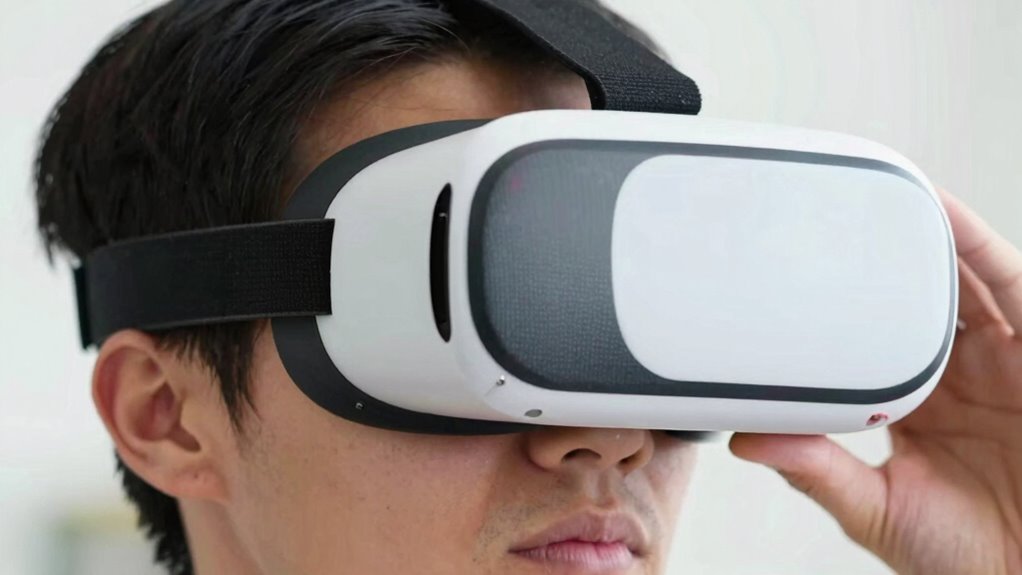

If your VR headset constantly shifts, causes discomfort, or feels too tight or loose, it’s a bad fit. Watch for pressure points, pinching, or slipping signs that you need to tighten or adjust straps. Notice blurry visuals, glare, or frequent repositioning—these signal poor alignment. If you experience headaches, eye strain, or fatigue quickly, your fit isn’t right either. Keep these tips in mind, and you’ll be able to identify a bad fit fast—and improve your experience more effectively.

Get VR and gaming gear delivered free — and shop member deals
- Fast, free delivery on millions of items
- Access to Prime Big Deal Days deals on October 6–7
- Prime Video, Amazon Music and more included
Key Takeaways
- Feel for pressure points, pinching, or slipping that indicate poor fit or discomfort.
- Check if the headset wobbles or shifts with slight head movements.
- Ensure the image is clear, centered, and free of glare or light leaks.
- Confirm facial pads sit comfortably without excessive pressure or gaps.
- Notice any headaches, eye strain, or fatigue during or after use.
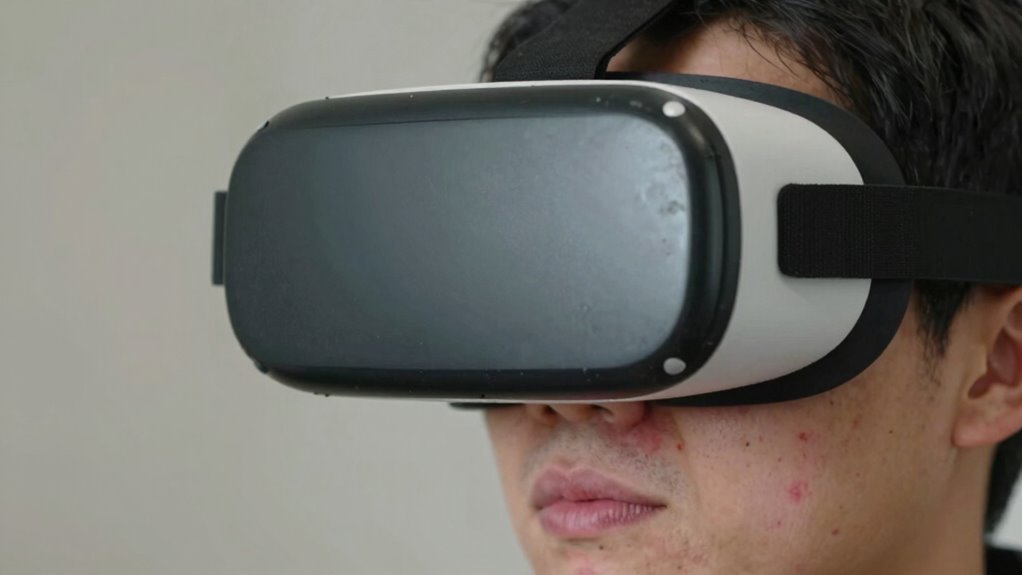
Choosing the right VR headset is crucial for an immersive and comfortable experience, but many users overlook signs of a poor fit that can ruin their sessions. In just 60 seconds, you can tell if your headset isn’t fitting properly by paying close attention to how it feels and how easily you can make adjustments. The first thing to check is VR comfort. If your headset causes discomfort, such as pressure points, pinching, or slipping, it’s a clear sign that your fit isn’t ideal. A well-fitting headset should sit snugly on your head without feeling tight or causing pain. If it’s constantly shifting or you find yourself adjusting it repeatedly, that’s a sign it’s not properly adjusted.
A well-fitting VR headset should feel snug, comfortable, and stay in place without causing pain or discomfort.
Next, focus on headset adjustment. Many headsets come with adjustable straps and knobs—use them! A bad fit often results from neglecting these adjustments. Make sure the straps are evenly tightened and sit comfortably on your head without exerting excessive pressure on your forehead or the back of your skull. When adjusting, you should be able to move the headset slightly without it shifting out of place. If it’s wobbling or feels unstable, you need to re-adjust the straps for a more secure fit. Proper headset adjustment not only enhances comfort but also improves VR comfort by ensuring the lenses are correctly aligned with your eyes, reducing eye strain and vertigo. Additionally, understanding the importance of proper fit can help you avoid common issues like light leaks and eye strain. It’s also helpful to recognize the role of headset alignment in achieving optimal visual clarity and comfort. Improving your fit adjustment techniques can make a noticeable difference in your overall VR experience. Paying attention to ergonomic design can further enhance comfort during extended use.
Another quick indicator is how well you can see through the lenses. If the image appears blurry or you notice glare or light leaks around the edges, your headset probably isn’t aligned properly with your face or head. These issues often stem from improper headset adjustment. Adjust the straps and reposition the headset until the image is clear and centered. Also, check if the headset’s facial interface fits your face shape—an uncomfortable or ill-fitting facial pad can cause light leaks and discomfort, impacting your overall VR experience. In addition, making sure the facial interface is properly aligned with facial contours can significantly improve comfort and visual clarity.
Finally, pay attention to your body’s response. If you start feeling headaches, eye strain, or fatigue after just a few minutes, your headset might not be fitted correctly. A good fit minimizes these issues by maintaining the correct distance between the lenses and your eyes and reducing unnecessary pressure. Essentially, a quick, thorough check of VR comfort and headset adjustment can help you instantly identify if your headset is a poor fit. Taking a moment to fine-tune your fit ensures your VR sessions are comfortable, immersive, and free from avoidable discomfort.
As an affiliate, we earn on qualifying purchases.
Frequently Asked Questions
Can Adjusting Straps Improve a Poor VR Fit Temporarily?
Yes, adjusting straps can temporarily improve a poor VR fit. You can use strap adjustments to tighten or loosen the headset, which helps customize the fit to your head shape. Proper fit customization guarantees the VR headset stays secure and comfortable during use. Keep in mind, though, that if the fit is fundamentally off, straps alone might not fix all issues, but they’re a quick way to enhance comfort and stability.
How Often Should I Check My VR Headset’s Fit?
Did you know that a poorly fitting VR headset can cause discomfort and even headaches? You should check your VR headset’s fit every time you use it to guarantee comfort and peak performance. Regular VR headset maintenance and adjusting for ergonomic design help prevent strain. Make it a habit to reassess the fit after long sessions or if you notice discomfort, keeping your VR experience safe and enjoyable.
Does Face Shape Affect VR Headset Comfort?
Yes, your face shape and head size considerably influence VR headset comfort. If you have a wider face or larger head, a headset with adjustable straps and a customizable fit will feel better. Conversely, a narrow face or smaller head may require padding or different strap configurations to avoid pressure points. Always consider these factors to guarantee your VR experience remains comfortable and immersive without causing discomfort or fatigue.
Are There Specific Brands Known for Better VR Fit?
Imagine slipping into a VR headset that molds perfectly to your face, with plush, customizable padding that feels like a gentle hug. Brands like Oculus, HTC, and Valve are known for their better VR fit, offering options with adjustable straps and good VR headset hygiene features. These brands prioritize comfort, helping prevent discomfort and fatigue, so you can enjoy immersive gameplay longer without sacrificing comfort or hygiene.
What’s the Ideal VR Headset Weight for Comfort?
You want a VR headset that weighs around 1.1 to 1.5 pounds for ideal comfort. An ergonomic design helps distribute weight evenly, reducing pressure points that cause discomfort during extended use. Avoid headsets that feel heavy or unbalanced, as they can lead to fatigue. Look for adjustable straps and balanced weight distribution to guarantee the headset feels comfortable and secure, even during long gaming sessions or immersive experiences.
As an affiliate, we earn on qualifying purchases.
Conclusion
If your VR headset doesn’t fit perfectly, you might as well be trying to wear swimming goggles for a marathon! A bad fit can turn your virtual adventure into a face-squeezing nightmare or a foggy, blurry mess. Don’t settle for discomfort that makes your eyes cross or your head ache after five minutes. Get the fit right now, or risk turning your epic VR journey into a hilarious, headache-inducing disaster that you’ll be laughing about for years!
As an affiliate, we earn on qualifying purchases.
As an affiliate, we earn on qualifying purchases.
Halloween Picks
halloween
As an affiliate, we earn on qualifying purchases.