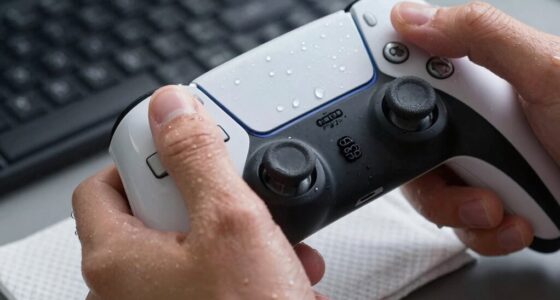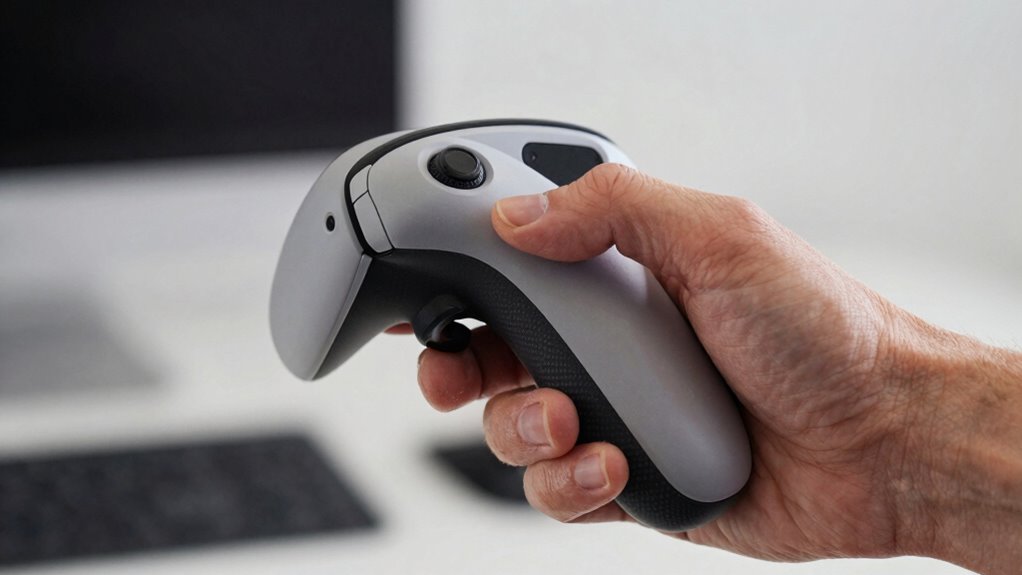

To reduce hand fatigue in VR, focus on holding controllers with a relaxed, neutral grip rather than gripping tightly, which can tire your muscles faster. Adjust the controller angles to keep your wrists in a natural, comfortable position, avoiding awkward bends that cause strain. Supporting your arms and taking regular breaks also help prevent discomfort over extended use. Keep experimenting with grip styles and controller setups to find what keeps your hands more comfortable longer—more tips are just ahead.
Key Takeaways
- A loose, neutral grip reduces muscle strain and prolongs comfort during extended VR sessions.
- Adjusting controller angles to natural, ergonomic positions minimizes wrist and finger tension.
- Maintaining proper hand posture and avoiding awkward angles help prevent fatigue and strain.
- Regular breaks, stretching, and relaxed fingers distribute effort and reduce hand muscle fatigue.
- Choosing controllers with ergonomic design features supports sustained comfort and reduces overuse injuries.
How Grip Style Influences Hand Fatigue
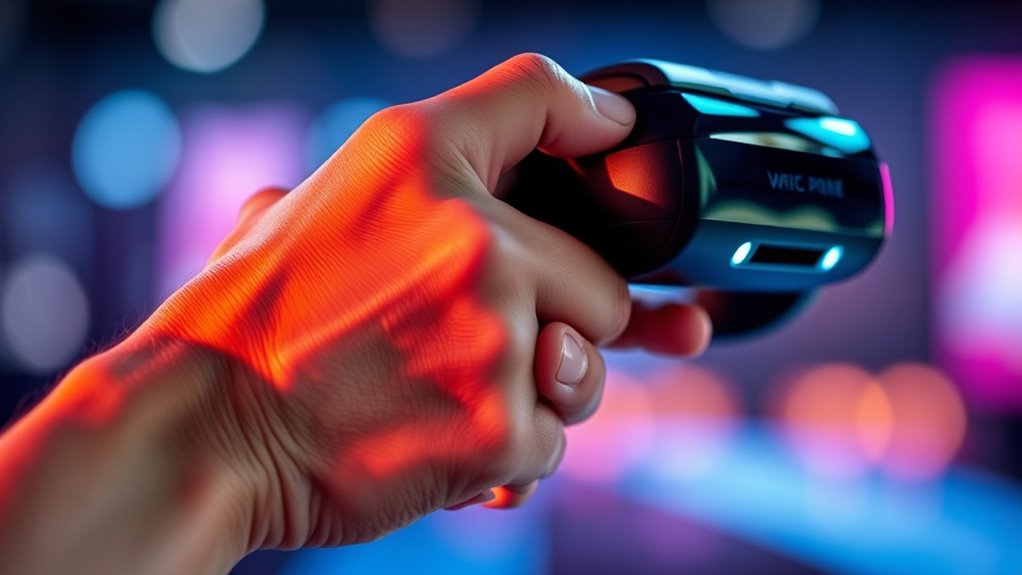
Your grip style directly affects how quickly your hand tires during VR sessions. If you grip the controller too tightly, your hand muscles work harder than necessary, leading to faster fatigue. On the other hand, a loose grip can reduce strain but might compromise control and precision. A neutral grip, where you hold the controller comfortably without squeezing, minimizes muscle tension and helps sustain longer playtimes without discomfort. Experimenting with your grip can reveal what feels most natural and least tiring. Remember, gripping too tightly or too loosely can both cause unnecessary stress on your hand muscles. Finding a balanced, relaxed hold allows for better endurance and a more enjoyable VR experience. Additionally, exploring ergonomic controller designs can further reduce hand strain and enhance comfort. Incorporating proper hand positioning techniques can also support sustained comfort and prevent strain over time, especially when combined with regular breaks to give your hands rest. Practicing hand stretching exercises can also improve flexibility and reduce fatigue during extended VR sessions. Integrating adaptive grip techniques informed by ergonomic principles can help optimize comfort and performance.
The Impact of Controller Angles on Comfort

The angle at which you hold your controller considerably influences comfort during VR sessions. When your controller is angled awkwardly, it can strain your wrist and fingers, leading to fatigue over time. Holding the controller at a natural, neutral position reduces unnecessary tension and makes movements smoother. If your grip requires twisting your wrist or bending your fingers unnaturally, you’ll likely experience discomfort faster. Adjusting the controller angle to align with your hand’s natural posture minimizes strain and helps maintain endurance. Proper angles also improve control, making your movements more precise and less tiring. Remember, small changes in how you hold the controller can notably impact your comfort, allowing you to enjoy longer, more immersive VR experiences without fatigue. Additionally, understanding controller ergonomics can help you optimize your grip for sustained comfort. Being mindful of hand posture during gameplay can further prevent fatigue and enhance overall experience. Paying attention to ergonomic design principles ensures your setup supports prolonged use without discomfort. Incorporating customized grip adjustments can further enhance comfort and reduce fatigue over extended sessions. Recognizing the importance of natural hand positioning can also contribute significantly to reducing strain during VR use.
Common Causes of Discomfort During VR Sessions

Poor hand posture can lead to strain on tendons and muscles, increasing the risk of discomfort during extended VR use. Maintaining natural wrist alignment is essential to prevent unnecessary tension. Supporting your arms with ergonomic supports or taking periodic rests can significantly reduce fatigue; arm support tools are highly recommended for prolonged sessions. Unsupported arms can cause numbness and soreness, especially during long sessions. Use ergonomic supports or rest arms periodically to alleviate this issue. Additionally, being mindful of proper controller angles can significantly reduce strain and enhance your overall VR experience. Being aware of hand positioning techniques further helps prevent fatigue and promotes better control during extended play. Maintaining optimal ergonomic setup is also crucial for long-term comfort and injury prevention.
Techniques to Minimize Hand Strain
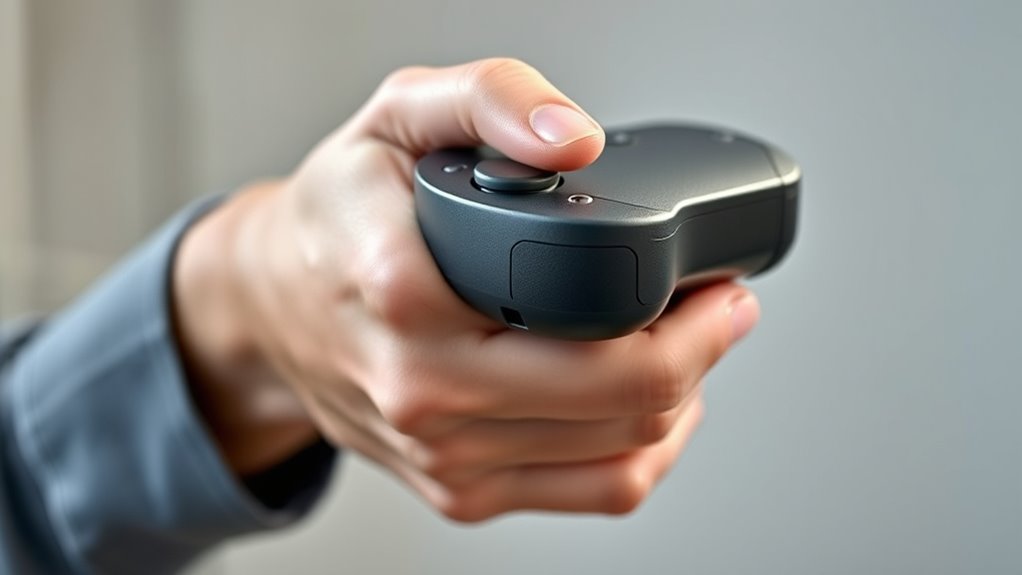
Implementing simple techniques can substantially reduce hand strain during VR sessions. First, take regular breaks to rest your hands and shake out any tension. Keep your wrists in a neutral position, avoiding excessive bending or twisting. Adjust your grip so you’re holding controllers firmly but not too tightly—squeezing can lead to fatigue. Use your whole hand rather than just your fingers when possible, distributing effort evenly. Maintain relaxed fingers and avoid gripping tightly for extended periods. Position your controllers at a comfortable angle that minimizes wrist strain; don’t force your hands into awkward angles. Incorporate stretching exercises for your hands and fingers between sessions to improve flexibility. Staying mindful of your hand posture and taking breaks can markedly decrease discomfort and prolong comfortable VR use. Proper hand posture and awareness of controller angles are key to preventing fatigue. Additionally, paying attention to ergonomic controller design can help optimize comfort during extended play. Recognizing proper ergonomics can further support sustained comfort and reduce the risk of strain. Incorporating ergonomic accessories such as grips or padding can also enhance comfort and reduce fatigue during long sessions. Being aware of body mechanics can help you maintain overall posture and reduce tension in your hands and wrists.
Choosing Ergonomic Controllers for Extended Play

Choosing ergonomic controllers can substantially enhance comfort during extended VR sessions, helping to prevent hand fatigue. When selecting controllers, focus on designs that promote a natural grip and minimize strain. Look for controllers with adjustable grips, lightweight construction, and well-placed buttons to reduce unnecessary movement. Incorporate self-discipline in online learning environments to stay committed to practicing proper grip techniques and maintaining ergonomic habits during extended play. Additionally, selecting controllers with ergonomic design features can further support sustained comfort and reduce fatigue. Understanding biomechanics of hand movement can also inform better controller choices that align with natural hand motions and reduce discomfort over time. Being aware of muscle engagement can help in choosing controllers that prevent overuse and strain during prolonged use.
Frequently Asked Questions
How Can I Tell if My VR Controller Is Causing Hand Fatigue?
You can tell if your VR controller is causing hand fatigue if you experience persistent aching, tingling, or weakness in your hand and fingers during or after use. Notice if you need to grip tightly or if your hand feels strained. If these symptoms occur regularly, it’s likely due to the controller’s grip or angle. Adjust your grip, take breaks, and make sure the controller fits comfortably to reduce fatigue.
Are There Specific Hand Exercises to Reduce VR Grip Strain?
Like a sculptor shaping their masterpiece, you can ease VR grip strain with targeted hand exercises. Try squeezing a stress ball, stretching your fingers wide, or doing wrist circles regularly. Take short breaks to shake out your hands and relax your grip. These simple moves strengthen muscles and improve flexibility, reducing fatigue over time. Incorporate these exercises into your VR routine to keep your hands comfortable and avoid strain.
Do Different VR Games Affect Hand Fatigue Differently?
Yes, different VR games impact your hand fatigue differently. Action-packed games with rapid movements and intense gripping, like shooters or sports titles, can tire your hands faster. Conversely, slower-paced, puzzle, or exploration games usually cause less strain. You might notice fatigue more in games requiring sustained grips or repetitive motions. To reduce discomfort, take regular breaks, adjust your grip, and vary your gameplay to avoid overusing specific hand muscles.
How Often Should I Take Breaks During Extended VR Sessions?
You should take a break every 20 to 30 minutes during extended VR sessions. This helps prevent hand fatigue, eye strain, and discomfort. During breaks, stretch your hands, arms, and shoulders to keep blood flowing and reduce tension. Listen to your body; if you feel any discomfort or fatigue, pause sooner. Regular breaks will keep your experience enjoyable and reduce the risk of strain or injury.
Can Adjusting Controller Sensitivity Reduce Hand Discomfort?
Think of your VR controller as an extension of your hand’s dance partner. Adjusting the sensitivity is like tuning the music; it can make movements smoother and less jerky. When you increase sensitivity, you need less grip strength, easing hand fatigue. So, yes, tweaking sensitivity allows your hand to glide effortlessly through virtual worlds, reducing discomfort and making your experience more comfortable and immersive.
Conclusion
Did you know that improper grip and controller angles can increase hand fatigue by up to 30%? By paying attention to how you hold your controllers and adjusting angles for comfort, you can markedly reduce strain during extended VR sessions. Choosing ergonomic controllers also makes a difference. Remember, prioritizing your hand health not only improves your experience but helps prevent long-term discomfort. Keep these tips in mind, and enjoy your VR adventures pain-free!