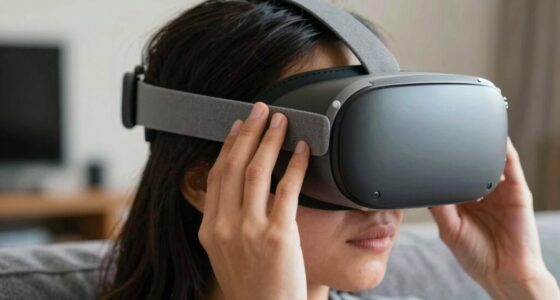
Your VR headset may feel heavy because of uneven weight distribution, bulky components, or poor fit. Fix this by adjusting straps for a snug feel, using external accessories like counterweights or padding, and choosing lightweight models with better internal balance. Proper maintenance and thoughtful accessory use can markedly reduce strain. Want to find out more practical tips? Keep going, and you’ll discover ways to boost your comfort even further.
Key Takeaways
- Poor weight distribution causes pressure points, making the headset feel heavier over time.
- Adjusting straps and padding improves fit, reducing strain and uneven weight feeling.
- Adding counterweights or external padding helps balance the headset and lessen perceived weight.
- Using lightweight materials and optimizing internal component placement can decrease overall weight.
- Proper ventilation and cable management prevent heat buildup and tugging, enhancing comfort.
As an affiliate, we earn on qualifying purchases.
Understanding the Design and Weight Distribution of VR Headsets
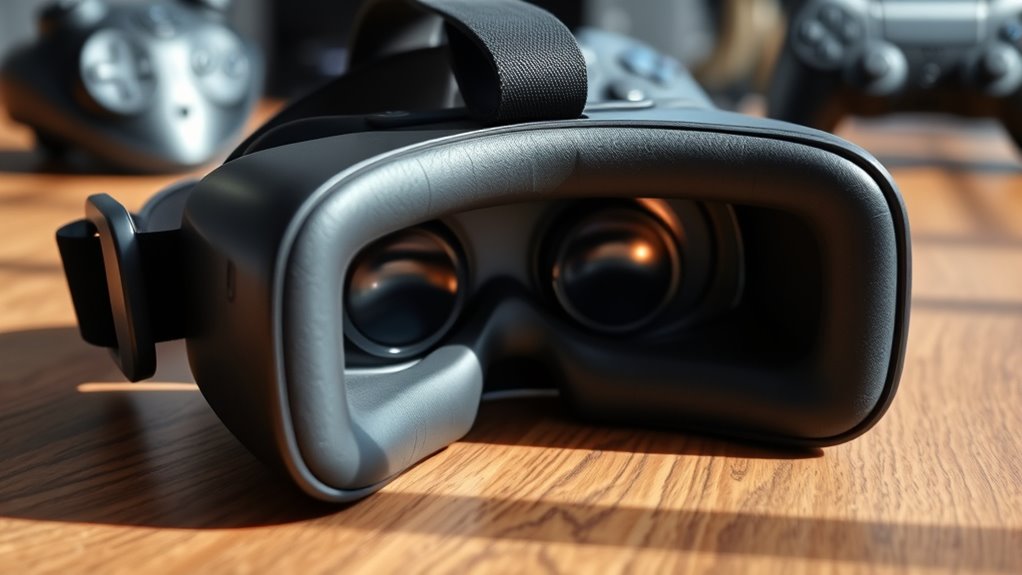
Understanding the design and weight distribution of VR headsets is essential because these factors directly impact comfort during extended use. The weight of the headset isn’t just about total pounds; it’s how that weight is balanced. A well-designed headset distributes weight evenly across your head, reducing pressure on specific areas like your forehead or nose. Look for models with balanced center of gravity and adjustable straps, which help keep the weight aligned with your head’s natural shape. Materials also matter—lighter materials like plastics or composites lessen overall weight. The placement of internal components, such as batteries and displays, influences how the weight feels. Considering Free Floating design elements can further improve comfort by minimizing pressure points. Additionally, weight distribution plays a critical role in preventing discomfort during long sessions. Proper adjustability features allow users to customize fit and balance, enhancing comfort over time. By understanding these design elements, you can better evaluate headsets and choose one that minimizes strain, making long gaming or VR sessions more comfortable. A focus on ergonomic design ensures the headset adapts well to different head shapes and sizes, enhancing overall comfort. Moreover, paying attention to internal component placement can help identify models with better balance and reduced fatigue.
As an affiliate, we earn on qualifying purchases.
Adjusting Fit and Using External Accessories to Reduce Strain
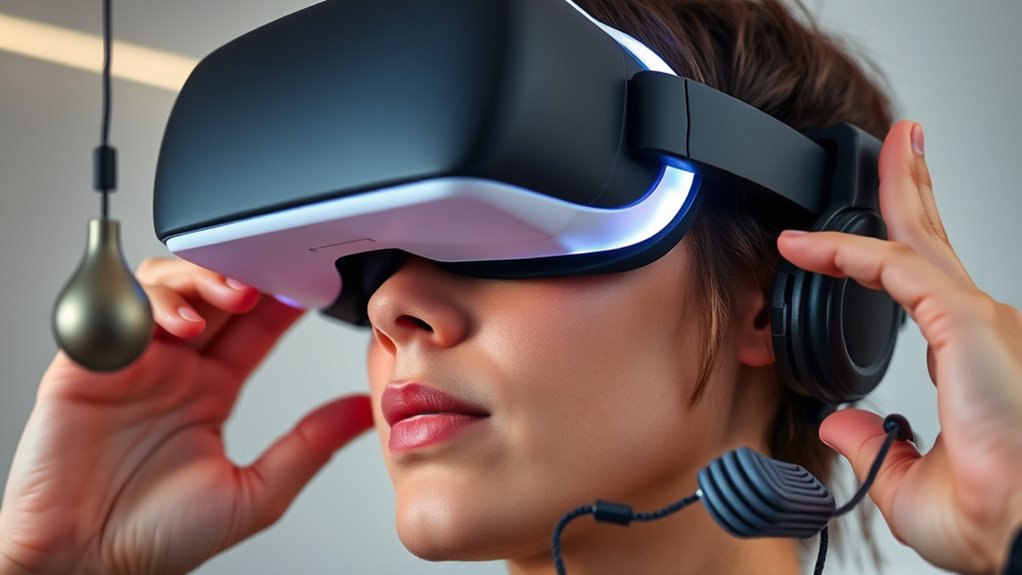
To minimize discomfort during extended VR sessions, you should focus on properly adjusting the fit of your headset and utilizing external accessories. Start by tightening or loosening straps for a snug fit without pressure points. Use foam padding or face covers to improve comfort and distribute weight evenly. External accessories like counterweights can help balance the headset, reducing strain on your neck. Here’s a quick guide:
| Accessory Type | Benefit | Usage Tip |
|---|---|---|
| Counterweights | Offloads neck strain | Attach at the back of the headset |
| Foam Padding | Enhances comfort | Replace stock padding for better fit |
| Head Strap Extenders | Adjusts fit for different head sizes | Use for a secure fit without tightness |
| External Fans | Keeps you cool | Prevents sweating and discomfort |
| Cable Management | Reduces tugging | Use clips or sleeves to secure cables |
Adjusting fit and external accessories make a noticeable difference, especially when considering ergonomic design principles for prolonged use. Proper weight distribution is essential to reduce strain and improve comfort during extended VR sessions.

Saqico Head Strap for Meta Oculus Quest 2/3/3s, 3-in-1 Adjustable Halo Headband, Replacement for Elite Strap, Enhanced Comfort Gaming Immersion VR Accessories Compatible with Oculus/Meta Quest 2/3/3s
- Compatible Devices: Supports Meta Quest 3/3s and Oculus Quest 2
- Enhanced Comfort: Designed for extended VR gaming sessions
- Pressure Reduction: Soft memory foam cushion for comfort and support
As an affiliate, we earn on qualifying purchases.
As an affiliate, we earn on qualifying purchases.
Choosing the Right Headset and Maintenance Tips for Comfort
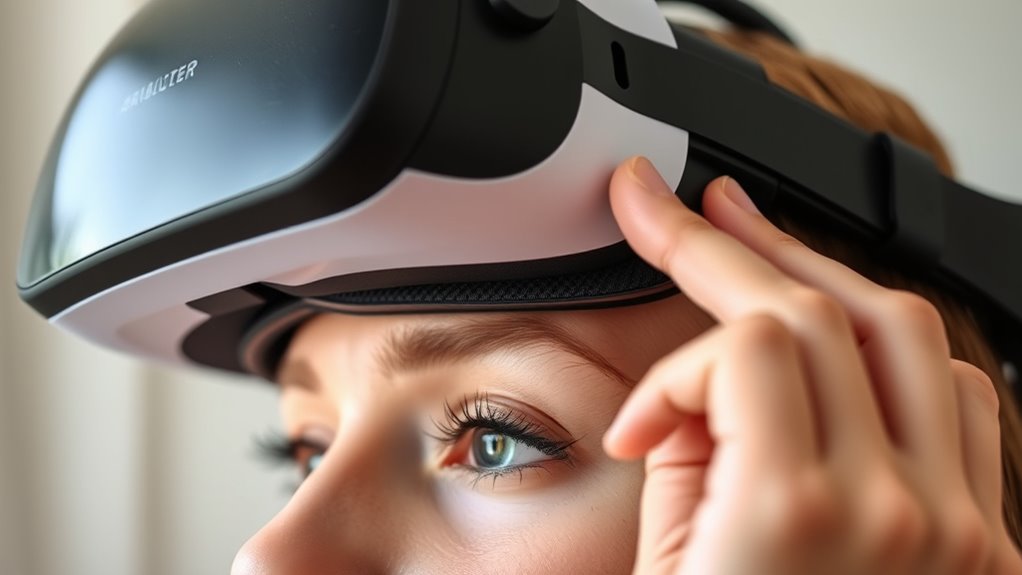
Choosing the right VR headset can greatly enhance your comfort during long sessions, and regular maintenance guarantees it stays in top condition. When selecting a headset, focus on weight distribution and adjustable straps to minimize pressure points. Look for models with breathable padding and lightweight materials to reduce fatigue. Proper ventilation is also important to prevent heat buildup during extended use. Maintenance is just as important—clean lenses regularly to avoid strain and check straps for wear. Keep cables organized and ensure the head strap remains snug but not tight. Store your headset properly in a cool, dry place to prevent damage. Proper care extends the device’s lifespan and keeps it comfortable to wear. Additionally, selecting a headset with lightweight materials can significantly reduce overall fatigue during extended use. Using a well-designed ergonomic fit can also improve comfort and reduce discomfort during prolonged sessions. Incorporating quality components can also improve overall comfort and durability, making your VR sessions more enjoyable. To further enhance comfort, consider adjusting the headset padding to better distribute pressure across your head.
As an affiliate, we earn on qualifying purchases.
Frequently Asked Questions
How Often Should I Replace My VR Headset Straps for Comfort?
You should replace your VR headset straps whenever they become uncomfortable, worn out, or show signs of damage, typically every 6 to 12 months. Regularly check for fraying, looseness, or loss of elasticity. If the straps no longer fit snugly or cause discomfort, it’s time for a replacement. Upgrading your straps guarantees better support, reduces fatigue, and makes your VR experience more enjoyable and comfortable.
Can Specific Head Shapes Cause More Discomfort With VR Headsets?
Yes, your head shape can cause more discomfort with VR headsets. If your head is wider, narrower, or has prominent features, the standard straps might not fit well, leading to uneven pressure and fatigue. To improve comfort, look for headsets with adjustable straps, padding, or customizable fit options. You can also try adding padding or using third-party accessories designed to better accommodate different head shapes for a more comfortable experience.
Are There Lightweight VR Headsets Designed for Extended Use?
Yes, there are lightweight VR headsets designed for extended use. You’ll find models like Oculus Quest 2, HTC Vive Focus, and Pico Neo 3 offer comfort without sacrificing performance. These headsets feature slim profiles, balanced weight distribution, and adjustable straps to reduce fatigue during long sessions. When choosing one, prioritize comfort and fit to guarantee you can enjoy immersive experiences without discomfort or strain over extended periods.
How Do I Properly Clean and Maintain My VR Headset?
You should regularly clean your VR headset to keep it in top shape. Use a microfiber cloth to wipe down the lenses and exterior, avoiding harsh chemicals. For the foam padding and straps, gently vacuum or spot clean with a damp cloth and mild soap. Store it in a cool, dry place when not in use. Regular maintenance guarantees comfort, hygiene, and peak performance during your immersive experiences.
Do Different VR Headset Brands Have Varying Weight Distributions?
Think of VR headsets like dance partners—each has its unique weight balance and rhythm. Yes, different brands have varying weight distributions; some are like lightweight featherweights, while others feel more like a hefty companion. This affects comfort and how long you can play. When choosing, consider how the weight is spread out on your head, so you find a partner that moves with you rather than against you.
Conclusion
To keep your VR experience comfortable, focus on proper fit and maintenance. Did you know that 70% of users report discomfort with poorly balanced headsets? By adjusting your headset, using external accessories, or choosing the right model, you can notably reduce strain. Remember, a comfortable VR setup isn’t just about convenience—it’s about enjoying your virtual adventures without pain. Take these simple steps, and you’ll be gaming for hours without feeling weighed down.