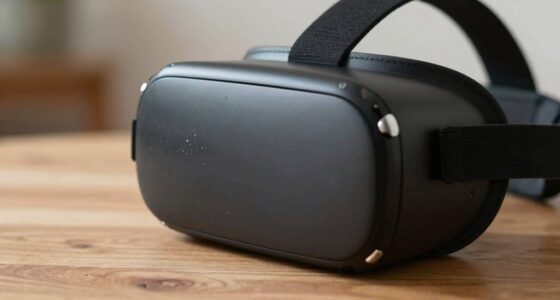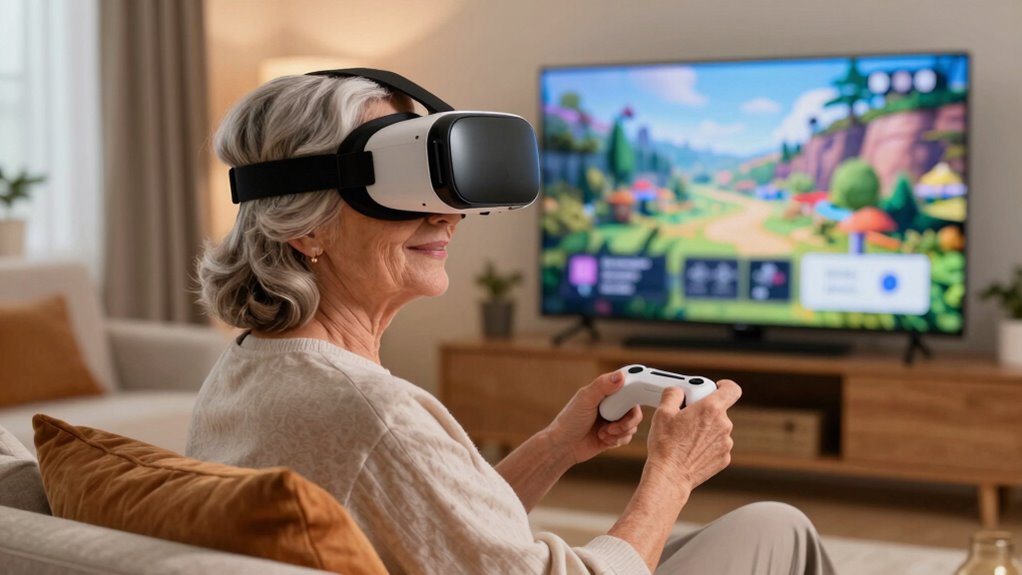
To make VR more welcoming for older users, focus on simple, intuitive interfaces with clear instructions and visual cues. Use larger icons and minimal clutter to reduce overwhelm, and incorporate adjustable haptic feedback for comfort. Guarantee controllers are lightweight and easy to grip, and headsets are comfortable with adjustable straps. Prioritize safety features and offer guided tutorials to build confidence. If you keep exploring, you’ll find ways to create a more inclusive and enjoyable VR experience.

Play games on Amazon Luna for your next adventure, included with Prime
- A rotating selection of games, no download needed
- Play on TV, laptop or phone
- Fast, free delivery for your gear, too
Key Takeaways
- Simplify interfaces with larger icons, clear instructions, and minimal clutter to reduce cognitive load for older users.
- Incorporate adjustable haptic feedback and sensory-friendly features for enhanced comfort and engagement.
- Use ergonomic, lightweight controllers and headsets with adjustable fittings to ensure physical comfort during prolonged use.
- Provide guided tutorials and voice-assisted instructions to foster confidence and ease of navigation.
- Design a safe, supportive environment encouraging regular breaks and accessible customer support for ongoing assistance.
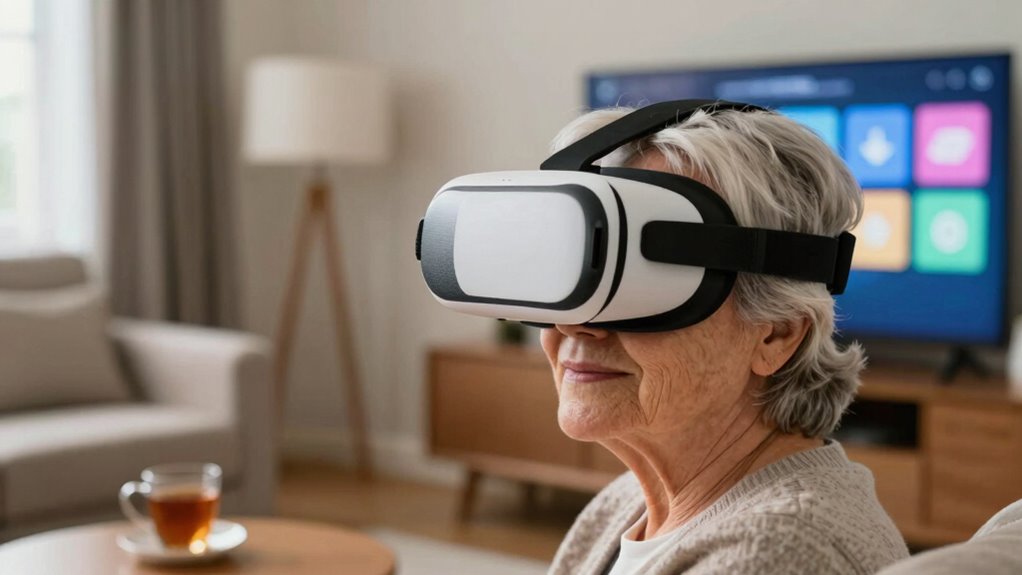
Virtual reality has become more accessible than ever, but ensuring it feels welcoming for older users remains a challenge. As you introduce VR to an older audience, paying attention to how they perceive and interact with the technology is essential. One key aspect is the user interface. It should be simple, clear, and intuitive, with larger icons, straightforward menus, and minimal clutter. Avoid complex navigation or excessive options that could overwhelm or confuse. Instead, focus on creating a streamlined experience that guides users naturally and confidently. Clear instructions and visual cues help users understand what to do next, reducing frustration and building confidence in their interactions.
Design VR with simple, clear interfaces and minimal clutter to help older users feel confident and comfortable.
Another important factor is haptic feedback. This technology provides tactile sensations that mimic real-world touch, making virtual interactions feel more natural and engaging. For older users, haptic feedback can serve as a critical cue, confirming actions like grabbing objects or pressing buttons. When used thoughtfully, it enhances immersion without being overwhelming. For instance, gentle vibrations can alert users to important notifications or interactions, helping them stay oriented within the virtual environment. You should also allow customization of haptic feedback intensity, so users can adjust it to their comfort level. This flexibility ensures that users feel in control and reduces the risk of sensory overload. Incorporating accessible design principles further supports older users by ensuring interfaces are inclusive and easy to navigate. Additionally, considering user comfort and minimizing fatigue during extended use can significantly improve the overall experience. Understanding ergonomic design can help prevent discomfort during longer sessions, making VR more sustainable for older users. Moreover, incorporating sensory-friendly features can further reduce potential discomfort and create a more inclusive environment. Recognizing individual preferences and tailoring experiences accordingly can also make VR more appealing and comfortable for diverse users.
When designing VR experiences for older users, consider also how they’ll physically interact with the equipment. Ergonomics matter—controllers should be lightweight and easy to grip, with buttons that are easy to press. Make sure the headsets are comfortable, with adjustable straps and padding that accommodate different head sizes and sensitivities. Providing clear, spoken instructions or guided tutorials can help users familiarize themselves with controls and navigation, especially if they’re new to VR. This step can considerably reduce intimidation and encourage continued use.
Finally, foster a welcoming atmosphere by emphasizing safety and ease of use. Encourage users to take breaks and adjust settings as needed. Offer support options, like tutorials or customer service, that are accessible and patient. As you refine the user interface and incorporate features like tailored haptic feedback, you’ll create a more inclusive environment where older users feel confident to explore and enjoy virtual reality. With thoughtful design choices, you can make VR a comfortable, engaging space for everyone, regardless of age.
ergonomic VR controllers for seniors
As an affiliate, we earn on qualifying purchases.
As an affiliate, we earn on qualifying purchases.
Frequently Asked Questions
What Specific VR Hardware Features Benefit Older Users Most?
You’ll benefit most from VR hardware with ergonomic design, making it comfortable and easy to wear for longer periods. Features like adjustable straps and lightweight materials reduce strain. Haptic feedback enhances immersion, helping you feel more connected without overwhelming sensations. These features work together to create a user-friendly experience, minimizing discomfort and encouraging older users to explore VR confidently and comfortably.
How Can Developers Improve VR Content Accessibility for Seniors?
You can improve VR content accessibility for seniors by designing simple, intuitive user interfaces that minimize complexity. Incorporate voice commands to let users navigate easily without struggling with controllers. For example, imagine a senior using voice controls to select a virtual tour, which boosts confidence and independence. This approach makes VR more inclusive, ensuring older users enjoy immersive experiences comfortably and confidently.
Are There Safety Concerns Unique to Older VR Users?
Yes, there are safety concerns unique to older VR users. You might experience increased motion sickness or sensory overload, which can cause discomfort or disorientation. To keep VR safe, you should start with shorter sessions, take regular breaks, and adjust settings to reduce motion effects. Always listen to your body, and if you feel dizzy or overwhelmed, stop immediately and remove the headset. Prioritizing comfort helps guarantee a safer, more enjoyable experience.
How Can I Customize VR Settings for Better Comfort?
Think of your comfort as a garden that needs tending. You can customize your VR settings by making ergonomic adjustments, like repositioning the headset and adjusting straps for a snug fit. Additionally, explore visual customization options, such as brightness, contrast, and font size, to reduce eye strain. These tweaks help you enjoy VR more fully, creating a personalized experience that’s as inviting as your favorite cozy space.
What Training or Tutorials Help Older Users Adapt to VR?
You can help older users adapt to VR by providing simple, step-by-step tutorials focused on gesture recognition and voice commands. Use clear visuals and easy language to teach them how to interact naturally with the system. Incorporate practice sessions that gradually introduce new gestures and commands, building confidence. Offering ongoing support and quick reference guides guarantees they feel comfortable exploring VR independently and enjoying its benefits.
comfortable adjustable VR headset
As an affiliate, we earn on qualifying purchases.
As an affiliate, we earn on qualifying purchases.
Conclusion
So, next time you design a VR experience, remember: making it accessible for older users isn’t just about adding larger text or simpler controls. It’s about respecting their wisdom and patience—because nothing screams inclusivity like forcing grandma to navigate a virtual maze while she’s desperately trying to find her glasses. Truly, a digital utopia where everyone’s comfort is prioritized, or a hilarious reminder that sometimes, the real challenge is convincing the tech-savvy to share their toys?
As an affiliate, we earn on qualifying purchases.
VR tutorial guides for older adults
As an affiliate, we earn on qualifying purchases.
As an affiliate, we earn on qualifying purchases.
Halloween Picks
halloween
As an affiliate, we earn on qualifying purchases.