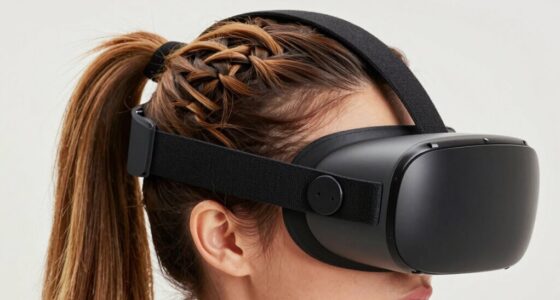
To avoid blisters from your motion controller, adjust your grip before it worsens. Keep your hold relaxed and avoid squeezing too tightly, as this increases friction and pressure on your skin. Take regular breaks and shift your hand position to reduce strain. Use ergonomic accessories or padding for added comfort, and keep your hands clean and moisturized. If you keep these tips in mind, you’ll find it easier to enjoy gaming without skin damage—more helpful strategies follow.
Key Takeaways
- Adjust your grip to be relaxed and avoid squeezing the controller tightly to reduce friction and pressure points.
- Take regular breaks during gaming sessions to prevent skin irritation and allow skin recovery.
- Use ergonomic controllers or add grip accessories like thumbstick covers to distribute pressure evenly.
- Incorporate hand exercises and proper ergonomics to strengthen muscles and minimize repetitive strain.
- Keep hands dry and consider applying barrier creams or anti-friction powders to prevent blister formation.

PUK Phone Gaming Grip – Black & Green Ergonomic Mobile Game Handle with Adhesive Pads – Mobile Game Controller Grip to Reduce Hand Fatigue – Android Phone Gaming Accessories
- Ergonomic grip reduces hand fatigue: Comfortable gaming experience for extended play
- Complete installation kit included: Adhesive pads and alcohol prep for secure fit
- Modular ecosystem for accessories: Connects with triggers, holders, and cooling
As an affiliate, we earn on qualifying purchases.
As an affiliate, we earn on qualifying purchases.
Understanding Why Blisters Develop During Gameplay
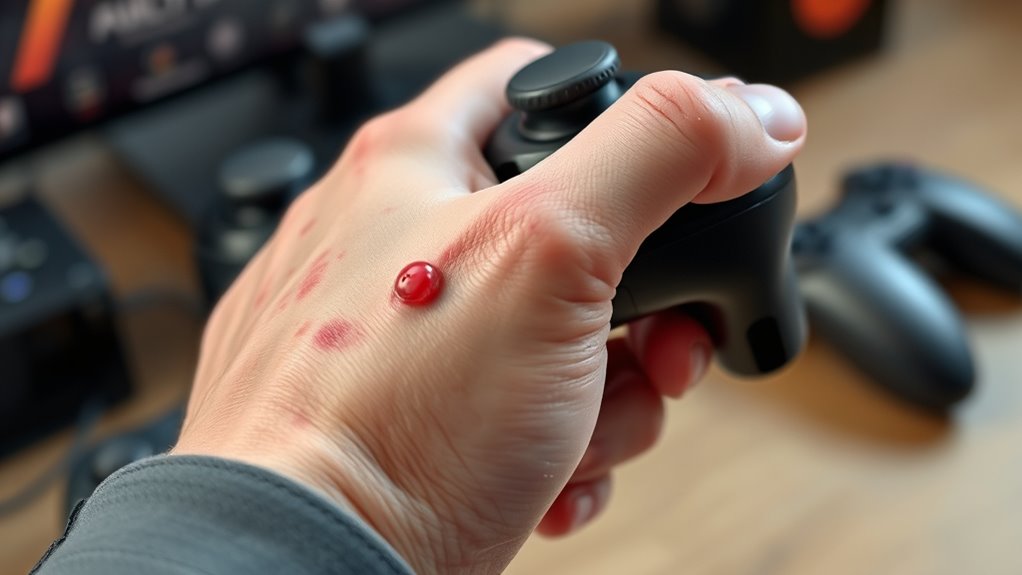
Have you ever wondered why blisters form on your fingers during intense gaming sessions? Blisters develop when your skin experiences repeated friction or pressure. As you grip the controller tightly, your skin’s outer layer, the epidermis, rubs against rough or unyielding surfaces, causing tiny tears. Repeated friction can cause these tears to fill with fluid, creating blisters. Factors like sweaty palms or an improper grip can worsen this process, increasing friction. When you hold the controller too tightly, you put unnecessary strain on your fingers, making blister formation more likely. The repetitive motion and constant contact with sharp edges or textured grips also contribute. Understanding these causes helps you realize that adjusting your grip and reducing unnecessary pressure can markedly decrease blister risk during gameplay. Proper controller ergonomics can also support healthier gameplay habits and prevent discomfort over time. Additionally, being aware of proper grip techniques can help gamers develop habits that reduce skin irritation and improve overall comfort during long gaming sessions. Incorporating ergonomic accessories designed for gaming can further alleviate stress on your hands and help prevent blisters.

24 PCS Premium Silicone Thumb Grips for PS4/PS5/Xbox Controller, Rainbow Non-Slip Joystick Caps & Thumbstick Grips, Ultimate Comfort & Protection
- Easy to Install: Snap on without damage or residue
- Perfect Compatibility: Designed for PS4, PS5, and Xbox controllers
- Enhanced Grip: Provides a secure, non-slip hold
As an affiliate, we earn on qualifying purchases.
As an affiliate, we earn on qualifying purchases.
Identifying the Common Areas Prone to Blister Formation

Certain areas of your hands are more prone to blisters during gaming because they endure the most repetitive friction and pressure. Typically, the pads of your fingertips and the base of your palms bear the brunt of grip contact and movement. Your thumb, especially where it presses against the controller, is a common blister spot due to constant thumbstick manipulation. The area around your fingers, particularly the sides and tips, also faces friction from gripping and pressing buttons. If you notice redness, soreness, or calluses forming, those are clear signs of frequent friction. Recognizing these areas helps you pinpoint where your skin is most vulnerable. By identifying these hotspots, you can take targeted steps to reduce friction and prevent blister formation during extended gaming sessions. Additionally, understanding proper preventive techniques can significantly minimize your risk of developing blisters over time. Using grip adjustments and taking regular breaks can also help alleviate persistent pressure on these vulnerable spots. Consistent skin protection like using gloves or padding can further reduce irritation and extend your gaming endurance.

Gaming Gloves for Sweaty Hands – Rakizbe High-Sensitive Anti-Sweat Breathable Seamless Touch Screen Gloves with Thumb Finger Sleeves for iPad/Mobile Game Controller
- Wide Application: Compatible with all touchscreen devices
- Breathable Material: Made of silver fiber, spandex, nylon
- Enhanced Grip: Non-slip silica gel palm design
As an affiliate, we earn on qualifying purchases.
As an affiliate, we earn on qualifying purchases.
The Role of Grip Pressure in Skin Irritation

Grip pressure plays a crucial role in causing skin irritation during gaming sessions. When you squeeze the controller too tightly, you increase friction and shear forces on your skin, leading to irritation and blisters. Excessive grip pressure can also cause your skin to become red and inflamed over time. To reduce this risk, focus on maintaining a relaxed grip. Consider these key points:
Maintaining a relaxed grip reduces skin irritation and prevents blisters during gaming.
- Keep your grip gentle—don’t squeeze the controller hard.
- Use light, steady pressure instead of gripping tightly with your fingers.
- Take frequent breaks to relieve pressure and let your skin recover.
- Paying attention to suction vs airflow can help optimize your grip and reduce skin stress. Additionally, adjusting your grip technique to distribute pressure more evenly can further minimize skin irritation. Understanding pressure distribution principles can help prevent discomfort during long gaming sessions. Proper ergonomic design of controllers can also play a significant role in reducing strain and skin issues. Being mindful of hand muscle engagement can help prevent fatigue and skin problems during prolonged use.
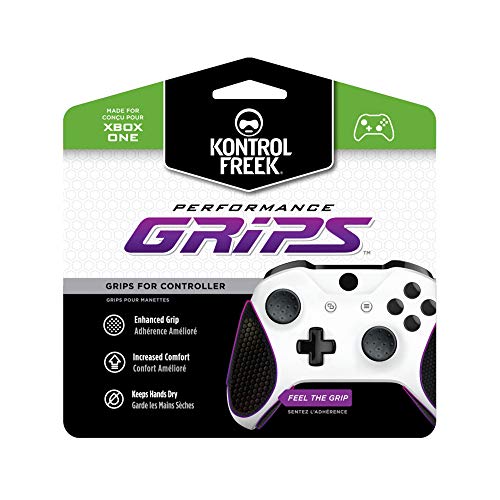
KontrolFreek Performance Grips for Xbox One and Xbox Series X Controller (Nightfall Black)
- Enhanced Grip and Comfort: Three-layer advanced material design
- Easy to Install: Repositionable and removable without damage
- Moisture Wicking Surface: Keeps hands cool and dry
As an affiliate, we earn on qualifying purchases.
As an affiliate, we earn on qualifying purchases.
Signs That Your Grip Is Causing Hand Pain
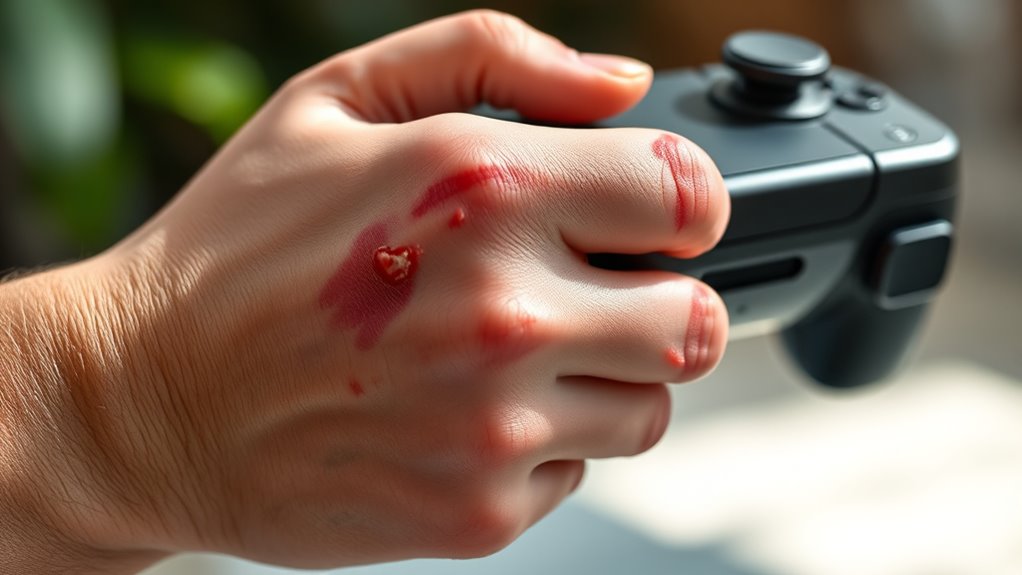
If you’re noticing persistent hand discomfort after gaming, it could be a sign your grip is causing issues. You might also experience finger weakness or numbness, making it harder to hold the controller. Additionally, a reduction in grip strength indicates your grip may be too tight or causing strain. Being aware of Hand Health and how personal habits can influence physical health may help you address these symptoms early. Paying attention to Environmental Considerations, such as proper ergonomics and regular breaks, can also help prevent strain and injury during extended gaming sessions. Recognizing ergonomic practices and incorporating them into your gaming routine can make a significant difference in reducing discomfort.
Persistent Hand Discomfort
Have you noticed persistent discomfort or pain in your hand after hours of using your motion controller? If so, your grip might be causing more harm than you realize. Here are three signs to watch for:
- Aching or throbbing sensations that linger long after gaming sessions.
- Tightness or stiffness in your fingers or palm that doesn’t ease quickly.
- Unusual fatigue or cramping that worsens with continued use.
These symptoms indicate your hand isn’t just tired; your grip could be putting excessive strain on your muscles and tendons. Ignoring these signs can lead to more serious issues over time. Pay close attention to how your hand feels during and after gaming, and adjust your grip to prevent long-term discomfort.
Finger Weakness or Numbness
Ever notice your fingers feeling weaker or more numb after gaming sessions? This sensation often signals nerve compression or poor circulation caused by an improper grip. When you hold your controller too tightly or position your hand awkwardly, it can put pressure on nerves like the ulnar or median nerve, leading to numbness or tingling. Over time, this can weaken your grip and reduce dexterity, making gameplay uncomfortable and less precise. Pay attention to persistent numbness or weakness, especially if it spreads or worsens. Taking breaks, adjusting your grip, and stretching your fingers can help alleviate these symptoms. Incorporating electrical muscle stimulation techniques may aid recovery and improve hand strength. If numbness continues or worsens, it’s essential to consult a healthcare professional to prevent long-term nerve damage.
Reduced Grip Strength
When your grip weakens during gaming, you might notice hand pain or discomfort that wasn’t there before. This reduced grip strength can make holding controllers feel awkward and strain your hand muscles. You may also see signs like:
- Difficulty maintaining a firm hold on the controller
- Increased fatigue in your hand after short gaming sessions
- Struggling to perform precise movements or presses
These symptoms indicate your grip isn’t as strong as it used to be, which can lead to further hand pain or injury if ignored. Pay attention to how your hand feels during and after gaming. Incorporating connected fitness technology like grip strength monitors or smart training tools can help restore your grip and prevent pain from worsening. Regular hand exercises can also strengthen your muscles and improve endurance. Additionally, practicing proper hand ergonomics can reduce strain and improve overall hand health during extended gaming sessions. Recognizing early signs of strain and addressing them promptly can help prevent more serious issues such as muscle injuries or repetitive strain injuries.
Adjusting Your Hand Position for Better Comfort
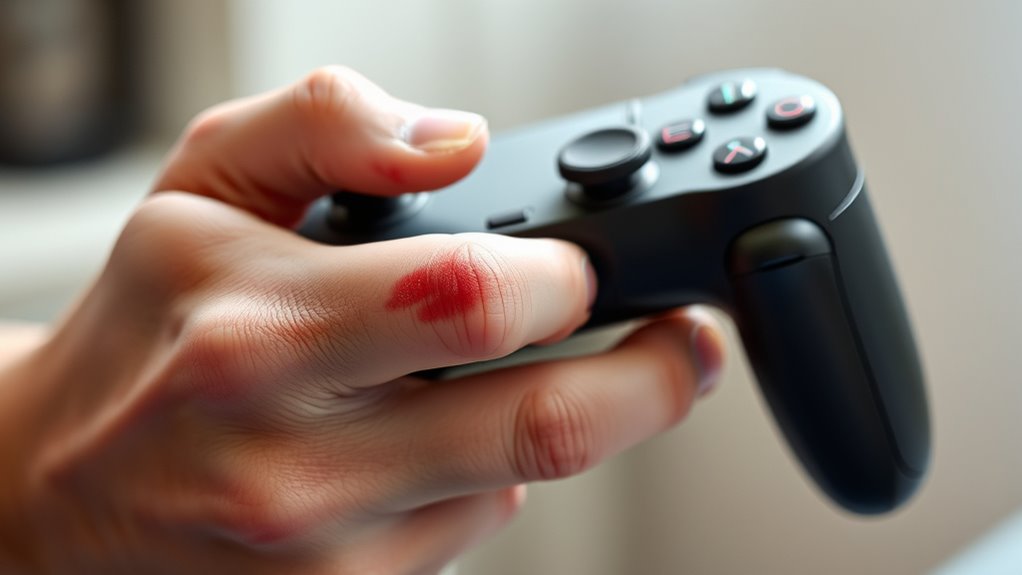
To prevent blisters and improve your comfort during extended gaming sessions, it’s essential to adjust your hand position on the motion controller. Start by ensuring your grip isn’t too tight; a relaxed hold reduces friction and pressure points. Position your fingers naturally on the buttons and triggers without overextending or squeezing. Keep your palms light against the controller’s surface, avoiding unnecessary tension. Shift your hand slightly if you notice discomfort or pinching, aiming for an even distribution of pressure across your fingers and palm. Regularly adjust your grip during gameplay to prevent fatigue. Remember, comfort isn’t just about avoiding blisters—it also helps you maintain precise movements and better control, enhancing your overall gaming experience. Additionally, understanding hand ergonomics can guide you in optimizing your grip and reducing strain, which is vital for long gaming sessions and overall performance.
Choosing the Right Controllers and Accessories

Choosing the right controllers and accessories is essential for maximizing comfort and performance during gaming sessions. When selecting gear, consider these key factors:
- Ergonomic Design: Look for controllers that fit comfortably in your hands, reducing strain and minimizing blister risk.
- Responsive Buttons and Triggers: Ensure buttons are easy to press without requiring excessive force, preventing hand fatigue.
- Customizable Accessories: Use grips, thumbstick covers, or padding to enhance comfort and improve grip stability.
Incorporating Hand Care and Skin Protection Routines

Incorporating hand care and skin protection routines into your gaming sessions can considerably reduce the risk of blisters and skin irritation. Start by keeping your hands clean and dry before playing, as sweat and dirt can worsen skin issues. Use moisturizing lotions or barrier creams to strengthen your skin, making it less prone to friction damage. Take regular breaks to give your skin a rest and assess any signs of irritation. Consider applying a protective adhesive or specialized gloves if you’re prone to blisters, which can help minimize direct friction. Avoid harsh soaps or alcohol-based sanitizers that can dry out your skin. Consistent hand care not only shields you from discomfort but also prolongs your gaming endurance, ensuring you stay comfortable during long sessions.
Techniques for Reducing Friction During Use
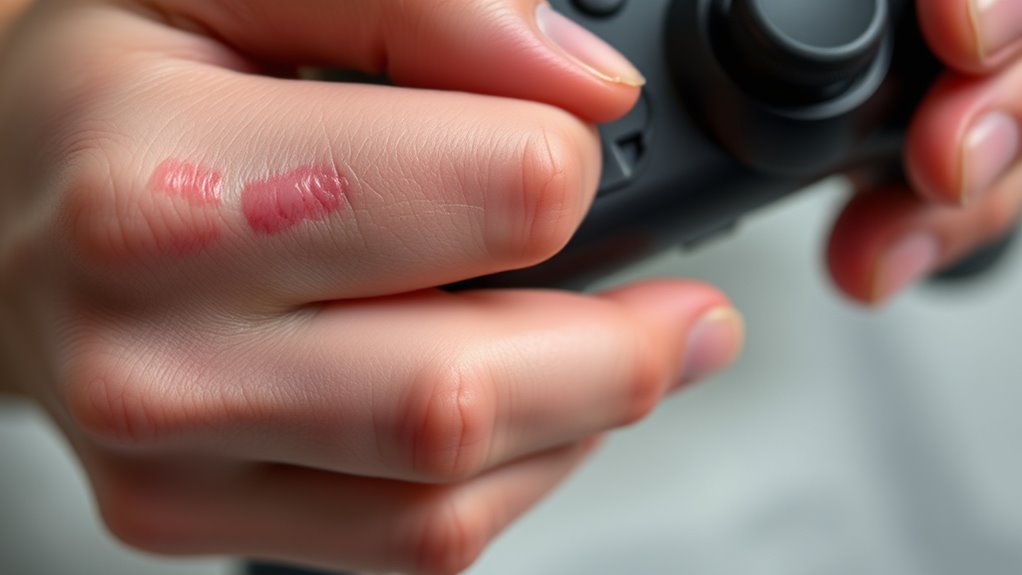
Reducing friction during motion controller use is essential for preventing blisters and skin irritation. To minimize rubbing, try these techniques:
Minimize friction during gameplay with grips, soft pressure, and anti-friction powder for comfortable motion controller use.
- Use grip-enhancing accessories like silicone grips or controller skins, which add a smooth barrier between your skin and the device.
- Adjust your grip pressure—hold the controller firmly but avoid squeezing too tightly, which increases friction.
- Apply a light coating of anti-friction or talcum powder on your hands or the controller’s surface to reduce skin sticking and reduce skin-to-surface contact.
Implementing these methods can make gameplay more comfortable, prevent blister formation, and extend your gaming sessions without discomfort. Keep friction low, and your hands will thank you.
Exercises to Strengthen Your Hands and Improve Endurance
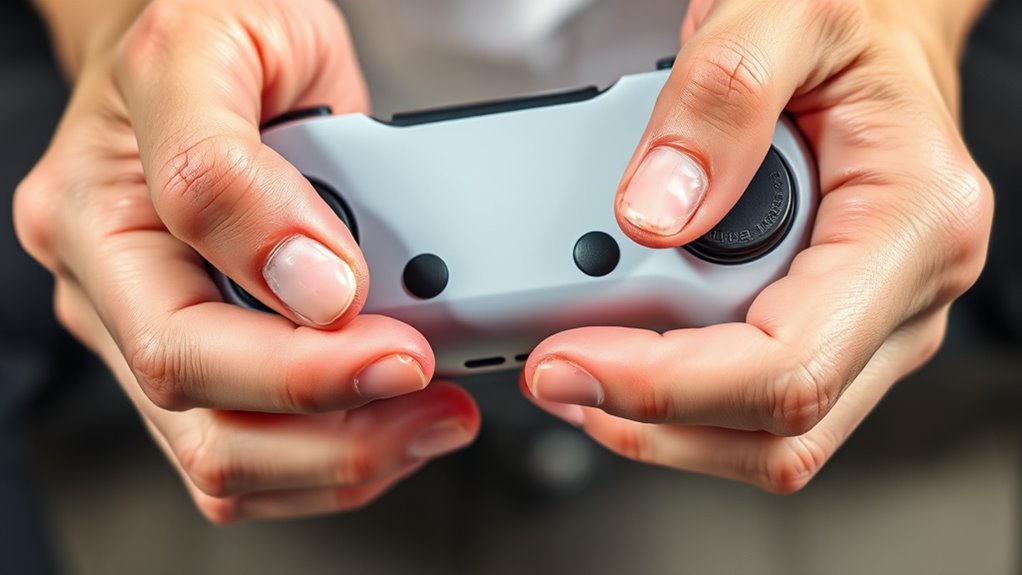
Building hand strength and endurance is key to maintaining comfort during extended gaming sessions. Incorporate simple exercises like squeezing a stress ball or grip strengtheners to target your hand muscles. Repeating these movements daily helps build muscle resilience, reducing fatigue and blisters. Finger extensions with rubber bands strengthen the extensor muscles, balancing hand strength. Practice wrist curls and finger stretches to improve flexibility and reduce strain. Consistency is essential; dedicate a few minutes each day to these exercises. Over time, you’ll notice increased stamina and less discomfort during long gaming sessions. Remember, strengthening your hands proactively can prevent blister formation and enhance your overall grip control, making gameplay smoother and more comfortable.
When to Seek Medical Advice for Persistent Blisters

If you notice persistent pain or your blisters keep getting worse, it’s time to see a doctor. Don’t ignore signs of infection or ongoing discomfort. Addressing these issues early can prevent more serious health problems.
Recognize Persistent Pain
Noticing persistent pain in blisters can be a warning sign that something more serious is happening. If the pain doesn’t subside after a few days or worsens, it’s time to seek medical advice. Pay attention to these signs:
- The pain remains intense despite resting or applying basic treatments.
- You notice increasing swelling, redness, or warmth around the blister.
- The blister shows signs of infection, such as pus, foul odor, or spreading redness.
Persistent pain may indicate an underlying issue like infection or nerve damage. Ignoring these symptoms can lead to complications. Trust your instincts—if pain persists or worsens, consult a healthcare professional promptly to prevent further problems.
When Blisters Worsen
When a blister’s condition worsens, it’s important to recognize the signs that indicate you should seek medical help. If the blister becomes increasingly painful, swollen, or red, it might be infected. Pus or fluid draining from the blister suggests an infection that needs professional treatment. If the blister is large, tense, or causing significant discomfort, avoid popping it yourself, as this can lead to complications. Also, watch for signs of spreading redness or fever, which may signal a more serious infection. If you notice these symptoms, don’t delay—see a healthcare provider promptly. Persistent blisters that won’t heal or keep recurring also warrant medical advice to identify underlying issues and prevent further damage. Prioritize your health to avoid complications.
Frequently Asked Questions
Can Certain Controller Materials Worsen Blister Development?
Yes, certain controller materials can worsen blister development. If your controller has rough or sticky surfaces, they can increase friction against your skin, leading to more blisters. Low-quality or poorly designed grips may also cause hotspots, aggravating irritation. To prevent this, consider using grip covers or gloves, and opt for controllers with smooth, comfortable materials that reduce friction and keep your hands protected during extended gaming sessions.
Are There Specific Gaming Genres More Likely to Cause Blisters?
Some gaming genres, like fast-paced shooters or intense racing games, can gently push your grip to its limits, making blisters more likely. You might find yourself gripping tightly through long sessions, especially if you’re trying to beat a high score. To prevent discomfort, take regular breaks, adjust your grip, and consider ergonomic controllers. Staying mindful of your hand position helps keep gaming fun without the unwanted side effects.
How Long Should I Rest Between Gaming Sessions to Prevent Blisters?
You should rest for at least 15 to 30 minutes between gaming sessions to prevent blisters. Taking regular breaks helps your skin recover and reduces repetitive pressure on your hands. During breaks, stretch your fingers and hands, and check your grip to avoid excessive friction. Staying hydrated and keeping your hands dry also helps prevent blisters. Prioritize proper grip techniques and listen to your body’s signals to avoid worsening discomfort.
Do Hand Moisturizers Help Reduce Blister Formation?
Yes, hand moisturizers can help reduce blister formation by keeping your skin soft and hydrated, which minimizes irritation and friction. Regularly applying a good moisturizer before gaming can create a protective barrier, preventing dryness that leads to blisters. Just make sure to choose a non-greasy, fast-absorbing formula. Combining moisturizers with proper grip techniques and regular breaks will give your hands the best protection against blisters.
What Are the Best Ergonomic Grips for Prolonged Gaming?
You should try ergonomic grips like silicone covers or textured grips designed for prolonged gaming sessions. These grips improve your hold, reduce hand fatigue, and prevent blisters. Look for options that fit your controller snugly and offer a non-slip surface. Regularly taking breaks and stretching helps, but the right grip makes a huge difference in maintaining comfort and avoiding discomfort over long gaming periods.
Conclusion
If you think blisters are just a minor annoyance, think again. Some believe they’re a sign your grip is actually training your skin to toughen up, but ignoring pain can lead to serious injury. Treat your hands with care, adjust your grip, and give your skin the attention it deserves. Remember, preventing blisters now means you’ll enjoy longer, pain-free gaming sessions. Your hands are your most valuable tool—protect them before it’s too late.