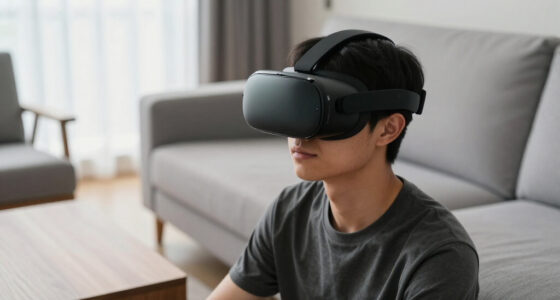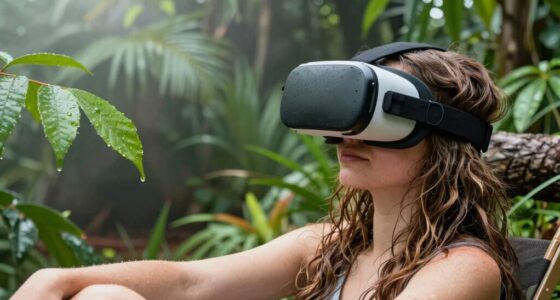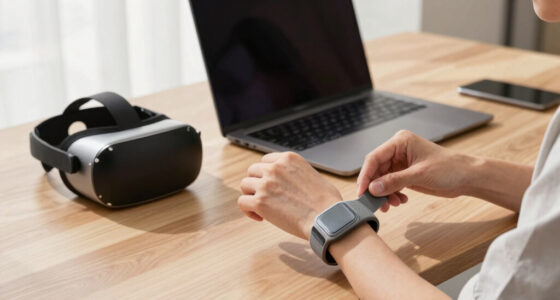
Your VR headset feels blurry only at times because factors like temperature and fit play a big role. If your headset gets warm from your body heat or sweat, moisture can condense on the lenses and cause fogging. Additionally, an improper fit may increase moisture buildup or cause misalignment, leading to blurry images. Ensuring a snug fit and managing airflow can help improve clarity. Keep exploring to learn more about keeping your VR visuals sharp and clear.

Play games on Amazon Luna for your next adventure, included with Prime
- A rotating selection of games, no download needed
- Play on TV, laptop or phone
- Fast, free delivery for your gear, too
Key Takeaways
- Improper headset fit can cause misalignment, leading to blurry visuals during certain movements or angles.
- Lens fogging from moisture buildup varies with temperature and humidity, making the blurriness intermittent.
- Changes in head temperature or sweating can increase internal humidity, causing temporary fog and blurriness.
- Insufficient ventilation or poor airflow inside the headset traps moisture, resulting in inconsistent clarity.
- Using anti-fog solutions and adjusting fit can help maintain clear visuals, reducing intermittent blurriness.

If your VR headset appears blurry or unclear, temperature and fit might be the culprits. One common issue is lens fog, which occurs when warm, moist air from your breath or sweat condenses on the cooler lenses inside your headset. This fog can temporarily obscure your view, making everything appear blurry or hazy. To combat this, you need to pay attention to headset comfort and how well it fits your head. An uncomfortable or improperly fitted headset can cause you to adjust it constantly, increasing the chances of lens fog or misalignment that leads to blurriness. Ensuring your headset fits snugly but comfortably allows proper ventilation, reducing moisture buildup and maintaining clear visuals. Proper ventilation inside the headset is essential to prevent humidity buildup and maintain clarity during extended use. Temperature plays a significant role in visual clarity. When you wear a VR headset in a cold environment, the lenses tend to stay cooler than your face, making lens fog less likely to form. Conversely, in warmer settings or during vigorous gameplay, your body heat and sweat can raise the temperature inside the headset, creating a humid environment. This humidity interacts with the cooler lenses, leading to fogging. To minimize this, consider using anti-fog solutions designed for VR lenses or applying a small amount of anti-fog spray on the lenses before use. Additionally, take breaks during extended sessions to allow the headset to cool down and air out, preventing moisture accumulation. Your headset’s comfort also influences how often you have to adjust or remove it, which can inadvertently introduce lens fog or misalignments. A properly fitted headset sits evenly on your face, ensuring that the lenses are correctly aligned with your eyes. If it’s too tight, it can cause discomfort and increased sweating, raising humidity levels inside the device. If it’s too loose, it shifts during gameplay, leading to blurry images or eye strain. Adjust straps properly so the headset feels secure but not tight, and make sure the padding sits comfortably on your face. This not only improves overall comfort but also reduces the likelihood of fogging and blurry visuals.
As an affiliate, we earn on qualifying purchases.
Frequently Asked Questions
Can Software Updates Fix Intermittent VR Blurriness?
Yes, software updates can fix intermittent VR blurriness. They often address software glitches that cause display issues, improving clarity and performance. However, if hardware malfunctions are the root cause, updates won’t help. Make sure your headset firmware is current, and check for updates regularly. If blurriness persists despite updates, consider inspecting your hardware or contacting support, as some issues may require repairs or replacements.
Does Eye Prescription Affect VR Clarity?
Your eye prescription definitely affects VR clarity, like putting on glasses for the first time. If you have a refractive correction, the VR headset’s lenses might not align perfectly with your needs, causing blurriness. Customizing your VR with prescription inserts or adjusting the lens focus can sharpen your view. Without proper correction, your virtual experience can feel foggy, so verify your prescription matches your eyes for crystal-clear immersion.
How Does Age Impact VR Headset Fit and Clarity?
As you age, age-related vision changes can affect how well your VR headset fits and how clear the display appears. You might need to make headset wear adjustments, like repositioning the device or tightening straps, to improve comfort and clarity. Keep in mind that presbyopia or other vision shifts may require prescription lenses or adjustments for ideal focus, ensuring a better VR experience as your eyes change over time.
Are There Specific VR Headsets Less Prone to Blurriness?
You’ll find that some VR headsets with high-quality materials and ergonomic design are less prone to blurriness. These headsets often feature better lenses, adjustable focus, and comfortable fits, reducing strain and improving clarity. Brands like Oculus Quest 2, Valve Index, and HTC Vive focus on premium materials and ergonomic features, making them more consistent in delivering sharp visuals and a comfortable experience, especially during longer sessions.
Can Cleaning Lenses Improve Temporary Blurriness?
Yes, cleaning your lenses can improve temporary blurriness. When you keep lens cleanliness in check, it prevents dirt, smudges, and fingerprints from distorting your view. Use a microfiber cloth to gently wipe the lenses, ensuring you remove any debris that might cause blurriness. Additionally, proper fog prevention techniques, like using anti-fog solutions or adjusting ventilation, help maintain clear visuals and enhance your VR experience.
VR headset fit adjustment straps
As an affiliate, we earn on qualifying purchases.
As an affiliate, we earn on qualifying purchases.
Conclusion
Next time your VR headset feels blurry, imagine a snug, cool fit hugging your face like a gentle breeze. When it’s just right—neither too hot nor too tight—you’ll see crisp details unfold before your eyes, like a clear window to another world. Keep your headset at a comfortable temperature and make sure it fits perfectly, and you’ll open up sharp, immersive visuals every time. Say goodbye to blurriness, and hello to seamless virtual adventures.
As an affiliate, we earn on qualifying purchases.
As an affiliate, we earn on qualifying purchases.
Fall Picks
fall essentials
As an affiliate, we earn on qualifying purchases.