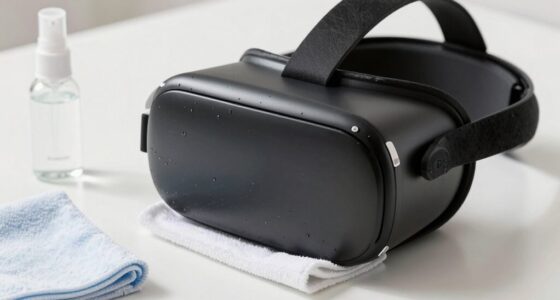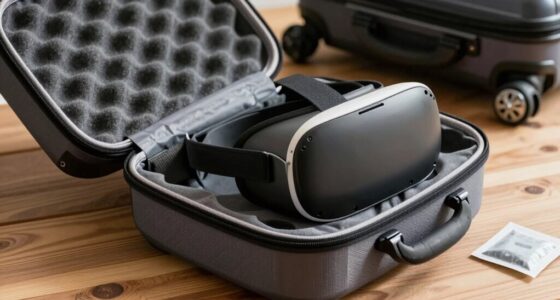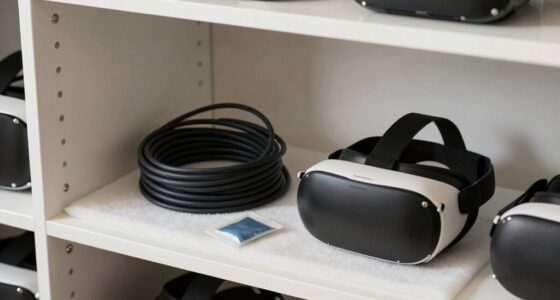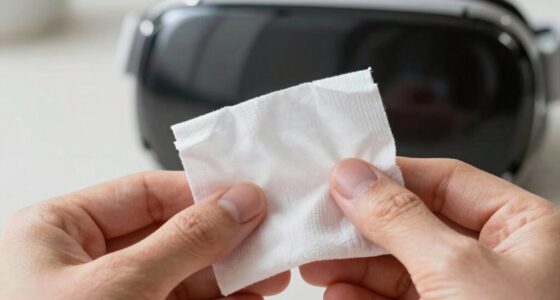
After each shared VR session, start by disconnecting and cleaning individual accessories like controllers and face masks with disinfectant wipes or alcohol-based sprays, focusing on areas in contact with skin and hands. Wipe down the headset and straps, ensuring all high-touch surfaces are sanitized, then allow everything to air dry completely. Don’t forget to clean the surrounding area to remove sweat and skin residues. Following a simple routine like this keeps your equipment in top shape and safe for next use—keep going for more helpful tips.
Key Takeaways
- Disconnect and disinfect the VR headset, focusing on facial interface and straps, using manufacturer-approved disinfectant wipes or sprays.
- Wipe all high-touch controller surfaces with alcohol-based disinfectant and allow them to air dry completely.
- Clean the surrounding play area and furniture to remove sweat, skin flakes, and germs for a hygienic environment.
- Ensure all equipment is fully dry before reassembling or next use to prevent moisture damage.
- Maintain a routine of quick, thorough cleaning after each session to prolong equipment life and ensure user safety.
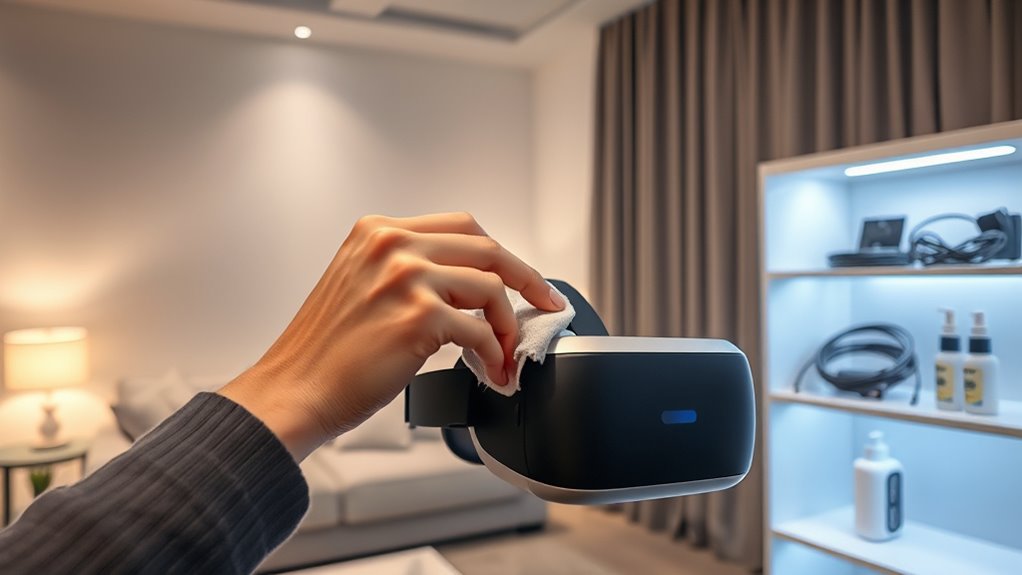
After a VR session, cleaning up quickly is essential to keep your equipment in top shape and maintain hygiene. Virtual hygiene isn’t just about protecting your gear; it’s about safeguarding your health and ensuring a comfortable experience every time. The first step is to address the hygiene essentials—wipes, disinfectants, and microfiber cloths—that are your best allies in this process. These tools help you efficiently remove sweat, oils, and dirt accumulated during the session, preventing bacteria buildup and prolonging the lifespan of your equipment.
Start by disconnecting and removing any detachable parts, such as face masks or controllers, to give each component individual attention. Use disinfectant wipes designed for electronics to clean the VR headset, paying special attention to the facial interface and straps. The goal is to eliminate any skin oils, sweat, or potential germs that could cause irritation or spread to others. Be sure to follow the manufacturer’s guidelines on cleaning products to avoid damaging sensitive components. If wipes aren’t available, a microfiber cloth dampened with a gentle disinfectant spray works just as well, provided you don’t oversaturate the surfaces.
Next, clean the controllers and any other shared accessories. Use alcohol-based disinfectants, as they’re effective at killing germs and quick-drying. Wipe down all surfaces that come into contact with your hands, including buttons and grips. Remember, these high-touch areas are hotspots for bacteria, so don’t skimp on thoroughness. Once everything is wiped down, allow the equipment to air dry for a few moments—this ensures all disinfectants have time to do their job. Additionally, regular maintenance helps prevent bacteria buildup that can lead to infections or skin irritations.
Beyond just disinfecting, it’s wise to wipe down the surrounding area where the session took place. A quick clean of the play space helps eliminate any residual skin flakes or sweat that might have fallen onto the floor or furniture. This is particularly important in shared environments to prevent cross-contamination. Always keep your hygiene essentials readily accessible, ideally in a dedicated cleaning kit, so you can clean up swiftly after each session.
Maintaining this quick clean routine after every VR session guarantees your equipment stays in excellent condition and that you’re practicing good virtual hygiene. Not only does this protect your health, but it also ensures that the next person stepping into the VR world has a fresh, safe experience. Consistency is key—by making these simple steps part of your post-session ritual, you’ll extend your gear’s lifespan and keep your virtual adventures safe, clean, and enjoyable.
Frequently Asked Questions
How Often Should I Replace My VR Headset Foam Padding?
You should replace your VR headset foam padding every six to twelve months to maintain good headset hygiene. Regular use causes sweat and oils to accumulate, which can lead to skin irritation and bacterial growth. Keep an eye on signs of wear or persistent odors, and follow your headset’s foam replacement schedule to guarantee comfort and cleanliness. Frequent replacement helps prevent infections and keeps your VR experience fresh and safe.
Are There Eco-Friendly Cleaning Products Suitable for VR Equipment?
Did you know that over 80% of consumers prefer eco-friendly products? You can easily find sustainable cleaning options suitable for your VR equipment. Look for eco-friendly solutions that are gentle yet effective, such as plant-based disinfectants or reusable cloths. These products help reduce environmental impact while keeping your headset clean and hygienic. Incorporate sustainable cleaning into your routine to enjoy your VR sessions guilt-free and protect the planet at the same time.
Can I Clean My VR Controllers With Alcohol Wipes?
Yes, you can clean your VR controllers with alcohol wipes, but prioritize controller hygiene and guarantee alcohol wipe safety. Use a wipe with at least 70% isopropyl alcohol, and avoid excessive moisture that could damage electronics. Gently wipe all surfaces, especially buttons and grips. Make sure controllers are completely dry before using them to prevent any damage, and always follow manufacturer guidelines for cleaning to maintain peak performance.
What’s the Best Way to Disinfect Shared VR Headsets?
Ever wondered how to keep your shared VR headset hygienic? The best way is to use disinfectant wipes with at least 70% isopropyl alcohol, ensuring you cover all surfaces. Avoid harsh chemicals that could damage the device. Regularly cleaning the straps and face cushions helps prevent infections and maintains headset hygiene. Do you prioritize safety as much as your gaming? Proper disinfection is key to infection prevention and a healthy VR experience.
How Do I Prevent Fogging During Cleaning?
To prevent fogging during cleaning, you should use proper fog prevention techniques like applying anti-fog sprays or wipes designed for VR lenses. Make sure to clean the lenses gently with a microfiber cloth before and after use, avoiding excessive moisture. Keep the headset in a well-ventilated area and allow it to dry completely. These cleaning techniques help maintain clarity and prevent fogging, ensuring a smooth VR experience.
Conclusion
Implementing this quick clean routine after your shared VR session not only keeps the equipment hygienic but also extends its lifespan. Did you know that surfaces touched during VR use can harbor up to 4,000 bacteria per square inch? By taking just a few minutes to wipe down controllers and headset, you reduce the risk of germs spreading and guarantee everyone stays healthy. A clean VR space enhances safety and enjoyment—so make this routine a regular habit.