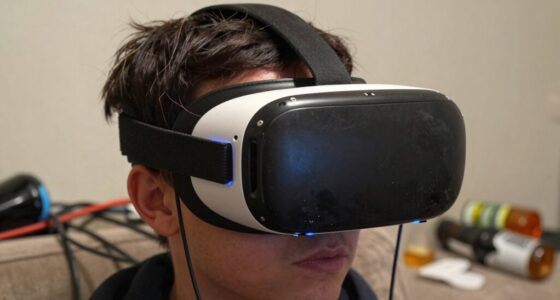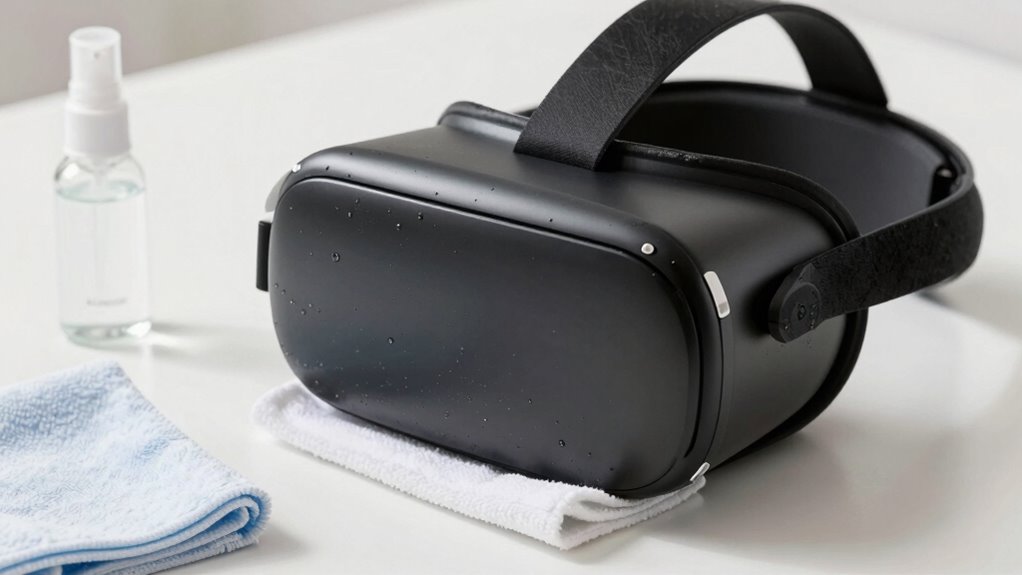
After being sick, it’s important to disinfect your VR headset thoroughly. Remove detachable parts like padding and wash or disinfect them according to manufacturer instructions, then verify they are completely dry before reattaching. Wipe the exterior surfaces, straps, and casing with a microfiber cloth dampened with 70% isopropyl alcohol or disinfectant wipes. Clean the lenses gently with a microfiber cloth slightly dampened with lens cleaner. Proper cleaning helps prevent germs and keeps your device safe—learn more about effective techniques below.
Key Takeaways
- Remove and wash or disinfect detachable foam padding and face masks thoroughly before reattaching.
- Use a microfiber cloth dampened with 70% isopropyl alcohol to clean straps, casing, and exterior surfaces gently.
- Clean the lenses with a microfiber cloth slightly dampened with lens cleaner or water, avoiding harsh chemicals.
- Ensure all parts are completely dry before reassembling to prevent mold and bacteria growth.
- Regularly disinfect the headset after illness to maintain hygiene and prevent germ buildup.
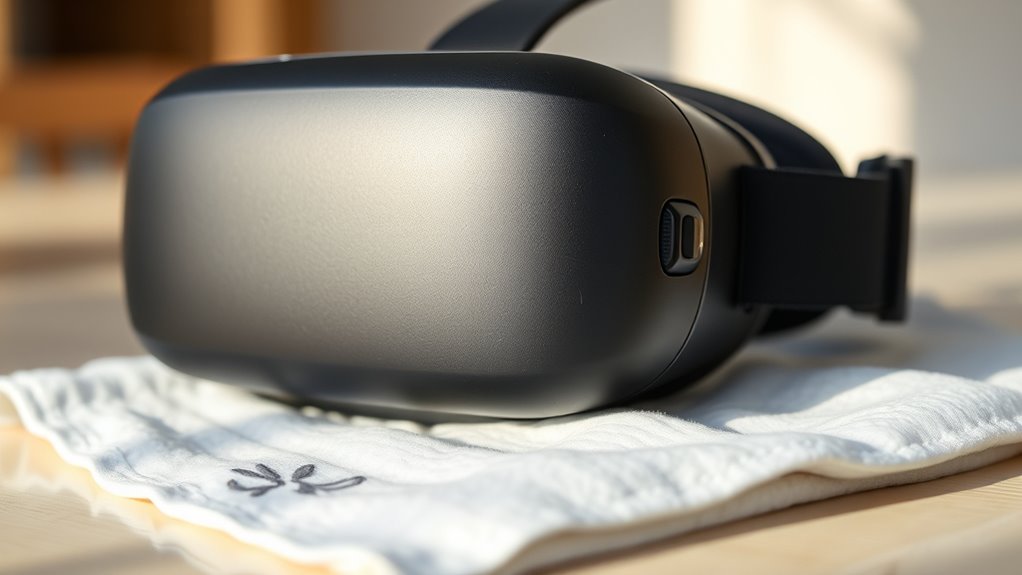
Keeping your VR headset clean is vital for both your comfort and health, as well as maintaining the device’s performance. After being sick, it’s especially important to focus on germ prevention and hygiene practices to avoid re-infection or passing germs to others. Your headset comes into contact with your face and hair, making it a prime spot for bacteria and viruses to linger if not properly cleaned. By taking a few thorough steps, you can make sure your device is hygienic and safe to use again.
Start by removing any detachable parts, such as foam padding or face masks. These are the most likely to harbor germs since they sit directly against your skin. If the padding is washable, follow the manufacturer’s instructions for cleaning it. Usually, a gentle hand wash with soap and warm water works well. Make sure it’s completely dry before reattaching it to prevent mold or bacteria growth. For non-washable parts, you’ll want to focus on disinfecting the surfaces.
Using a microfiber cloth slightly dampened with a mixture of 70% isopropyl alcohol or a disinfectant wipe, gently wipe down all exterior surfaces, including straps, headbands, and the casing. Avoid soaking parts or applying excessive liquid, as moisture can damage sensitive electronics. Pay extra attention to areas that come into contact with your face, such as the facial interface or foam padding, since these are hotspots for germs. To disinfect these parts, lightly spritz a cloth with alcohol and wipe, ensuring you don’t oversaturate.
For the lenses, use a lens cleaning cloth or a microfiber cloth slightly dampened with lens cleaner or water. Never use harsh chemicals or abrasive materials, as these can scratch or damage the lenses. Gently wipe in a circular motion to remove smudges and fingerprints, which not only improve your visual experience but also reduce bacteria build-up.
Regular cleaning of your VR headset after being sick is essential; proper hygiene practices help prevent germ buildup and keep your device in optimal condition. After cleaning, give all parts ample time to dry completely before reassembling and using the headset again. Proper drying is essential to prevent mold and bacterial growth. Regularly cleaning your VR headset, especially after being sick, helps prevent germ buildup and promotes good hygiene practices. This routine not only protects your health but also prolongs the lifespan of your device. Remember, a clean headset provides a more enjoyable experience and keeps you safe from potential infections.
Frequently Asked Questions
How Often Should I Clean My VR Headset After Being Sick?
You should clean your VR headset immediately after being sick, then do so at least once a week to maintain hygiene. Use ventilation tips like letting it air out after each use, especially if you’re feeling unwell. For cleaning frequency, focus on wiping down straps and face cushions more often if you notice any odors or residues. Regular cleaning helps prevent germs from spreading and keeps your headset fresh and safe for continued use.
Can I Use Alcohol-Based Disinfectants on My VR Headset?
You can use alcohol-based disinfectants on your VR headset, but check the disinfectant compatibility first. Use a 70% isopropyl alcohol solution, and avoid harsh chemicals that might damage the materials. Clean your headset frequently if you’ve been sick, but always follow manufacturer guidelines. Make sure to gently wipe surfaces and avoid excess moisture. This way, you keep your device clean without risking damage or reducing its lifespan.
Is It Safe to Submerge Parts of My VR Headset in Water?
No, you shouldn’t submerge parts of your VR headset in water. Water damage can ruin the electronic components and compromise the device’s safety. To keep your headset safe, avoid exposing it to water or excessive moisture. Instead, use a damp cloth with a gentle cleaner for cleaning, and guarantee all parts are completely dry before use. Protect your device by maintaining proper electronic safety and avoiding water exposure.
What Precautions Should I Take to Avoid Damaging the Headset?
You should carefully check your headset’s device compatibility before cleaning, ensuring you use compatible cleaning tools. Avoid harsh chemicals or abrasive materials that could damage sensitive parts. Use a soft microfiber cloth and gentle disinfectant wipes designed for electronics. Keep liquids away from vents and openings, and don’t submerge any parts. Taking these precautions helps prevent damage, maintaining your headset’s functionality and longevity.
Should I Replace My Foam Padding After Illness?
Think of your foam padding as a sponge, soaking up every sneeze and cough. After illness, you should definitely consider foam replacement to guarantee padding hygiene. Over time, germs and bacteria can hide deep in the padding, even after cleaning. Replacing the foam ensures your headset stays fresh and safe for future use, preventing the spread of illness. Don’t risk it—prioritize foam replacement for a clean, healthy VR experience.
Conclusion
Now that you’ve learned how to clean your VR headset after being sick, you’ll keep it fresh and germ-free like a modern-day Florence Nightingale. Remember, regular cleaning prevents germs from spreading and keeps your virtual adventures enjoyable. Don’t forget to be gentle and avoid harsh chemicals—no need to turn your headset into a medieval relic! With just a little care, your headset stays pristine, ready for your next epic quest, just like a trusty steed awaiting its rider.