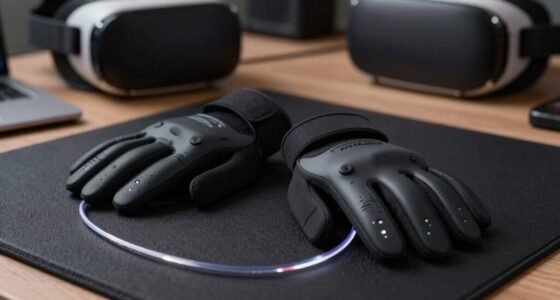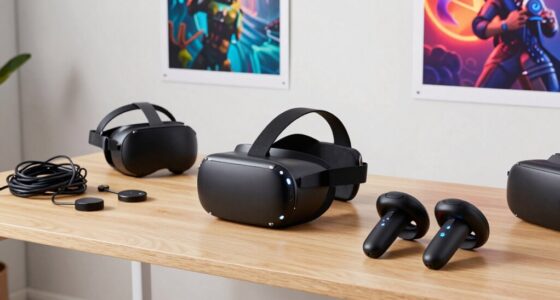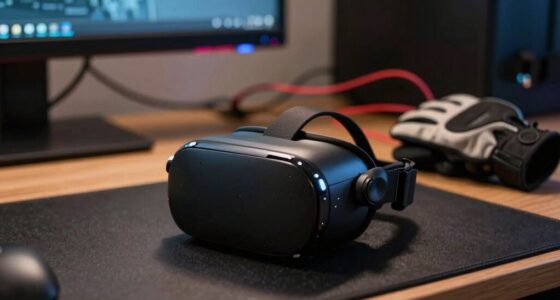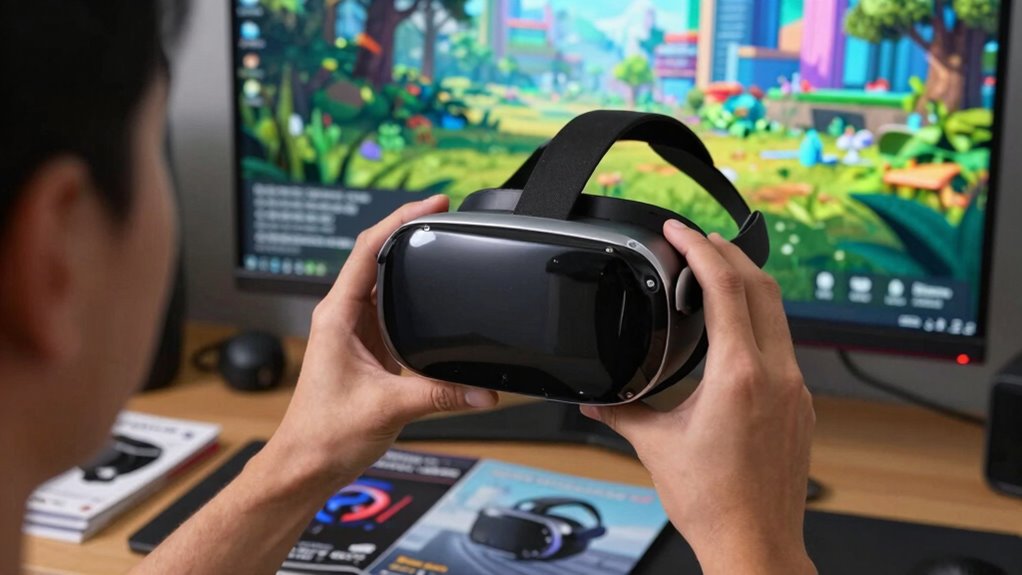

To judge if a VR upgrade is worth it, focus on how it improves your comfort, immersion, and overall experience, not just technical specs. Consider if the new hardware reduces strain, offers better tracking, or heightens visual clarity—these factors make a real difference. If the upgrade doesn’t provide clear, tangible benefits, it might not be worth the cost. To make a smart choice, understanding how these improvements align with your needs will help you decide if it’s time to upgrade.

Play games on Amazon Luna for your next adventure, included with Prime
- A rotating selection of games, no download needed
- Play on TV, laptop or phone
- Fast, free delivery for your gear, too
Key Takeaways
- Assess if hardware improvements significantly enhance visual clarity, immersion, or tracking accuracy for your specific use cases.
- Consider whether the upgrade addresses comfort issues like weight, fit, and fatigue for prolonged use.
- Evaluate if new features improve interaction, realism, or reduce frustrations during gameplay or work tasks.
- Weigh the cost of the upgrade against tangible benefits and whether they justify the investment.
- Determine if current hardware limitations hinder your experience enough to warrant an upgrade.
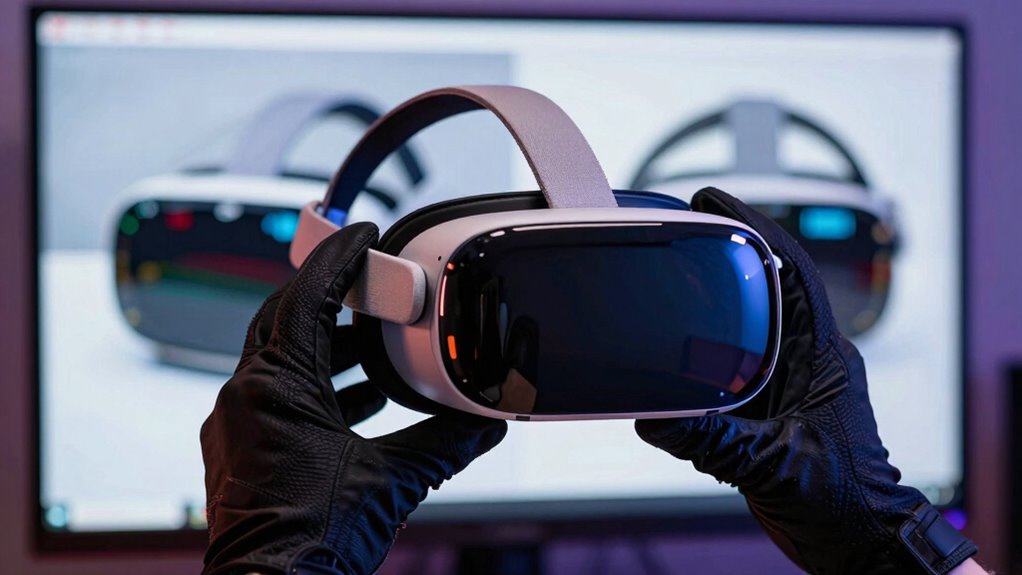
Deciding whether a VR upgrade is worth it isn’t just about the latest specs or flashy features; it’s about how those improvements impact your experience. When evaluating a new VR headset, you should contemplate how the hardware changes affect clarity, immersion, and comfort. The quality of VR hardware directly influences your visual experience—higher resolution displays, faster refresh rates, and improved tracking can make virtual worlds look more lifelike and feel more seamless. But these technical specs only matter if they translate into a better experience for you. If a new headset offers sharper visuals but causes discomfort during longer sessions, it might not be the upgrade you’re looking for.
Prioritize comfort and immersive improvements over specs for a truly satisfying VR upgrade.
User comfort is an essential aspect that often gets overlooked when just focusing on raw specs. A headset with top-tier hardware won’t be worthwhile if it causes strain, headaches, or fatigue after a short period. Carefully examine how the new hardware addresses comfort issues—lighter materials, better weight distribution, adjustable straps, and padding all contribute to a more enjoyable experience. If the upgrade promises improved VR hardware but neglects user comfort, you might find yourself choosing to stick with your current device. Additionally, ergonomic design plays a crucial role in how suitable a headset is for extended use.
Another factor to evaluate is how the upgrade impacts your interaction with the virtual environment. Improved tracking, wider fields of view, and more accurate controllers can make movements feel more natural and intuitive. These enhancements can markedly boost your immersion and reduce frustrations caused by lag or tracking errors. Think about whether these improvements align with how you use VR—if you’re into fast-paced gaming or detailed design work, better hardware and tracking could make a noticeable difference.
Price is also a key consideration. An upgrade might be tempting, but it should provide clear benefits that justify the expense. Sometimes, a new VR headset offers marginal improvements that won’t considerably alter your experience. In such cases, it’s better to weigh whether the cost matches your actual needs and how often you use VR. If you’re heavily invested in VR and notice your current hardware limiting your experience, an upgrade with better VR hardware and comfort features might be a wise move. Otherwise, waiting for more substantial developments could be more practical.
Ultimately, judging a VR upgrade involves balancing technical improvements with how those upgrades translate into real-world benefits. Focus on how the new hardware enhances your comfort, immersion, and enjoyment. If it ticks those boxes convincingly, then it’s worth contemplating. If not, sticking with what you have might be the smarter choice until a truly impactful upgrade comes along. Considering hardware improvements can help you make a more informed decision based on your specific needs and preferences.
Products Worth Considering

LG 34GX90SA-W 34-inch Ultragear WQHD OLED Curved Gaming Monitor

LG UltraGear 32GX850A-B 32-Inch 4K UHD Glossy OLED Gaming Monitor

DJI Osmo Pocket 4 Gimbal Camera Pro Kit, 18-Piece Bundle
As an affiliate, we earn on qualifying purchases.
Frequently Asked Questions
How Long Does a Typical VR Upgrade Take to Install?
A typical VR upgrade installation takes about one to three hours, depending on hardware compatibility and the complexity of your setup. You’ll want to guarantee all components are compatible before starting. The process includes updating drivers, installing software, and connecting new devices. If you follow the instructions carefully and check compatibility beforehand, the installation time can be smooth and efficient, minimizing downtime and getting you back to immersive experiences quickly.
Can I Upgrade My Existing VR Headset Easily?
Upgrading your VR headset is usually straightforward if you check upgrade compatibility first. You might think it’s a challenging task, but with clear instructions and compatible parts, it’s easier than you’d imagine. Many headsets allow for simple hardware swaps or firmware updates. Just make sure your existing VR headset supports the upgrade, and follow the manufacturer’s guidelines. In no time, you’ll be immersed in even more incredible virtual worlds!
Will a VR Upgrade Improve All Types of VR Experiences?
A VR upgrade can markedly improve many experiences, especially in virtual realism and motion tracking. You’ll notice sharper visuals, more accurate motion tracking, and a more immersive environment. However, not all experiences benefit equally; some may see minimal gains. If you’re seeking more realistic interactions and smoother motion, an upgrade is worthwhile. But if your current setup already satisfies your needs, the upgrade might not be necessary for every type of VR experience.
Are There Compatibility Concerns With Older VR Accessories?
Yes, compatibility concerns with older VR accessories can arise. You should check accessory compatibility before upgrading, as some older accessories might not work with newer systems. Firmware updates can often resolve these issues, improving compatibility and performance. Keep your accessories’ firmware up to date and verify their compatibility with your new VR system to guarantee seamless functionality and avoid any frustration during your immersive experiences.
How Often Should I Consider Upgrading My VR Hardware?
You should consider upgrading your VR hardware every 2-3 years, as the average hardware longevity is around that timeframe. A recent study shows that tech performance drops markedly after this period, affecting immersion. Regular upgrades improve your experience and keep up with evolving technology. Keep an eye on new features and compatibility, especially if your current setup struggles with new games or updates, to determine the right upgrade frequency for you.
Conclusion
So, next time you’re pondering that shiny new VR upgrade, remember: if it makes you feel like a pioneer of the digital age, go for it. But if it only adds another gadget to your cluttered desk, maybe stick with your trusty old headset. After all, who needs reality when you can wear a headset and pretend you’re somewhere else? Just don’t forget to check if your wallet survives the adventure. Happy virtual exploring!