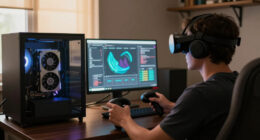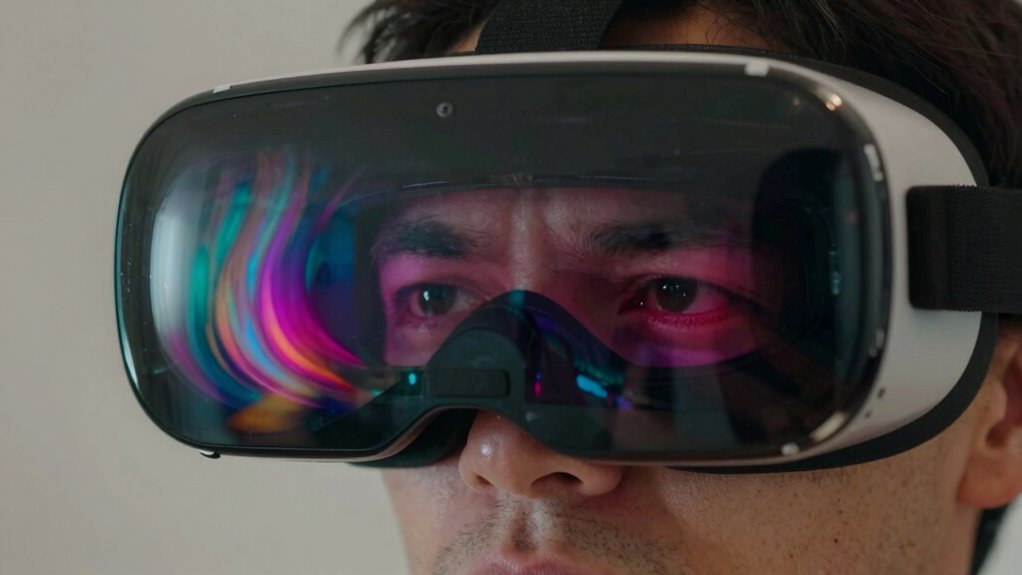
VR fatigue feels different from normal screen fatigue because it involves multi-sensory overload that actively engages your entire body and mind. Unlike regular screens, VR stimulates your visual, auditory, and tactile senses all at once, making your brain work harder to process the environment. It also requires physical movement and active participation, which can lead to quicker disorientation and exhaustion. If you keep exploring, you’ll uncover how this immersive experience impacts your body and brain more deeply.

Play games on Amazon Luna for your next adventure, included with Prime
- A rotating selection of games, no download needed
- Play on TV, laptop or phone
- Fast, free delivery for your gear, too
Key Takeaways
- VR fatigue involves multi-sensory overload, engaging visual, auditory, and tactile senses simultaneously, unlike screen fatigue which is mainly visual.
- The immersive, 3D environment in VR makes it harder to distinguish virtual sensations from reality, increasing mental strain.
- Active physical engagement in VR, such as head movements and gestures, contributes to greater physical exhaustion than static screens.
- VR causes visceral fatigue and cybersickness due to continuous sensory processing, unlike typical screen fatigue.
- The heightened sensory stimulation in VR leads to faster mental and physical exhaustion compared to traditional screen use.
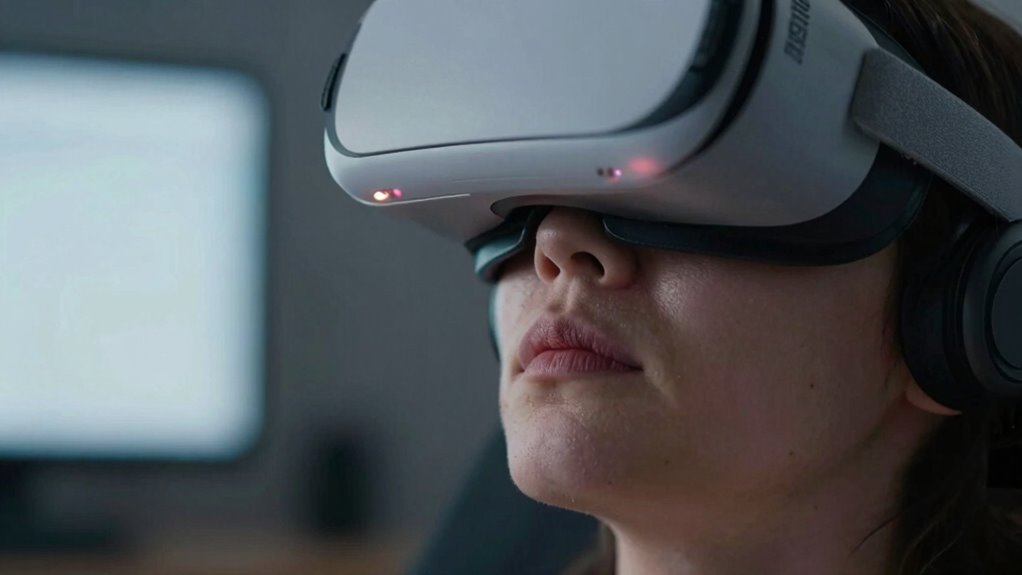
While both VR fatigue and screen fatigue stem from prolonged digital exposure, they affect users differently and raise distinct concerns. When you immerse yourself in virtual reality, you’re engaging in an experience that feels incredibly real. The immersive nature pulls you into a digital world so convincingly that your brain treats it as almost tangible. This heightened sense of presence can be exhilarating but also overwhelming. Your senses are bombarded with visual, auditory, and sometimes haptic stimuli, creating a sensory overload that’s far more intense than what you experience when simply staring at a screen. This overload can lead to feelings of disorientation, dizziness, or eye strain that you might not encounter during regular screen time.
VR immersion causes intense sensory overload, leading to disorientation, dizziness, and eye strain beyond typical screen fatigue.
Unlike screen fatigue, which often manifests as dry eyes, blurred vision, or a headache after extended hours of looking at a monitor, VR fatigue hits differently. The immersive experience demands more from your sensory system, making your brain work harder to process the virtual environment. This extra effort can cause mental exhaustion and physical discomfort more quickly than traditional screen use. Because VR involves a 3D space that reacts to your head movements and sometimes even your hand gestures, your body is actively engaged in a way that static screens don’t require. This active engagement is stimulating but can also be tiring if you don’t take breaks or if the experience is prolonged. Furthermore, the multi-sensory stimulation involved in VR can intensify feelings of fatigue because it engages multiple senses simultaneously, requiring your brain to process a larger amount of information in real-time.
The realistic nature of VR environments can sometimes make it difficult to distinguish between virtual and real-world sensations, adding to the mental strain. This heightened stimulation can also lead to increased sensory overload, which amplifies the fatigue experienced during VR sessions. With traditional screens, you’re mainly processing visual data, allowing your sensory system to rest more efficiently. VR, however, actively involves your entire sensory system, making the fatigue more visceral and immediate. Additionally, prolonged VR use can lead to a phenomenon called cybersickness, which is a form of motion sickness caused by sensory mismatch and can significantly intensify fatigue. Recognizing the cyber-physiological effects of VR can help users better understand the importance of managing their exposure.
In essence, VR fatigue feels different because it’s rooted in the depth of immersion and sensory overload. It’s not just tired eyes or a headache; it’s a holistic feeling of mental and physical tiredness driven by your brain’s effort to interpret a highly stimulating, lifelike environment. This distinction underscores why taking breaks and managing session lengths are critical when using VR, more so than with regular screen time.
As an affiliate, we earn on qualifying purchases.
Frequently Asked Questions
How Long Does VR Fatigue Typically Last?
VR fatigue typically lasts from a few minutes to a few hours, depending on your virtual comfort and display brightness. If you experience discomfort, take regular breaks, lower the display brightness, and adjust the headset for better fit. Listening to your body helps prevent prolonged fatigue. Remember, everyone’s different, so pay attention to how you feel and stop using VR if discomfort persists.
Can VR Fatigue Cause Long-Term Eye Damage?
While VR fatigue mainly causes eye strain and visual discomfort, it’s unlikely to cause long-term eye damage if you take regular breaks. The intense focus and close proximity of VR screens can lead to temporary issues, but your eyes typically recover fully. However, persistent eye strain over time might contribute to discomfort or vision problems, so listening to your eyes and resting them helps prevent any lasting harm.
Are Certain Users More Prone to VR Fatigue?
Certain users are more prone to VR fatigue due to their user experience and comfort optimization. If you have sensitive eyes, underlying health issues, or are new to VR, you’re more likely to experience fatigue quickly. Factors like head strap fit, display quality, and session duration impact comfort. To reduce fatigue, prioritize comfort optimization and listen to your body’s signals, taking breaks often and adjusting equipment for your comfort.
Does VR Fatigue Affect Balance or Coordination?
Ever wondered if VR fatigue impacts your balance or coordination? It can, especially if you experience visual discomfort or motion sickness while immersed. These symptoms can disrupt your spatial awareness and make you feel unsteady. When your eyes and brain struggle to sync with the virtual environment, your balance might feel off, and your coordination can suffer temporarily. Staying aware of these signs helps prevent falls or accidents during VR use.
Can Specific VR Headset Features Reduce Fatigue?
Yes, specific VR headset features can reduce fatigue. Look for ergonomic design elements that fit comfortably and evenly distribute weight, minimizing strain. Adjustable straps help guarantee a snug fit, reducing eye strain caused by improper alignment. Additionally, features like higher refresh rates and reduced latency can lessen eye fatigue and motion sickness. By choosing headsets with these features, you’ll experience less fatigue and enjoy a more comfortable VR experience.
As an affiliate, we earn on qualifying purchases.
Conclusion
Understanding why VR fatigue feels different from screen fatigue helps you recognize your body’s signals. It’s about awareness, adaptation, and balance. As you navigate VR’s immersive world, listen to your body, take breaks, and set boundaries. Because VR fatigue isn’t just a feeling—it’s a call for mindfulness, a reminder to pause, and a chance to enjoy technology without overdoing it. Stay aware, stay balanced, and keep your experience safe and enjoyable.
As an affiliate, we earn on qualifying purchases.
As an affiliate, we earn on qualifying purchases.
Fall Picks
fall essentials
As an affiliate, we earn on qualifying purchases.