![Lost Tracking in R Controller [Resolved]](https://vrgearguide.com/wp-content/uploads/2026/07/lost-tracking-in-r-controller-resolved-featured-200x110.jpg)
TL;DR

Play games on Amazon Luna for your next adventure, included with Prime
- A rotating selection of games, no download needed
- Play on TV, laptop or phone
- Fast, free delivery for your gear, too
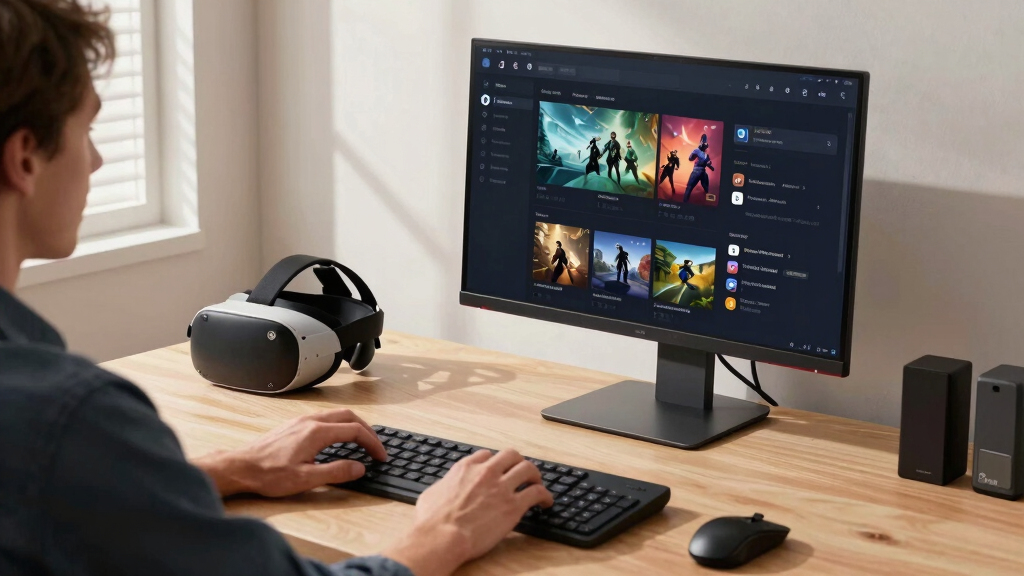
Several SteamVR users have experienced a bug where VR games are appearing on their monitors instead of their headsets. This issue has been confirmed through user reports on Reddit. The cause is unclear, and developers have yet to comment.
Multiple SteamVR users are reporting a bug where virtual reality games launch onto their monitors instead of their VR headsets, disrupting the immersive experience. This issue appears widespread but has not been officially acknowledged by Valve, the developer of SteamVR.
The problem was first highlighted on r/SteamVR by users describing their VR games appearing on their desktop screens rather than through their headsets. Several reports indicate that this issue started suddenly and affects a variety of hardware setups, including HTC Vive, Valve Index, and Oculus Rift devices.
Valve has not issued an official statement or patch addressing this bug as of now. Users have attempted various troubleshooting steps, such as restarting SteamVR, updating device drivers, and reinstalling software, but these have not resolved the problem. The issue seems to be related to the software or driver configuration, but the exact cause remains unconfirmed.
Some users have suggested that recent updates to SteamVR or Windows might be contributing factors, but these claims are anecdotal and unverified. The problem does not appear to be hardware-related, as multiple users with different setups report similar experiences.
Impacts on VR User Experience and Functionality
This bug significantly disrupts the VR experience, as users cannot view games through their headsets as intended. It also raises concerns about the stability and reliability of SteamVR updates, which are critical for a large user base relying on immersive virtual reality applications. If unresolved, this could lead to increased user frustration and impact VR adoption among less tech-savvy users.
As an affiliate, we earn on qualifying purchases.
Recent SteamVR Updates and User Reports
SteamVR, developed by Valve, frequently updates its platform to improve compatibility and performance. Recently, users have reported various issues following a new update, but this specific bug appears to be unrelated to any official patch. Historically, SteamVR bugs have been addressed through quick patches, but this issue has yet to receive official acknowledgment or a fix.
Prior to this, SteamVR was generally considered stable, with occasional hardware or software glitches. The current problem underscores ongoing challenges in maintaining seamless VR experiences across diverse hardware and software configurations.
“My VR game is launching on my monitor instead of the headset. Nothing I try fixes it.”
— an anonymous user on r/SteamVR
As an affiliate, we earn on qualifying purchases.
Unconfirmed Causes and Official Response
It is not yet clear what exactly causes this display issue. Some speculate it might be related to recent software updates or driver conflicts, but no official statement has been issued by Valve. The timeline for a fix remains unknown, and users are awaiting further guidance.
As an affiliate, we earn on qualifying purchases.
Valve’s Next Steps and User Guidance
Valve has not announced a timeline for a fix but is likely investigating the issue. Users are advised to monitor official channels for updates. In the meantime, affected users can try common troubleshooting steps such as reinstalling SteamVR, checking device drivers, or rolling back recent updates, though success is not guaranteed.
As an affiliate, we earn on qualifying purchases.
Key Questions
Is this issue affecting all SteamVR users?
Currently, reports suggest it is affecting a significant number of users, but it is unclear whether all users are impacted or if it is limited to specific setups or regions.
Can I fix this problem myself?
Some users have tried troubleshooting steps like restarting SteamVR, updating drivers, or reinstalling the software. However, since the cause is unconfirmed, these may not resolve the issue for everyone.
Will Valve release a fix soon?
Valve has not provided an official timeline. The company is likely investigating the problem, but no ETA has been given.
Does this affect all VR hardware connected to SteamVR?
Reports include various hardware types, suggesting the issue may be software-related rather than hardware-specific. However, this is not yet confirmed.
Should I stop using SteamVR until this is fixed?
Users experiencing this issue may choose to wait for an official patch, or try troubleshooting steps. Continued use without a fix may limit the VR experience but does not appear to cause hardware damage.
Source: r/SteamVR
Halloween Picks
halloween
As an affiliate, we earn on qualifying purchases.