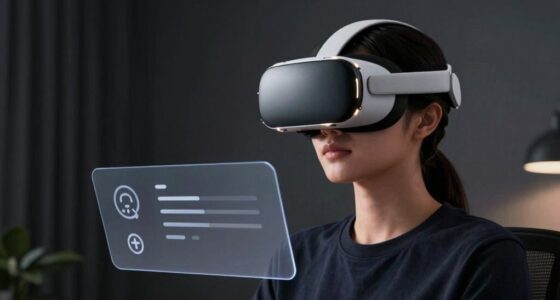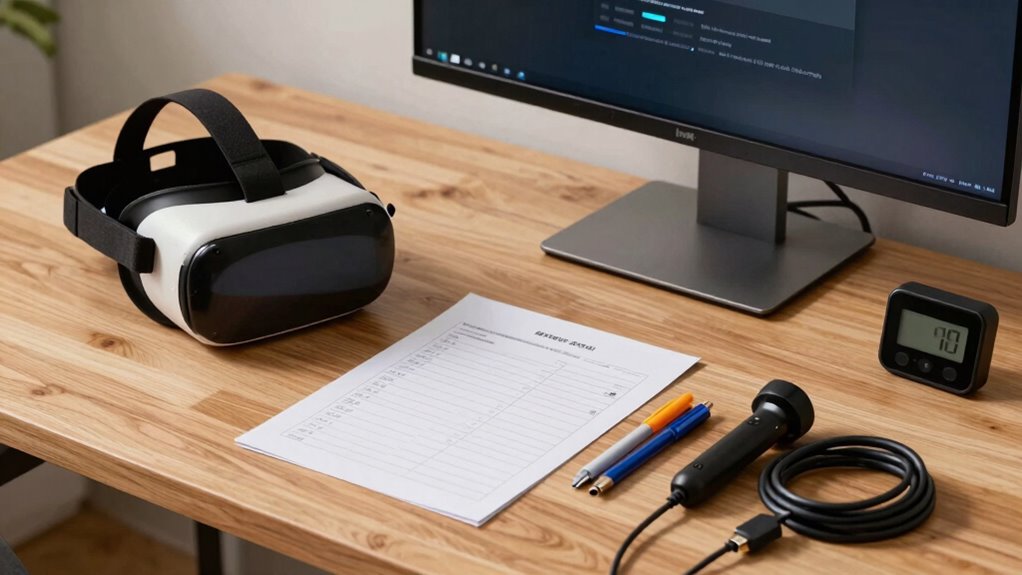

To create a VR setup checklist you’ll actually use, start by breaking down each step into simple tasks like clearing the play area, securing cords, and calibrating devices. Use checkboxes or bullet points to keep track of each task, and keep the list visible during setup. Make sure to include safety checks and system tests. If you keep these steps organized and straightforward, you’ll enjoy a smooth, safe, and immersive experience every time—more tips await as you continue.

Play games on Amazon Luna for your next adventure, included with Prime
- A rotating selection of games, no download needed
- Play on TV, laptop or phone
- Fast, free delivery for your gear, too
Key Takeaways
- Break down setup tasks into simple, actionable steps with checkboxes for easy tracking.
- Include safety, calibration, and system checks to cover all critical setup aspects.
- Keep the checklist visible or stored digitally for quick access during setup.
- Regularly update the checklist to reflect equipment changes or new safety protocols.
- Run a final thorough test to ensure all components work seamlessly before gameplay.
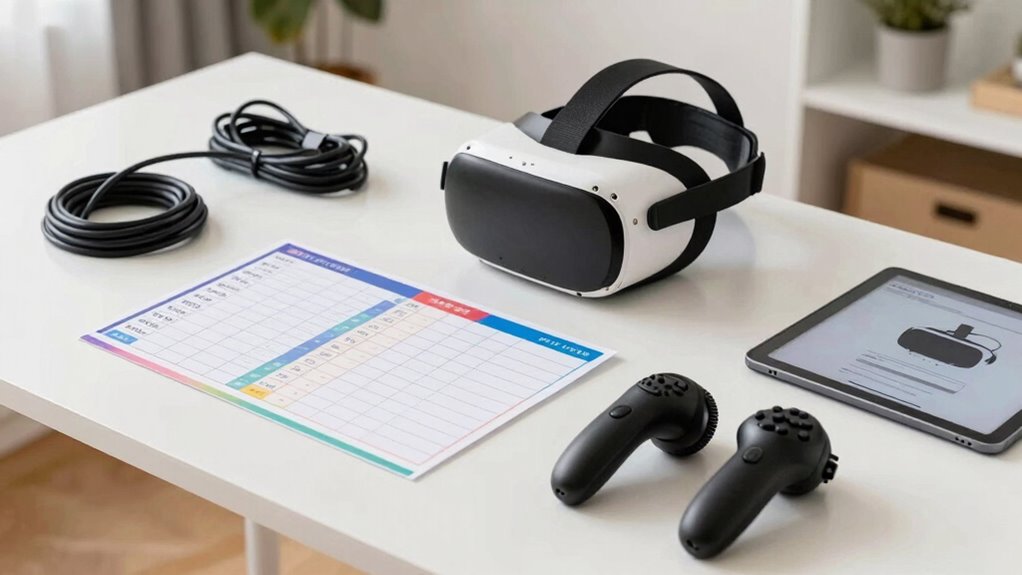
Setting up a VR system can quickly become overwhelming, especially if you’re not organized. With so many components—headsets, sensors, controllers—it’s easy to forget crucial steps. That’s where a well-structured checklist comes in handy. The first thing to focus on is VR safety. Before diving into the technical setup, ensure your play area is clear of obstacles, cords are secured, and there’s enough space to move freely. You don’t want to trip over cables or bump into furniture while immersed in your virtual world. Incorporate safety checks into your checklist, like inspecting the environment for hazards and making sure no pets or children are nearby during setup and gameplay.
Ensure your play area is clear, secure cords, and check for hazards for a safe, immersive VR experience.
Next, pay attention to equipment calibration. Proper calibration isn’t just about getting the visuals right; it’s essential for a smooth, comfortable experience and to prevent motion sickness. Include steps for calibrating your VR sensors and controllers, making sure they’re positioned correctly and functioning properly. Regular calibration ensures tracking remains accurate, so your movements translate seamlessly into the virtual space. When you check your equipment, verify that the head-mounted display fits snugly and comfortably, adjusting straps as needed, and that the lenses are clean for optimal clarity. Don’t forget to test the controllers, ensuring they respond accurately and are paired correctly with your device. Maintaining accurate tracking is crucial for a realistic and immersive experience. Additionally, reviewing the sensor placement can help prevent tracking issues during gameplay. Ensuring that the calibration process is done correctly can significantly enhance your overall VR experience and reduce frustration. Incorporating proper setup procedures can also help ensure all components work together smoothly.
Creating a checklist that you’ll actually use means keeping it simple and actionable. Break down complex tasks into small, manageable steps. For example, list specific tasks like “clear play area,” “check sensor placement,” “calibrate controllers,” and “test VR safety zones.” Use checkboxes or bullet points so you can quickly mark off each task as you complete it. This visual cue helps maintain momentum and prevents you from skipping crucial steps. Also, keep your checklist in a visible location, such as near your setup area or saved as a digital note on your device, so it’s easy to reference during setup. Additionally, consider including regular maintenance tasks to keep your VR system functioning optimally over time. Keeping your system clean and updated can help avoid unexpected issues and prolong its lifespan.
Finally, test your entire setup before diving into full gameplay. Run through your checklist, verify that everything works smoothly, and make adjustments if needed. This proactive approach ensures that your VR experience is safe, comfortable, and immersive from the start. A good checklist isn’t just a set of instructions; it’s your roadmap to a hassle-free, enjoyable VR session every time.
As an affiliate, we earn on qualifying purchases.
Frequently Asked Questions
What Tools Do I Need to Build a VR Checklist?
To build a VR checklist, you need essential VR accessories like controllers, sensors, and comfortable headsets. Also, consider setup ergonomics, guaranteeing your space allows easy movement and safety. Use tools like a checklist app or a spreadsheet to organize tasks, test equipment beforehand, and verify proper calibration. These tools help you track setup steps, prevent issues, and ensure your VR experience is smooth, comfortable, and immersive every time.
How Often Should I Update My VR Setup Checklist?
You should update your VR setup checklist whenever you add new VR accessories or notice user comfort issues. For example, a gamer upgraded their headset and controllers, which required revising their checklist to include new calibration steps. Regular updates guarantee your setup stays efficient and comfortable, preventing discomfort or technical hiccups. Aim to review your checklist at least quarterly, or after any significant hardware change, to maintain a perfect VR experience.
Can I Customize a Pre-Made VR Checklist?
Yes, you can customize a pre-made VR checklist. Many templates offer personalization options, allowing you to tailor the list to your specific needs. You can modify sections, add or remove items, and adjust the order to suit your setup process. This flexibility guarantees your checklist is practical and efficient, helping you stay organized and thorough during each VR setup, making the overall experience smoother and more personalized.
What Common Mistakes Should I Avoid When Creating a Checklist?
Avoid the classic trap of neglecting user preferences and technical jargon that confound rather than clarify. Don’t forget to double-check compatibility issues, sensor calibration, or cable management—those little details matter. Overcomplicating the checklist with unnecessary steps or overlooking essential safety protocols only leads to frustration. Remember, a checklist should streamline your process, not turn it into a labyrinth of confusing technicalities; simplicity and clarity are your best allies.
How Do I Ensure My Checklist Is Comprehensive?
To guarantee your checklist is thorough, focus on covering all aspects of user safety and equipment maintenance. Include items like checking headset fit, adjusting straps, and sanitizing gear regularly. Don’t forget to verify that all cables are secure and functioning properly. Regularly update your list to reflect new equipment or safety protocols, and double-check that safety instructions are clear. This way, you minimize risks and keep your VR experience smooth and safe.
As an affiliate, we earn on qualifying purchases.
Conclusion
Remember, a checklist is only as good as your commitment to follow it. By creating a simple, clear, and prioritized VR setup guide, you’ll avoid frustration and guarantee your virtual worlds are always ready. Think of it as “A stitch in time saves nine”—taking a few minutes now saves you headaches later. Stick to your checklist, stay organized, and enjoy seamless, immersive VR experiences every time you set up.
As an affiliate, we earn on qualifying purchases.
As an affiliate, we earn on qualifying purchases.
Fall Picks
fall essentials
As an affiliate, we earn on qualifying purchases.