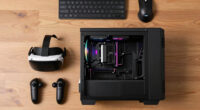
To guarantee your gaming PC is truly VR ready, it needs to have a powerful graphics card and processor that meet or exceed VR specs, along with the right ports like HDMI, DisplayPort, and USB. Your power supply must provide enough stable wattage to support all components under load. Compatibility and future-proofing are essential, so your system stays smooth and immersive over time. Keep these factors in mind, and you’ll enjoy seamless VR experiences—more insights await if you keep exploring.

Play games on Amazon Luna for your next adventure, included with Prime
- A rotating selection of games, no download needed
- Play on TV, laptop or phone
- Fast, free delivery for your gear, too
Key Takeaways
- Supports specific VR headset models with compatible ports like HDMI, DisplayPort, and USB connections.
- Features a graphics card and processor meeting or exceeding VR performance standards.
- Has a high-quality power supply with wattage 20% above total hardware power draw.
- Ensures hardware compatibility and future-proofing for seamless VR experience and longevity.
- Maintains overall system readiness with proper ports, specs, and stable power for immersive VR use.
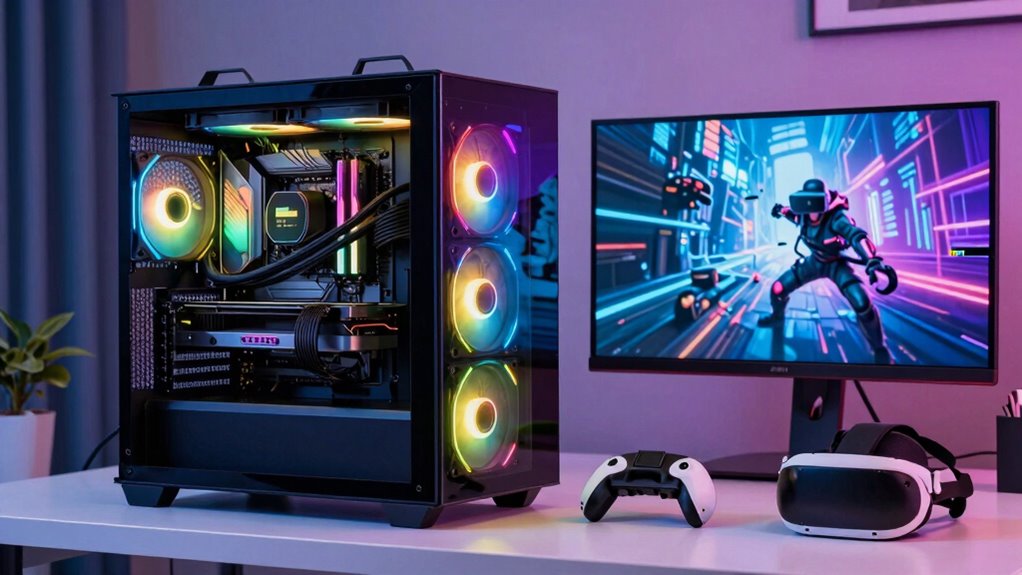
If you want to fully immerse yourself in virtual reality gaming, having a VR-ready gaming PC is vital. The first thing you need to check is VR headset compatibility. Not all PCs can support every VR headset on the market, so it’s essential to verify whether your chosen system can work seamlessly with your preferred device. VR headsets require specific ports, such as HDMI or DisplayPort, and compatible USB connections. Your PC should have the right combination of these to guarantee smooth setup and operation. Additionally, the hardware must meet or exceed the recommended specifications for your headset to avoid issues like lag, stuttering, or disconnections. Compatibility extends beyond just ports; your system’s graphics card and processor need to align with the headset’s requirements to deliver a seamless virtual experience.
Power supply adequacy is another vital factor that often gets overlooked. VR gaming demands a lot from your PC’s components, especially the GPU and CPU, which work tirelessly to render immersive environments. If your power supply isn’t capable of providing consistent, sufficient power, your system may crash or suffer stability issues during intense gameplay. A high-quality, adequately rated power supply ensures that all your components receive the necessary wattage and stable voltage. It’s advisable to choose a power supply with a wattage rating that exceeds the combined power draw of your components by at least 20%, giving you room for upgrades and ensuring longevity. An underpowered supply can cause throttling, system instability, or even damage your hardware over time. Ensuring your system has the proper hardware compatibility is crucial to a smooth VR experience. Moreover, selecting components with future-proofing in mind can help maintain performance as VR technology advances. Staying informed about VR hardware specifications can help you make better decisions when building or upgrading your PC. Paying attention to power supply requirements can further safeguard your investment and optimize your VR setup. Regularly reviewing hardware specifications ensures your system remains compatible with emerging VR advancements.
As an affiliate, we earn on qualifying purchases.
Frequently Asked Questions
How Do VR Headsets Affect Gaming PC Performance?
VR headsets profoundly impact your gaming PC performance by demanding high processing power for smooth VR motion and precise controller tracking. When you wear a VR headset, your PC must render immersive environments at high frame rates to avoid lag or motion sickness. This requires a powerful GPU and CPU, ensuring VR motion feels natural and controller tracking remains accurate, ultimately delivering a seamless and immersive gaming experience.
What Are the Key Hardware Components for VR Readiness?
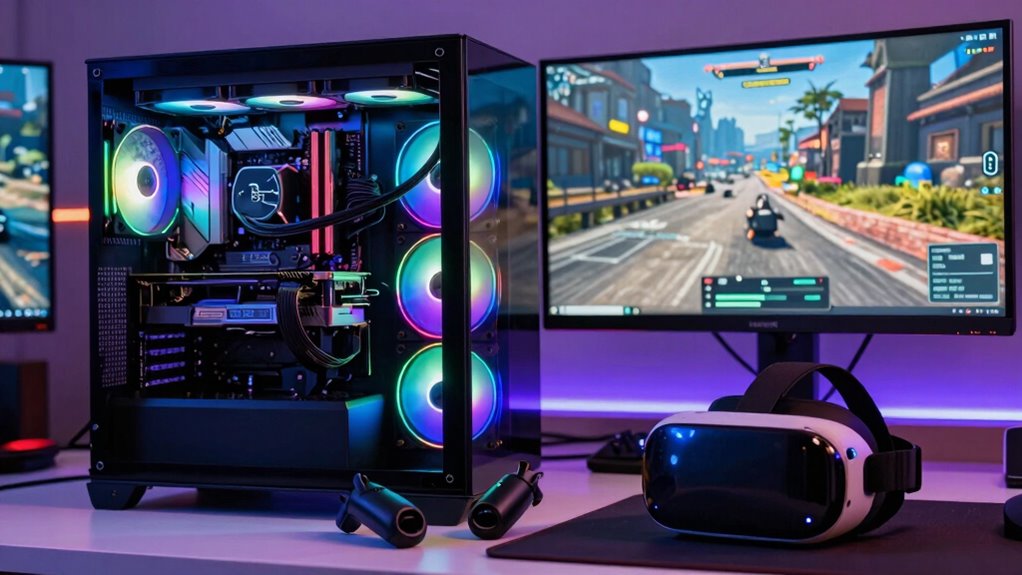
To guarantee your gaming PC is VR ready, you need a powerful GPU like an NVIDIA RTX or AMD Radeon, a fast CPU such as an Intel i7 or Ryzen 7, and at least 16GB RAM. Confirm your hardware supports VR controller compatibility and a smooth VR headset setup, with reliable USB and HDMI connections. These components work together to deliver immersive, lag-free virtual reality experiences.
How Important Is Cooling for VR Gaming PCS?
Is cooling really that essential for VR gaming PCs? Absolutely. Good thermal management keeps your system running smoothly during intense VR sessions, preventing overheating. Prioritizing airflow efficiency ensures heat dissipates quickly, maintaining peak performance. Without proper cooling, your PC might throttle performance or even shut down unexpectedly. So, investing in quality cooling solutions and airflow design isn’t just smart — it guarantees you get the most immersive, hassle-free VR experience possible.
Can a Mid-Range PC Be VR Ready?
A mid-range PC can be VR ready if you consider your budget constraints and prioritize components like a solid GPU, enough RAM, and a fast processor. Focus on an ergonomic design that guarantees comfort during extended VR sessions, and upgrade selectively to meet VR demands. While it might not handle the highest settings, a well-chosen mid-range build can deliver a smooth, immersive experience without breaking the bank.
What Software Optimizations Improve VR Experience?
You can improve your VR experience through software optimizations like adjusting VR motion settings for smoother movement and reducing latency, which minimizes motion sickness. Enhancing graphical fidelity ensures clearer visuals, making the virtual environment more immersive. Updating your graphics drivers regularly and enabling VR-specific features in your gaming software also boost performance. These tweaks help your PC deliver a seamless, comfortable VR experience, making virtual worlds feel more realistic and engaging.
high performance graphics card for VR
As an affiliate, we earn on qualifying purchases.
As an affiliate, we earn on qualifying purchases.
Conclusion
When building a VR-ready gaming PC, you’re crafting a gateway to immersive worlds. Think of your setup as a finely tuned engine—every component must work in harmony to keep the adventure smooth and seamless. If you choose wisely, your PC becomes the trusty steed that carries you effortlessly through virtual landscapes. Remember, the right hardware isn’t just a good investment; it’s the key to revealing the full magic of VR.
As an affiliate, we earn on qualifying purchases.
VR headset with HDMI DisplayPort USB
As an affiliate, we earn on qualifying purchases.
As an affiliate, we earn on qualifying purchases.
Fall Picks
fall essentials
As an affiliate, we earn on qualifying purchases.