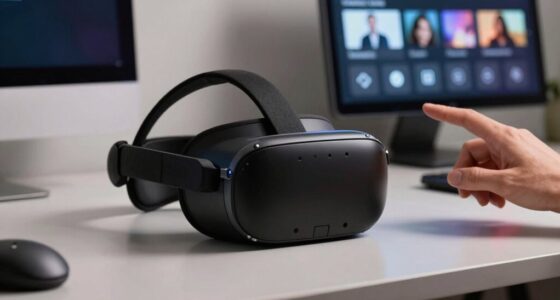
Your discomfort with some VR headsets often comes from a mismatch between the headset’s lenses and your interpupillary distance (IPD). If the lenses aren’t aligned with your eyes, it can cause eye strain, headaches, and blurry vision. Properly measuring and adjusting the headset to match your IPD guarantees better clarity and comfort. To learn more about how to improve your VR experience through accurate fit and future innovations, keep exploring.
Key Takeaways
- Mismatch between headset IPD settings and individual eye distance causes discomfort, blurriness, and eye strain.
- Proper IPD measurement ensures lenses align with your pupils, reducing visual distortions and enhancing comfort.
- Adjustable headsets help accommodate different IPDs, but incorrect calibration still leads to fatigue and poor experience.
- Headsets with fixed IPD lack customization, often causing misalignment and discomfort for users with non-standard measurements.
- Future innovations like sensor-based adjustments aim to personalize fit, minimizing discomfort caused by IPD mismatch.
Understanding Interpupillary Distance (IPD)
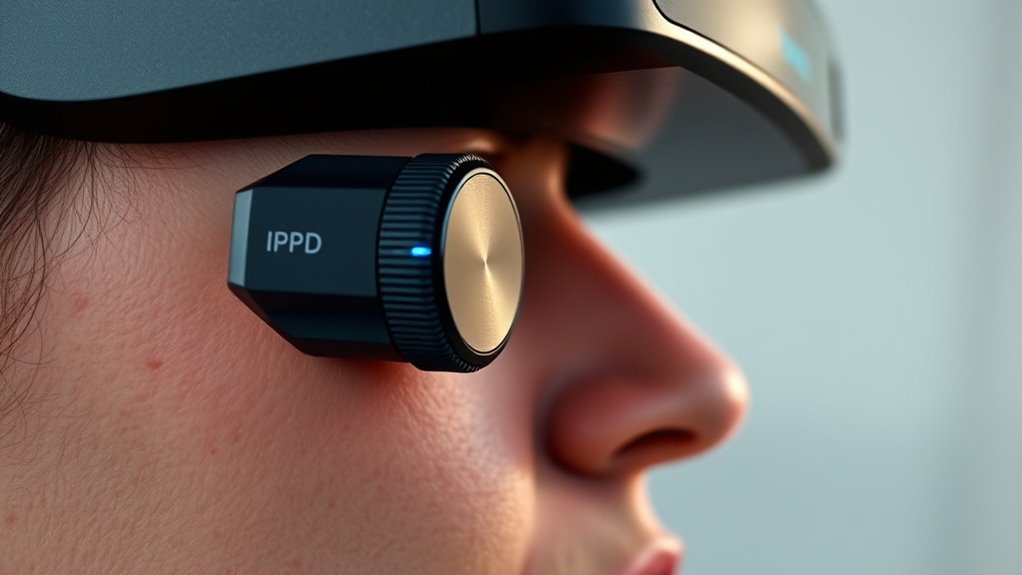
Understanding Interpupillary Distance (IPD) is essential if you want to guarantee a comfortable and ideal viewing experience with virtual reality headsets or glasses. IPD refers to the distance between the centers of your pupils, which varies from person to person. Knowing your IPD helps guarantee that the lenses align correctly with your eyes, preventing eye strain and discomfort. Measuring your IPD is simple—you can use a ruler or special tools designed for this purpose. Having an accurate IPD measurement allows you to customize your headset’s fit, making your virtual experience more immersive and comfortable. Properly aligning the lenses with your eye anatomy ensures optimal clarity and reduces fatigue during extended use. Additionally, understanding how contrast ratio influences image quality can help you select headsets with better visual performance. Accurate IPD measurement is also crucial for piercing care in ophthalmology, highlighting its importance beyond virtual reality. Being aware of your individual eye measurements ensures that your VR setup provides the best possible experience.
How IPD Affects VR Headset Fit
Have you ever noticed how a VR headset feels uncomfortable or blurry even after adjusting the straps? That’s often due to your IPD not matching the headset’s lens settings. When the lenses are misaligned with your eye distance, images become blurry or distorted, and discomfort increases. Proper IPD adjustment ensures the lenses sit directly in front of your pupils, providing a clear, immersive view. Consider this table:
| IPD Range | Headset Adjustment | Effect on Fit |
|---|---|---|
| Small | Narrow lens setting | Tight, close fit |
| Medium | Default setting | Comfortable, balanced |
| Large | Wide lens setting | Looser, more space |
Matching your IPD with the headset’s lens settings is key to a snug, comfortable fit and ideal visual clarity. Additionally, understanding lens calibration can help optimize your VR experience further, especially when fine-tuning your device. Properly aligning the lenses with your IPD can also prevent visual distortion, enhancing overall comfort during extended use.
The Impact of Mismatched IPD on Comfort
When your IPD doesn’t match your headset’s lens settings, you’ll likely notice discomfort during extended use. Mismatched IPD causes your eyes to strain as they work harder to focus through the lenses, leading to eye fatigue and headaches. You might also experience blurred vision or double images, which disrupt immersion and make it hard to enjoy your VR experience. Over time, this strain can cause discomfort that discourages longer sessions. Additionally, mismatched IPD increases the likelihood of visual distortions, making objects appear less clear and more tiring to view. The cumulative effect is a less comfortable, more fatiguing experience that detracts from the fun of VR. Ensuring your IPD aligns with your headset’s settings is essential for comfort and maximum visual clarity. Proper calibration of your IPD can significantly improve your VR experience and reduce discomfort, highlighting the importance of customized settings for optimal performance.
Measuring Your IPD Accurately
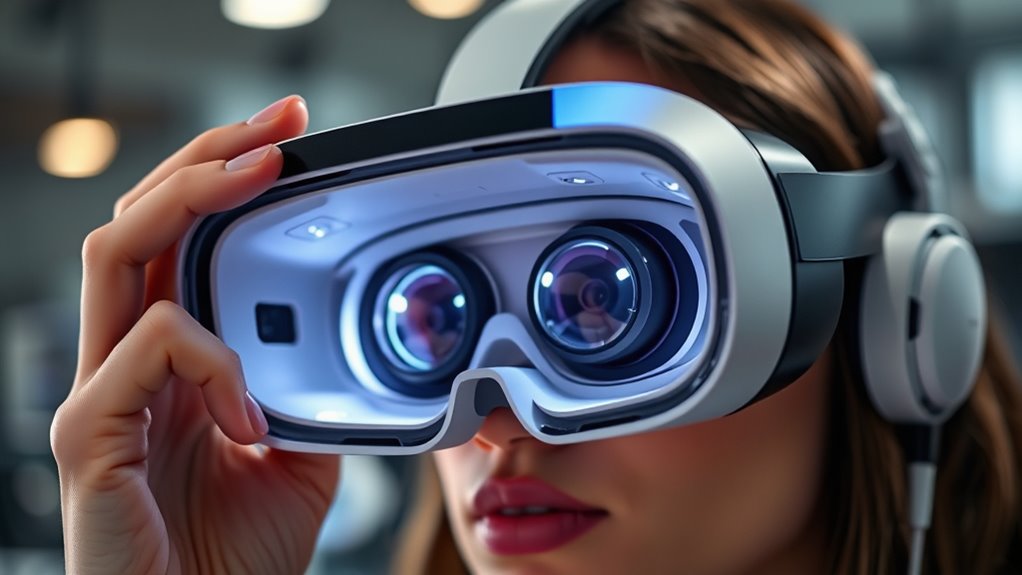
To guarantee your VR headset fits comfortably and provides clear visuals, measuring your IPD accurately is essential. Start by sitting in a well-lit area and holding a ruler or a specialized IPD measuring tool. Close one eye and align the ruler’s zero mark with the center of your open eye’s pupil. Then, switch eyes and note the measurement where the ruler lines up with your other pupil. For greater precision, use a mirror or ask someone to assist. Some VR headsets include built-in calibration tools, but manual measurement often yields the most accurate result. Take your time and ensure your eyes are relaxed during measurement. Knowing your exact IPD helps you get the best visual clarity and comfort from your headset. Additionally, understanding your inter-pupillary distance can improve your overall VR experience and reduce discomfort during extended use.
Adjusting Headsets to Match Your IPD

Adjusting your VR headset to match your IPD guarantees a more comfortable fit and sharper visuals. Most headsets have an adjustable lens mechanism or sliders that allow you to set the lenses at the correct distance apart. Start by locating these adjustments, usually on the sides or bottom of the device. Carefully move the lenses closer together or farther apart until they align with your eye pupils. Take your time to ensure both lenses are centered and at the right distance for your IPD measurement. Proper alignment reduces eye strain and prevents blurry images. Remember, each person’s IPD is unique, so don’t settle for a default setting. Fine-tuning your headset guarantees you enjoy immersive, comfortable VR sessions with ideal visual clarity. Calibrating your headset can further enhance the experience by ensuring the visuals are perfectly aligned to your eye measurements.
Common Signs of IPD-Related Discomfort

If your head hurts regularly after using virtual reality devices, it could be a sign of IPD-related discomfort. You might also notice increased eye strain or difficulty focusing during or after use. Recognizing these symptoms early can help you address IPD issues before they worsen. Proper hardware calibration can significantly improve comfort and reduce strain during VR sessions. Additionally, ensuring your device settings are tailored to your IPD can make a notable difference in comfort levels. Being aware of visual comfort factors can help you identify and mitigate potential issues related to IPD mismatches. Understanding decoding slang can also help you better interpret user feedback about discomfort and device performance. Paying attention to filtration and airflow systems in your headset can further enhance overall comfort and reduce potential irritation.
Persistent Headache Patterns
Have you noticed persistent headaches that seem to follow a specific pattern? If your headaches occur after using a headset, often in the same area or at the same time, it could be a sign of IPD-related discomfort. These headaches might feel like a dull ache or sharp pain, concentrated around your temples, forehead, or behind your eyes. You may notice them worsening after prolonged use or during certain activities. Sometimes, they start gradually and intensify with continued wear. If these patterns persist despite taking breaks or adjusting the headset, your IPD mismatch might be to blame. Recognizing these consistent headache patterns is essential for addressing the root cause and preventing ongoing discomfort. Properly calibrated headsets can help reduce or eliminate these headaches altogether.
Eye Strain Symptoms
Persistent headache patterns often signal underlying issues with how your headset fits or aligns with your eyes. When your IPD isn’t properly set, you might notice eye strain symptoms like dryness, blurred vision, or fatigue after short use. You may also experience discomfort when focusing on objects or feel like your eyes are overworking. These signs indicate your eyes are struggling to maintain proper focus, leading to increased strain and discomfort. Recognizing these symptoms helps you identify if your headset needs adjustment.
- Eyes feel tired or heavy after use
- Blurred vision during or after VR sessions
- Increased sensitivity to bright lights
- Frequent squinting or eye rubbing
- Discomfort persists even after removing the headset
Choosing Headsets Based on Your IPD

Choosing the right headset starts with understanding your IPD, or interpupillary distance, which is the space between your eyes. To find the perfect fit, select headsets that match your IPD measurement. Many headsets offer adjustable lenses or come in different sizes, making it easier to achieve comfort and clarity. Here’s a quick comparison:
| Headset Type | Suitable for IPD Range |
|---|---|
| Fixed IPD headsets | Precise measurement needed |
| Adjustable IPD headsets | Accommodates a range of IPDs |
| Custom-fitted headsets | Best for unique IPD sizes |
Understanding the importance of attention to detail can help you select the most comfortable and effective headset. Additionally, being aware of proper fit and comfort can prevent discomfort during extended use. Recognizing the impact of proper alignment is also essential for maintaining comfort and visual clarity during prolonged use. Being mindful of market options and the variety of available headsets can further assist in making an informed choice tailored to your specific needs.
Future Technologies for Personalized VR Fit

Advancements in VR technology are paving the way for highly personalized fit solutions that adapt seamlessly to individual users. Future innovations could include smart headsets equipped with sensors that measure your head shape in real-time, adjusting the fit automatically. Real-time head shape measurement could be achieved through integrated sensors, enabling dynamic adjustments for optimal comfort. 3D scanning and AI algorithms may create customized padding and straps tailored to your unique facial and skull dimensions. Modular designs could allow for easy adjustments, ensuring maximum comfort during extended use. Haptic feedback integrated into the headset might help identify pressure points and fine-tune the fit proactively. These technologies aim to eliminate discomfort caused by poor fit, enhancing immersion and user satisfaction. Vetted – Aromatherapy Naturals can offer complementary solutions to improve overall comfort and well-being during extended VR sessions, including personalized ergonomic adjustments.
Frequently Asked Questions
Can Adjustable IPD Settings Fully Eliminate Discomfort?
Adjustable IPD settings can substantially reduce discomfort, but they might not eliminate it completely. You need to fine-tune the settings to match your eye distance precisely, which helps improve clarity and comfort. However, other factors like headset fit, weight, and padding also play a role in overall comfort. So, while adjustable IPD is a big help, make sure the headset fits well and suits your face shape for the best experience.
Are There Headsets That Automatically Detect and Adjust for My IPD?
Imagine your headset as a symphony conductor, perfectly tuning each instrument to your unique specifications. Yes, some headsets now feature eye-tracking technology that automatically detects and adjusts for your IPD, creating a seamless visual experience. These smart devices eliminate the hassle of manual adjustments, offering comfort and clarity. As technology advances, you’ll find more headsets attuned to your eyes, delivering a truly personalized virtual reality journey.
How Does Long-Term Use Affect Discomfort Related to IPD Mismatches?
Long-term use of a headset with an IPD mismatch can increase discomfort over time. You might notice eye strain, headaches, or fatigue because your eyes work harder to focus through the lenses. As you keep using it, these symptoms can worsen, making extended sessions unpleasant. To reduce discomfort, take regular breaks, adjust the headset if possible, and consider getting a device that better matches your IPD for more comfort over time.
Do IPD Differences Influence VR Experience Quality Besides Comfort?
Yes, your IPD differences can impact your VR experience quality beyond just comfort. When your IPD doesn’t match the headset’s settings, you might notice blurred images, reduced depth perception, and misaligned visuals, which diminish immersion. Properly calibrated IPD guarantees sharper images and better spatial awareness, making your experience more realistic and enjoyable. So, adjusting your headset for your IPD is essential for maximum VR performance.
Can Poor IPD Calibration Cause Visual Fatigue or Headaches?
Yes, poor IPD calibration can cause visual fatigue and headaches. When your headset’s IPD isn’t properly aligned with your eyes, your brain struggles to fuse the images correctly. This mismatch makes your eyes work harder, leading to discomfort, eye strain, and headaches over time. Ensuring your headset’s IPD matches your own helps reduce these issues, providing a more comfortable and immersive VR experience.
Conclusion
Just like a key must fit its lock perfectly, your VR headset needs to match your IPD for true comfort. Ignoring this detail is like trying to read fine print with blurry eyes—you miss the full picture. When you measure and adjust correctly, VR becomes seamless, immersing you fully. Remember, a well-fitted headset isn’t just about comfort; it’s about opening a world where virtual and reality align effortlessly, much like a well-tuned instrument.