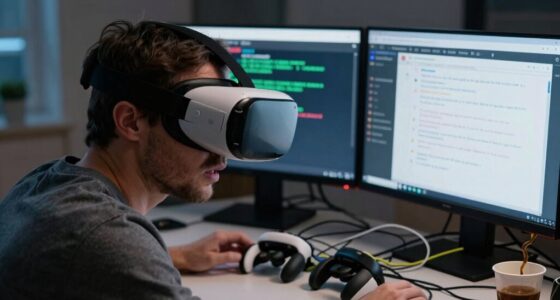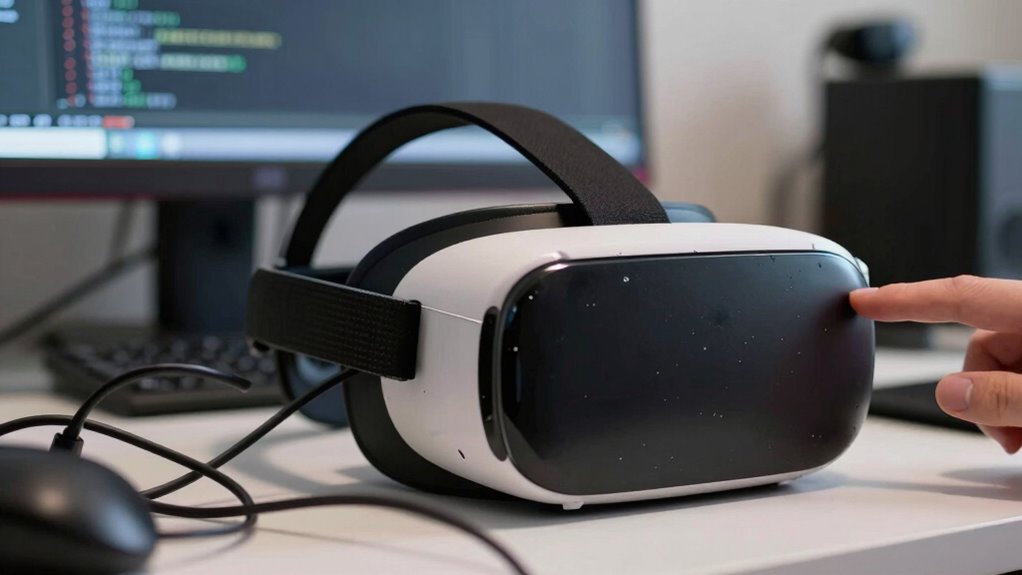

Many so-called “random” VR problems are actually caused by specific hardware or software issues that you can identify and fix. Things like loose cables, sensor obstructions, overheating, outdated drivers, or software glitches often trigger these problems repeatedly under certain conditions. By understanding these patterns, you can prevent future issues and improve your VR experience. Keep exploring to discover how recognizing these signs can give you more control over troubleshooting your setup.

Play games on Amazon Luna for your next adventure, included with Prime
- A rotating selection of games, no download needed
- Play on TV, laptop or phone
- Fast, free delivery for your gear, too
Key Takeaways
- Many VR issues are caused by hardware glitches that occur under specific, repeatable conditions like overheating or loose connections.
- Software bugs often trigger predictable problems, such as crashes or tracking errors, which follow identifiable patterns.
- Hardware components like sensors and processors can malfunction unpredictably, but these faults are usually traceable through diagnostics.
- Recognizing patterns in VR problems helps identify underlying hardware or software causes, shifting perceived randomness to predictability.
- Regular maintenance and proper ventilation reduce hardware failures, making “random” glitches more manageable and foreseeable.
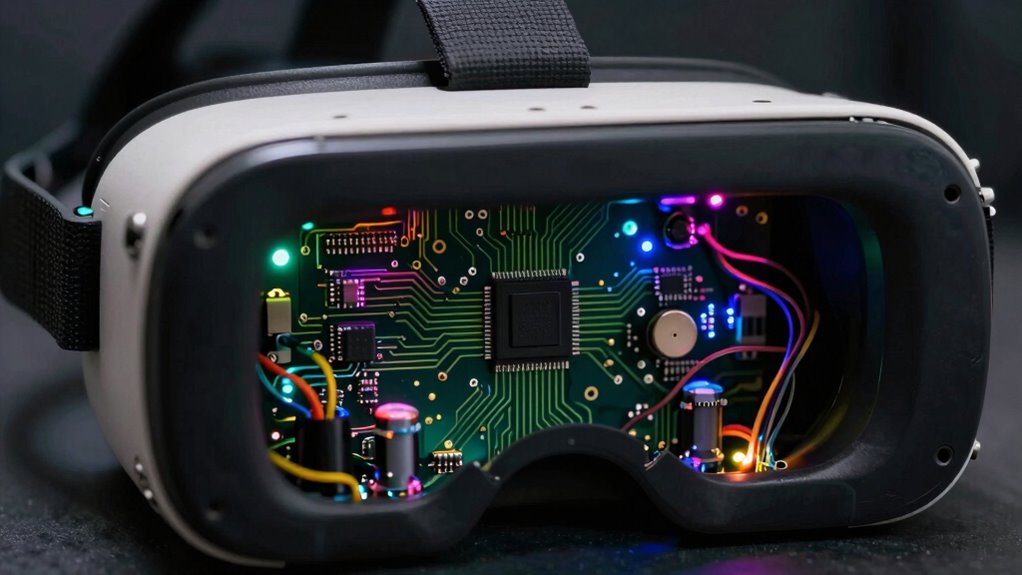
Many of these glitches are predictable because they happen under specific conditions: a cable jostle, a device overheating, or a sensor getting obstructed. Once you identify these patterns, you can prevent issues by securing connections, ensuring proper ventilation, or replacing faulty parts. Recognizing the complex interplay of sensors and processors involved in VR can reveal why certain issues arise under specific conditions. Hardware glitches are one of the main culprits behind these so-called “random” problems. Your VR headset relies on a complex interplay of sensors, cameras, and processors. If even a minor hardware malfunction occurs—like a loose cable, a worn-out sensor, or overheating components—you’ll experience unpredictable behavior. For example, a flickering display or sudden loss of tracking often points to hardware issues rather than some elusive random event. Many of these glitches are predictable because they happen under specific conditions: a cable jostle, a device overheating, or a sensor getting obstructed. Once you identify these patterns, you can prevent issues by securing connections, ensuring proper ventilation, or replacing faulty parts. Additionally, understanding hardware diagnostics can help you quickly pinpoint and fix these problems before they escalate. On the software side, bugs are equally responsible for these so-called “random” problems. VR software is intricate, involving real-time rendering, motion tracking, and user inputs. Software bugs—errors in code—can manifest unpredictably, but they usually follow certain triggers. For example, a particular game or app might crash after a specific sequence of actions or when a particular setting is enabled. These bugs aren’t truly random; they often relate to incompatible software, outdated drivers, or corrupted files. When you understand this, you realize that updating your firmware, reinstalling apps, or adjusting settings can resolve these issues. Sometimes, software bugs cause frame drops or tracking errors, which seem random but are actually related to specific, repeatable conditions. Recognizing sensor obstructions and other hardware limitations as common causes helps refine your troubleshooting process. Instead of accepting these problems as unavoidable or random, understanding their root causes gives you control. Ultimately, most “random” VR issues aren’t truly random at all; they’re predictable once you decode the underlying mechanics, making your virtual experience smoother and more reliable. Being aware of hardware limitations and regular maintenance routines can further reduce the occurrence of these glitches.
Products Worth Considering

Bose SoundLink Flex Bluetooth Speaker (2nd Gen) – Portable Outdoor Speaker with Hi‑Fi Audio, Waterproof and Dustproof, USB‑C, Up to 12 Hours

Apple AirPods Pro 3 Wireless Earbuds with Active Noise Cancellation

DJI Osmo Mobile 8 3-Axis Phone Gimbal Stabilizer
As an affiliate, we earn on qualifying purchases.
Frequently Asked Questions
How Can I Differentiate Between Hardware and Software Causes of VR Issues?
To differentiate between hardware and software causes of VR issues, start with hardware diagnostics—check connections, sensors, and headset integrity. If everything looks good, move on to software troubleshooting, such as updating drivers, verifying game files, and resetting settings. If problems persist after hardware checks, it’s likely a software issue. Conversely, hardware problems usually involve physical defects or connection failures that software fixes won’t resolve.
What Role Does User Behavior Play in VR Problem Occurrences?
You might be surprised, but your behavior considerably impacts VR problems. When you neglect proper user interaction and ergonomic design, it can cause discomfort, tracking issues, or system glitches. Often, seemingly random glitches are caused by improper movements or poor headset fit. Paying attention to your posture, movement, and how you interact with the system can reduce these issues, making your VR experience smoother and more enjoyable.
Are Certain VR Devices More Prone to Specific Types of Problems?
Yes, certain VR devices are more prone to specific problems. For example, some headsets may require frequent comfort adjustments, leading to discomfort or tracking issues. Others might struggle with controller calibration, causing input lag or drift. You’ll find that devices with less precise calibration or comfort features tend to have more recurring problems. Regularly adjusting headset comfort and ensuring proper controller calibration can substantially reduce these issues and improve your overall experience.
How Does Environmental Setup Influence VR System Stability?
You might not realize it, but nearly 60% of VR issues stem from environmental interference. Your space’s setup greatly impacts system stability—clutter, reflective surfaces, or poor lighting can cause tracking problems. To optimize your experience, clear the area, minimize reflective objects, and guarantee good lighting. Proper setup reduces interference, making your VR system more stable and responsive, so you can fully immerse without frustrating glitches or tracking errors.
Can Updates or Patches Unintentionally Introduce New VR Issues?
Yes, updates or patches can unintentionally introduce new VR issues due to firmware bugs or compatibility glitches. You might experience user frustrations when these problems occur unexpectedly after an update. Developers sometimes overlook certain hardware interactions or software conflicts, leading to new bugs. To minimize this, always read update notes and wait for user feedback before installing new patches, helping you avoid unnecessary disruptions in your VR experience.
Conclusion
So, next time you encounter a seemingly random VR glitch, remember—it’s rarely chance. Like a hidden thread in a tapestry, these issues are stitched by design or overlooked flaws. Don’t be fooled into thinking randomness is accidental; instead, see it as a puzzle piece waiting to be understood. By unraveling these patterns, you gain control over the chaos, transforming frustration into insight. After all, in the domain of VR, chaos is often just order in disguise.