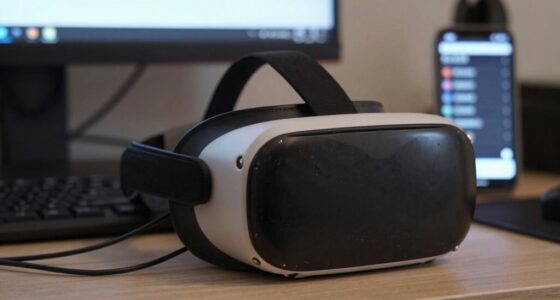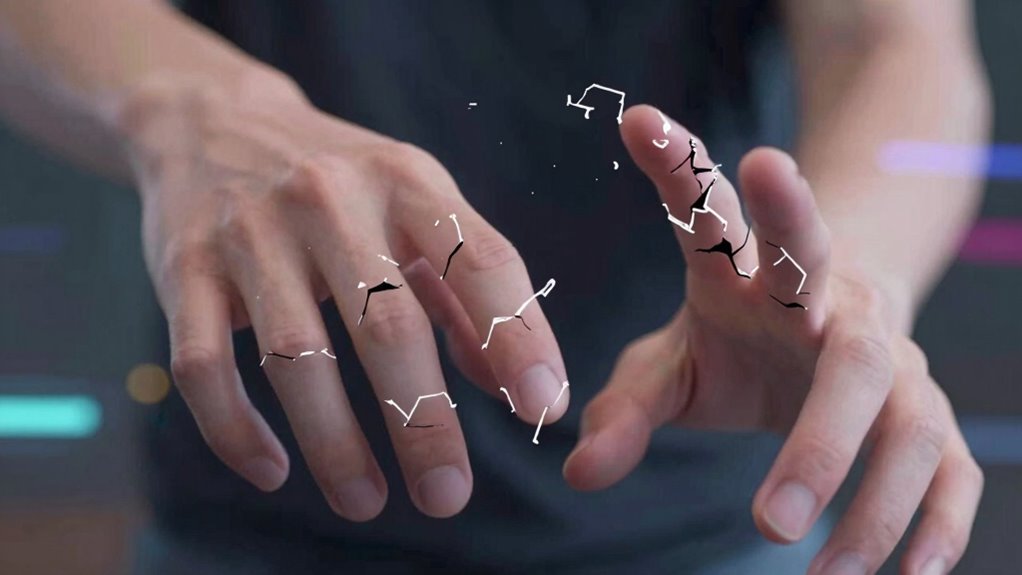

If your virtual hands look broken in VR, it’s likely due to calibration issues, sensor obstructions, or environmental factors messing with accurate finger tracking. Dirty or misaligned sensors, bright lights, or reflective surfaces can interfere with motion detection. Ensuring proper calibration, cleaning sensors, and minimizing environmental interference often fixes these glitches. Staying updated with software and firmware helps improve tracking over time. Keep exploring the causes, and you’ll find ways to restore your virtual hand’s accuracy.
Key Takeaways
- Calibration errors can cause virtual hands to appear distorted or unresponsive.
- Obstructed or dirty sensors reduce tracking accuracy, leading to broken hand visuals.
- Environmental factors like bright lights or reflective surfaces interfere with sensor performance.
- Outdated software or firmware can impair hand recognition and cause glitches.
- Improper sensor alignment or hardware issues result in lagging or floating virtual hands.
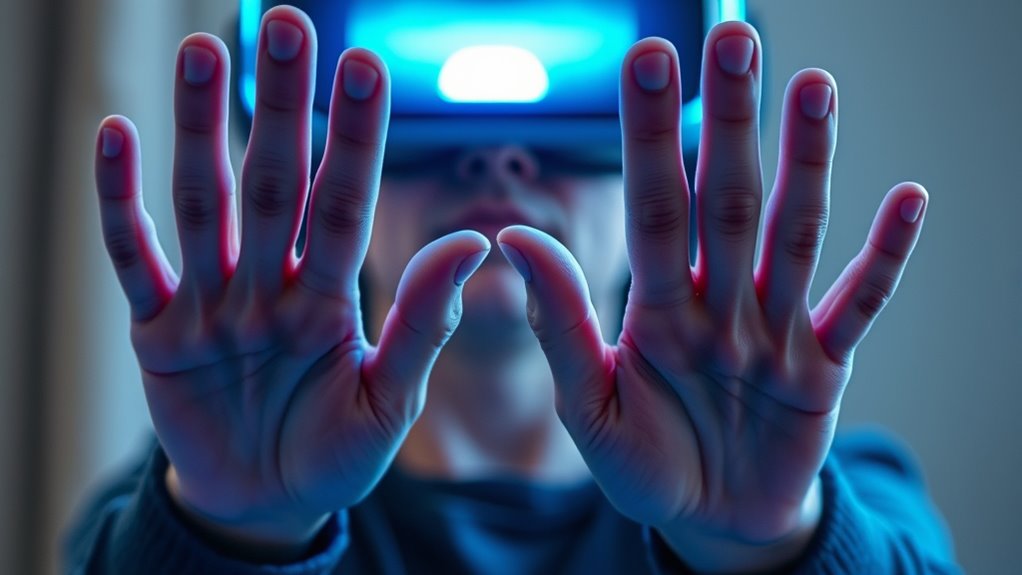
Finger tracking glitches in VR can disrupt your immersive experience, causing virtual hands to behave unpredictably or not respond at all. These issues often stem from problems with hand recognition technology, which is responsible for accurately translating your real-world finger and hand movements into the virtual environment. When hand recognition falters, your virtual hands may appear broken, floating oddly, or lagging behind your actual movements, breaking the sense of presence and immersion. Tackling these glitches requires understanding how software calibration and hardware interaction influence hand tracking performance.
Finger tracking issues can cause broken or unresponsive virtual hands in VR experiences.
One common cause of finger tracking glitches is insufficient or improper software calibration. Calibration is the process of fine-tuning your VR system to accurately interpret your hand movements. If your device isn’t properly calibrated, the system might struggle to recognize your fingers or interpret their position correctly. This can result in virtual hands that seem distorted or unresponsive. To avoid this, you should regularly calibrate your VR setup, following the manufacturer’s instructions closely. Proper calibration ensures that your hand recognition system maps your physical gestures precisely, reducing the chances of glitches and broken hand animations.
Another factor affecting hand recognition is the quality of your hardware sensors. Many VR systems rely on cameras or sensors placed around your play area to track your hands. If these sensors are obstructed, dirty, or misaligned, they can fail to capture your movements accurately. Ensuring that sensors are clean, unobstructed, and correctly positioned can considerably improve hand tracking. Sometimes, recalibrating the software after adjusting sensors can help your system better understand your hand movements, leading to smoother, more natural virtual hand behavior.
Environmental factors also play a role. Bright lights, reflective surfaces, or background movement can interfere with sensors’ ability to track your hands reliably. Keeping your play area well-lit but free of reflective objects minimizes these disturbances. Additionally, updating your VR software and firmware can optimize hand recognition algorithms, fixing bugs that cause tracking errors. Developers frequently release updates designed to improve hand tracking performance, so staying current can make a noticeable difference.
Ultimately, finger tracking glitches are often fixable with proper calibration, hardware maintenance, and environmental controls. Recognizing that these issues are rooted in how the software interprets your movements helps you troubleshoot more effectively. With patience and some adjustments, you can restore fluid, accurate hand tracking, making your VR experience more realistic and enjoyable. Remember, consistent calibration and good hardware hygiene are your best defenses against those unsettling “broken” hand visuals that take you out of the moment. Maintaining hardware quality is crucial for optimal hand tracking accuracy.
Frequently Asked Questions
Can Software Updates Fix Finger Tracking Glitches Permanently?
Yes, software updates can fix finger tracking glitches permanently, but only if they address specific issues and improve hardware compatibility. Developers often release updates to enhance tracking accuracy and fix bugs, so staying current with software updates is essential. However, if hardware compatibility problems persist, updates alone might not solve the problem entirely. Ensuring your device’s hardware is compatible and up-to-date is key to minimizing glitches long-term.
Do Different VR Headsets Experience Varying Levels of Hand Tracking Issues?
Like different instruments in an orchestra, VR headsets vary in their hand tracking harmony. Some models handle sensor compatibility and calibration methods better, resulting in fewer glitches. Higher-end headsets often have more refined sensors, reducing issues, while budget options might stumble more frequently. Your experience depends on the hardware’s ability to interpret your movements smoothly, making calibration methods essential for minimizing these tracking hiccups across different devices.
How Do Environmental Factors Influence Tracking Accuracy?
Environmental factors like lighting interference and reflective surfaces substantially impact your VR hand tracking accuracy. Bright or inconsistent lighting can confuse sensors, causing glitches, while reflective surfaces reflect infrared signals, leading to tracking errors. To improve performance, make sure your play area has stable, even lighting and avoid shiny, reflective objects nearby. This helps your VR system accurately detect your hand movements and reduces those frustrating glitches.
Is It Possible to Calibrate Hand Tracking Manually?
Yes, you can perform manual calibration for better hand tracking accuracy. Many VR systems allow user adjustments to fine-tune hand position and movement, helping to correct glitches that make your hands look broken. Usually, you’ll access calibration settings through the device menu, follow prompts, and adjust parameters manually. Regular manual calibration guarantees your tracking stays precise, especially when environmental factors or hardware changes affect performance.
Are There Third-Party Accessories That Improve Finger Tracking?
Sure, there are third-party accessories claiming to boost finger tracking. These finger tracking enhancements include gloves, sensors, and controllers designed to improve accuracy and reduce glitches. It’s amusing how some think adding gadgets can fix digital hands that look ‘broken,’ but hey, if you’re tired of your virtual digits acting up, trying these accessories might just make your VR experience less of a comedy and more of a ballet.
Conclusion
These finger tracking glitches remind you that even in a virtual world, imperfections mirror our own human flaws. They symbolize the fragile bridge between reality and digital illusion, showing that no technology is perfect—just like us. Embrace these glitches as a reminder that growth comes through imperfection, and sometimes, broken hands in VR teach us more about patience and resilience than flawless simulations ever could. After all, it’s our imperfections that make us truly human.